How do I edit my parameter comments?
You can easily edit an existing parameter comment if you discover a spelling mistake in the name or if you need to rename it.
In this article, you will learn:
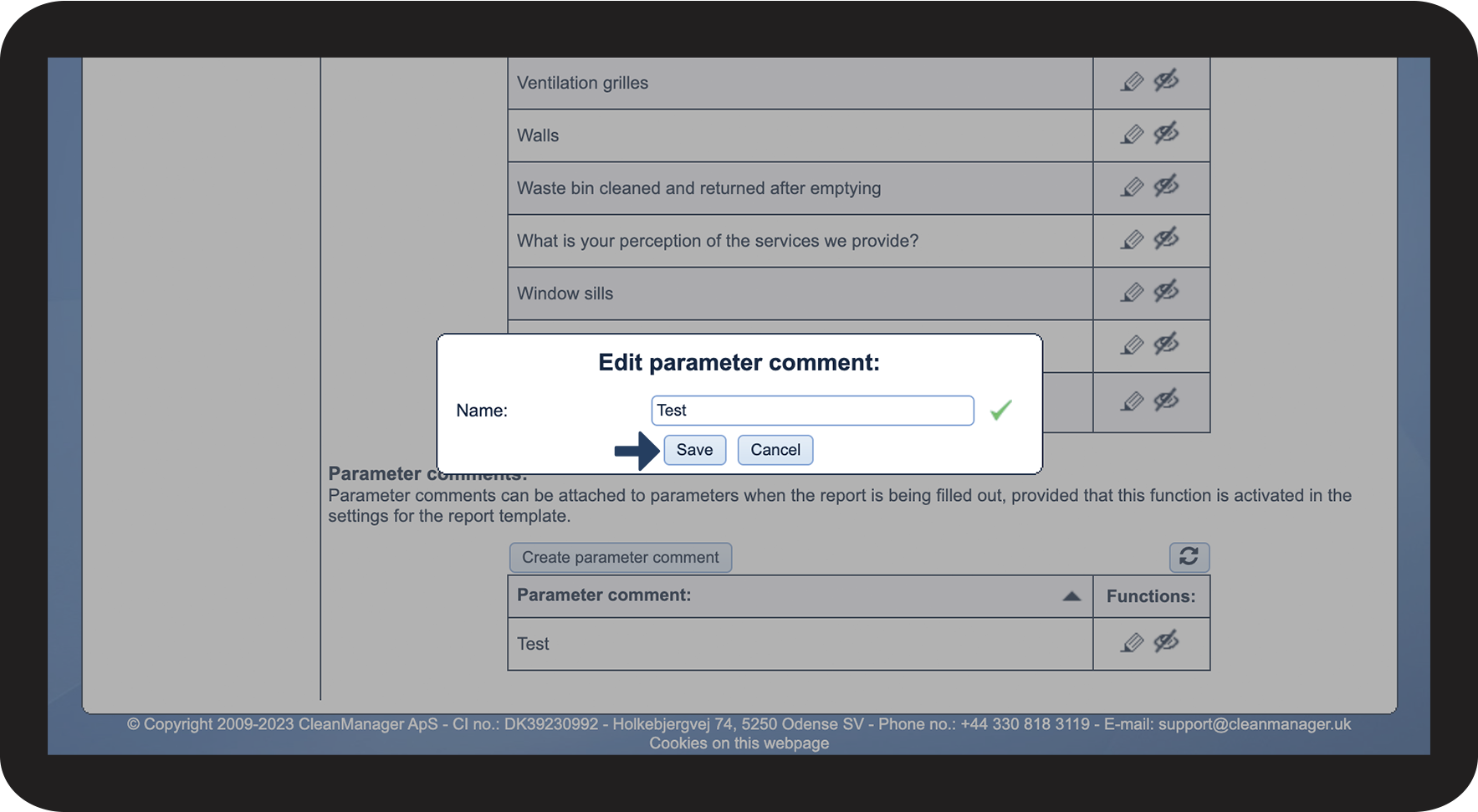
How to edit a parameter comment:

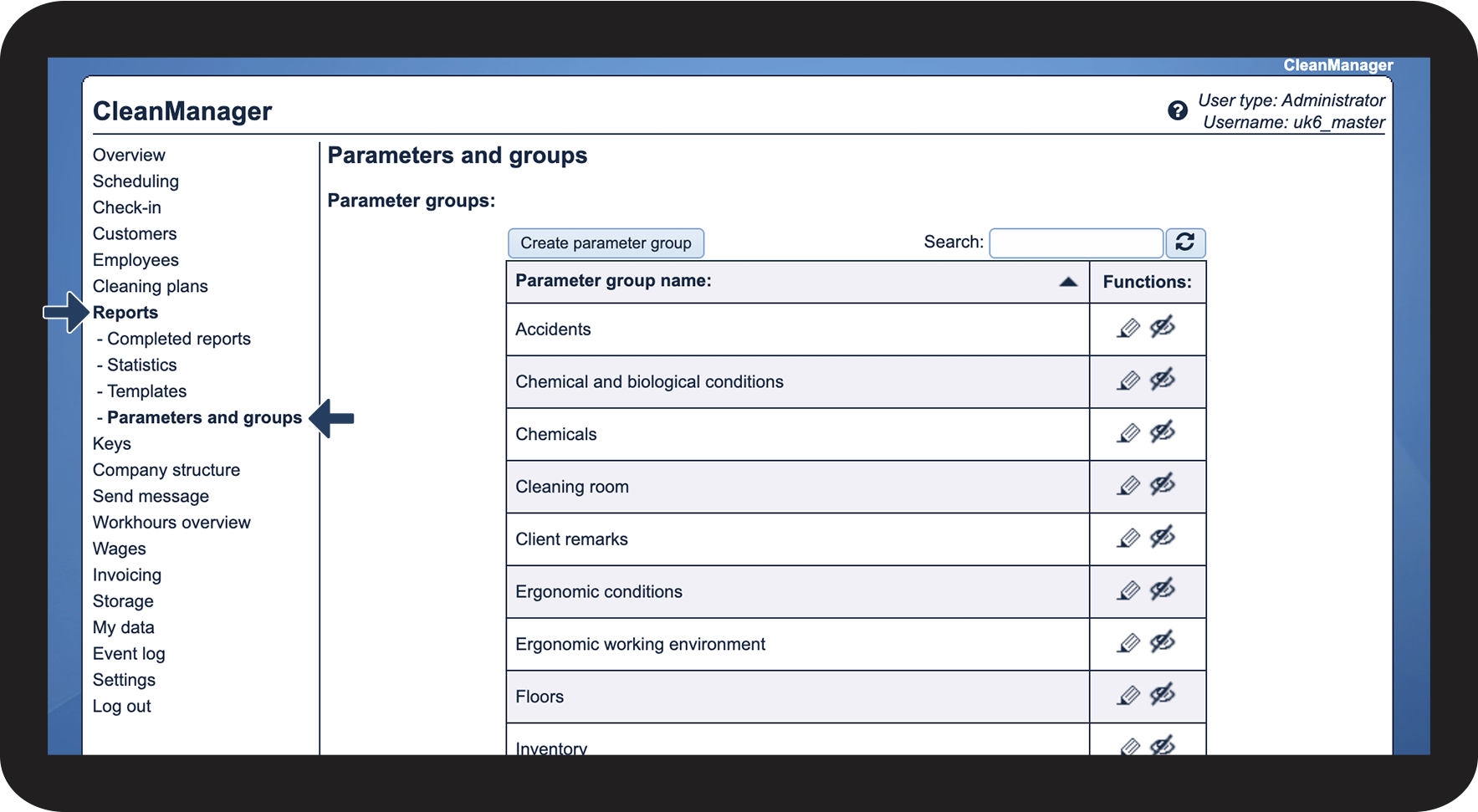

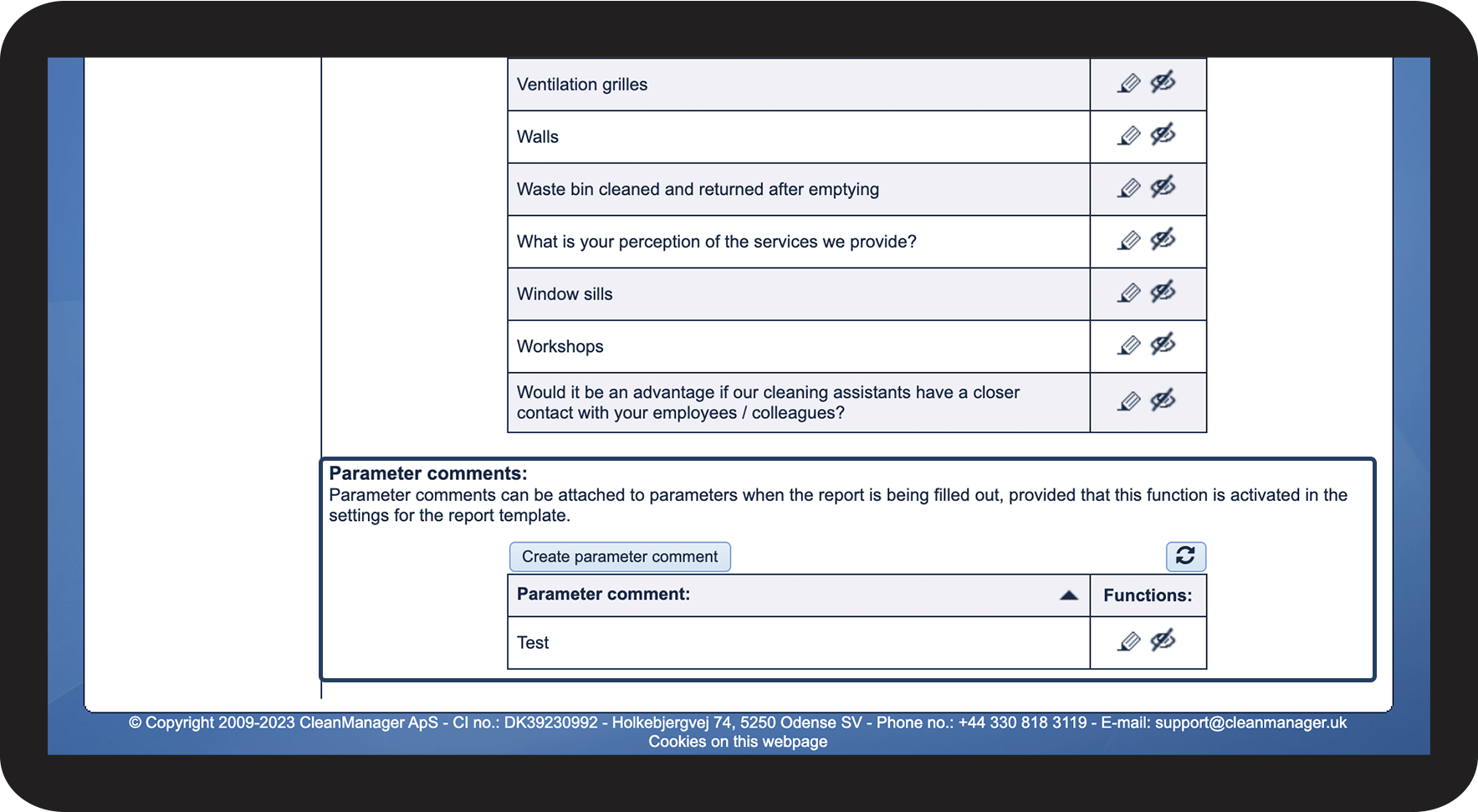

 to edit the parameter comment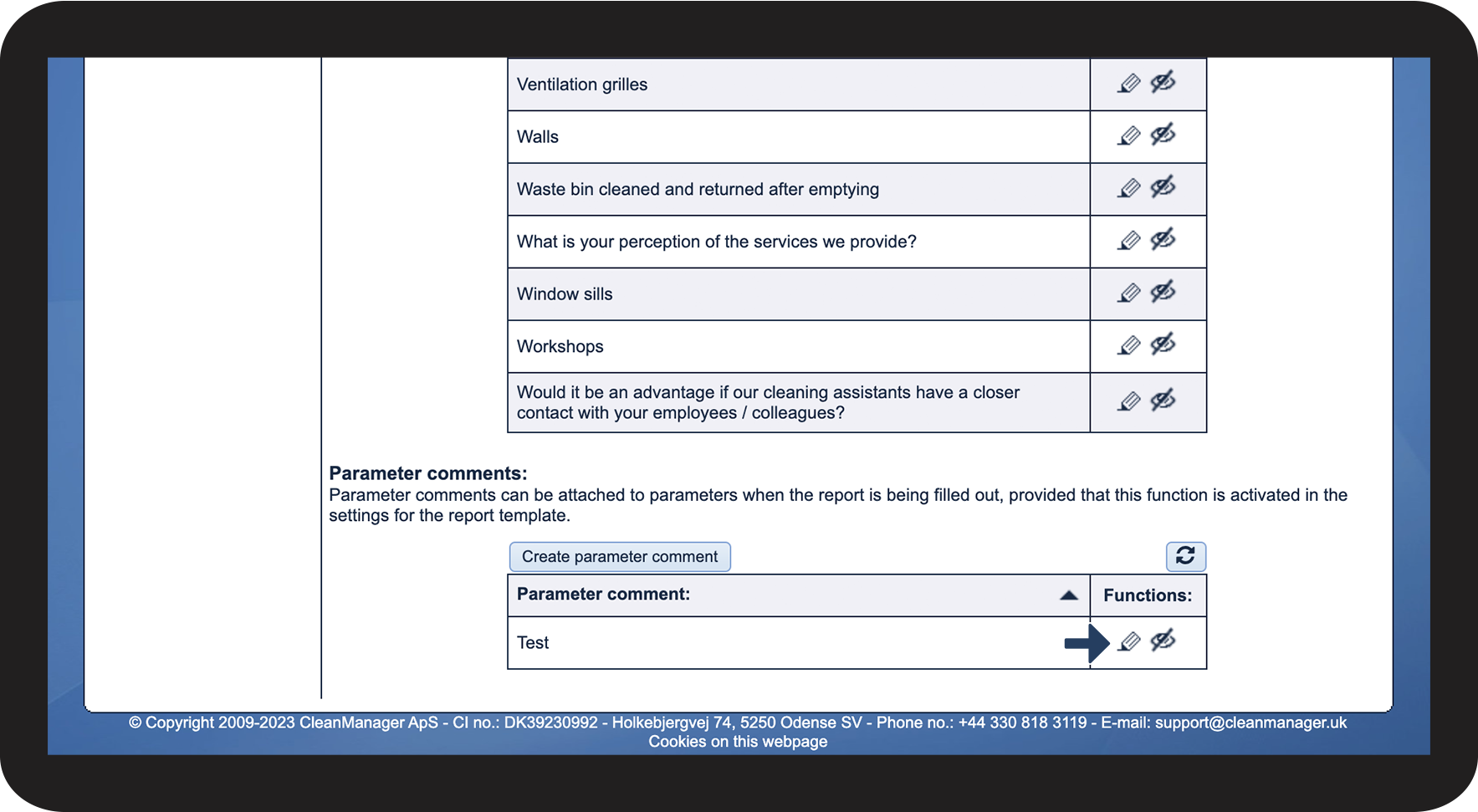


You can easily edit an existing parameter comment if you discover a spelling mistake in the name or if you need to rename it.
In this article, you will learn: