How do I edit a user in CleanCalculator?
Have you created users in CleanCalculator, but some details are not quite as they should be, or do you need to deactivate an employee's access?
How to edit a user in CleanCalculator

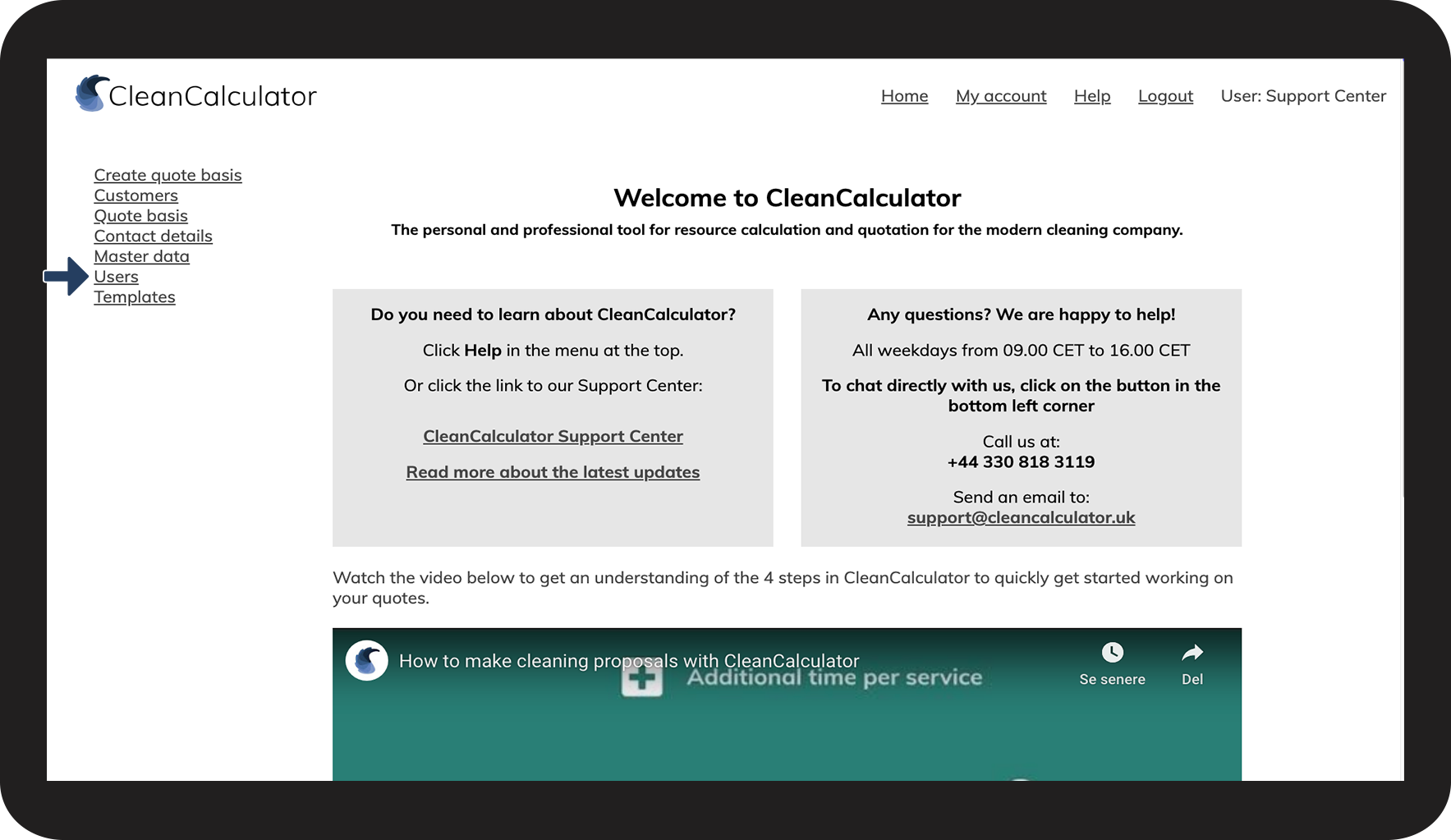

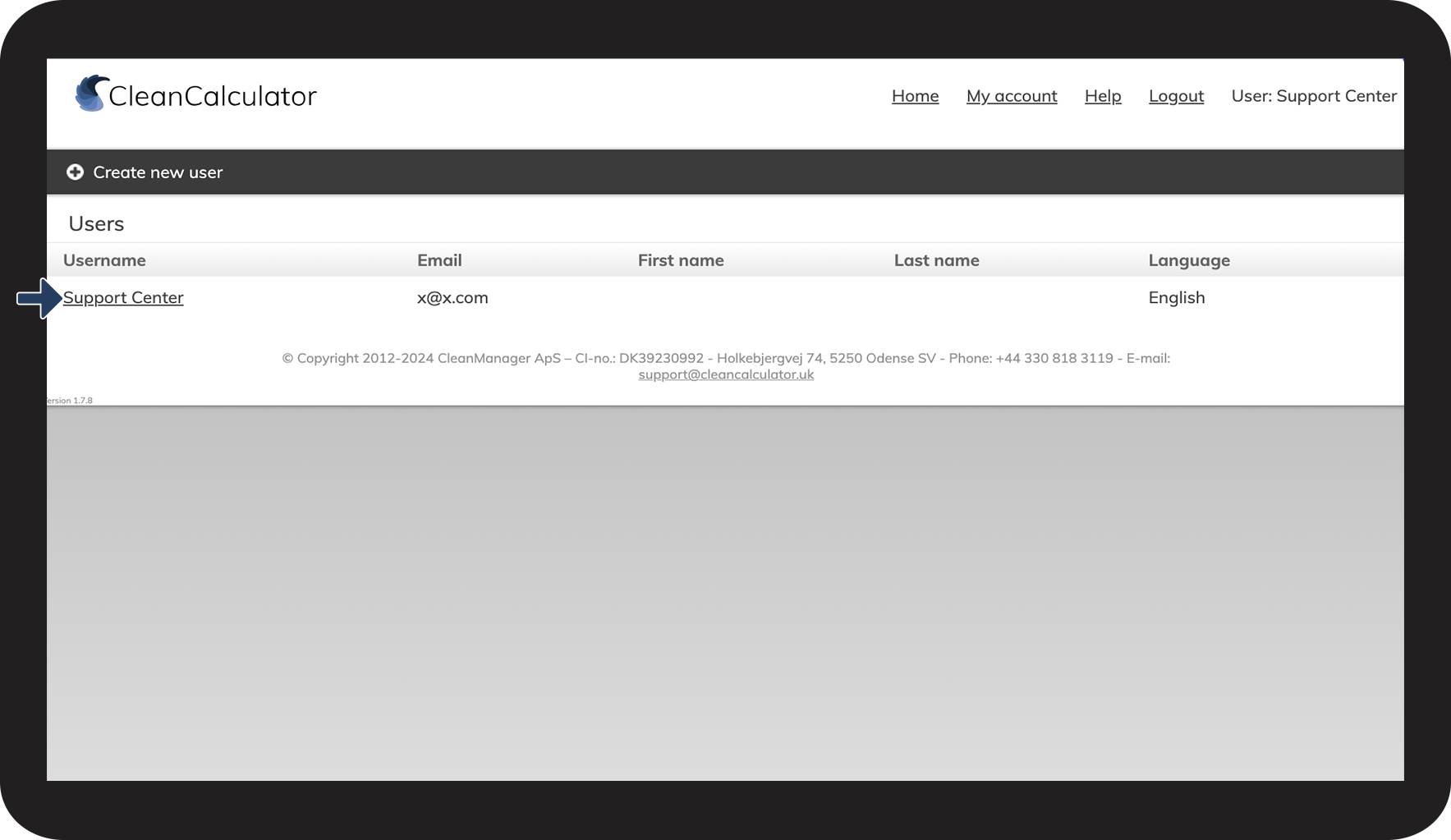

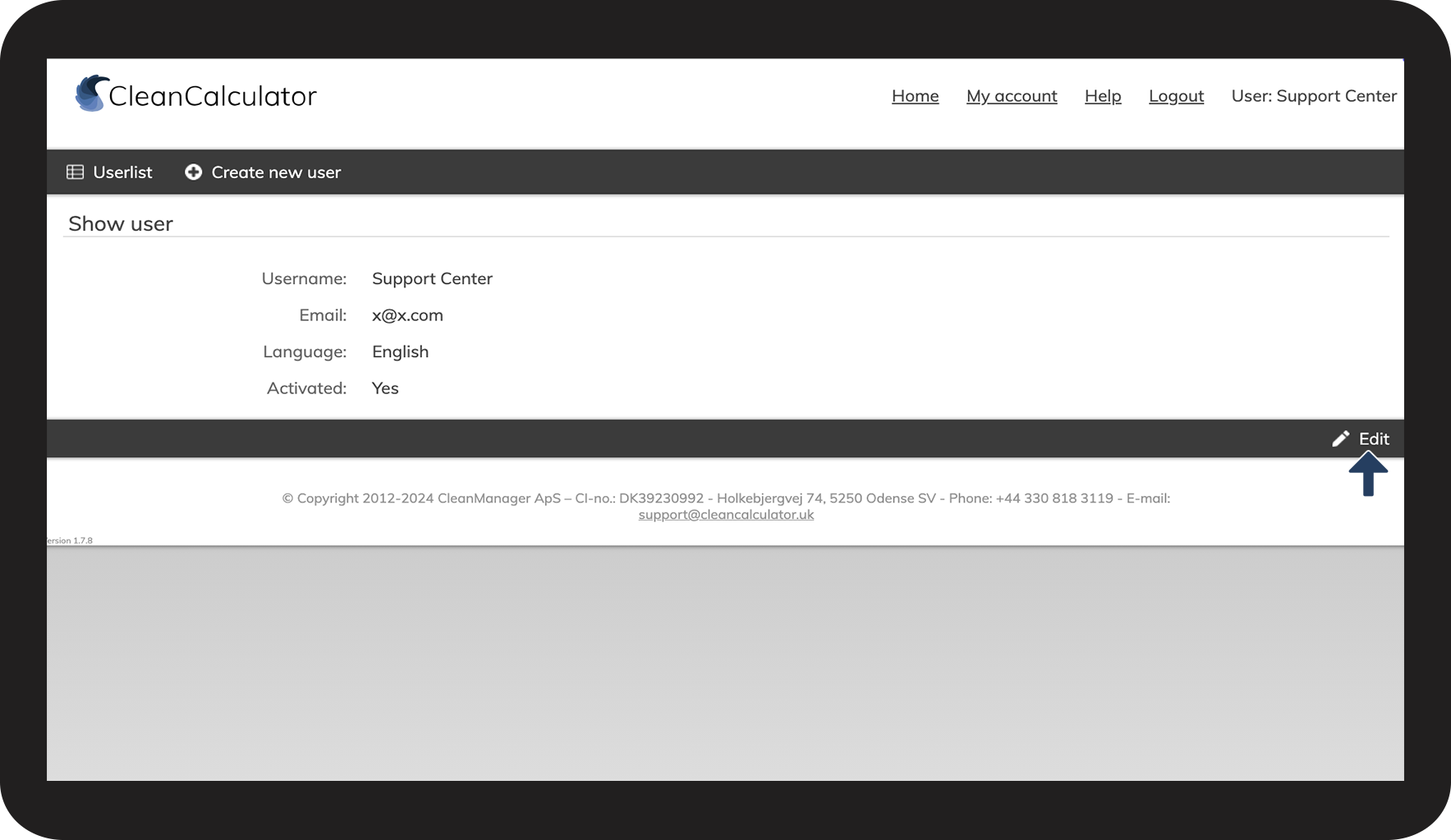

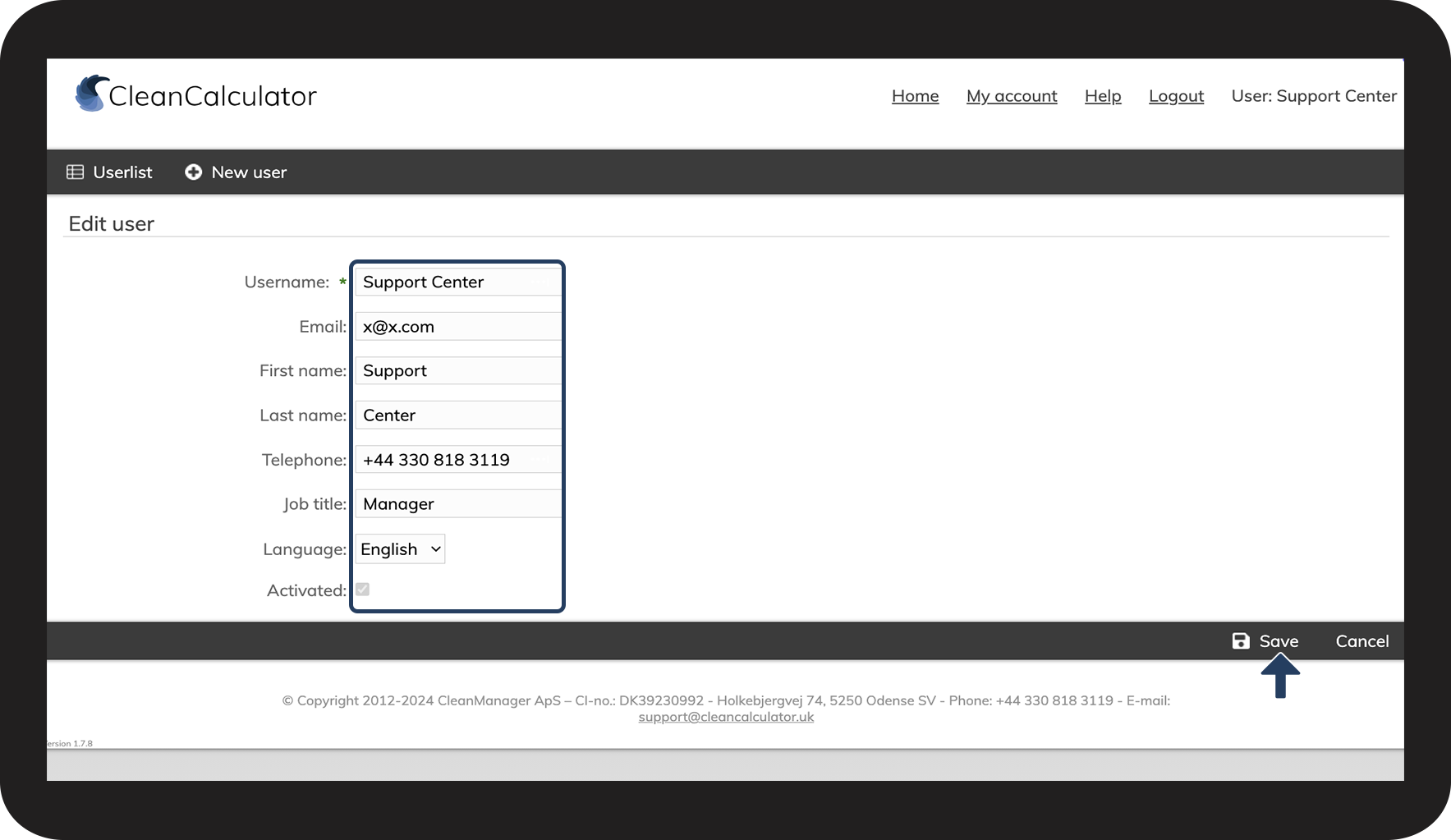

Have you created users in CleanCalculator, but some details are not quite as they should be, or do you need to deactivate an employee's access?