Skip to content
English
  • There are no suggestions because the search field is empty.

Edit quote basis

How do I edit my quote basis?

When you have created a quote basis, you can always return to adjust your different quote bases. 

This is possible both for Room registration and Master data as well as Name, Quote type, and the Cleaning frequency of the quote basis.

INFO:

Instead of deleting or changing the data of a quote, you can instead copy your quote.

By doing so, you can use it as a draft for a new quote and generate new documents, while saving the old quote basis.

See the article: Copy quote basis


In this article, you will learn how to edit your quote basis:


How to edit rooms for your quote basis

Read more to learn how to edit the rooms added to your quote

number_1.png
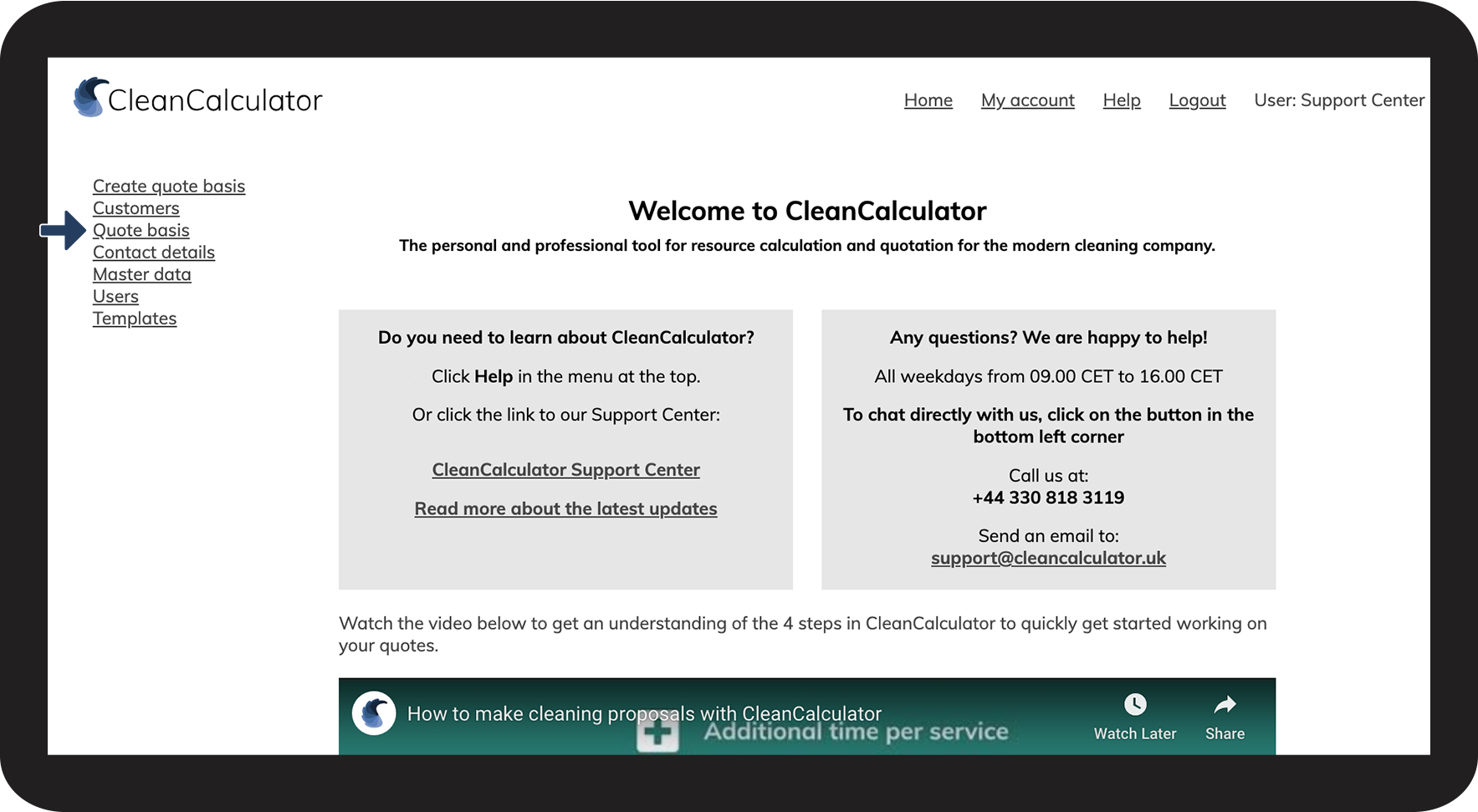
Go to Quote basis

1NY.png

number_2.png

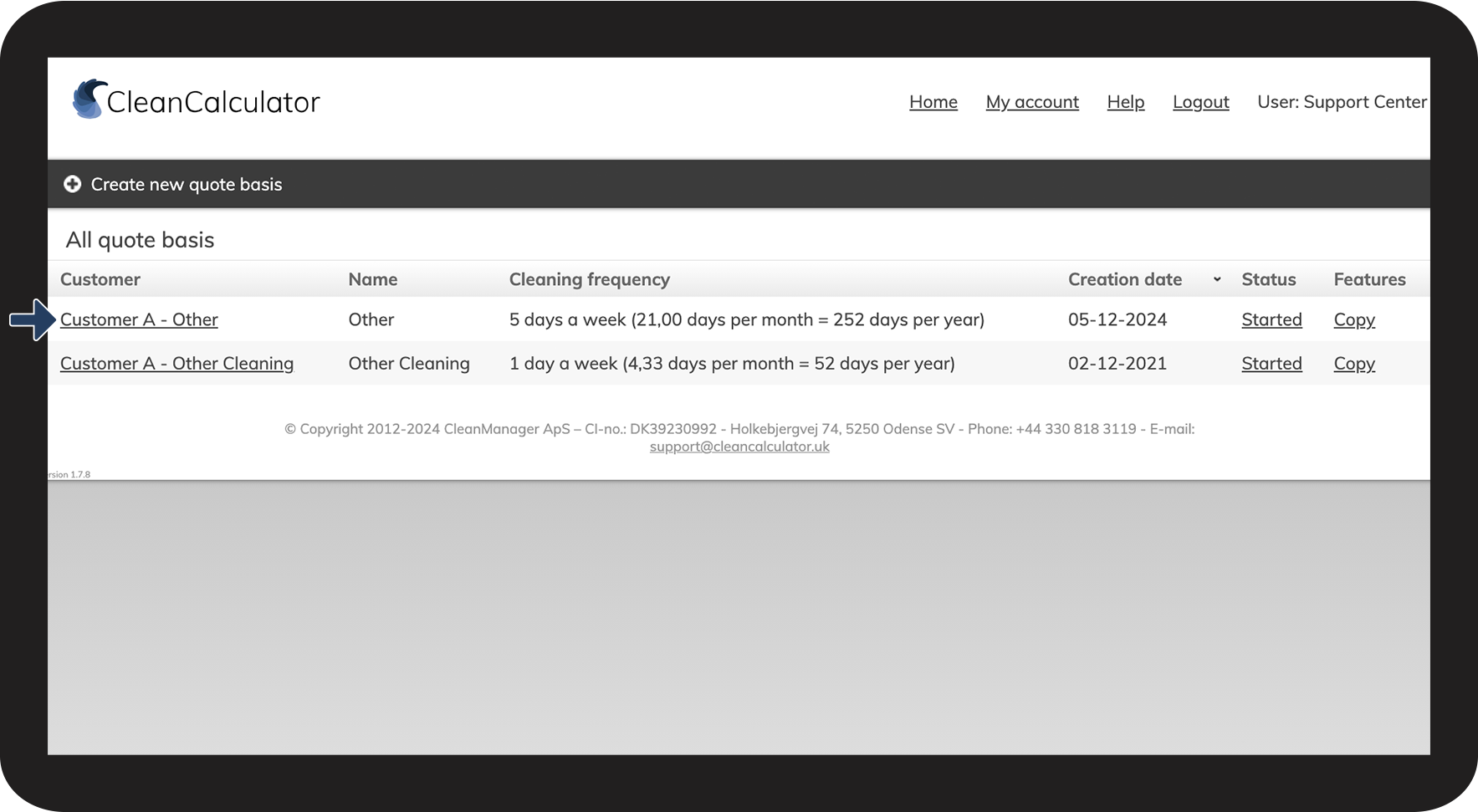
Select the quote that you wish to edit

2NY.png

number_3.png

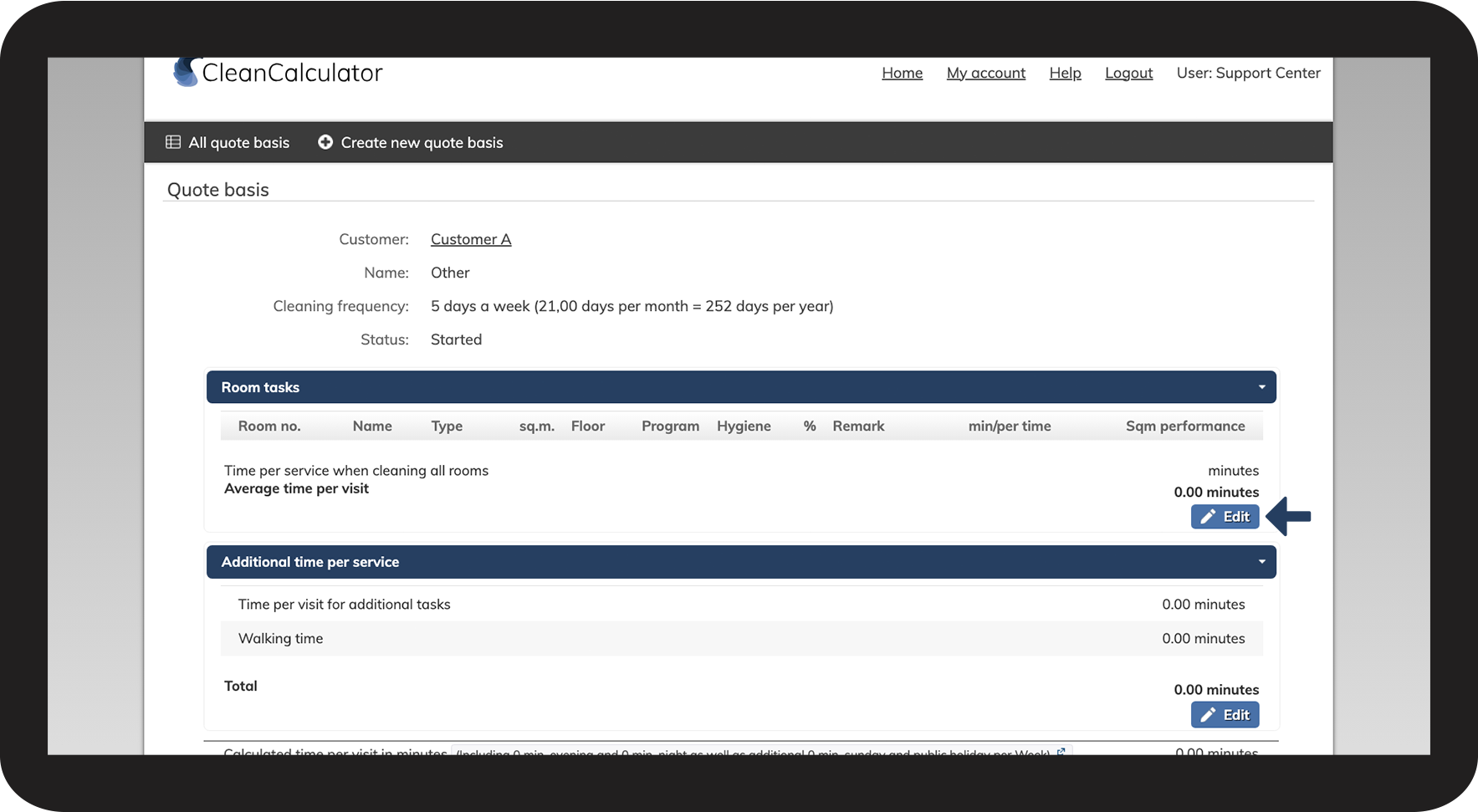
Scroll to the bottom of the section Room tasks and click on Edit


This allows you to edit the registered data for each room.
See also the following user guide: Room registration.

3NY.png


How to edit the master data for your quote basis

Read more to learn how to, e.g., change the cleaning frequency, or the quote type.
number_1.png
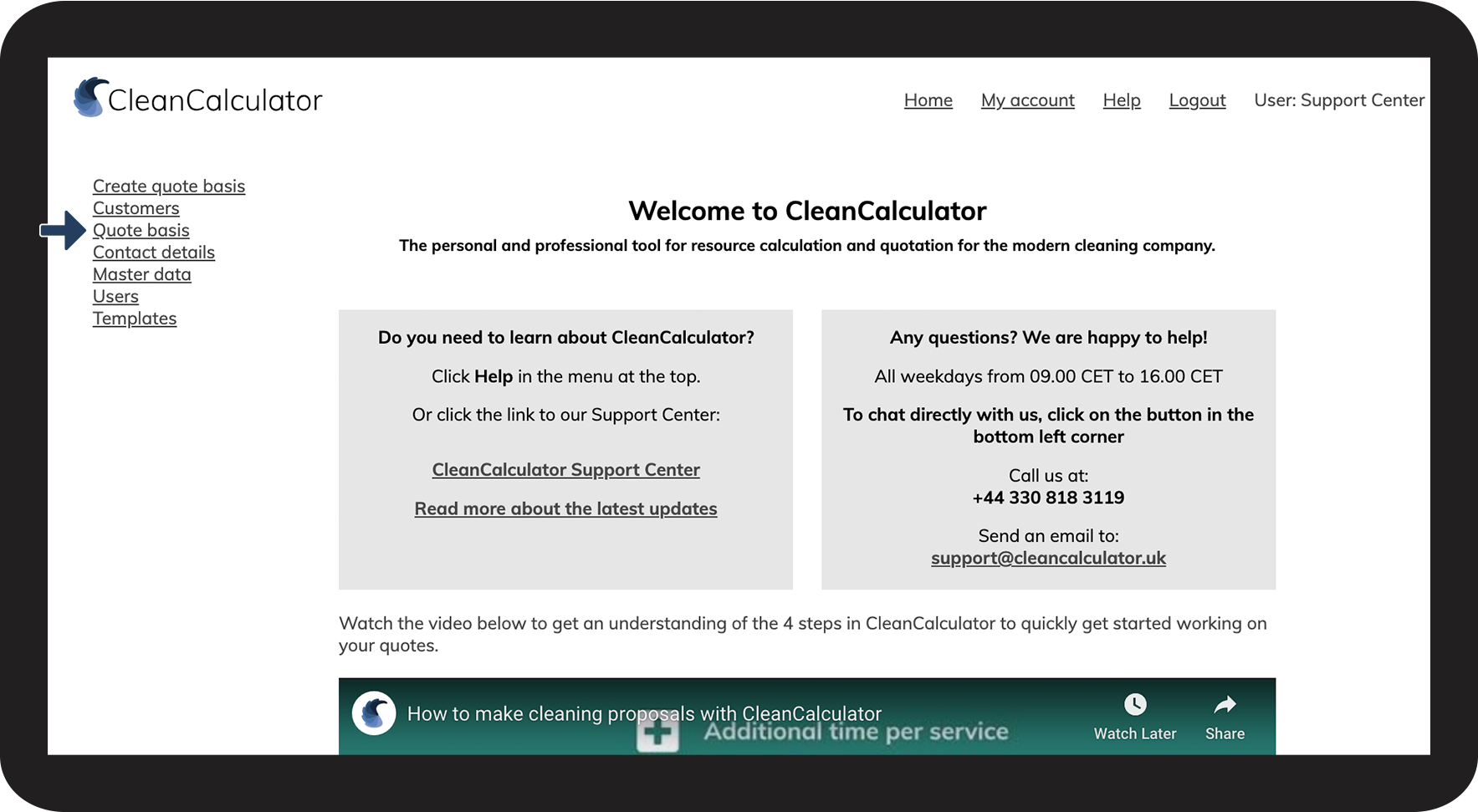
Go to Quote basis

4NY.png

number_2.png

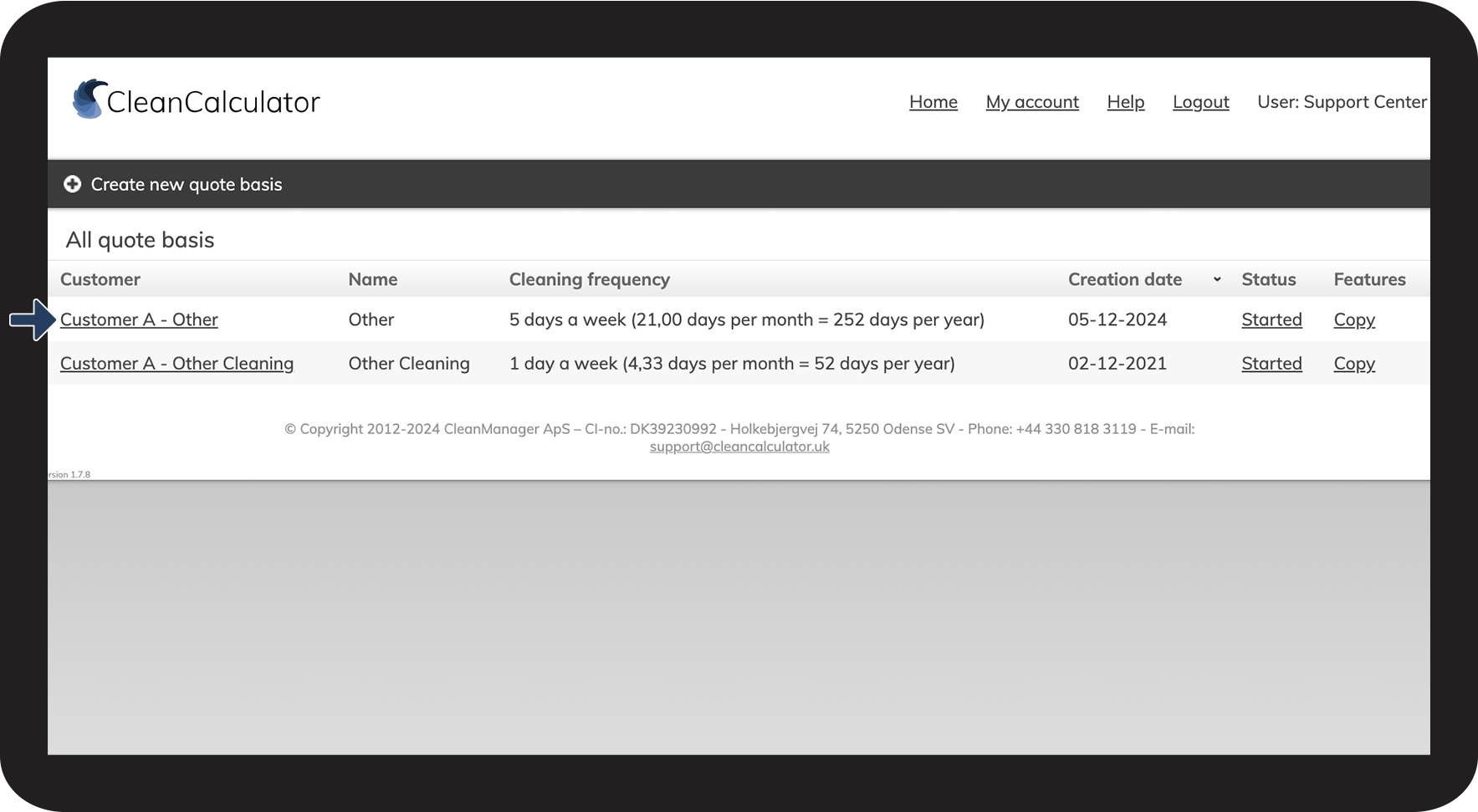
Select the quote that you wish to edit

5NY.png

number_3.png

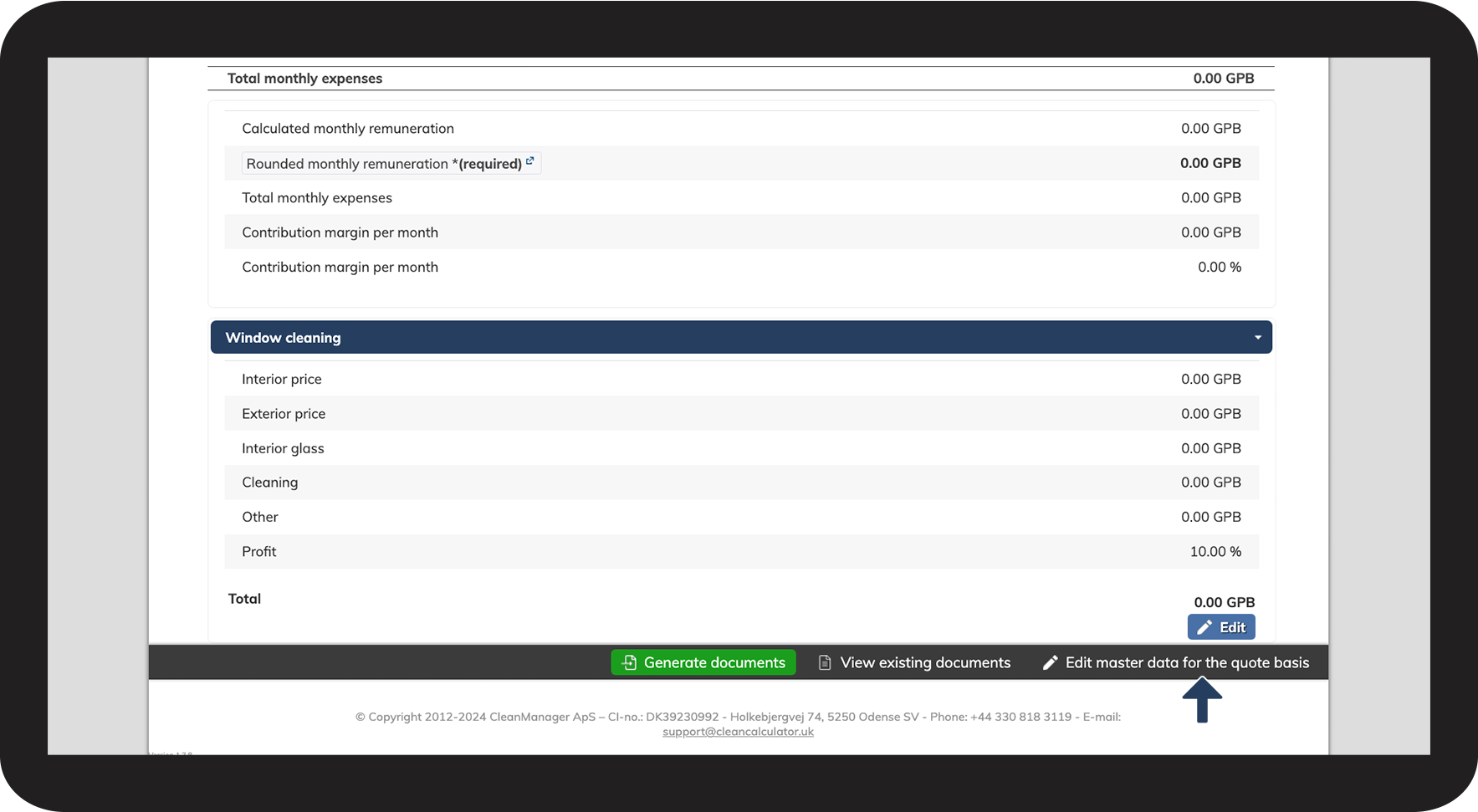
Scroll to the bottom, and click Edit master data for the quote basis

6NY.png

number_4.png

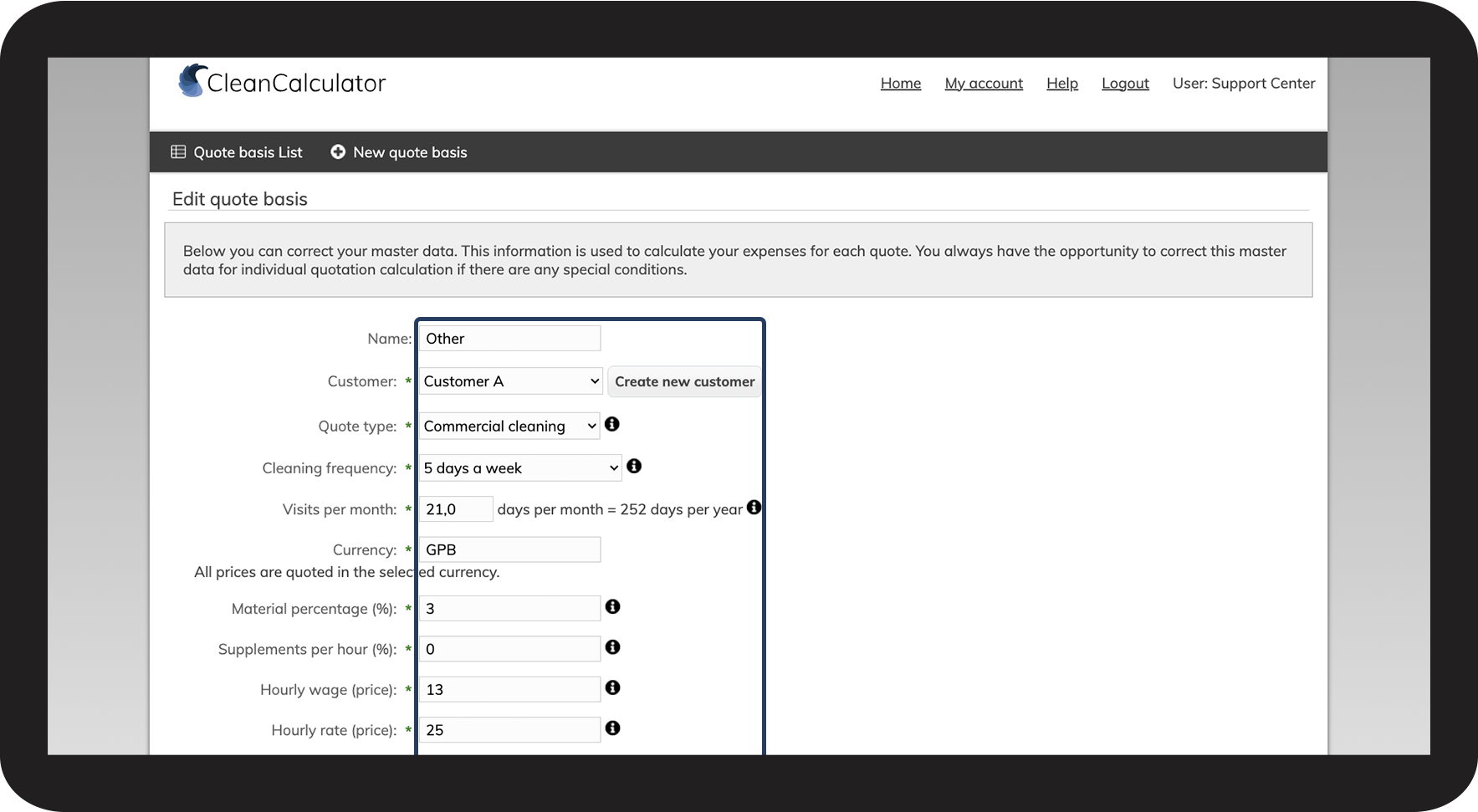
This allows you to alter the information, e.g. quote type, hourly wage, or hourly rate

7NY.png

number_5.png

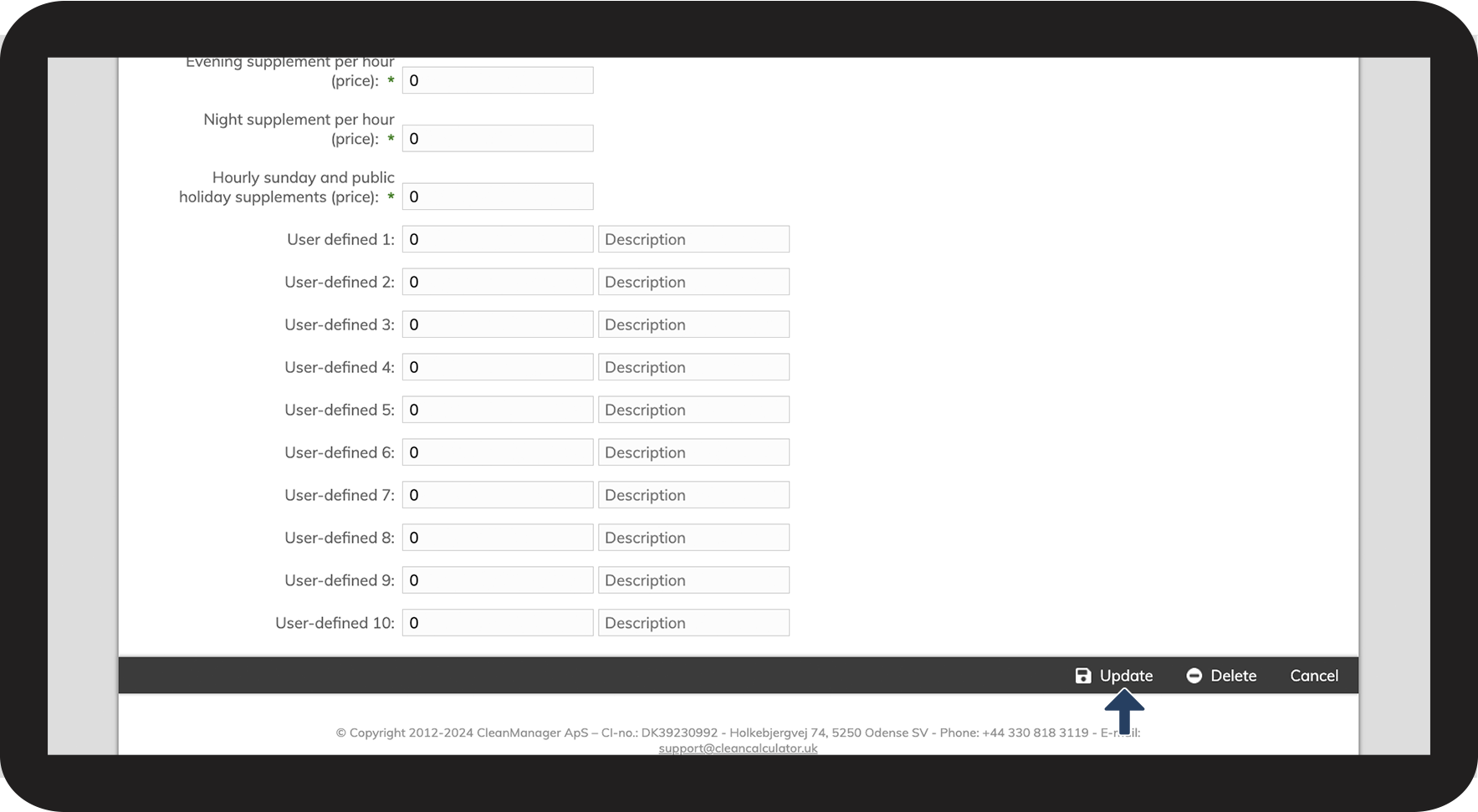
Scroll to the bottom and click on Update to save your changes

8NY.png