
Where are key rings displayed for the Administrator / Supervisor?
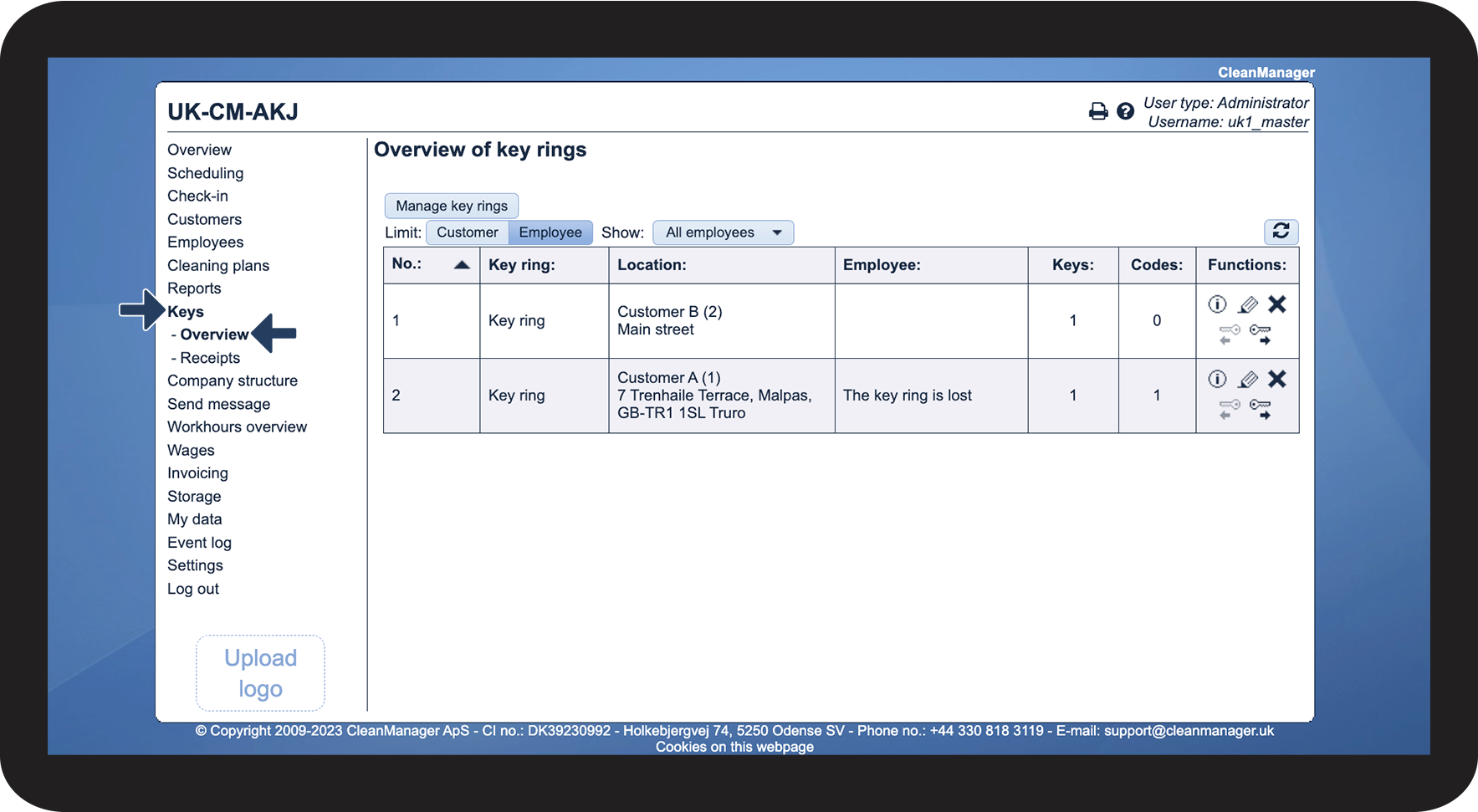
As Administrator, you can see all created key rings on all customers.
Supervisors can see key rings belonging to the customers who are within the areas the supervisors are associated with under company structure. For more information regarding this, go to Company Structure.
The created key rings can be accessed through the CleanManager app or the web browser on the computer.
This article reviews where the Administrator / Supervisor can see the created key rings.
In this article, you will learn where the Administrator / Supervisor can display the created key rings:
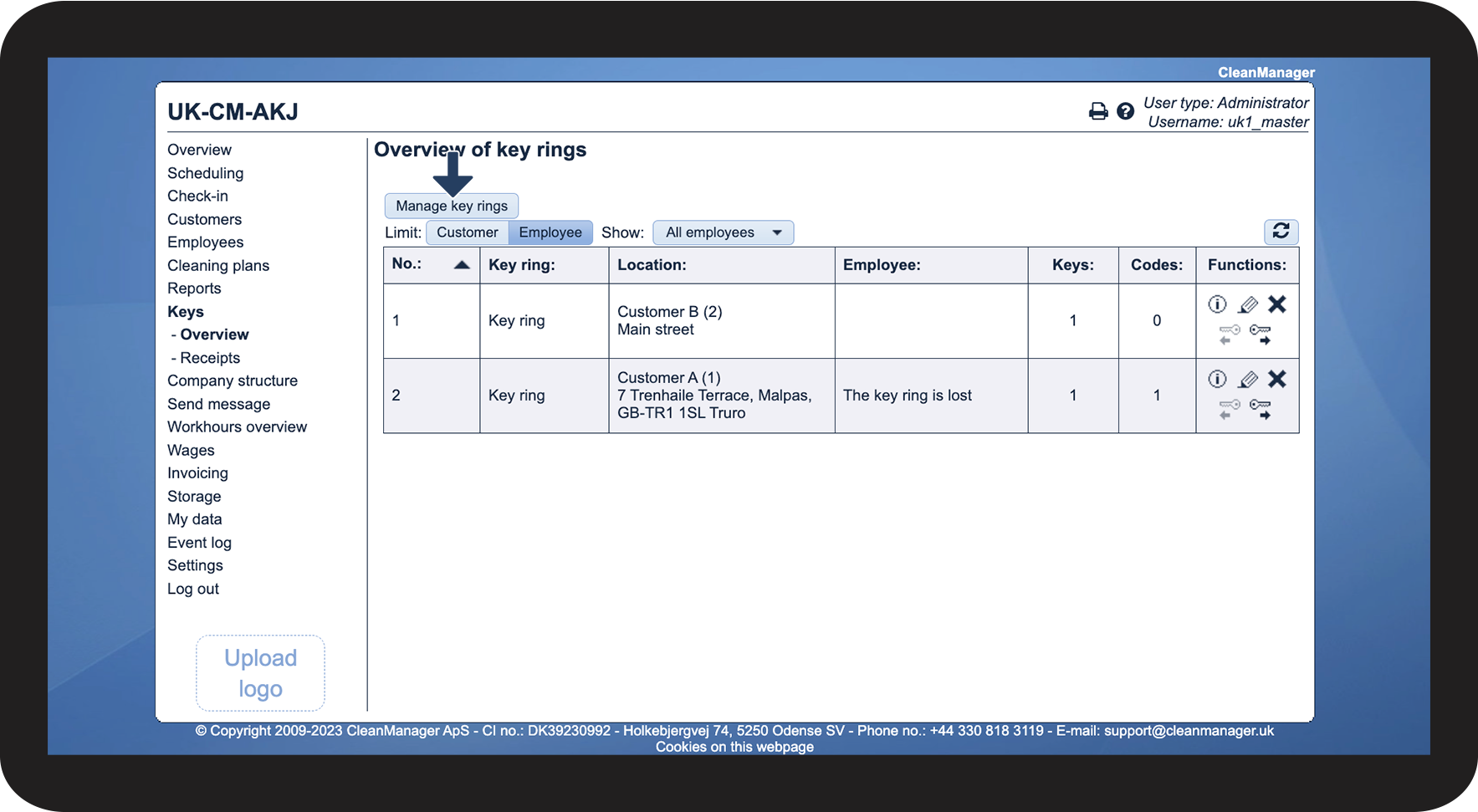
How to find and create a key ring


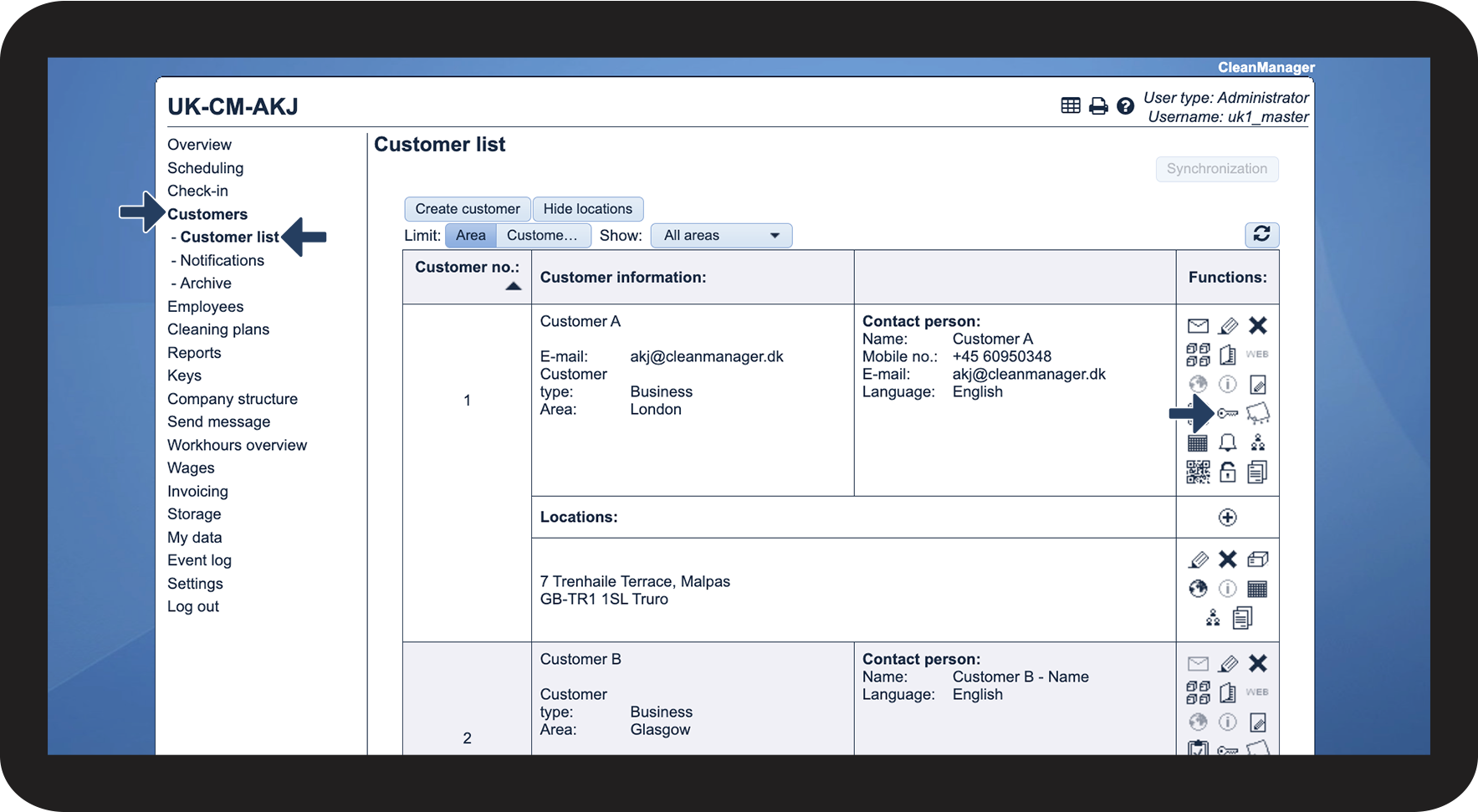
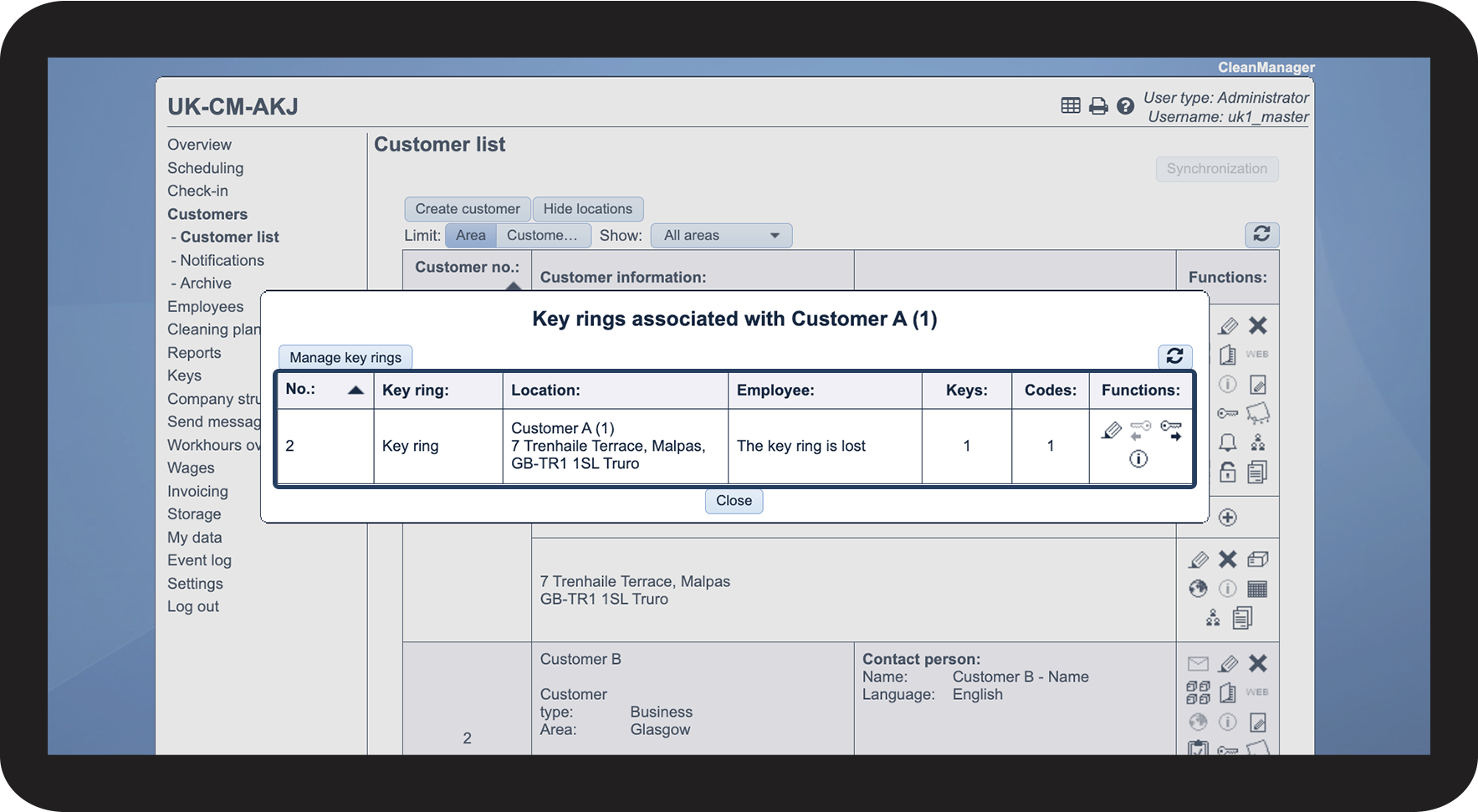
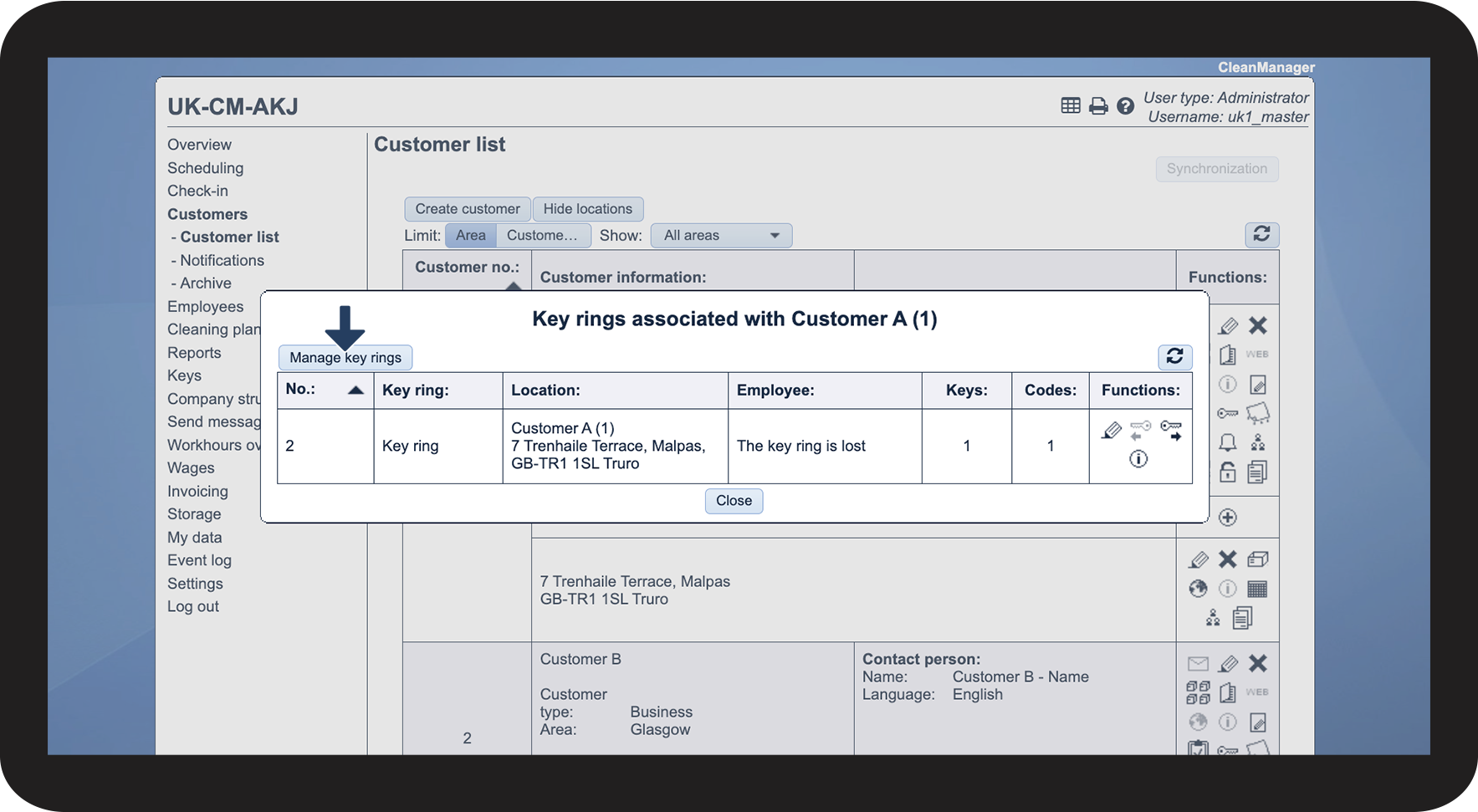
How to find the key rings in the customer list

 next to the individual customer


How to find the key ring in the app
Continue to the article Information about workplaces