Where are completed reports displayed for customer contacts?
Customer contacts who have been granted access can see all completed reports, which are connected to them.
Depending on the report type, e.g. satisfaction survey, quality report, or control report, reports can be filled out by either you as a customer contact, or an employee or supervisor from the cleaning business.
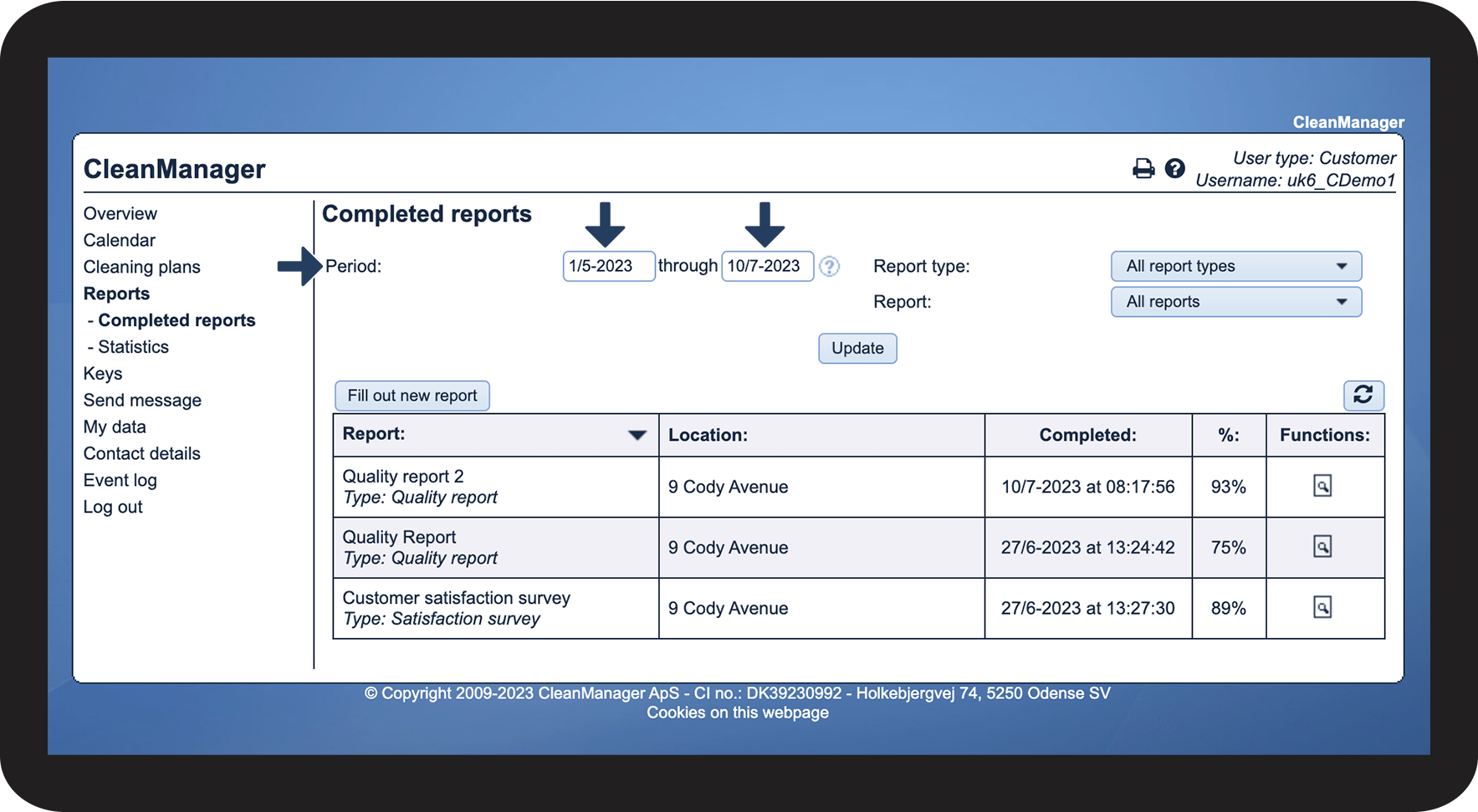
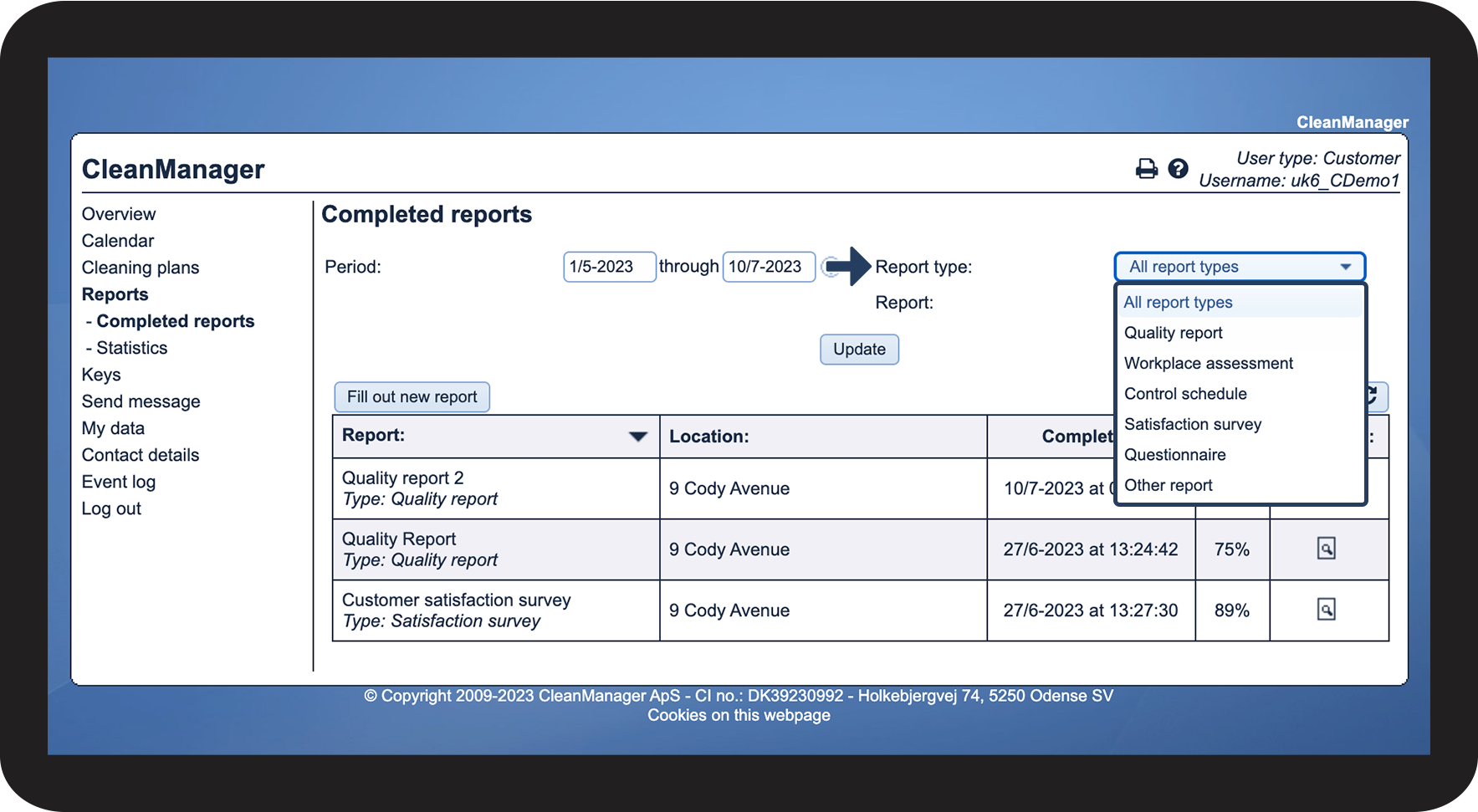
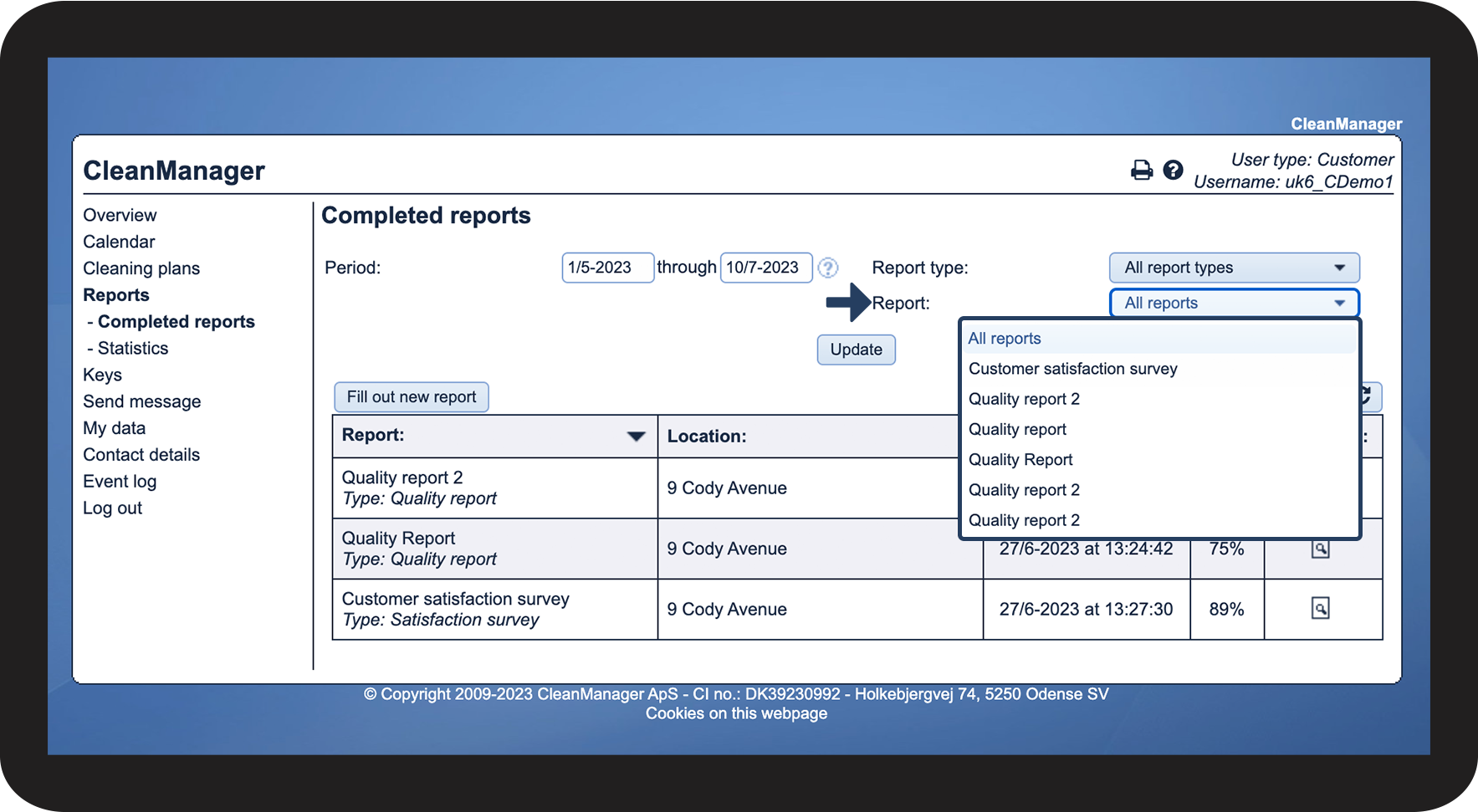
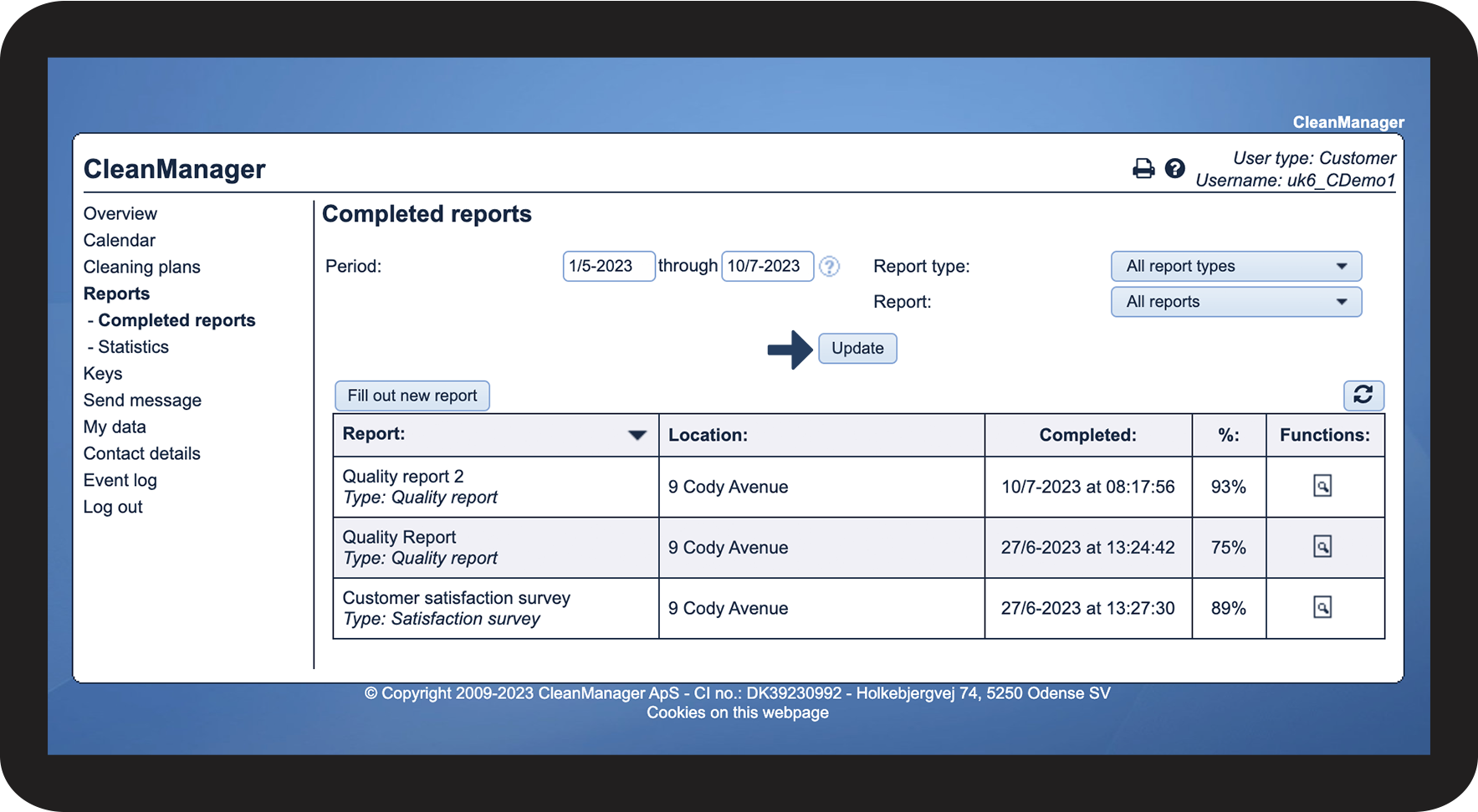
If you are looking for a specific report, you can filter the search results.
In this article, you will learn how to navigate the submenu Completed reports as a Customer:
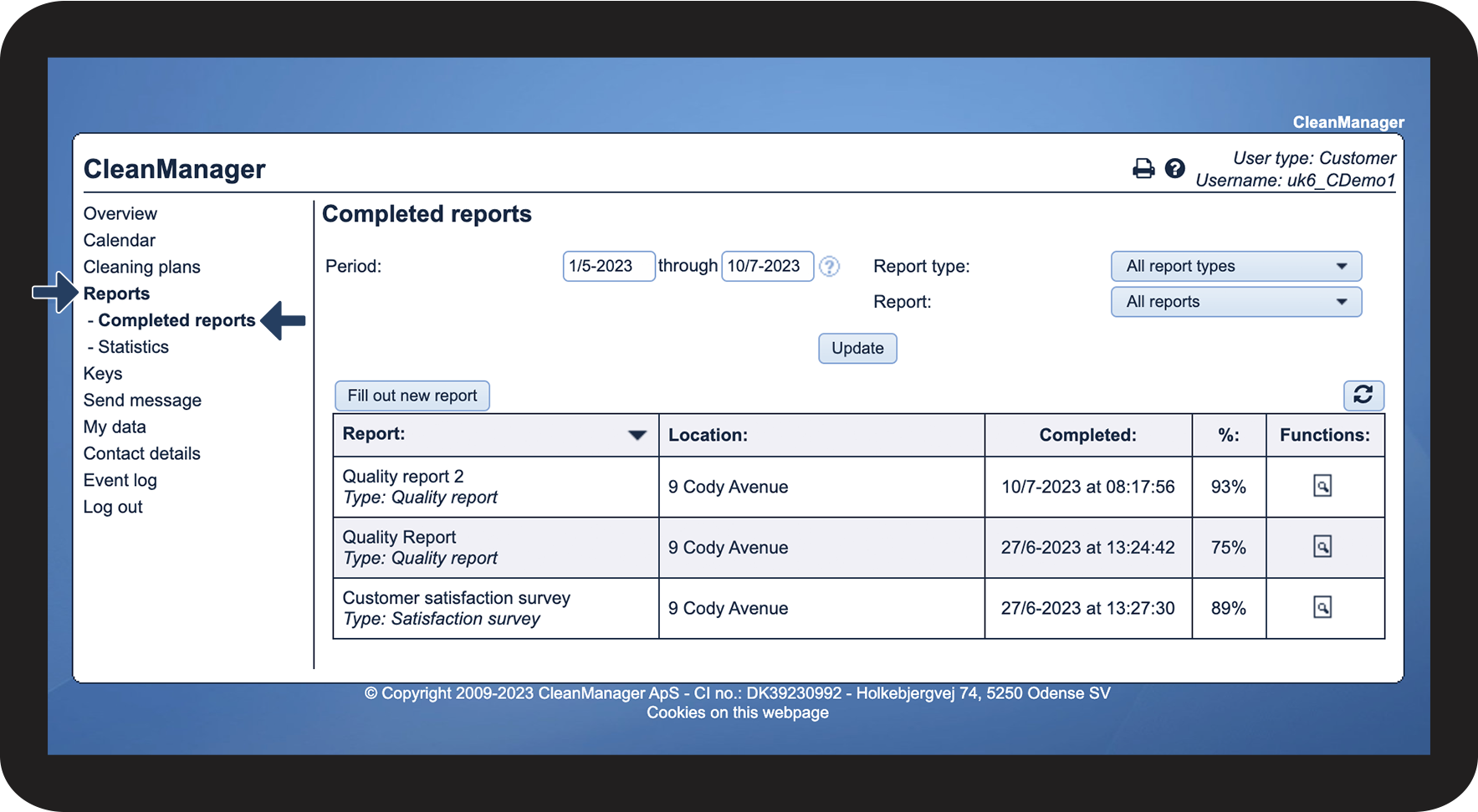
How to find the completed reports

How to filter your search



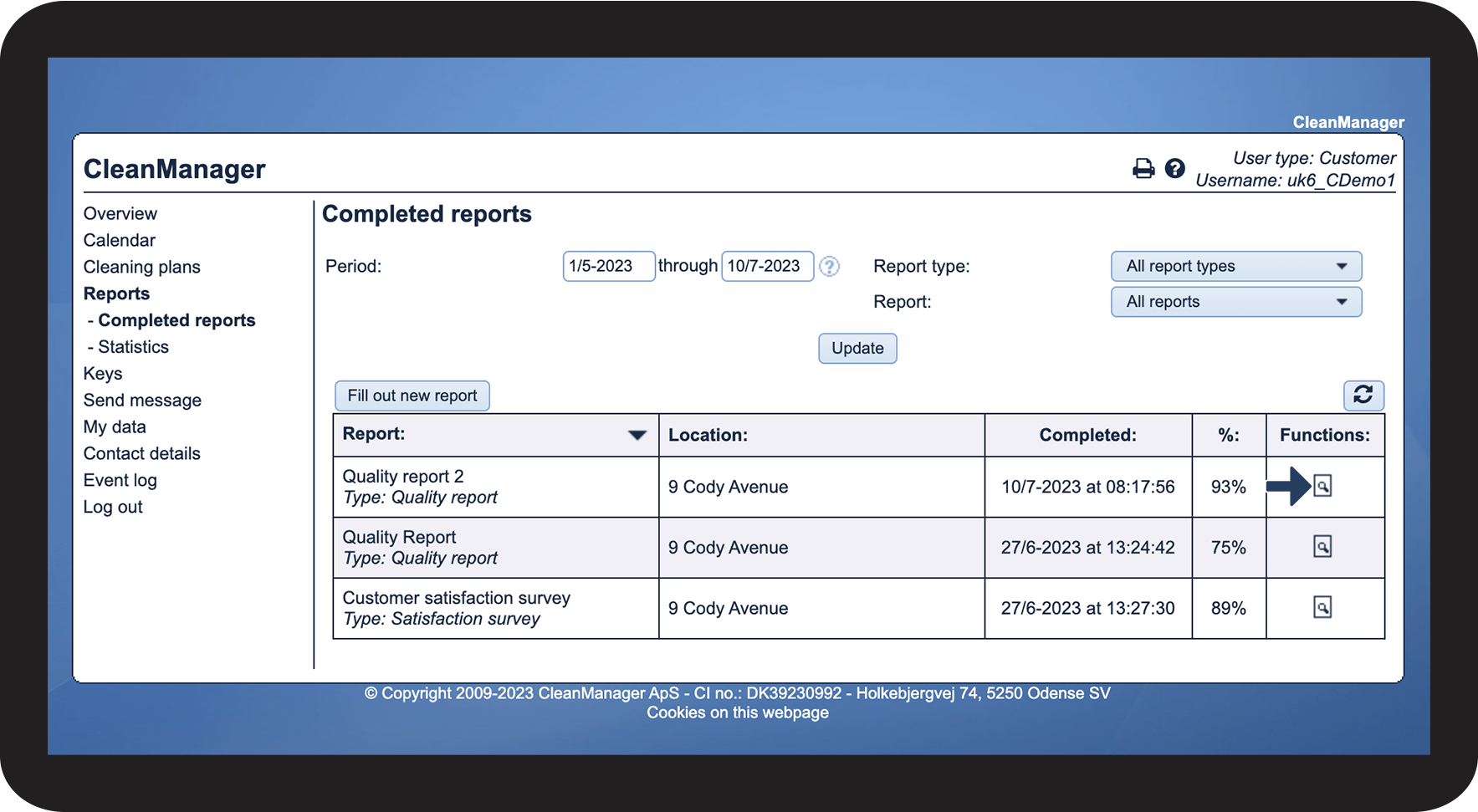
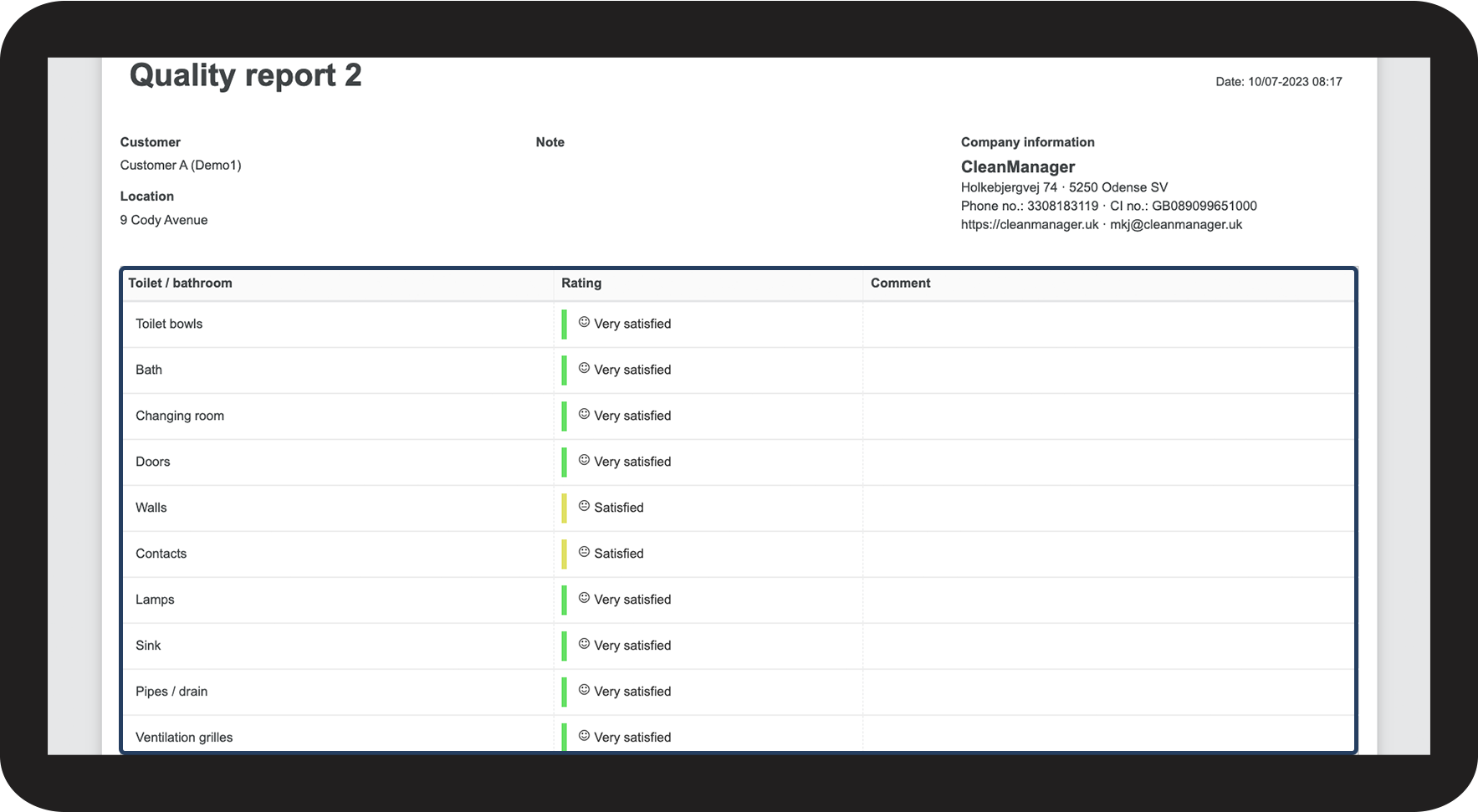
How to show a report