Skip to content
English
  • There are no suggestions because the search field is empty.

Displaying cleaning plans - Administrator / Supervisor

Where are the cleaning plans for the Administrator / Supervisor displayed?

As Administrator, you can see all created cleaning plans for all customers.

Supervisors can see the cleaning plans belonging to the customers, which are within the areas they are associated with under company structure. For more information regarding this, go to Company Structure.

The created cleaning plans can be accessed through the CleanManager app or the browser on the computer.

This article reviews how the Administrator / Supervisor can display the created cleaning plans.


In this article, you will learn where the Administrator / Supervisor can display the created cleaning plans:


How to find and create cleaning plans

number_1_copy.png
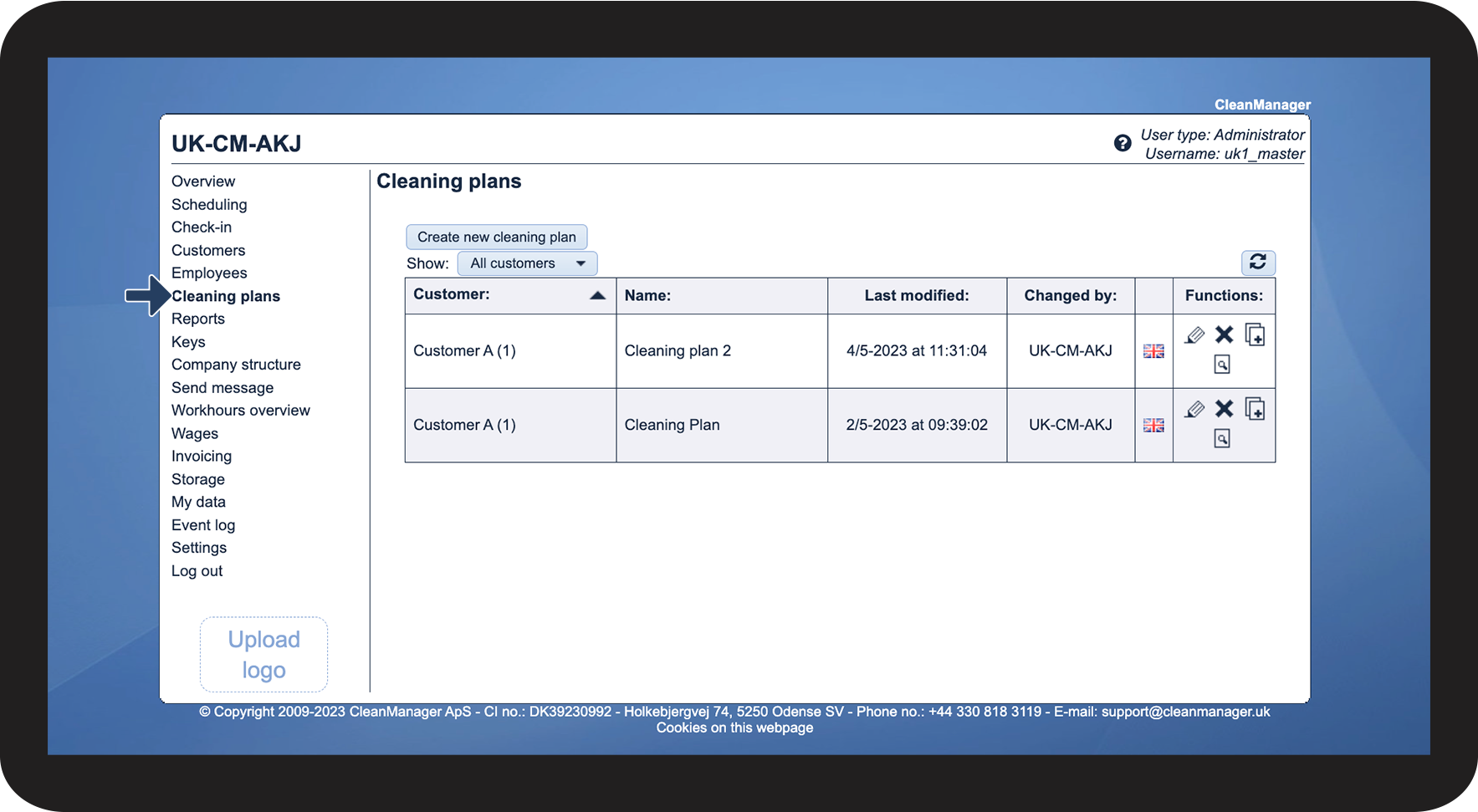
In the menu, click on Cleaning plans
 
Here you can either see the already created cleaning plans or create new ones.

1.png

number_2_copy.png
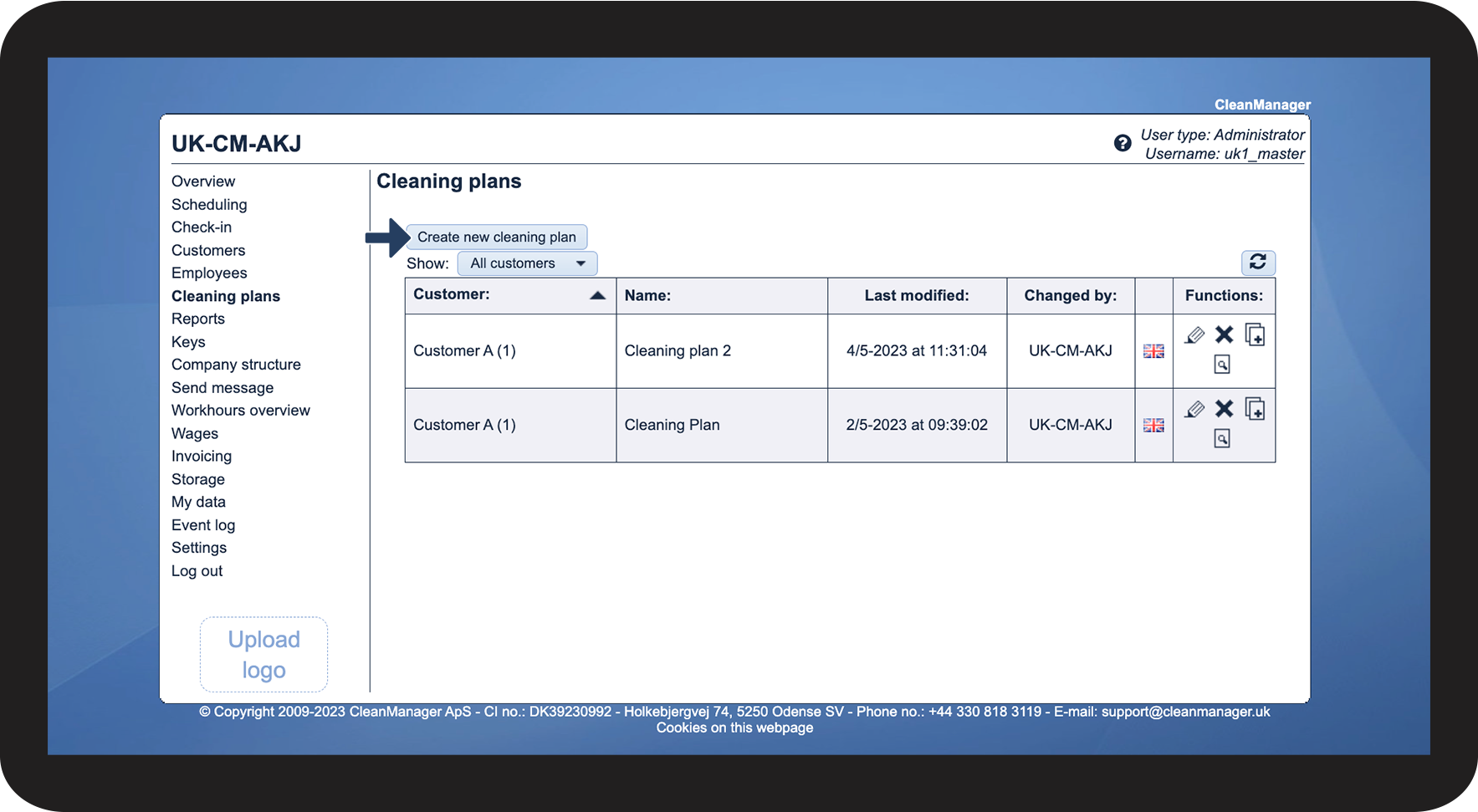
Click on Create new cleaning plan to begin setting up a new cleaning plan

2.png


How to find the cleaning plans in the customer list

number_1_copy.png
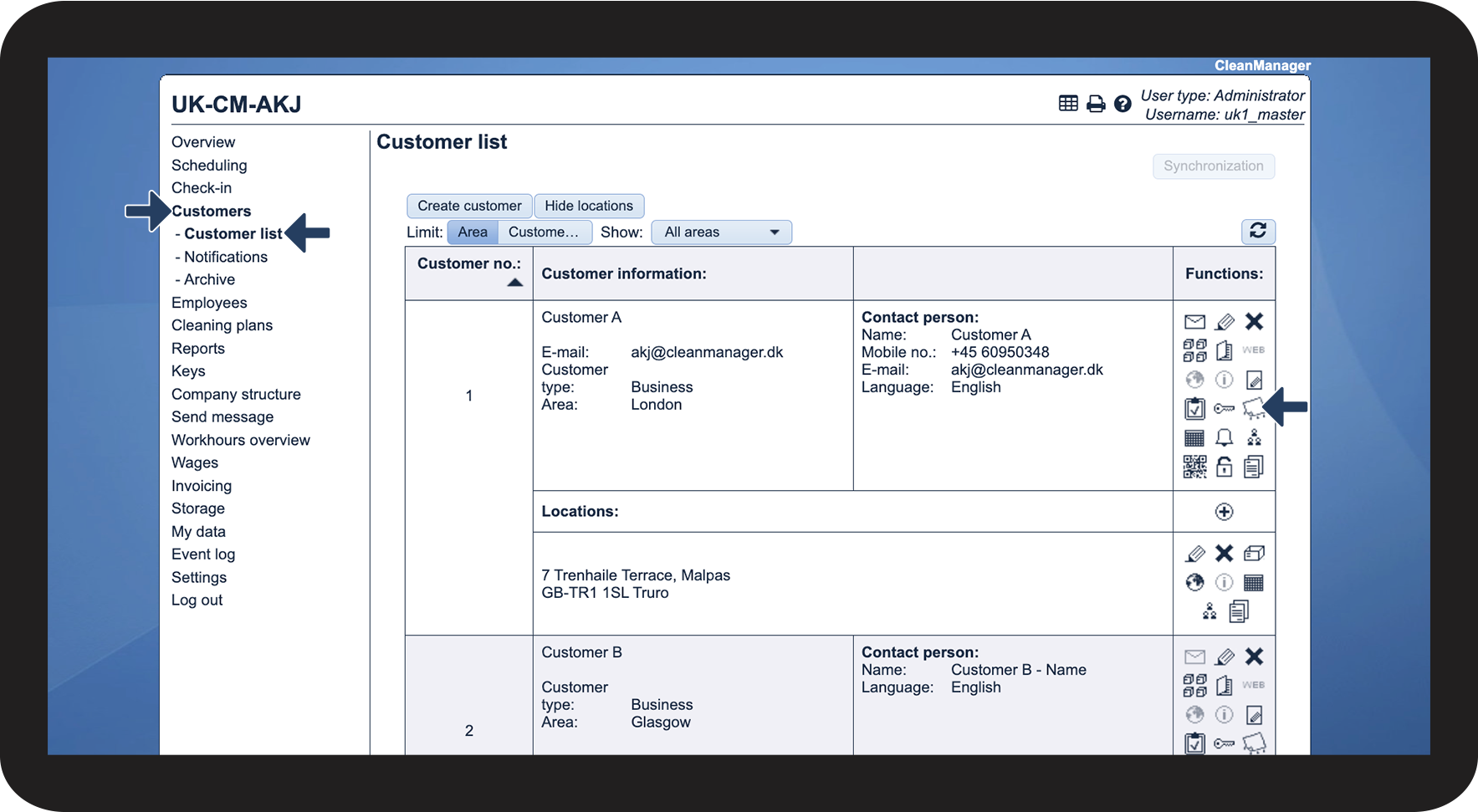
In the menu, click on Customers > Customer list
 
Then click on View cleaning plans for this customer Screenshot_2022-08-16_at_10.46.34.png at the individual customer

3.png

number_2_copy.png
View and manage the created cleaning plans
 

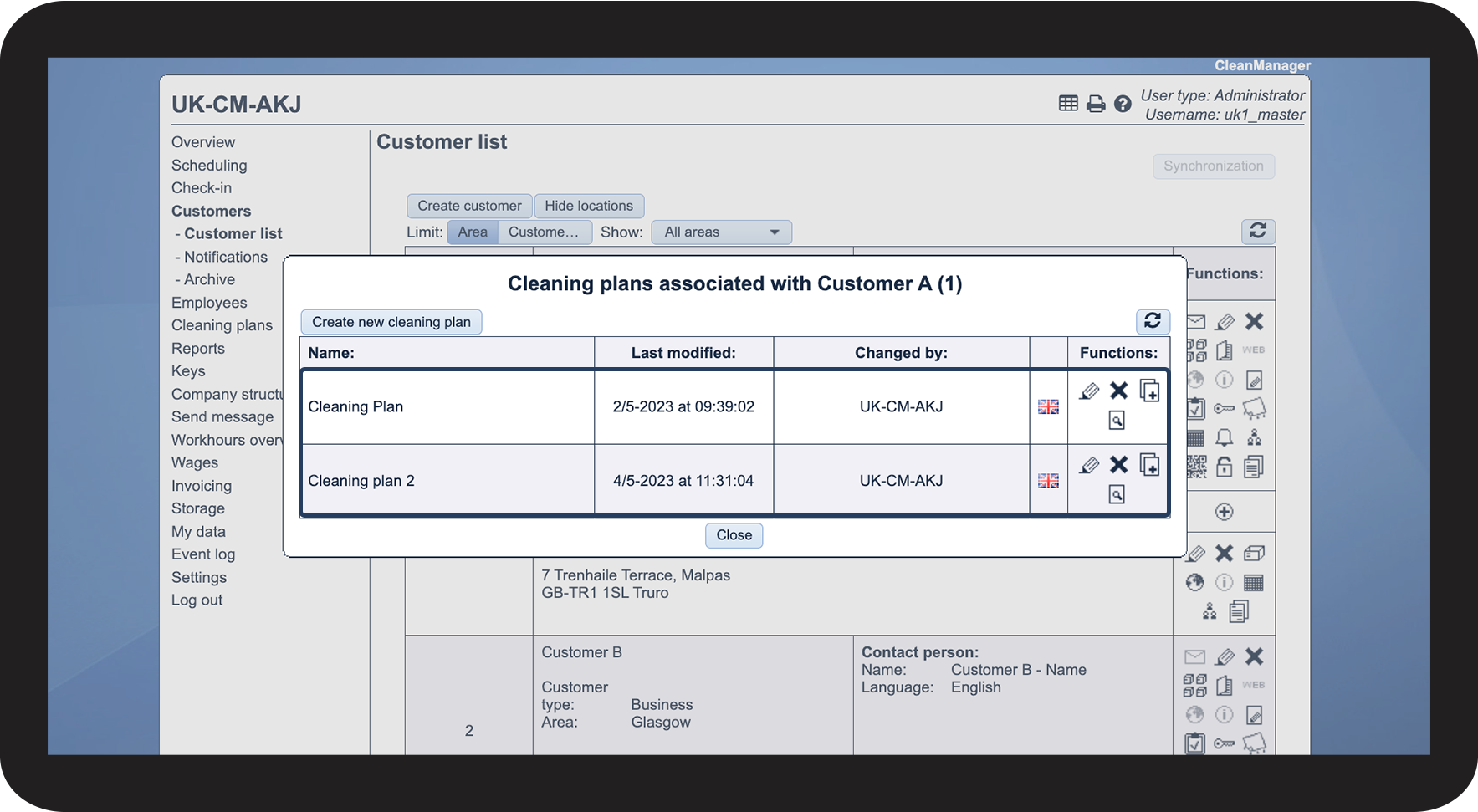
Here, you can either see the already created cleaning plans for the selected customer or manage the associated cleaning plans.

See the article Finding and managing created cleaning plans for an explanation of the functions.

4.png

number_3_copy.png
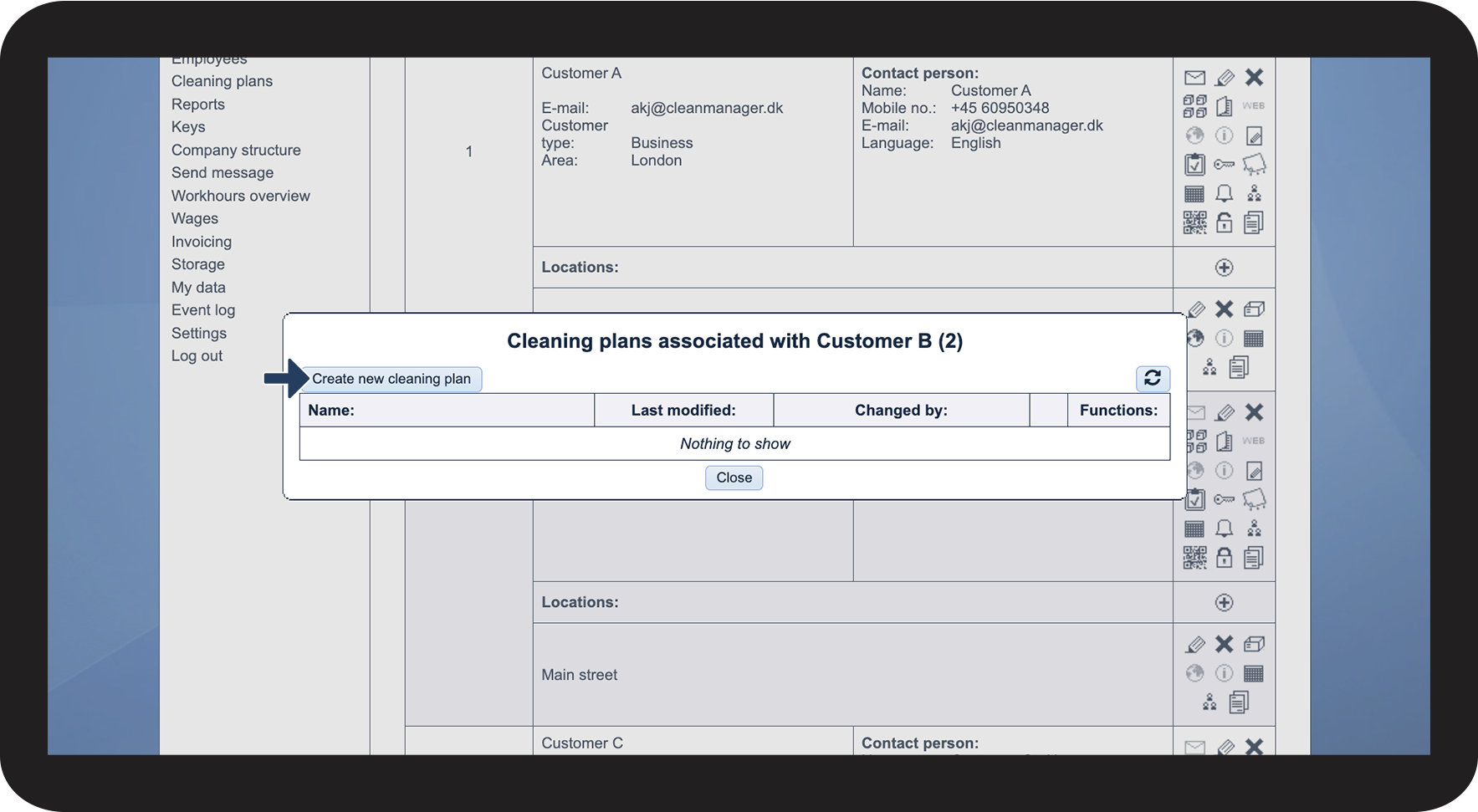
Click on Create new cleaning plan
 
Here you can create a new cleaning plan for the selected customer.

5.png


How to find the cleaning plans in the app

Continue to the article Information about workplaces