How do I delete invoice intervals?
Is your list of invoice intervals full of old intervals that are not needed? Get your list up to date by deleting or hiding intervals that are no longer relevant.
NOTE:
You can only delete an invoice interval, if it is not currently applied to any service agreements.
If you still wish to delete the interval, you must first remove it from all service agreements — including deleted service agreements.
Alternatively, you can hide an interval. This way, the interval will no longer be visible for new service agreements.
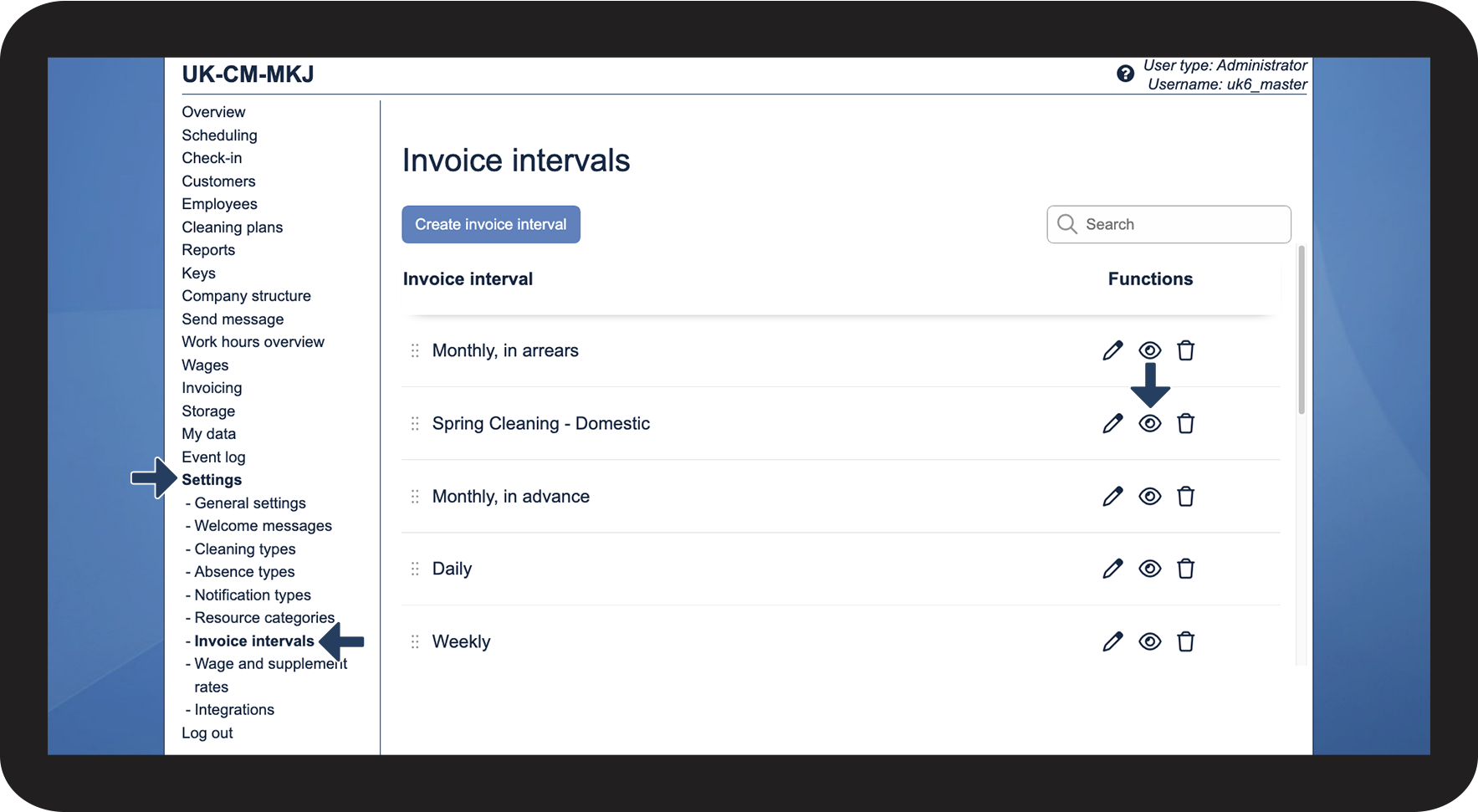
In this article, you will learn how to delete or hide invoice intervals:
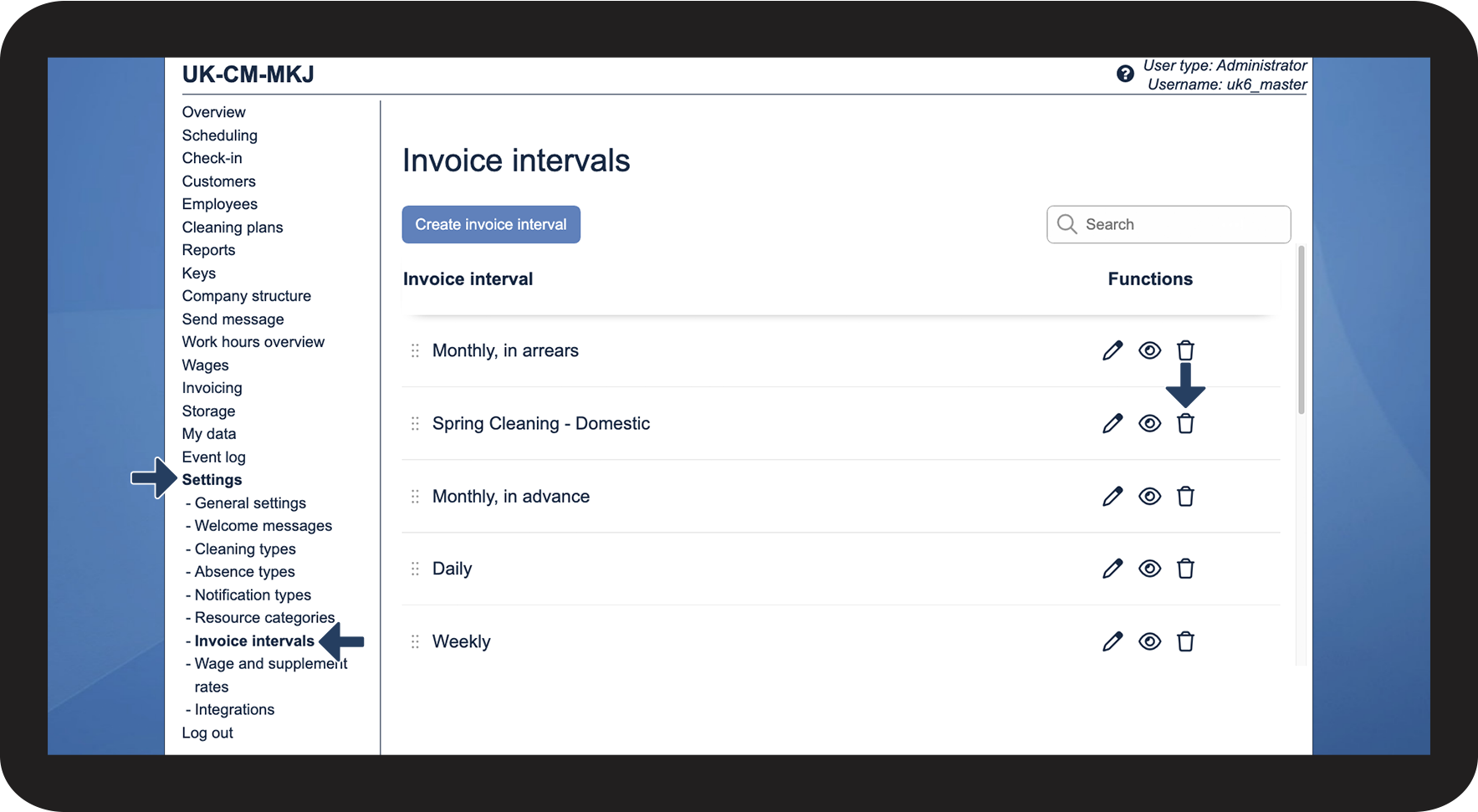
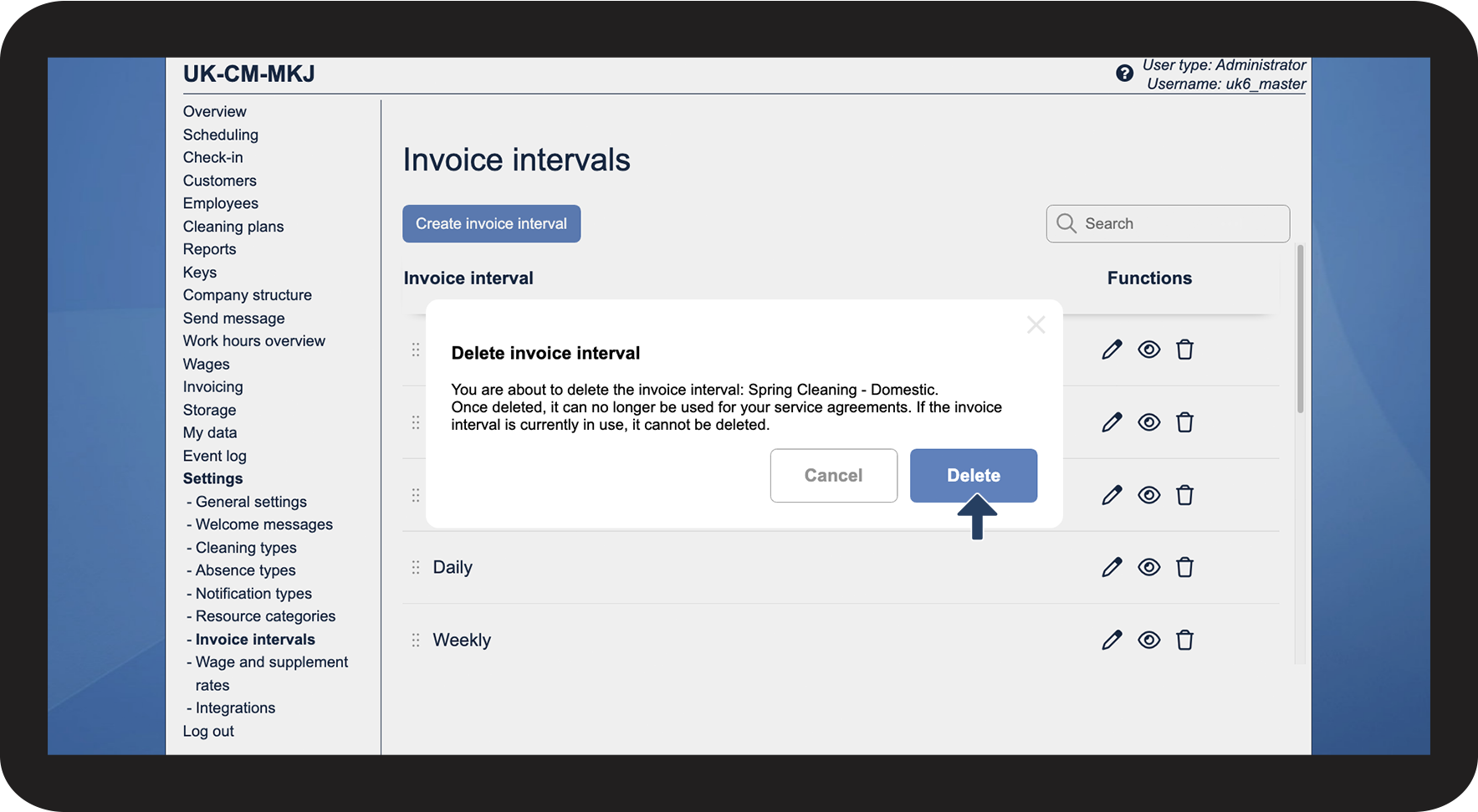
Deleting invoice intervals

 next to the interval you wish to delete

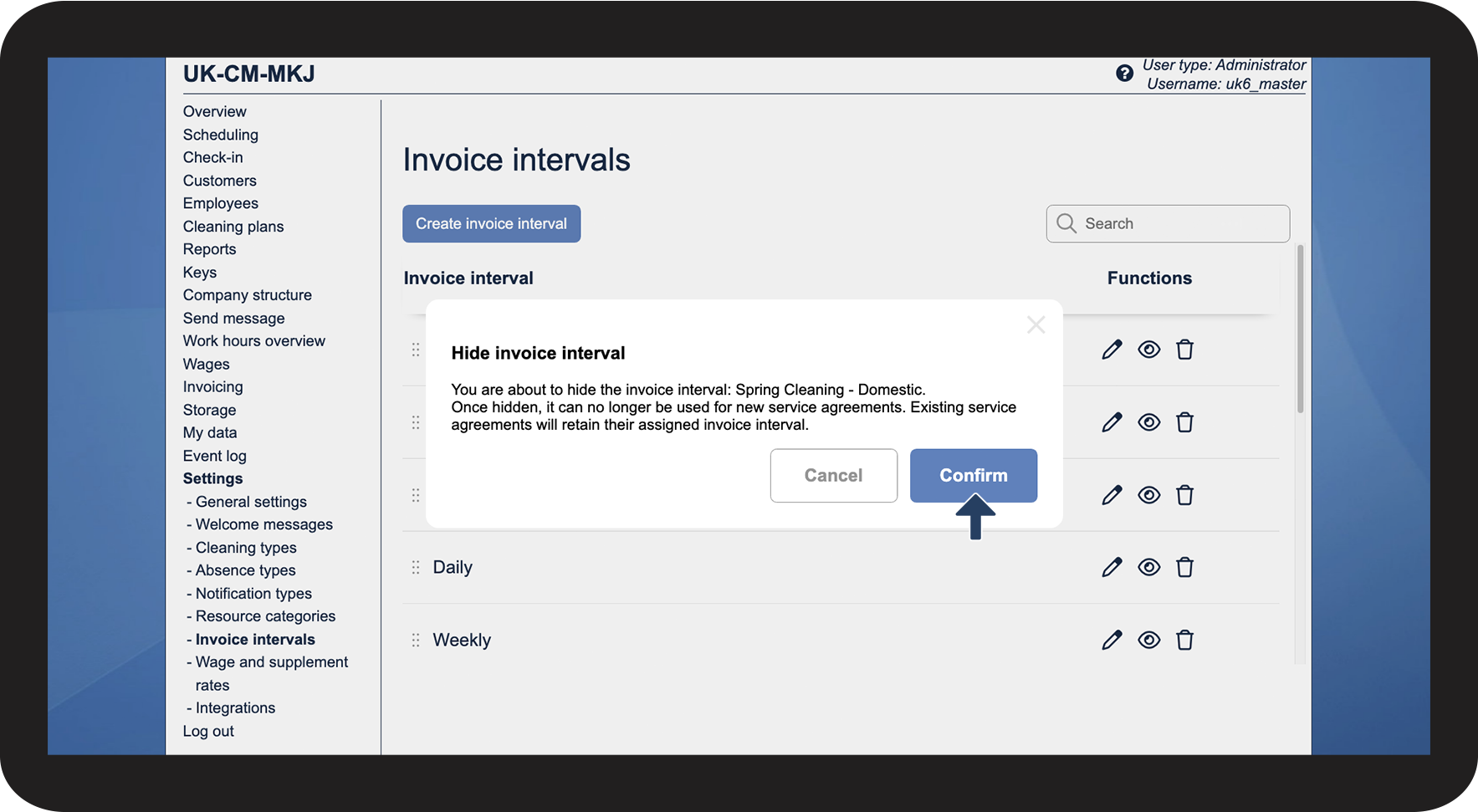
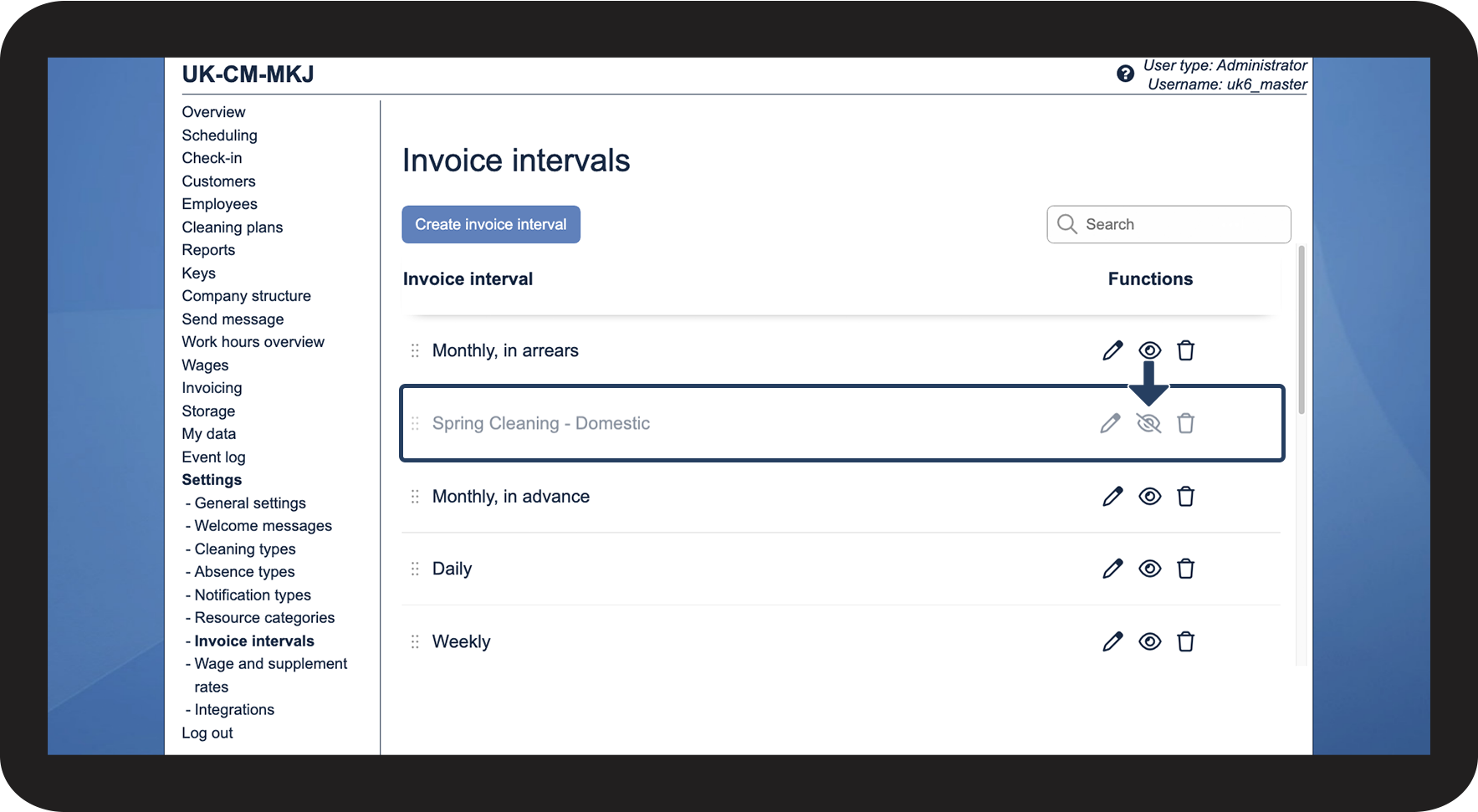
Hiding invoice intervals
 next to the interval you wish to hide.