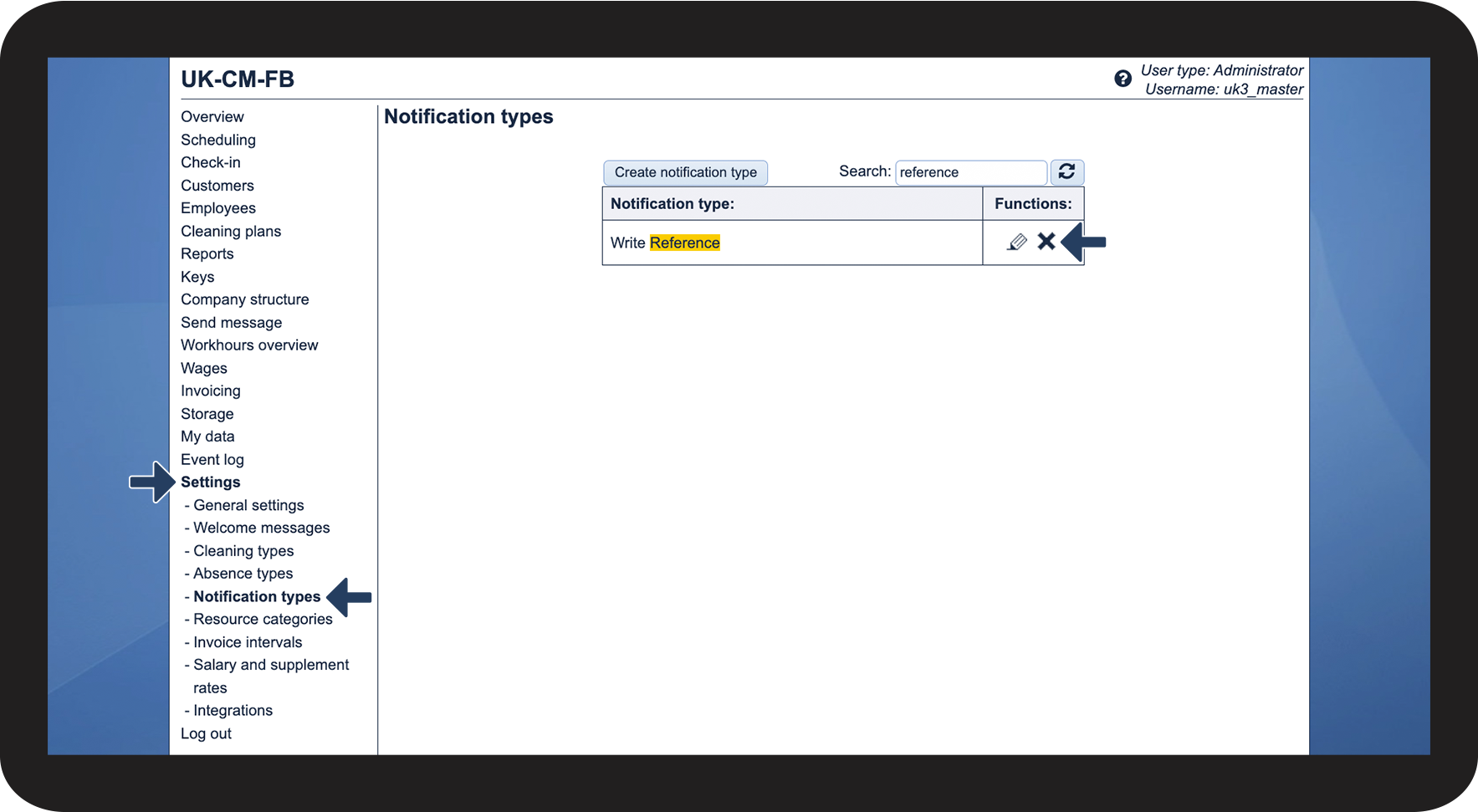
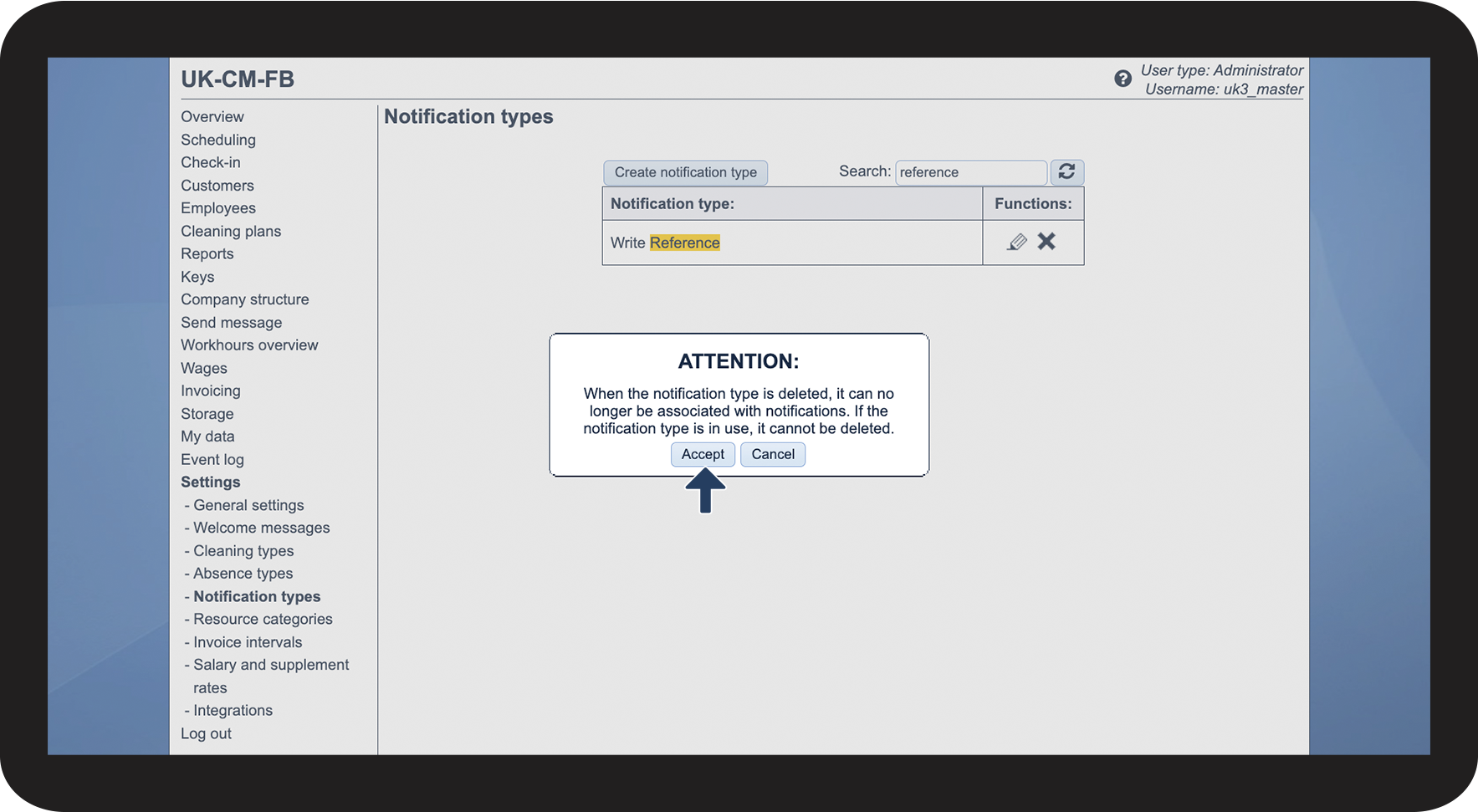
How do I delete a notification type?
If you want a notification type to no longer be selectable, or you simply created the wrong notification type, then you have the option to delete them.
OBS:
A notification type can be edited and deleted after it has been created.
When a notification type is in use as a notification for an employee or a customer, the notification type cannot be deleted as long as the type is active.
The notification with the date, when it will be sent, can be removed for all employees and customers, and the notification type can then be deleted (not recommended).
In this article, you will learn how to delete notification types:
Deleting notification types