How do I delete cleaning types?
Note:
A cleaning type can be deleted after it has been created.
After a cleaning type has been put into use, it cannot be deleted, because data can still be generated and used in different parts of the system.
If you do not want to use the cleaning type any more, it can be hidden, resulting in the cleaning type not being available when planning tasks.
For more information, you can read the article: Hiding cleaning types
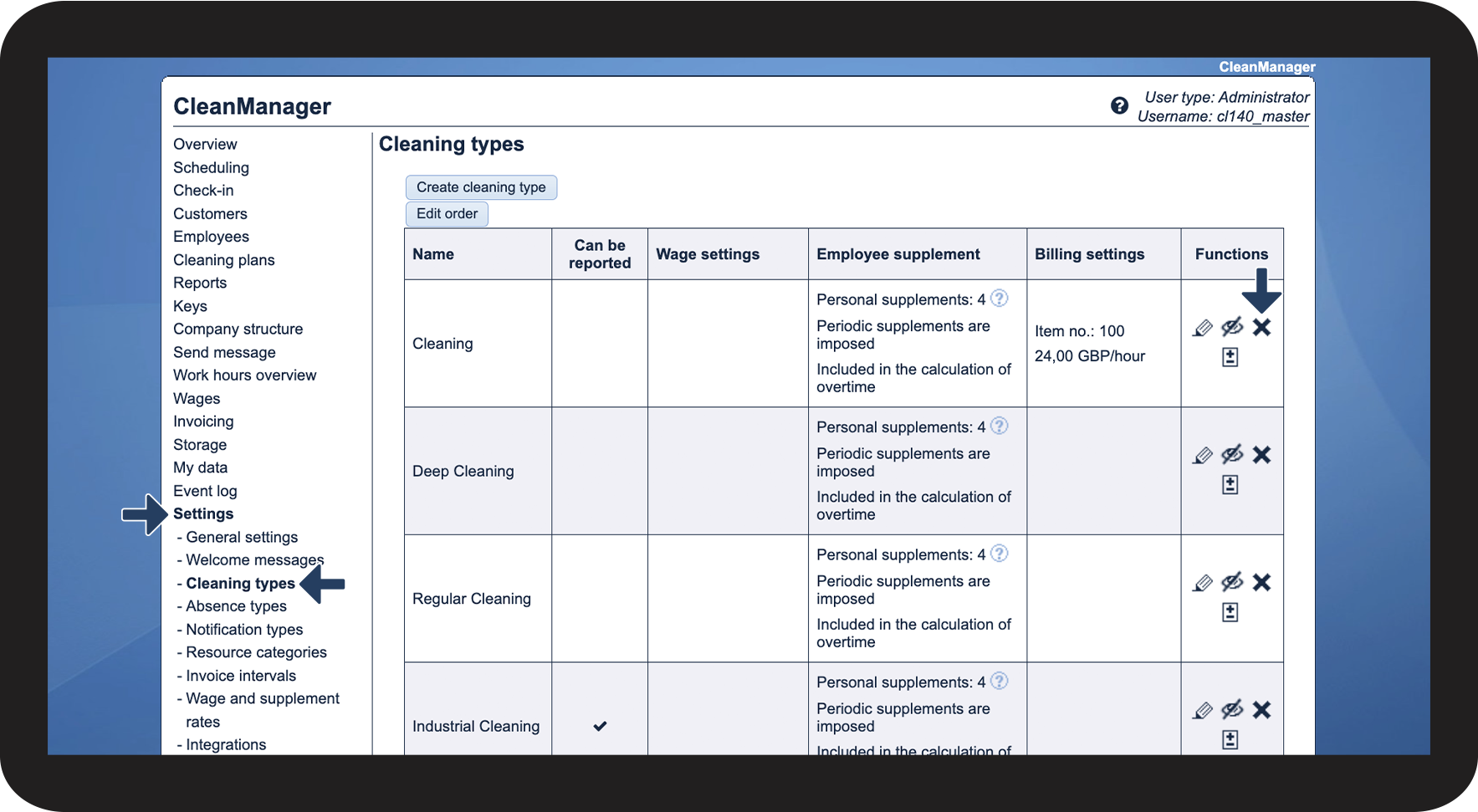
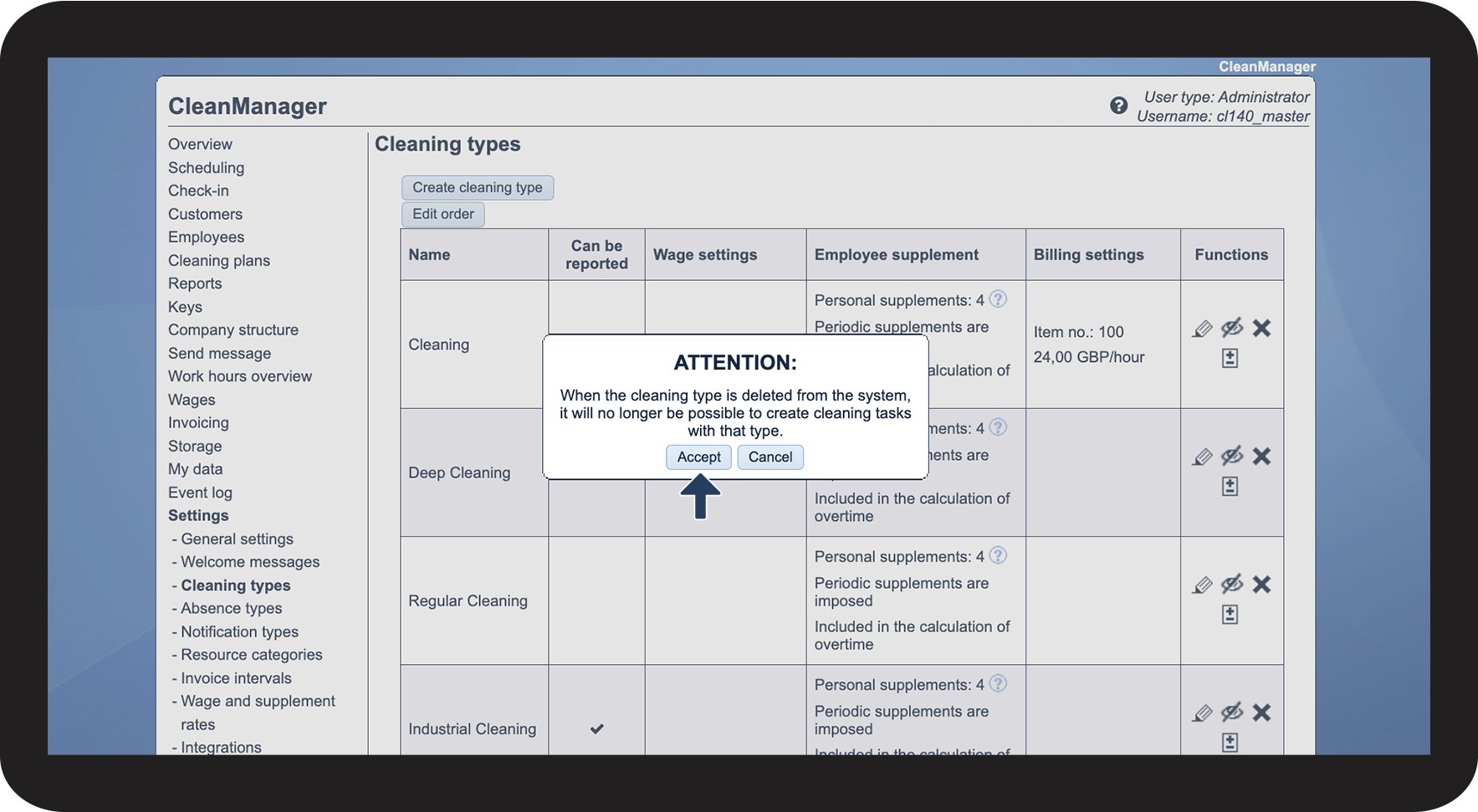
In this article, you will learn how to delete cleaning types:
How do I delete cleaning types?

 in the functions-column of the cleaning type which is set to be deleted