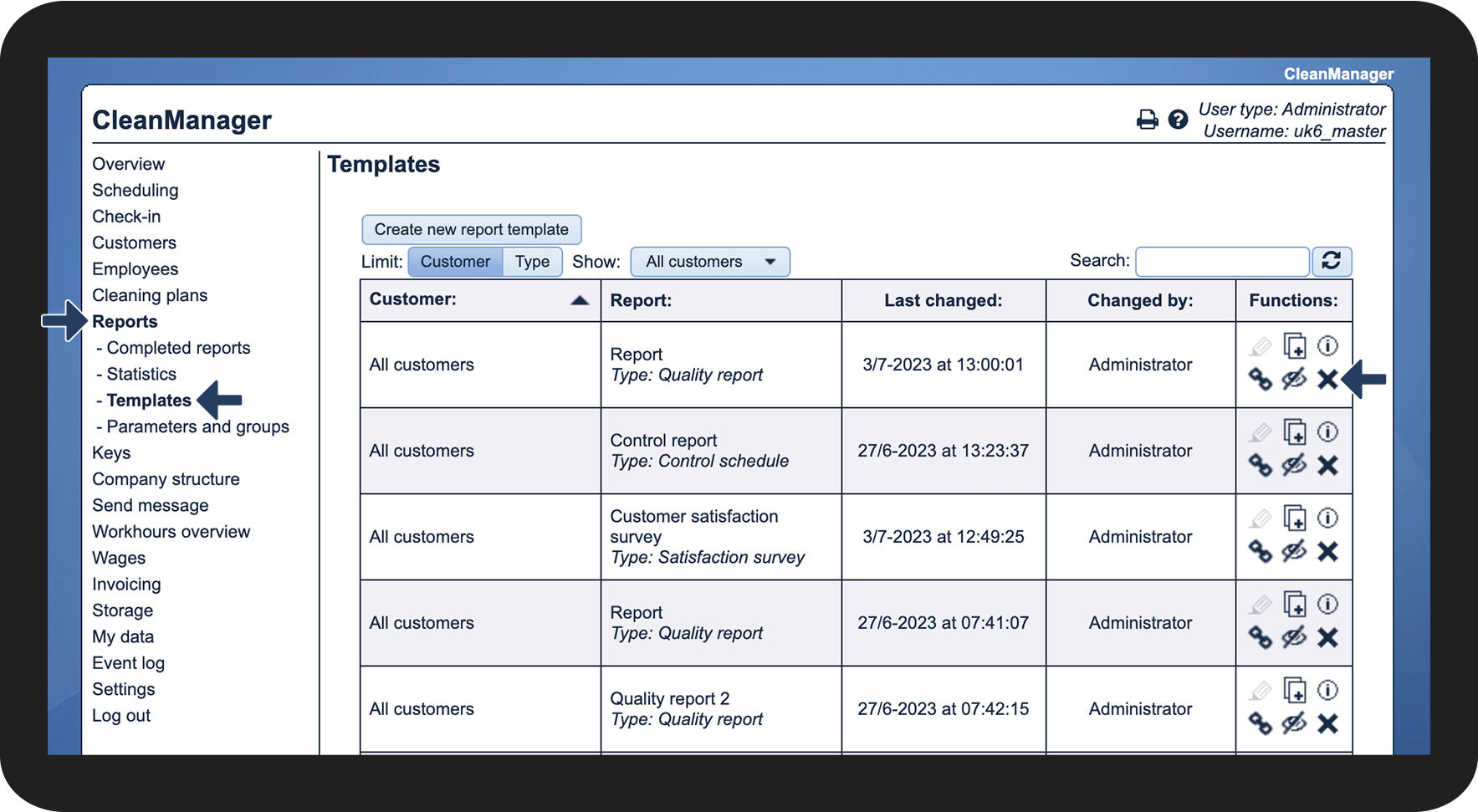
How can the Administrator delete a report template?
The administrator can delete a report template if needed.
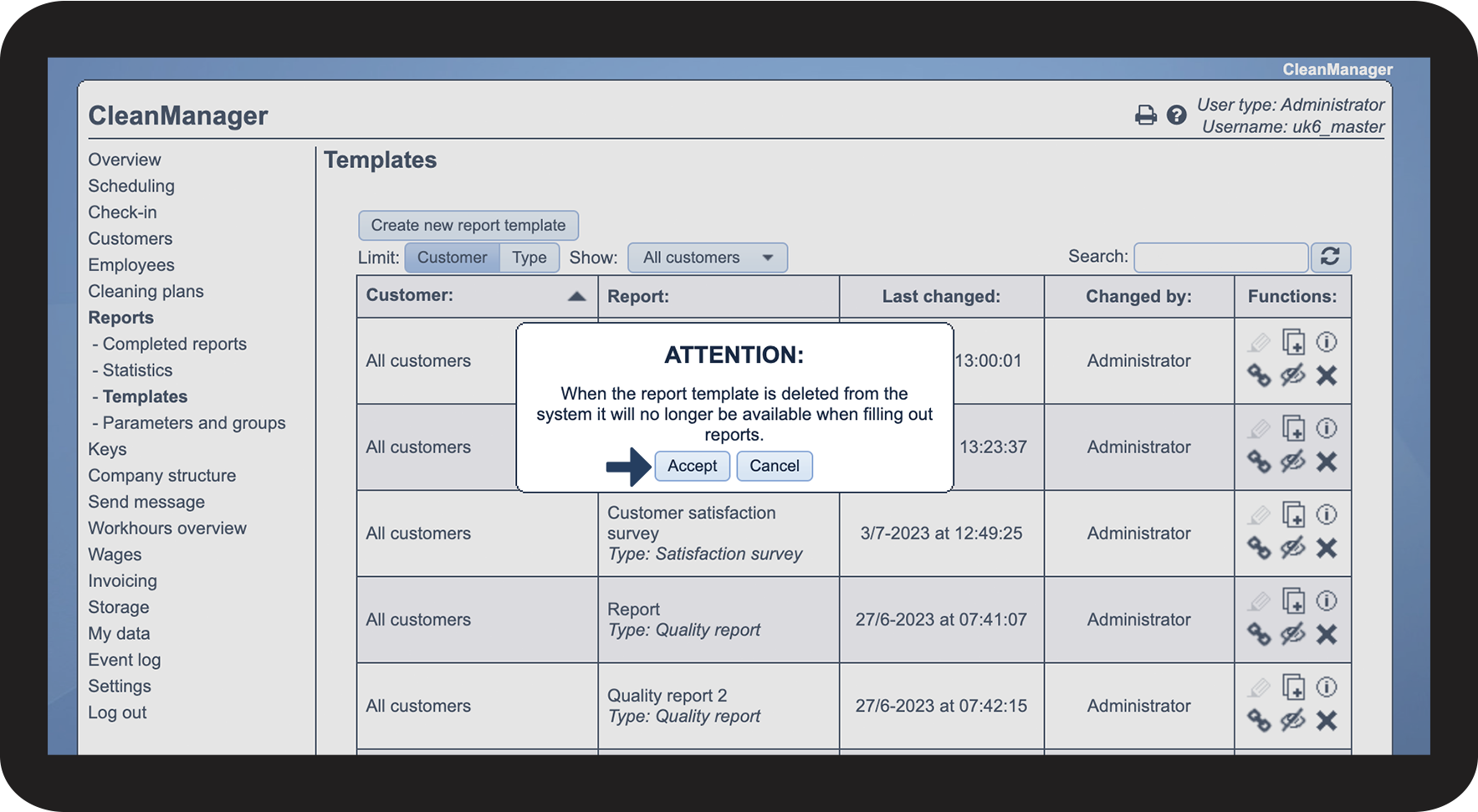
If you delete a template, it will be permanently removed from the system and therefore not be available for filling out new reports.
INFO:
If the administrator deletes a template, completed reports based on the template will still be visible in the submenu Completed reports.
Completed reports based on a deleted template will still show up in the statistical data.
However, you do not have the option to filter on a deleted report template in the submenu Statistics.
In this article, you will learn how to delete a report template as an Administrator:
How to delete a report template

 to delete a template