Skip to content
English
  • There are no suggestions because the search field is empty.

Delete quote basis

How do I delete a quote basis?

Are you in need of cleaning up your quote bases? Or did you copy the wrong quote, and need to remove the duplicate?

In this article, you will learn how to delete a quote basis.

NOTE:

If you delete a quote basis from CleanCalculator, it will be deleted permanently.


How to delete a quote basis

number_1.png
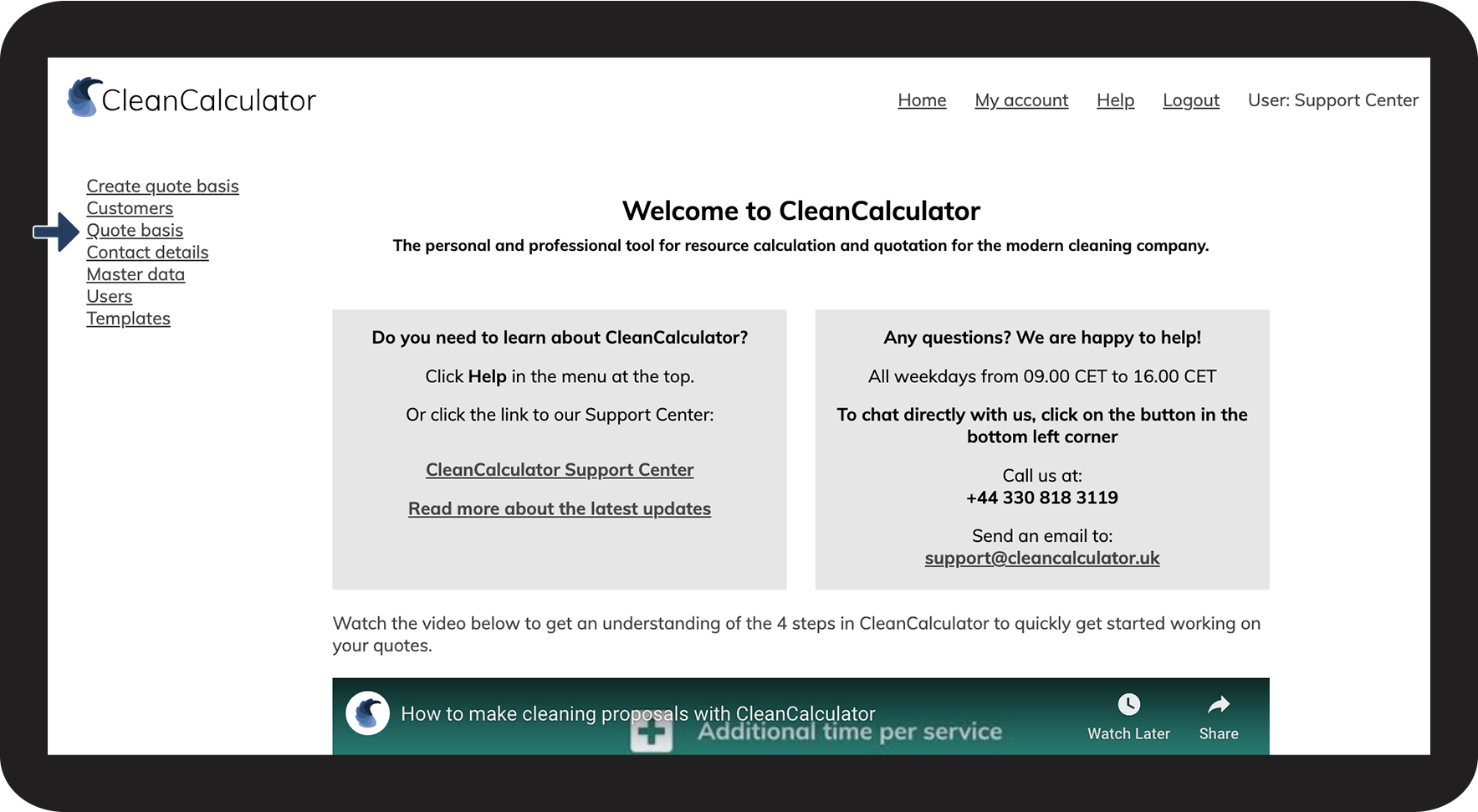
Go to Quote basis

1NY.png

number_2.png

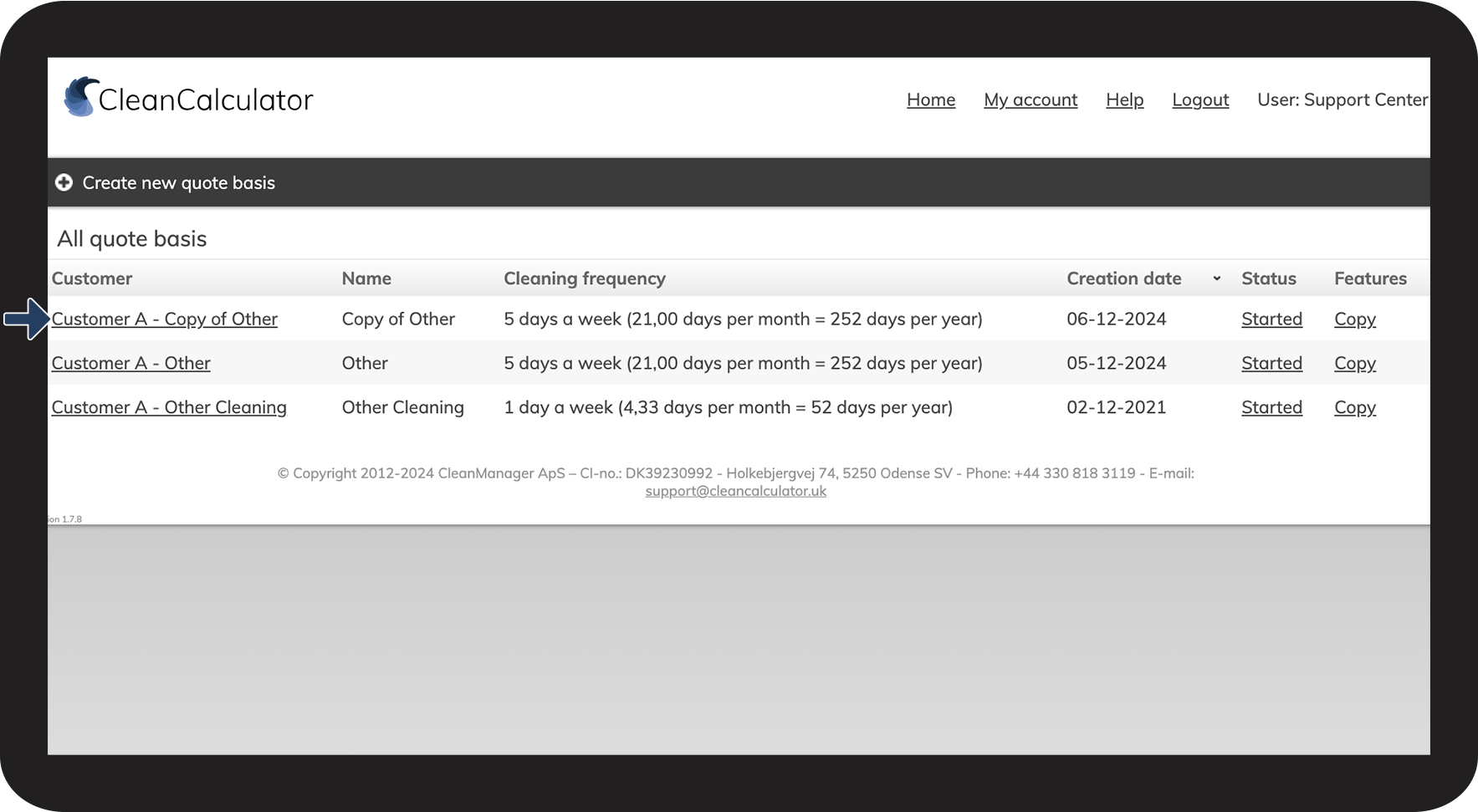
Select the quote you wish to delete

2NY.png

number_3.png

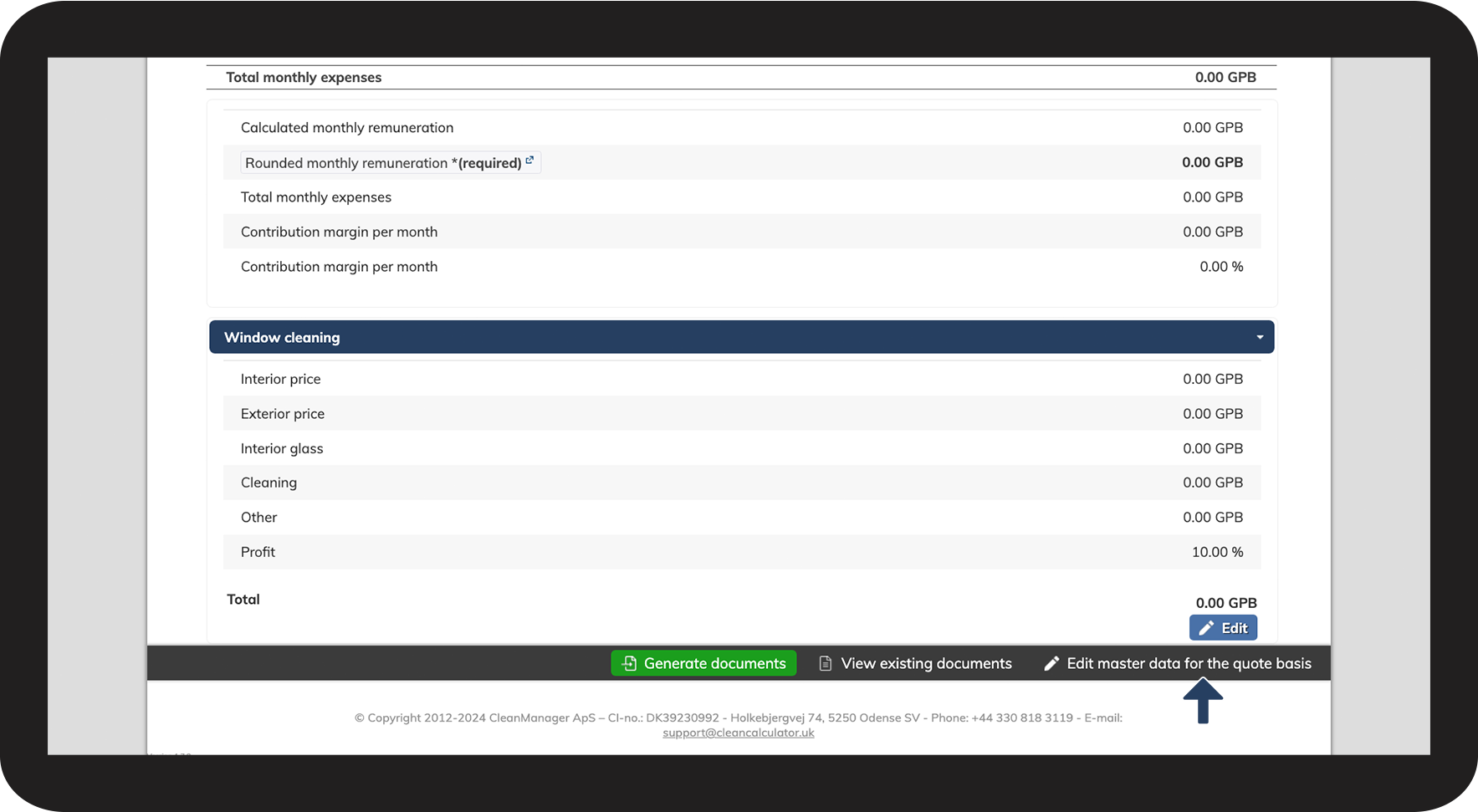
Scroll down to the bottom of the page and click on Edit master data for the quote basis

3NY.png

number_4.png
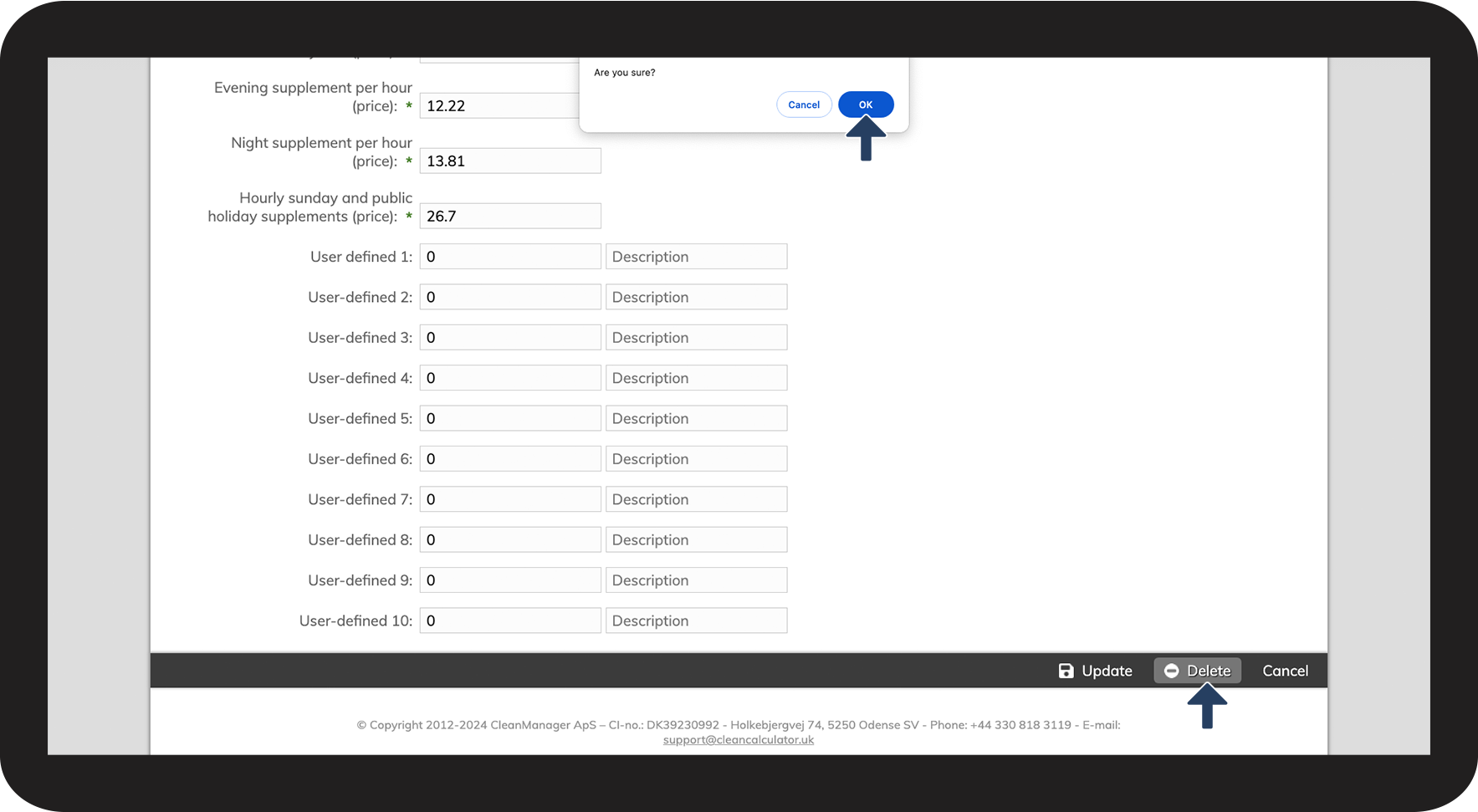
Click Delete at the bottom of the page
 
Click OK to confirm

4NY.png

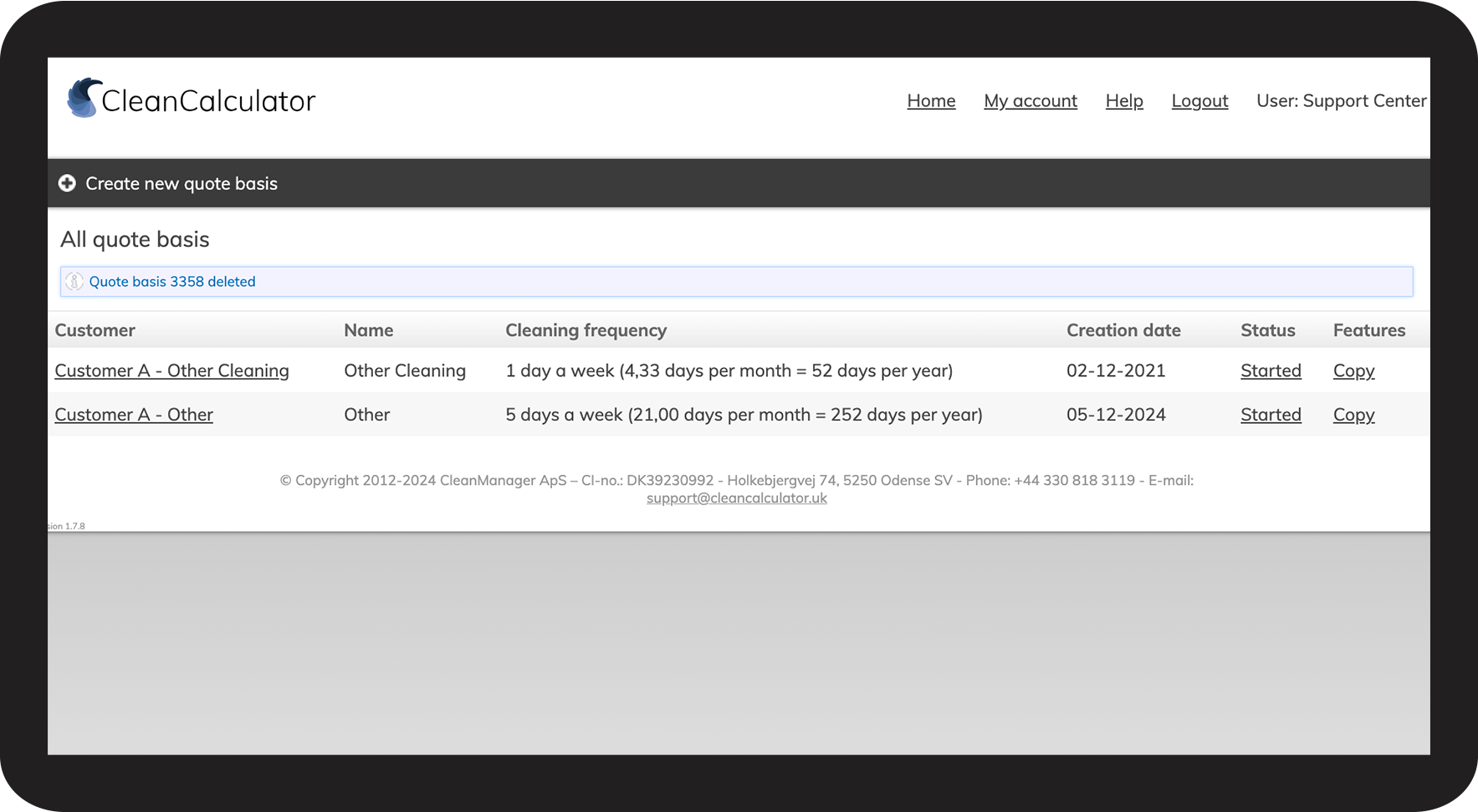
number_5.png
Your quote basis has now been deleted
5NY.png