How do I set up notification types?
In order to organize and plan important meetings and other administrative tasks, you have the option to create notifications for your administrator and supervisors.
Note:
A notification type can be edited and deleted after it has been created.
When a notification type is used for a notification for an employee or a customer, the notification type cannot be deleted as long as the type is active.
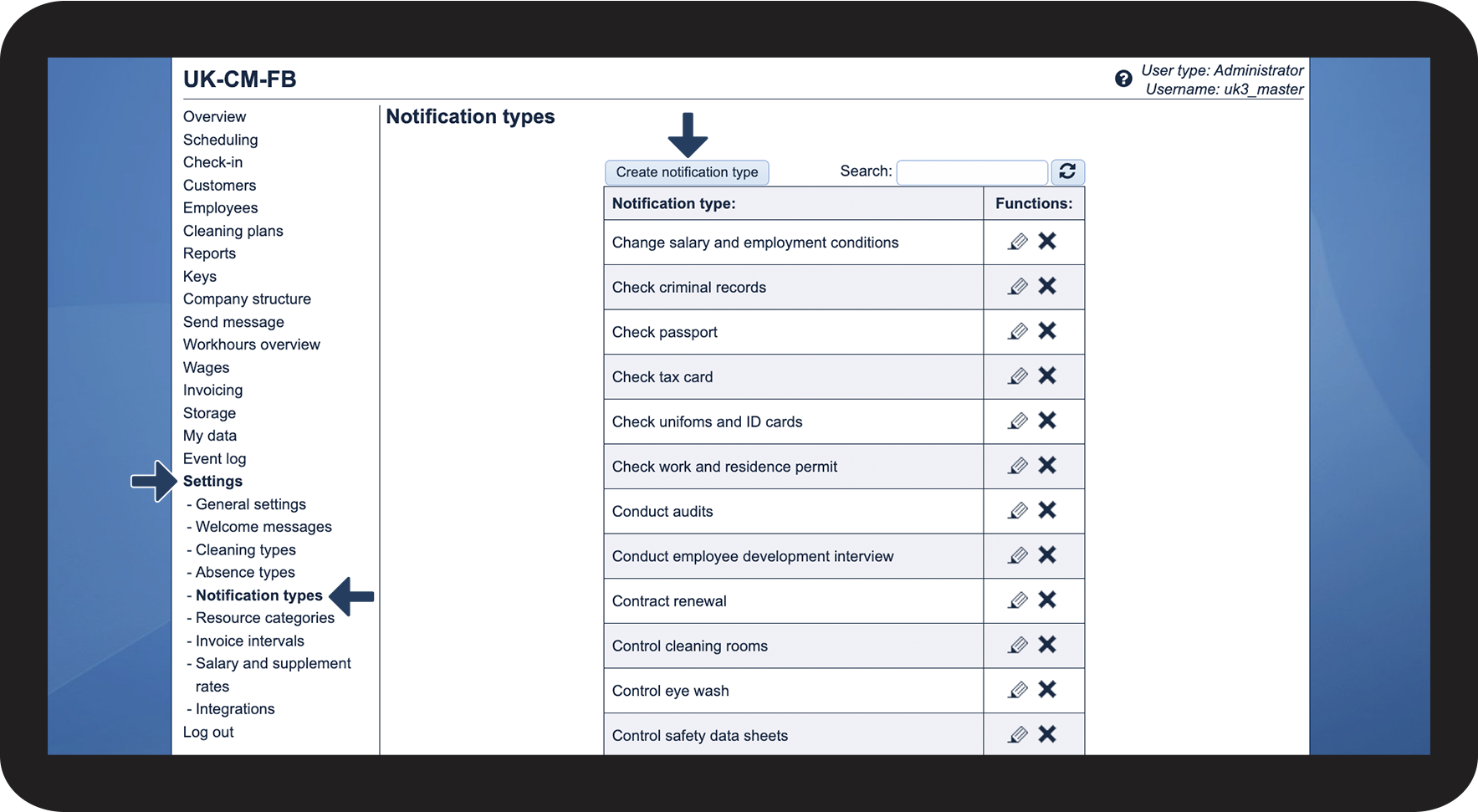
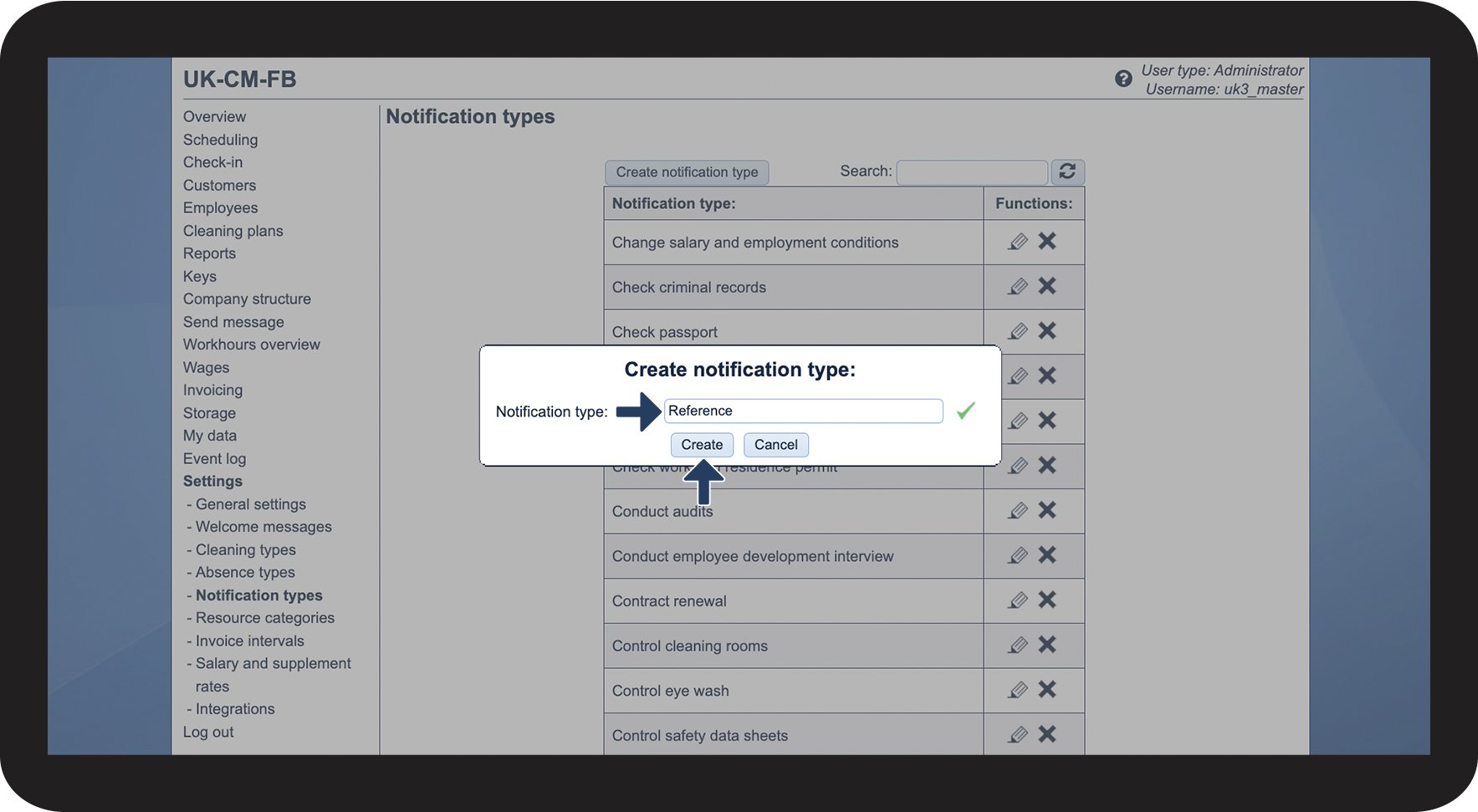
In this article, you will learn about creating notification types:
Creating notification types