
How do I create an employee job title?
Get started creating your first employee job titles in this article.
The Administrator can choose to create employee job titles that help divide their employees into groupings. This can help to make the employee more manageable.
Which description should be used as a job title is entirely up to the Administrator. The employees can then be sorted based on the job title they have been assigned.
Read more in the article about how the Administrator creates employee job titles:
How to create an employee job title

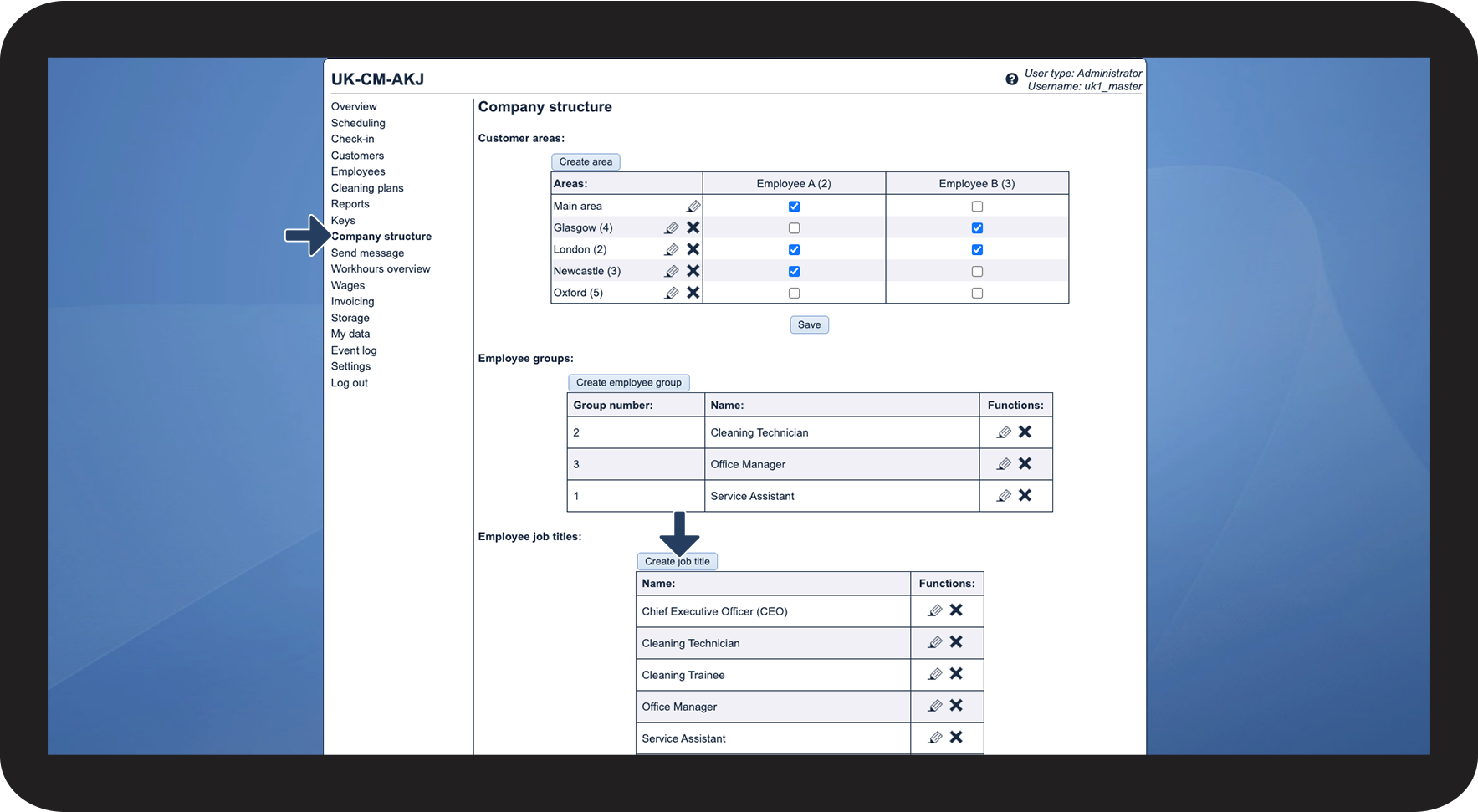

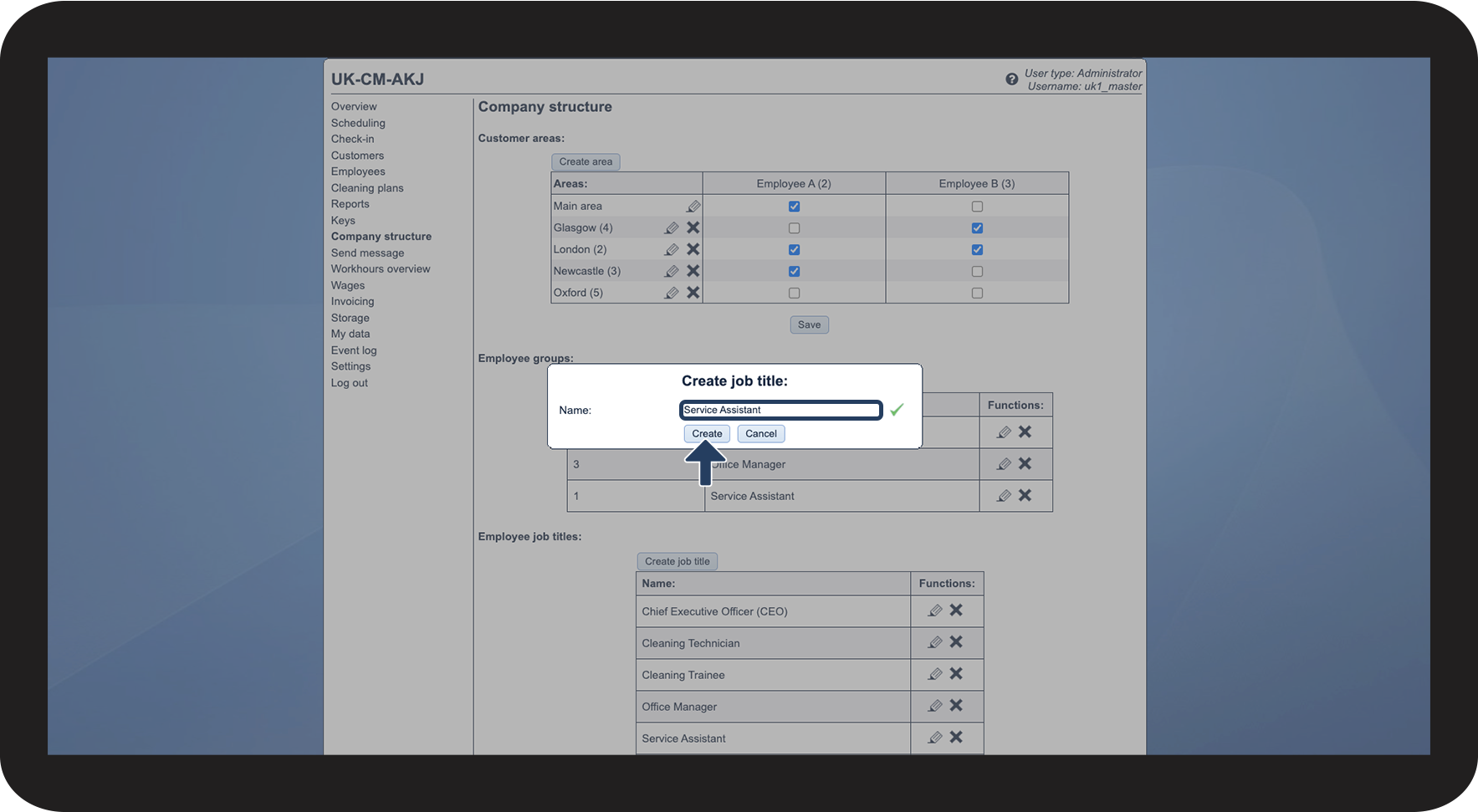
How to edit the name of a job title


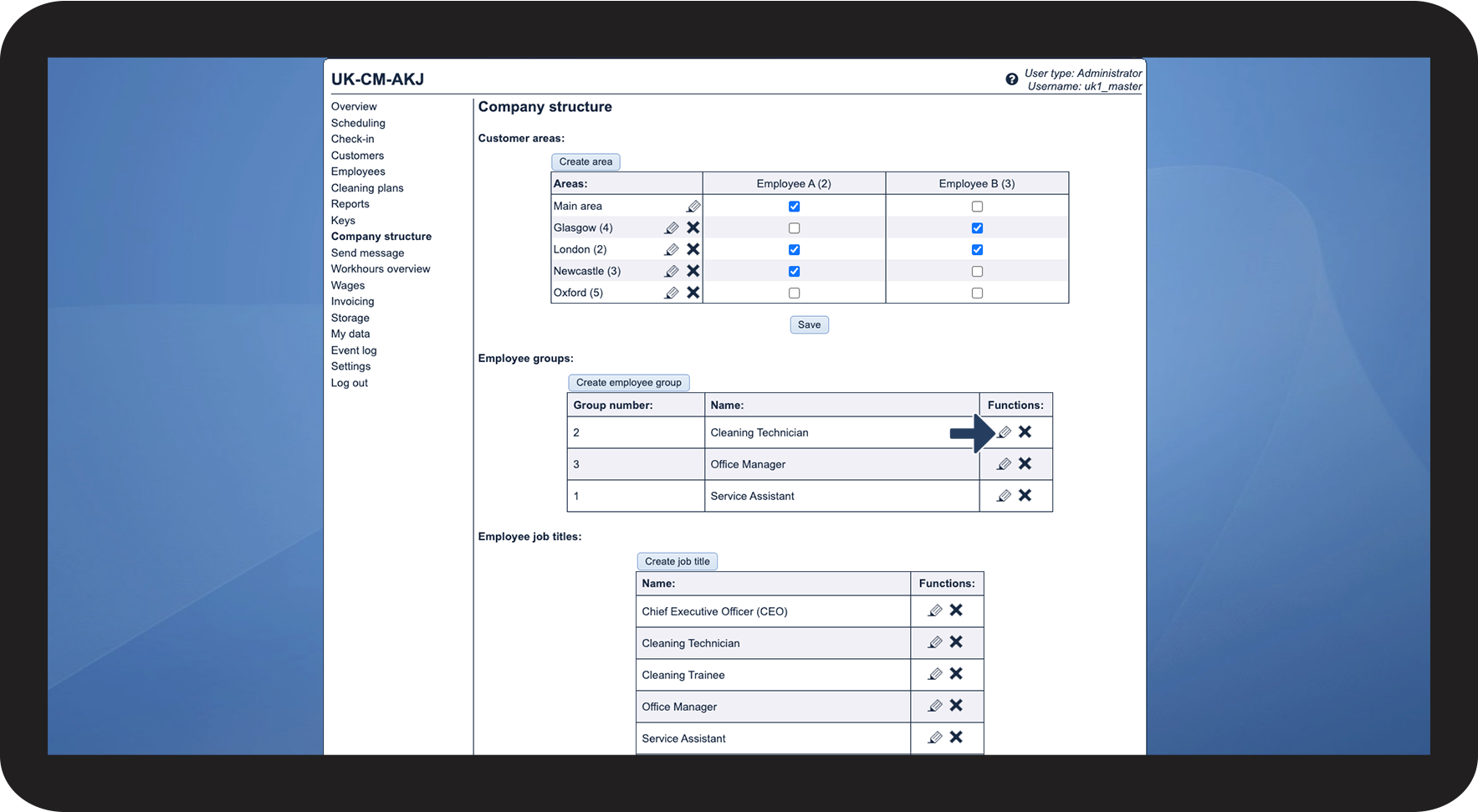
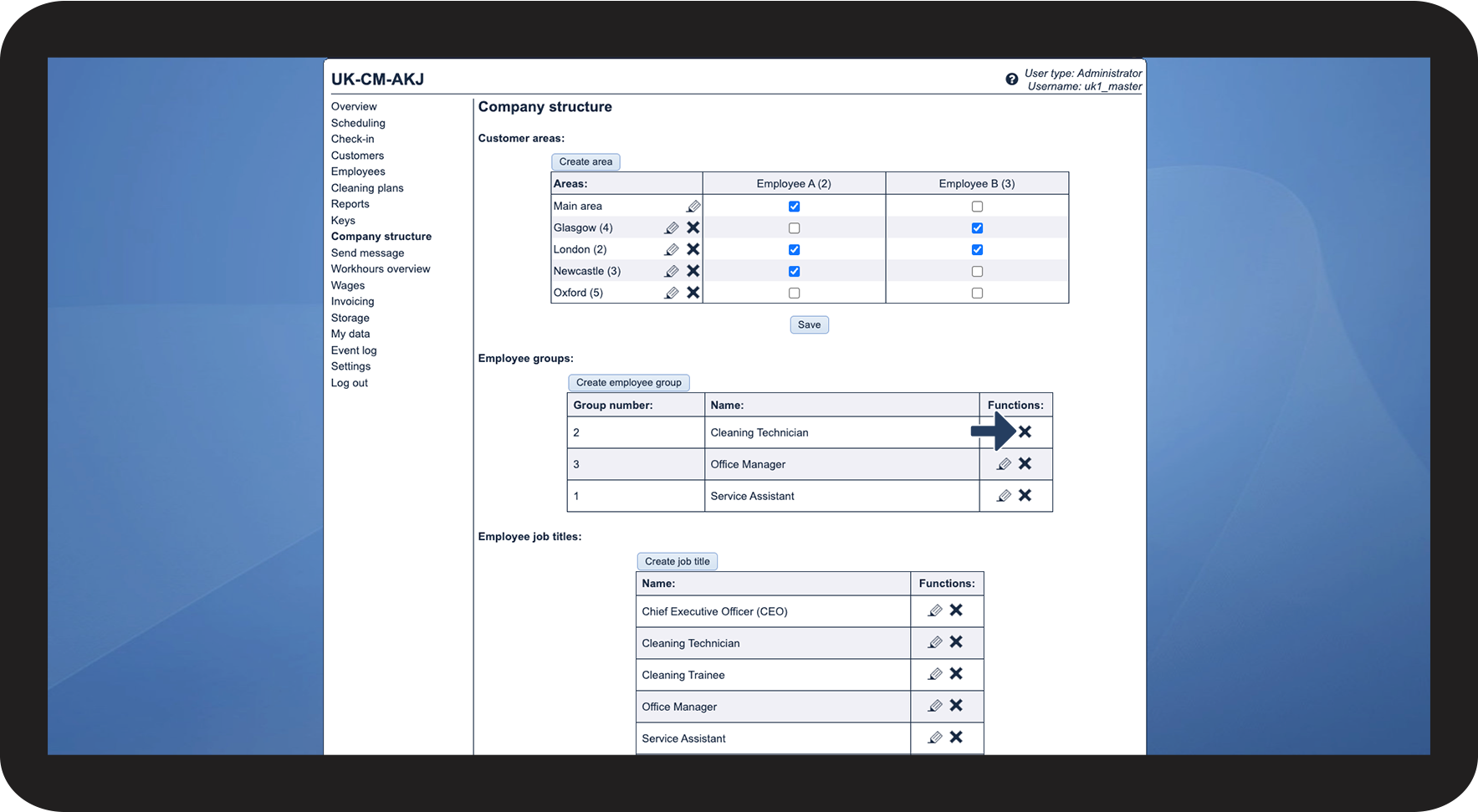
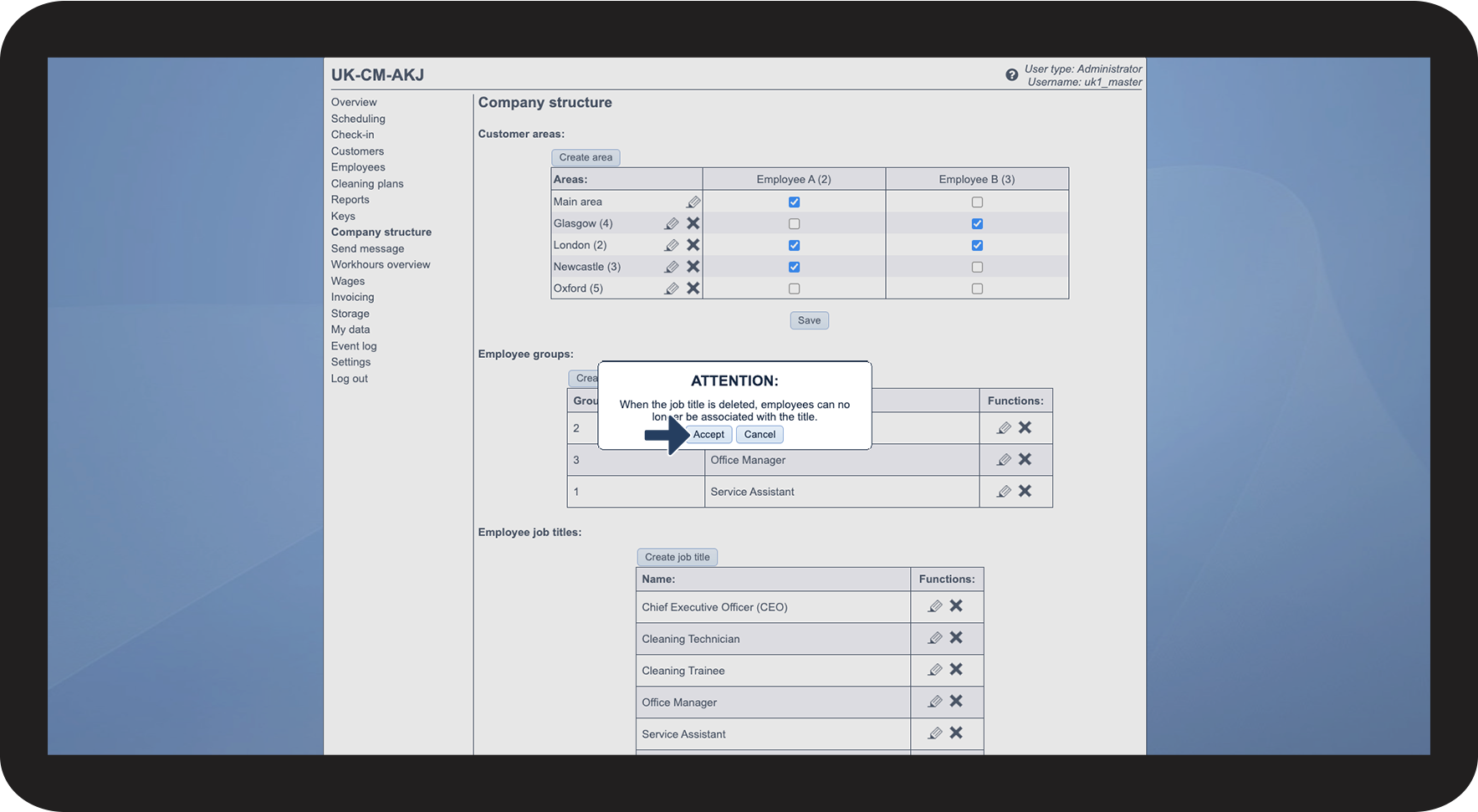
How to delete a job title

NOTE
When the job title is deleted, it can no longer be associated with employees. For employees with the job title in question, it will simply say No job title.
Continue to the article Assigning an employee job title
Here you can see how you assign employee job titles.