Skip to content
English
  • There are no suggestions because the search field is empty.

Creating a parameter comment

How do I create a parameter comment?

You have the option to create static comments that can be selected when filling out a report. 

Static comments can both consist of a single word or a full sentence. 


In this article, you will learn how to create parameter comments for a report template: 


How to find existing parameter groups

number_1.png
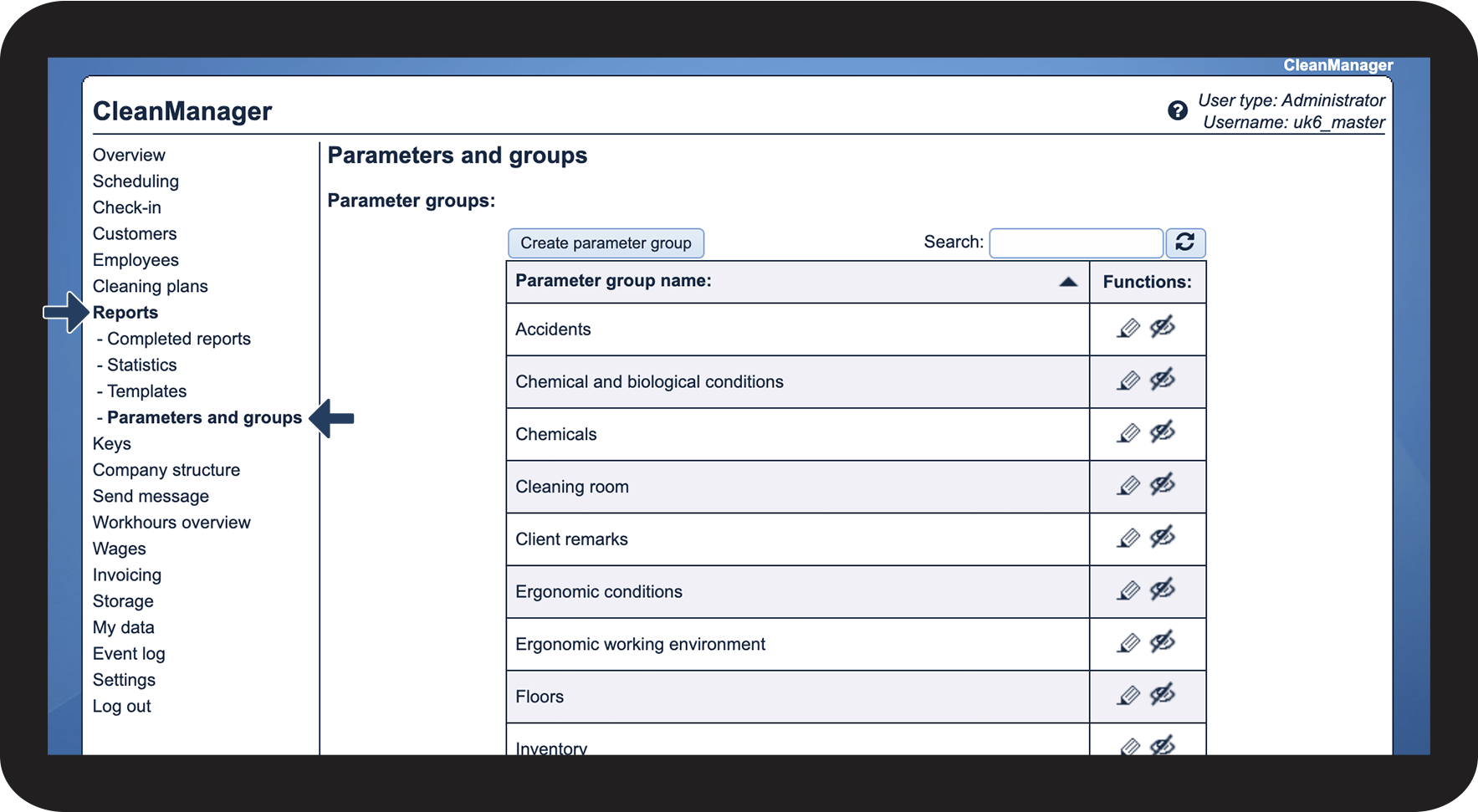
In the menu, go to Reports > Parameters and groups
 
This submenu gives an overview of existing parameter groups, parameters, and parameter comments that can be used for report templates

1.png

number_2.png

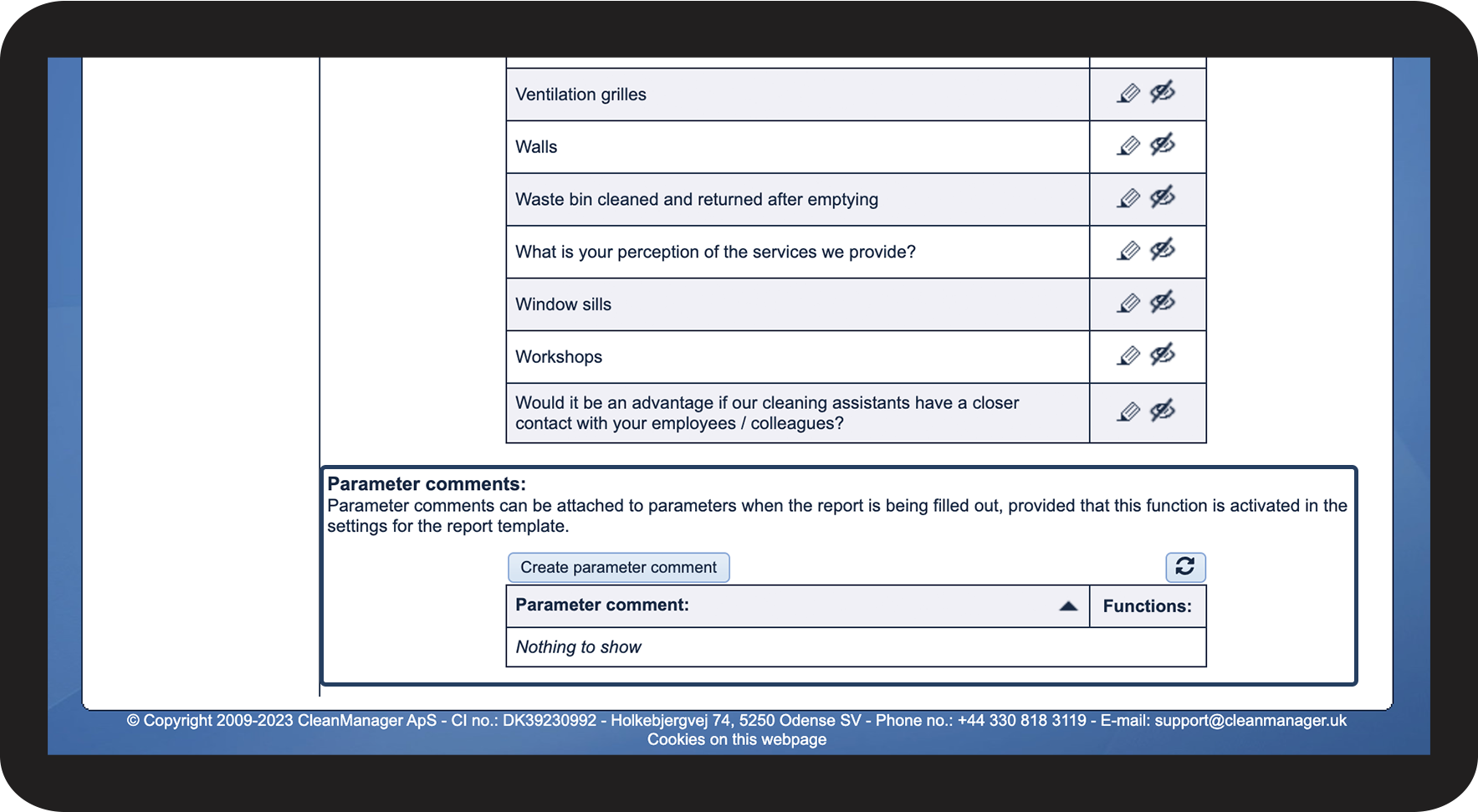
Scroll down to the Parameter comment section

 
This is also where you can create, edit and hide parameter comments

2.png


How to create a parameter comment
number_1.png
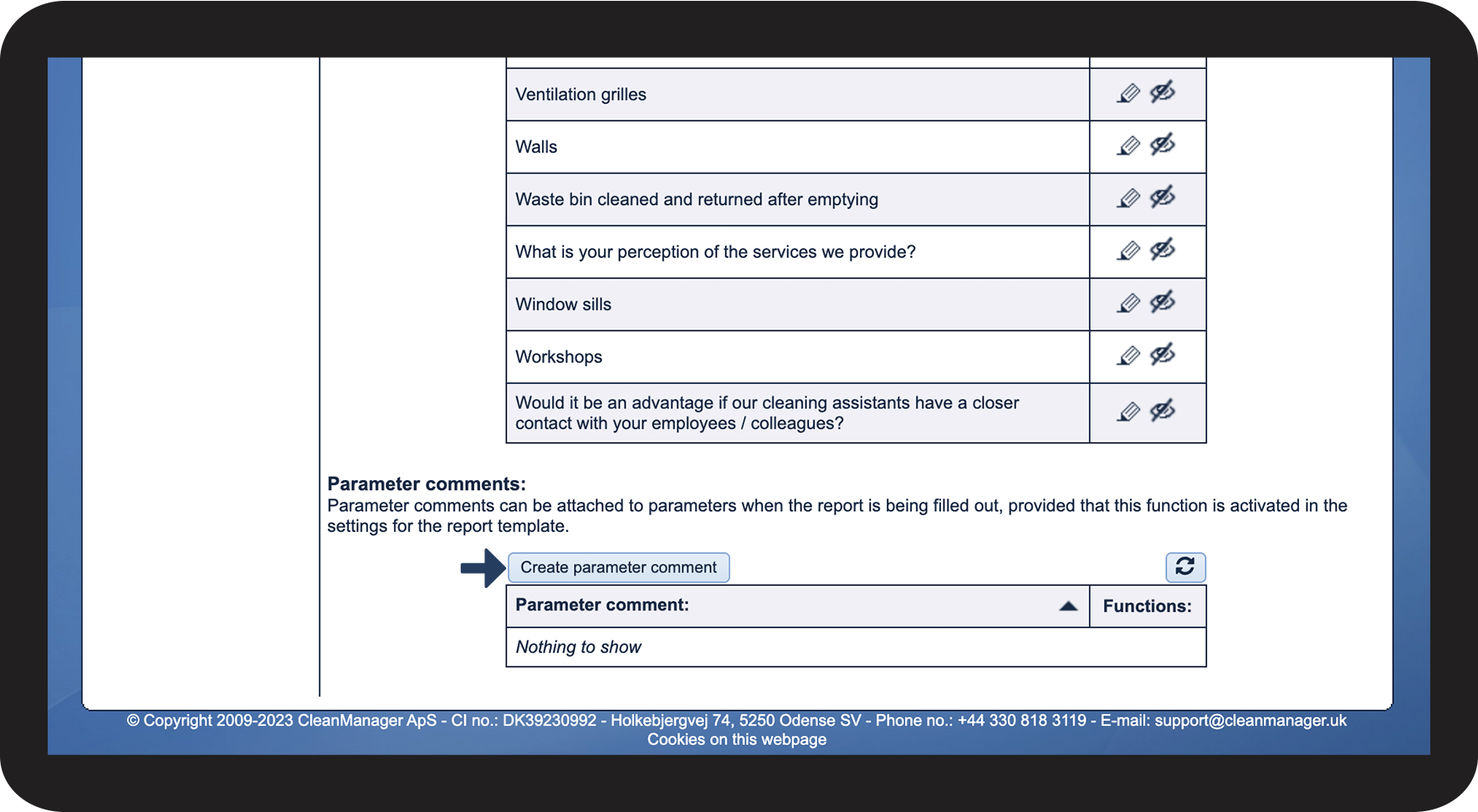
Click on Create parameter comment
 
This gives you the option to create a static comment that can be selected in the comment field of a parameter

3.png

number_2.png
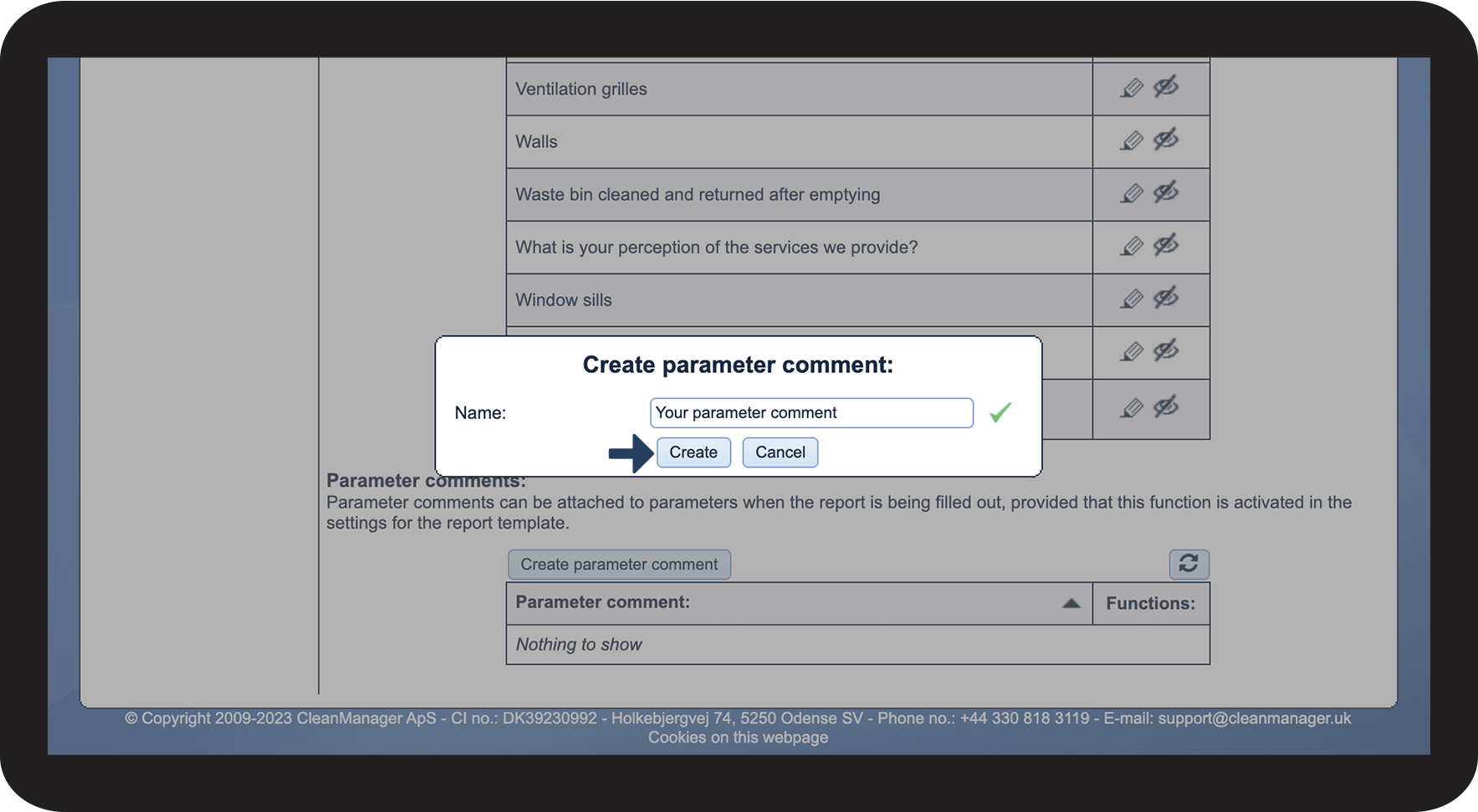
Enter the comment and click on Create
4.png