How do I create parameters?
There are two ways for the administrator or supervisors to create parameters that can be used in the parameter groups.
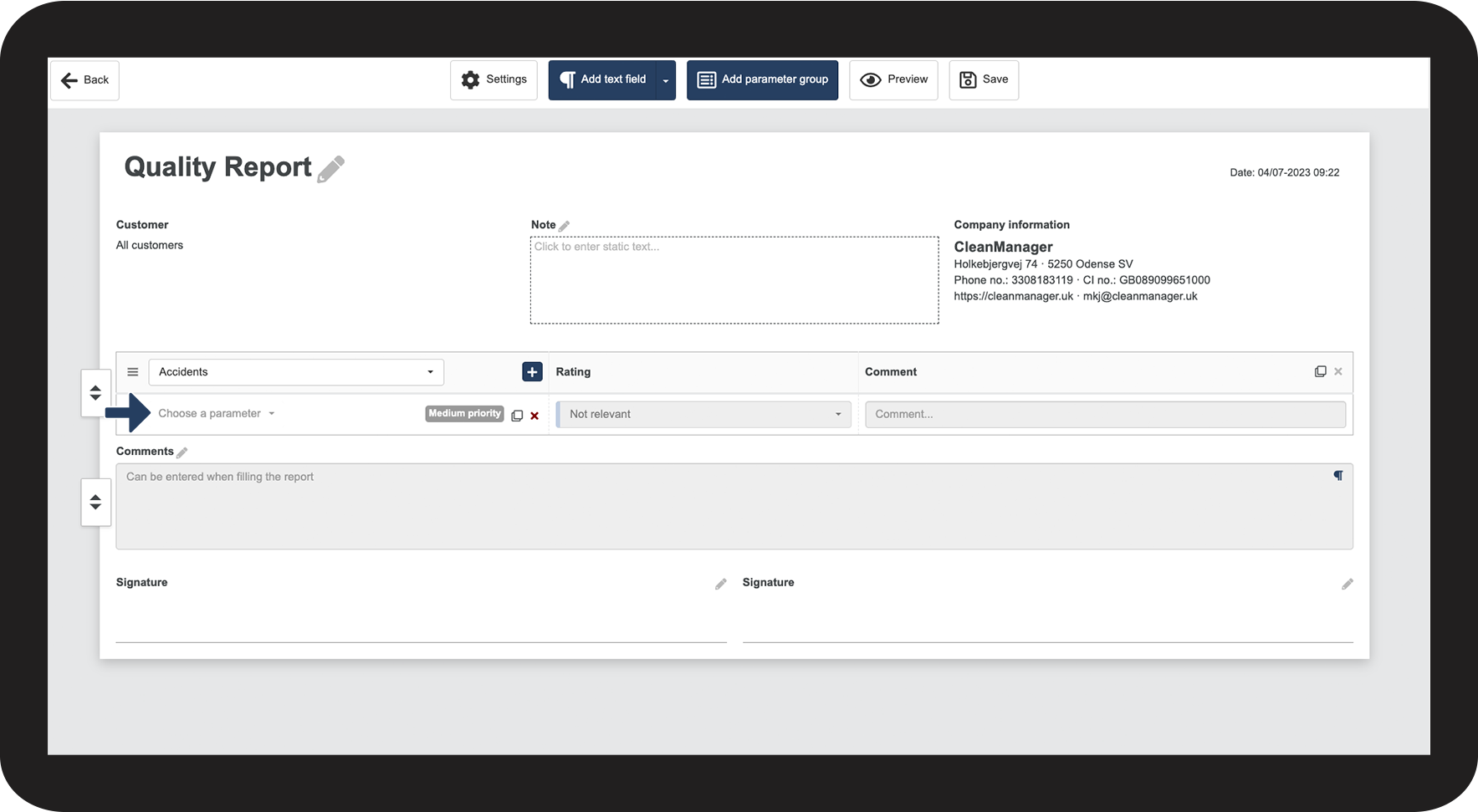
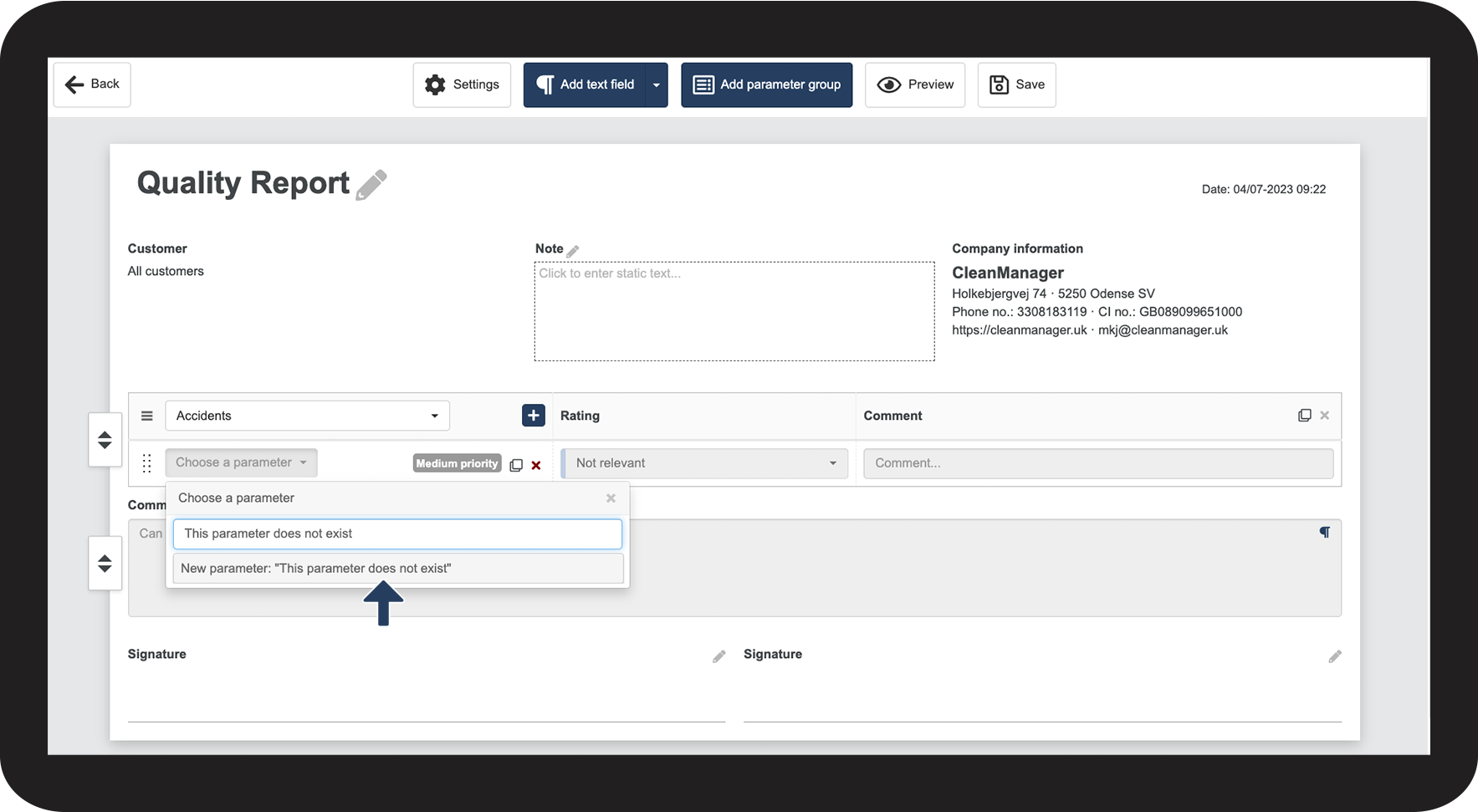
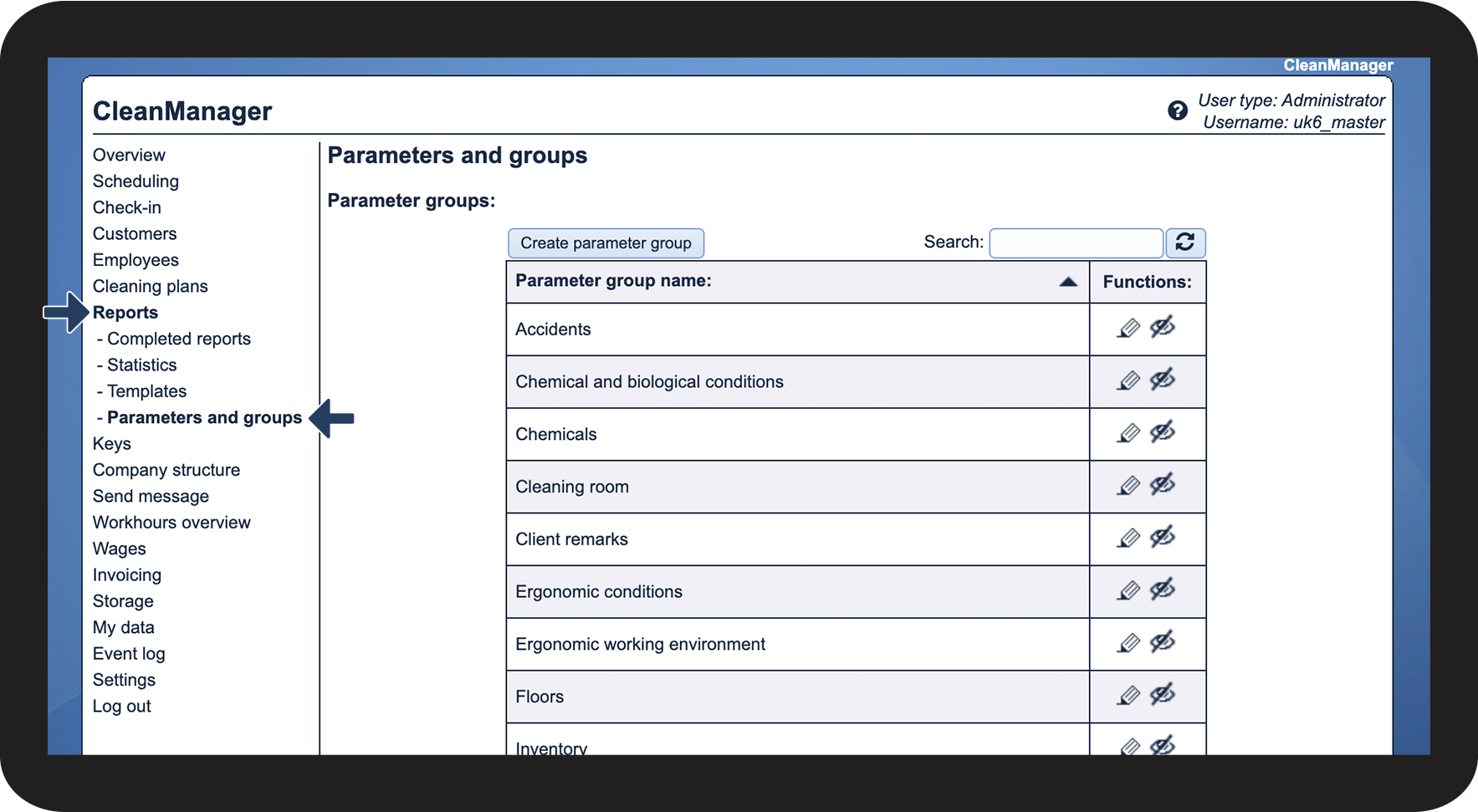
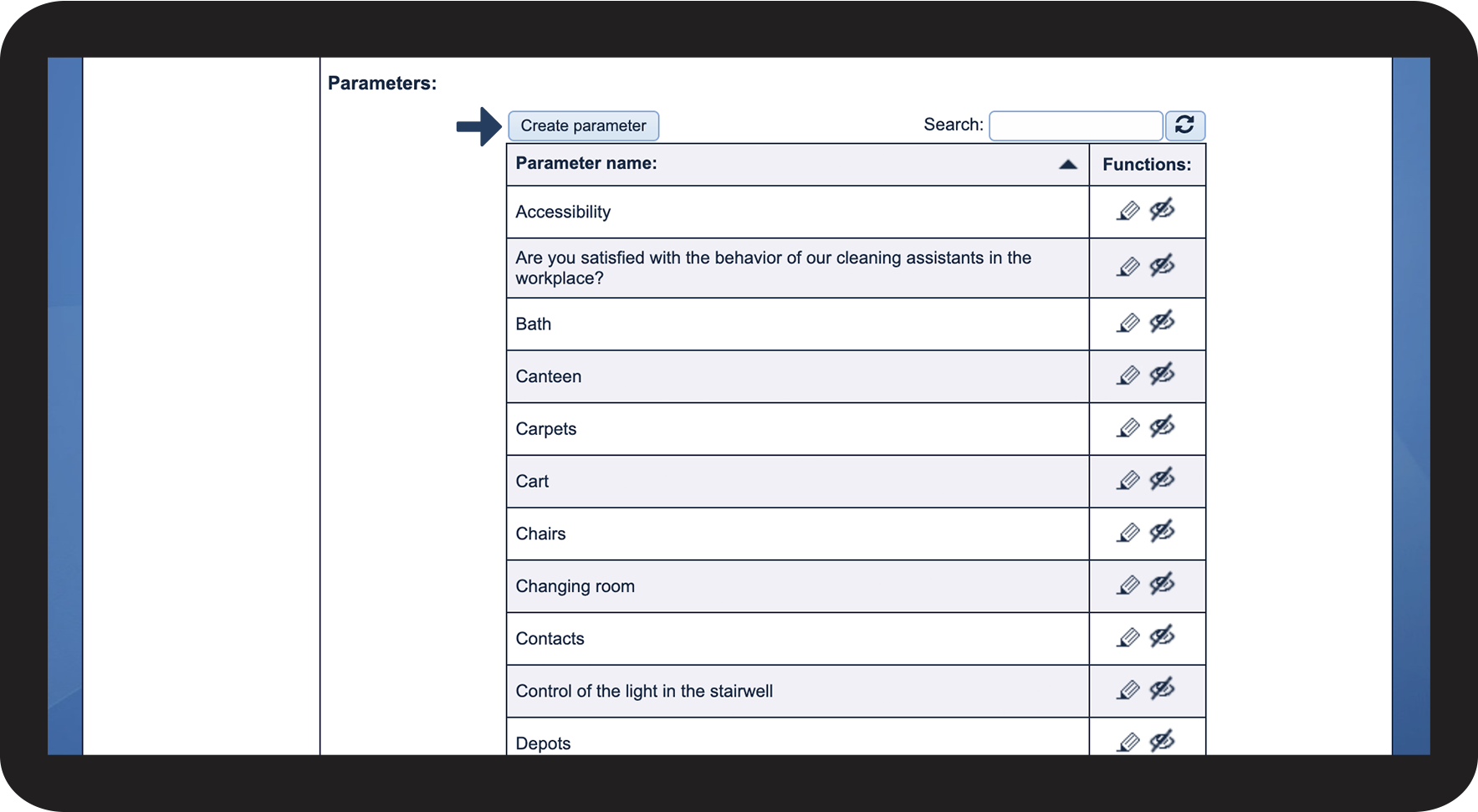
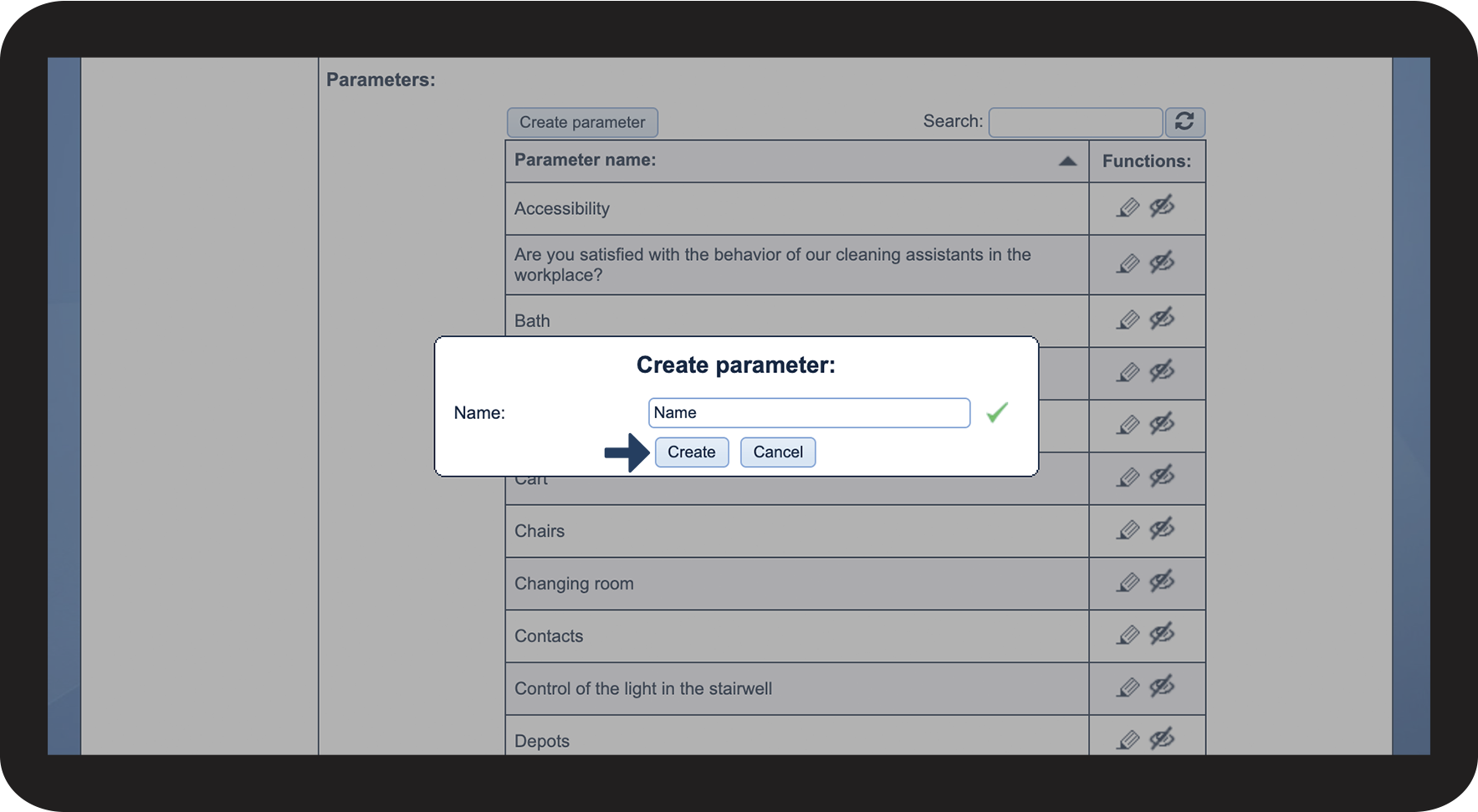
Parameters can be created while setting up a new report template or in the submenu Parameters and groups.
In this article, you will learn how to create parameters:
- Where can I find existing parameters?
- How do I create parameters?
- How do I create parameters while setting up a report template?
How to find existing parameters


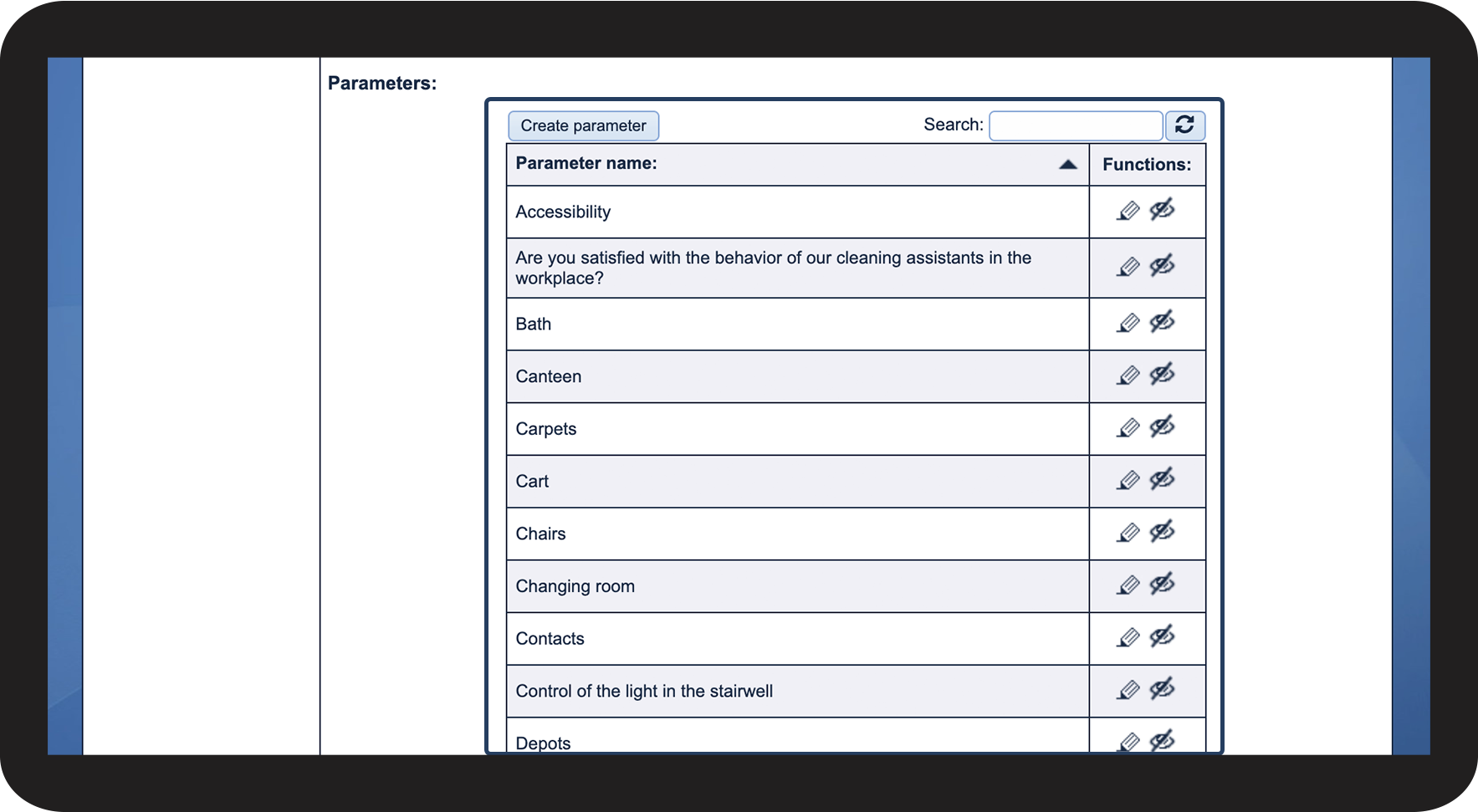
How to create parameters
How to create a parameter while setting up a report template