
How do I copy my quotes?
Once you have created a quote basis, you can easily copy it, edit the master data, and apply it to other clients or make a new quote for the same client.
NOTE:
When you copy a quote basis, some data will be reset because it requires manual configuration. Documents and attached files will also not be duplicated.
Data fields in the quote that are not included in the duplication process:
- Rounded time per visit
- Rounded monthly remuneration
- Rounded monthly material costs (+Description)
In this article, you will learn how to copy a quote basis.
How to copy a quote basis and edit the data

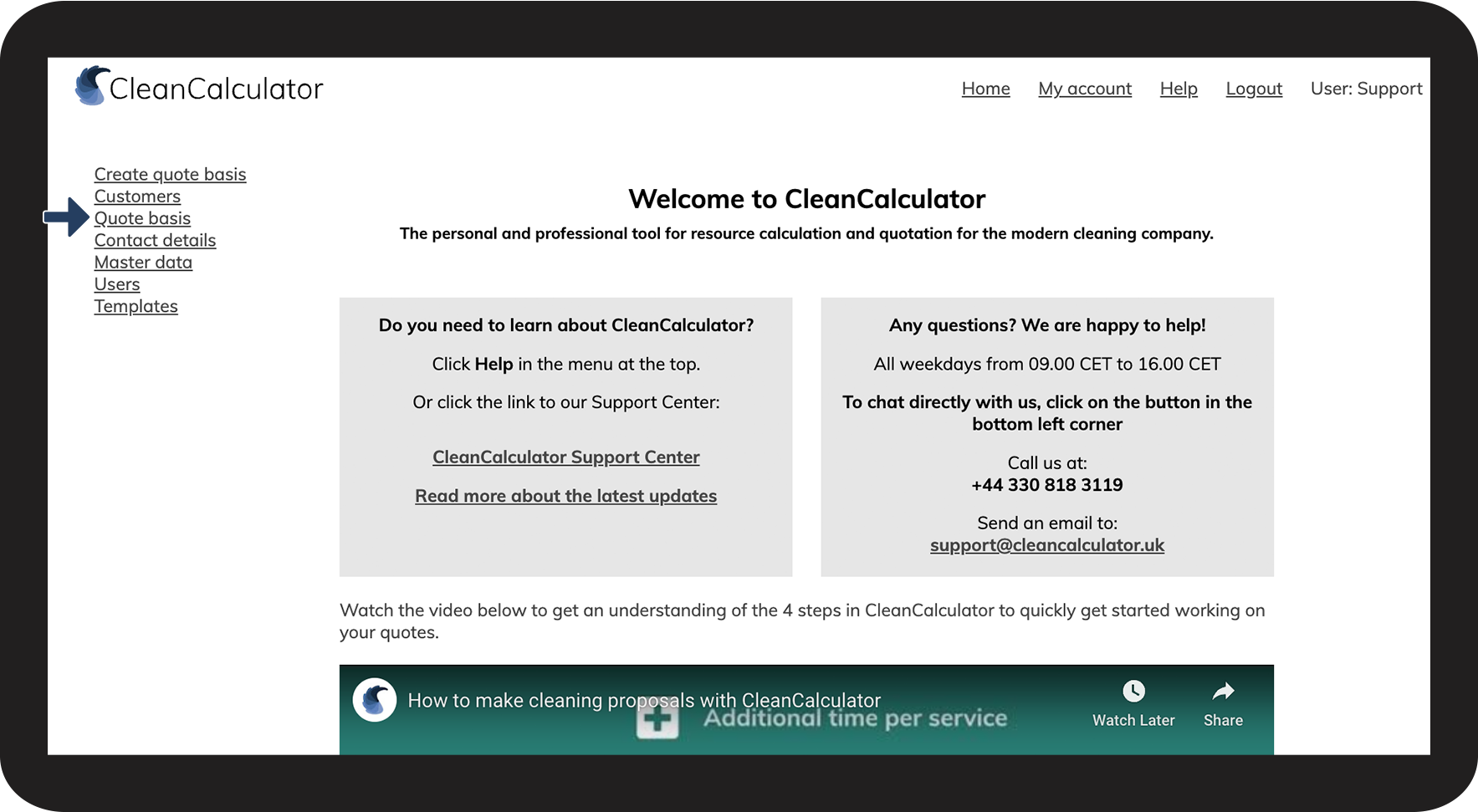

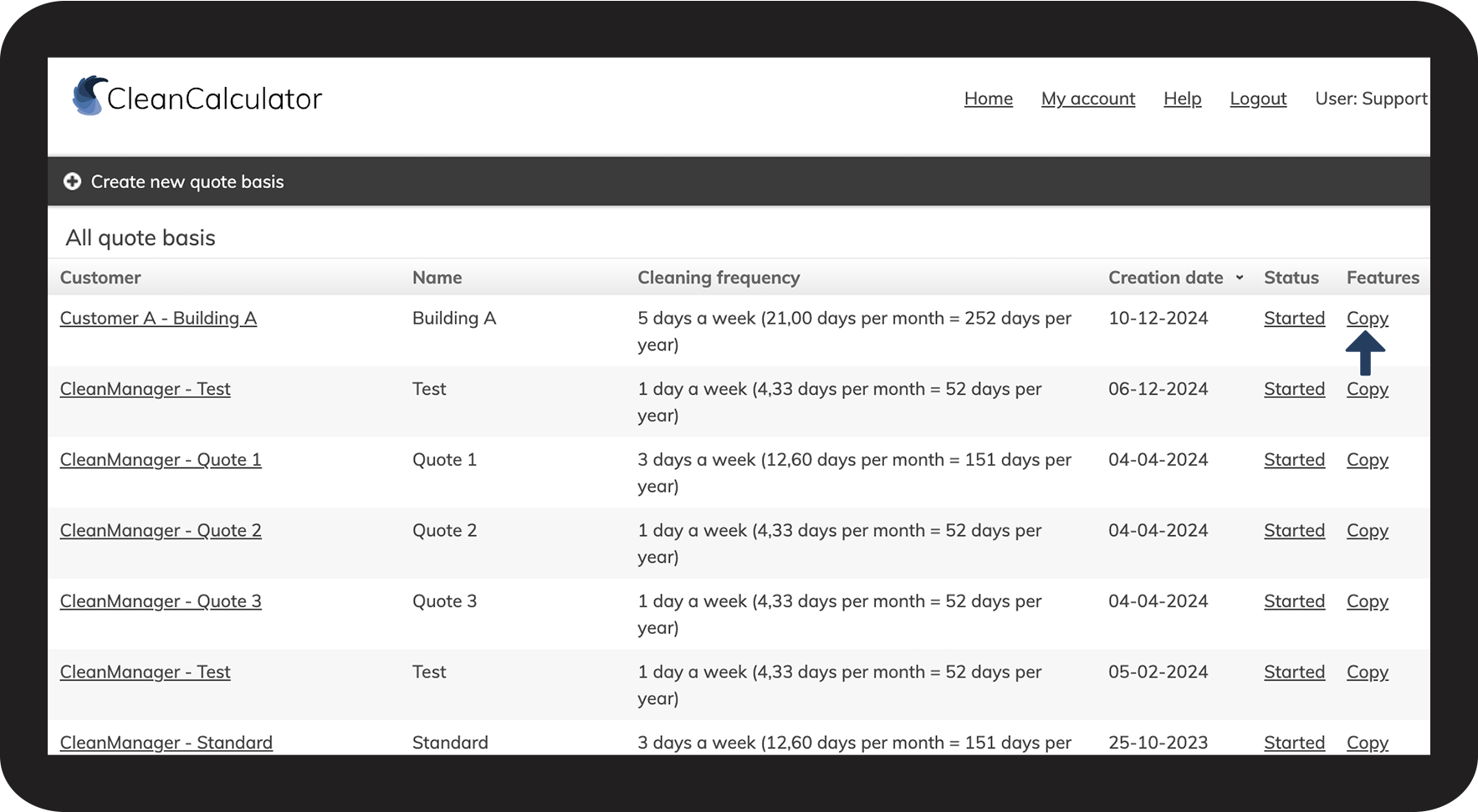

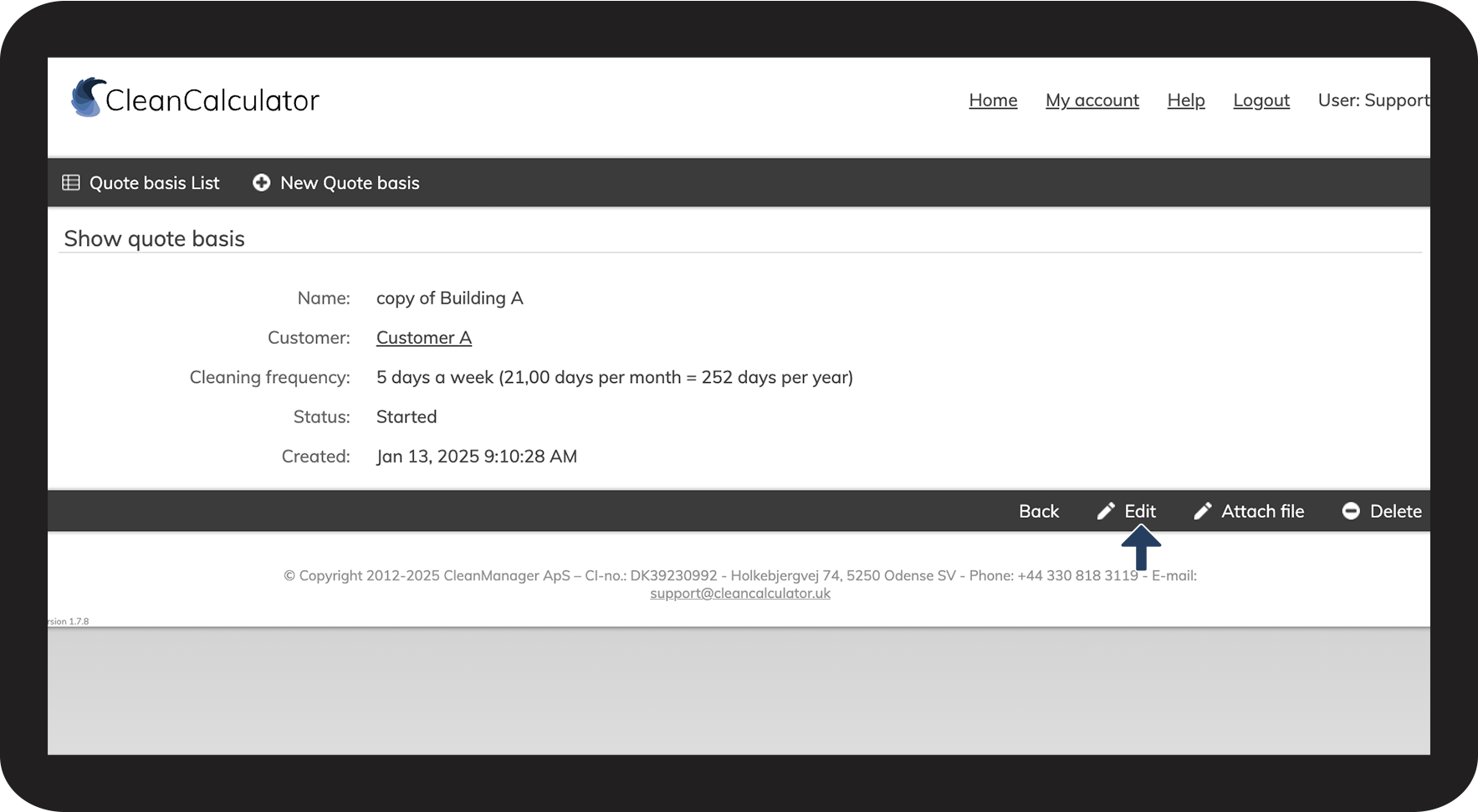

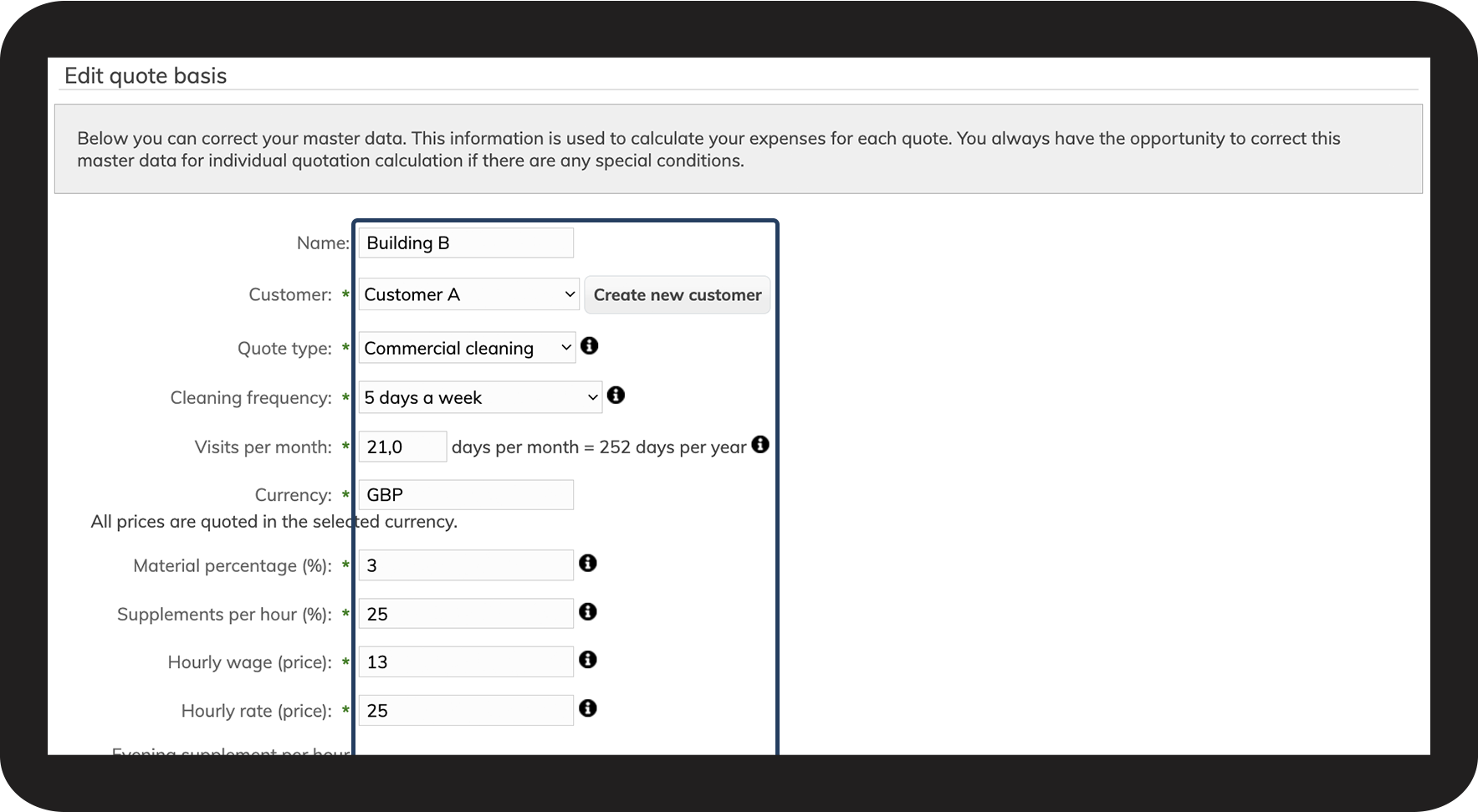

INFO:
It can be helpful to create a standard quote basis. This is used for certain types of jobs with a default configuration according to the preferred setting of headlines and numerical values.
This way, you can always copy the standard quote basis when you need to create a new quote.
Then, you can easily edit the quote, including the room registration.