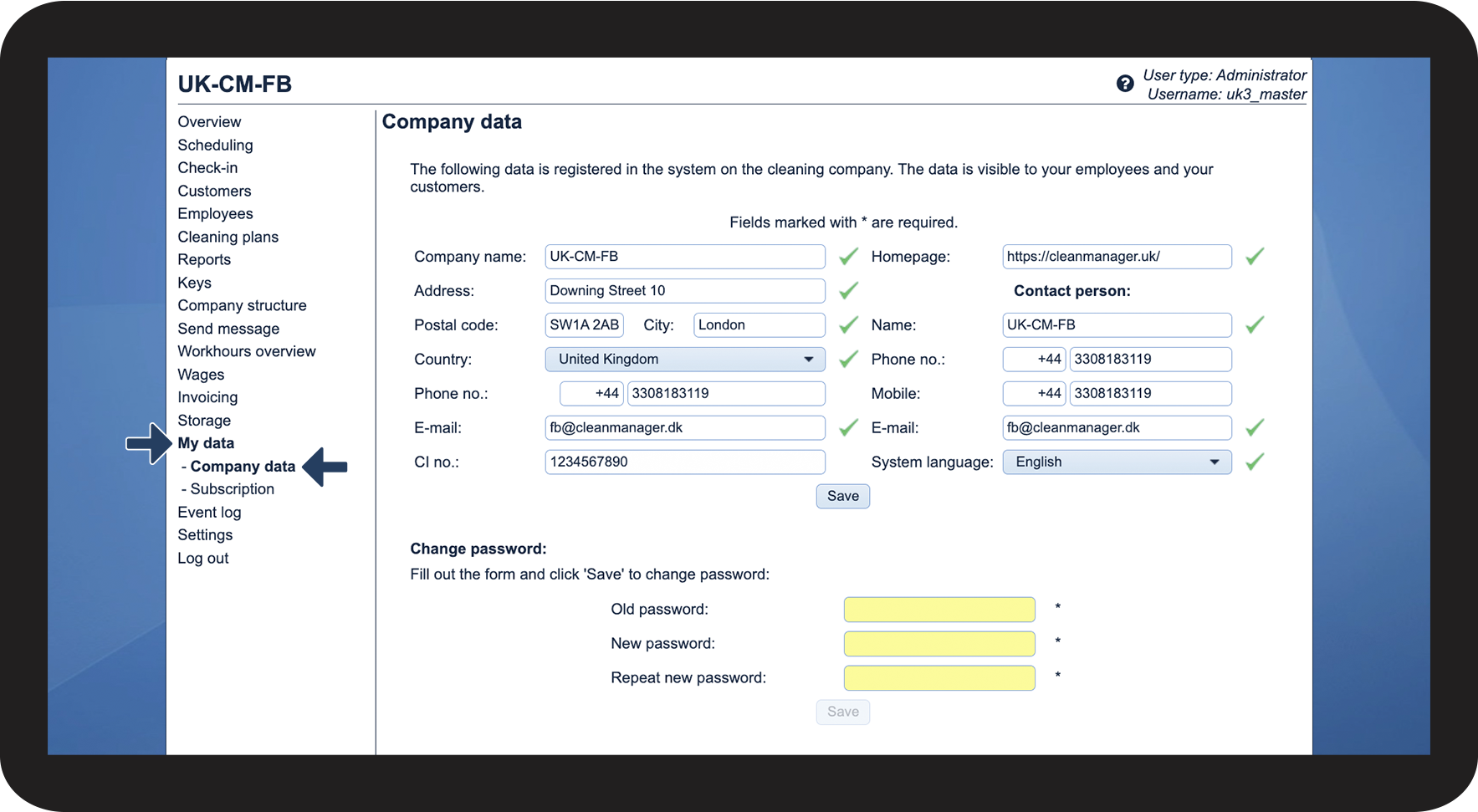
How do I edit company data and the administrator's contact details?
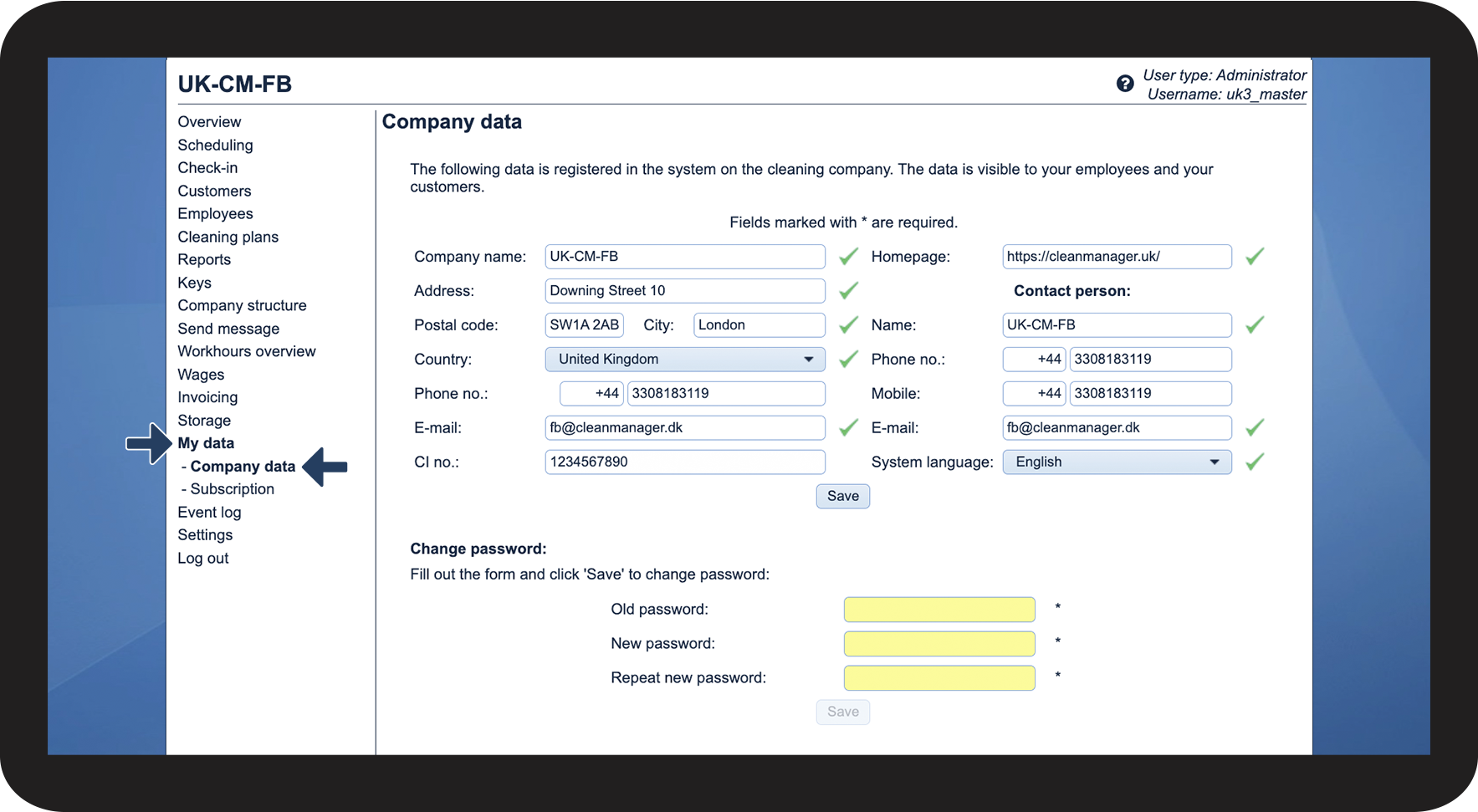
As an administrator, you have the option to edit the data regarding your company.
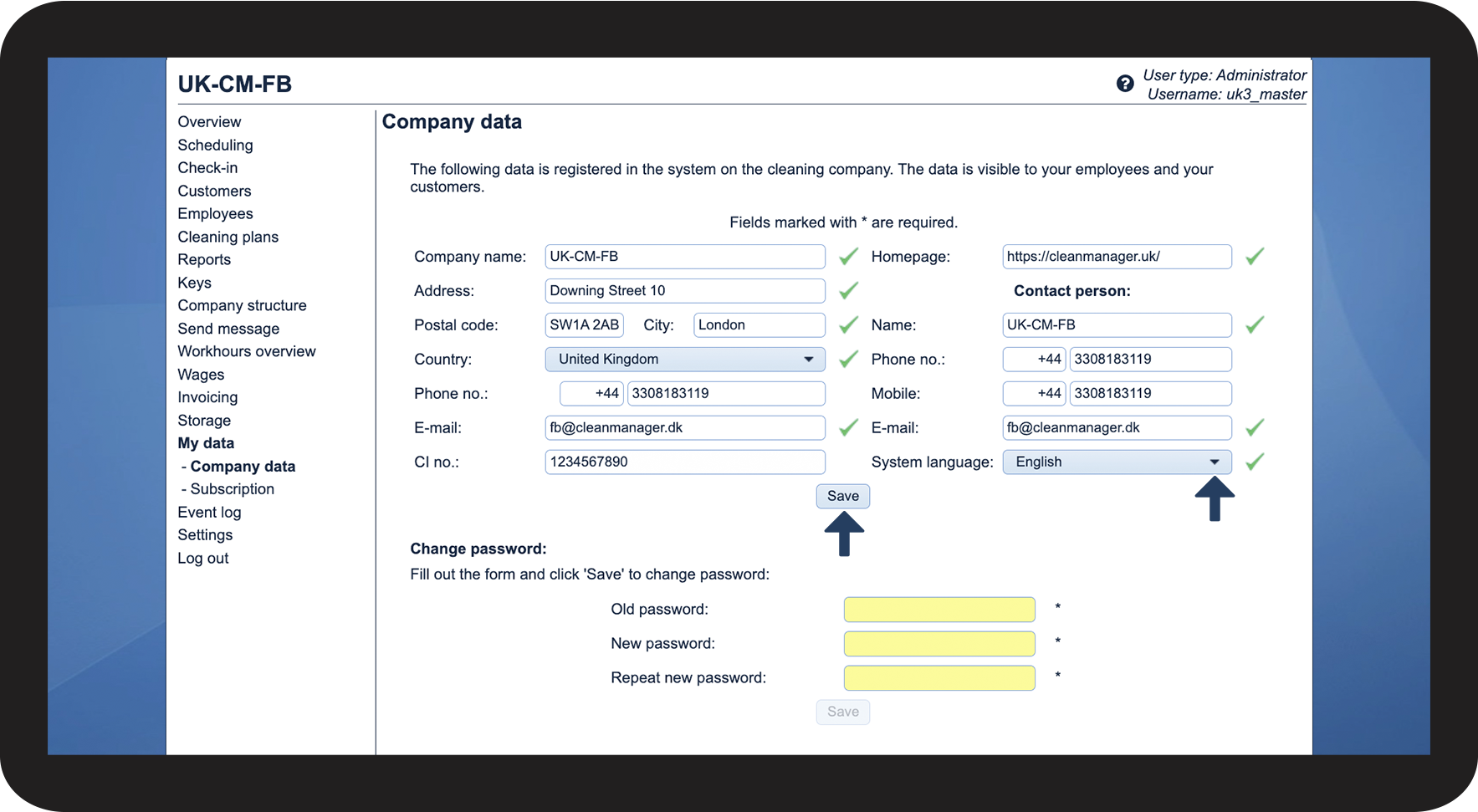
You can also edit your own contact details and the language you want the system to be in.
The information can be seen in different places in the system by both employees and customers.
In this article, you will learn how to edit your company data:
-
How do I edit the company's contact details?
-
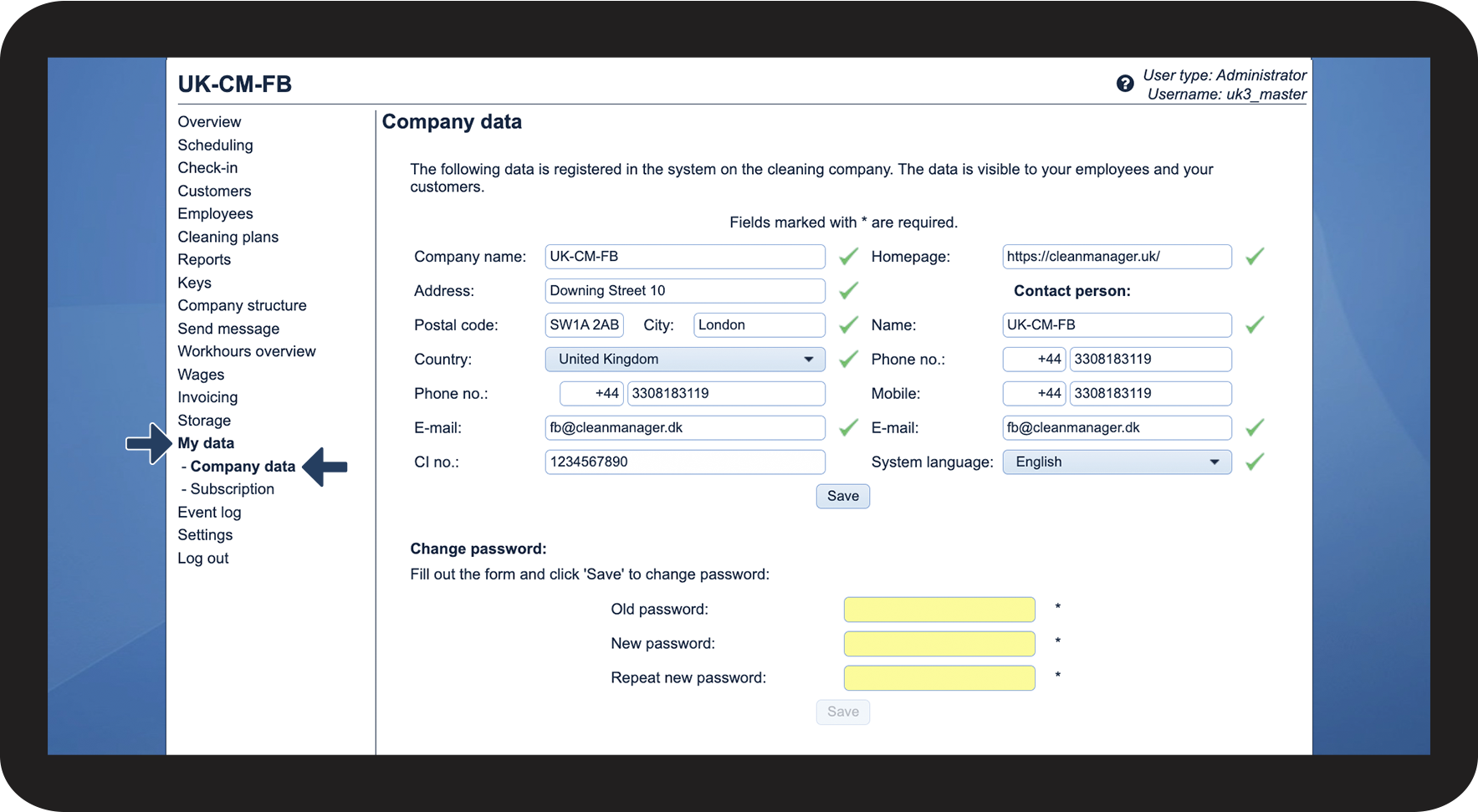
How do I edit the administrator's contact details?
-
How do I change the system language of the administrator?
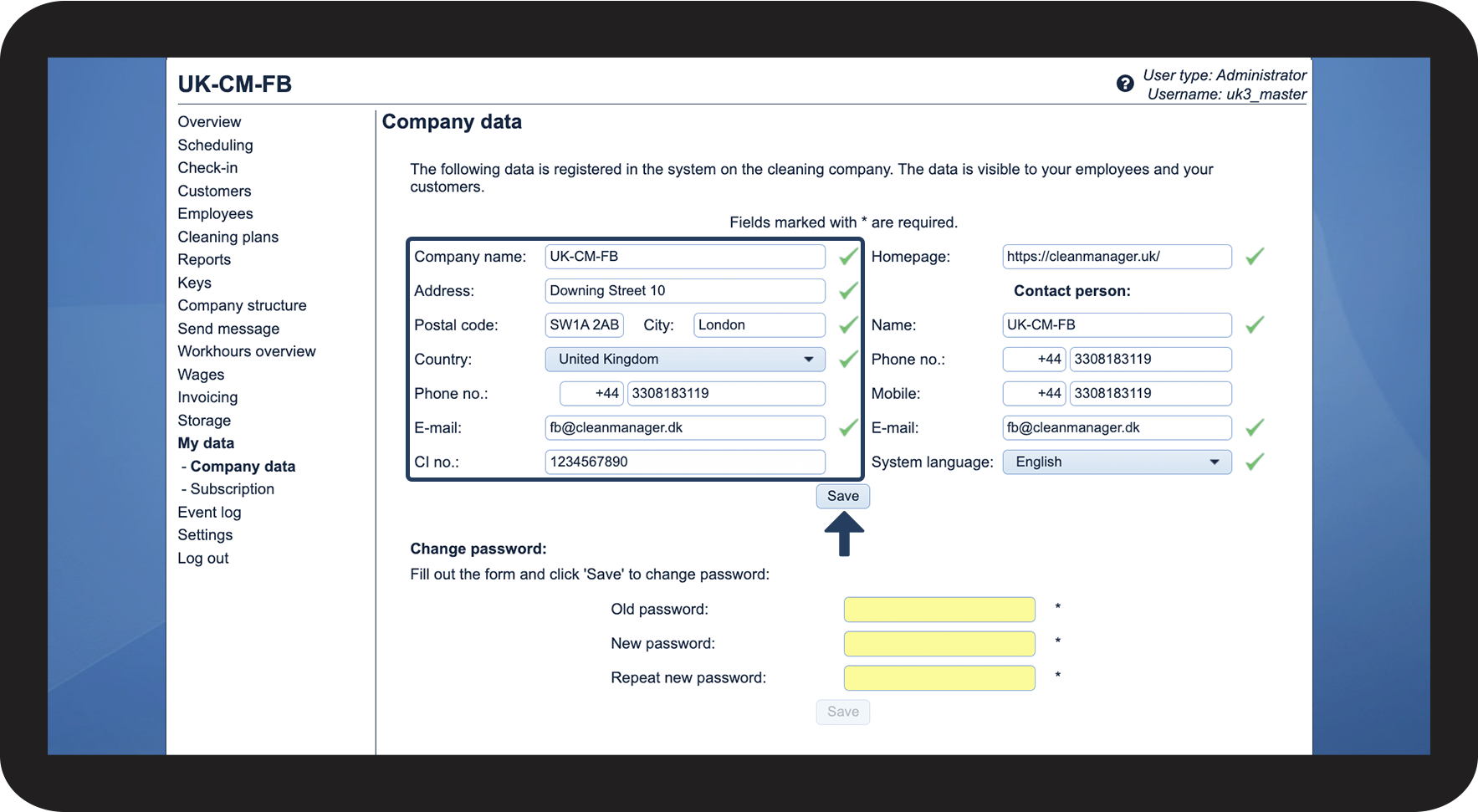
This is how you edit the company's contact details
The company data is shown or attached to various places in the system and enables users to find relevant contact details, e.g., in the web system, in quality reports, and in messages.


This is how you edit the administrator's contact details
The contact information will be shared with CleanManager, the employees, and the customers, who have been granted access to the system.
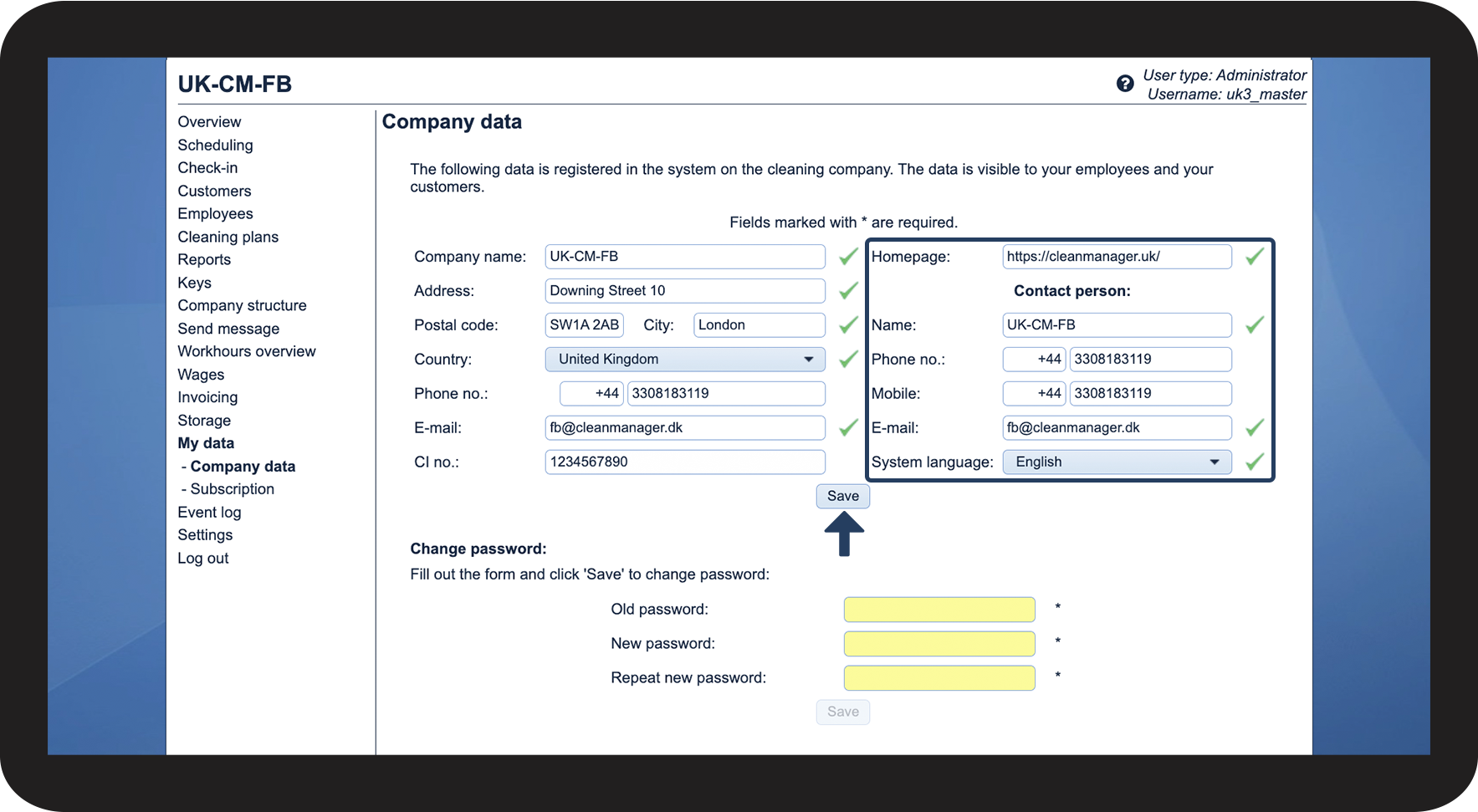
This is how you change the system language of the administrator
By changing the system language of the administrator, you change the language of the entire system. Employees, supervisors, and customers can change the language of their accounts as well, or the administrator or supervisor can change it for them. However, as a standard, all accounts will, at the beginning, be in the same language as the administrator account.