How can an Administrator get an overview of his customer areas?
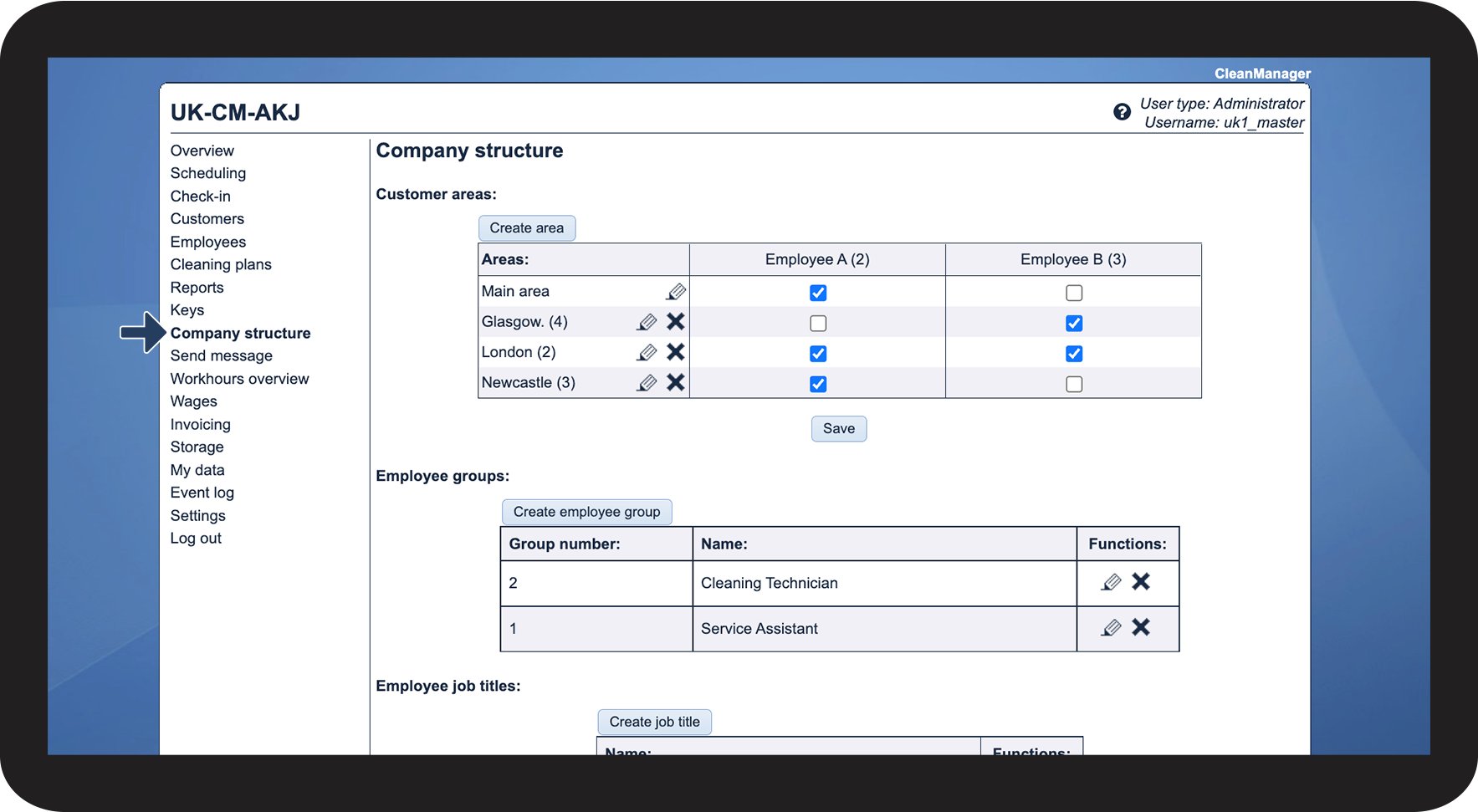
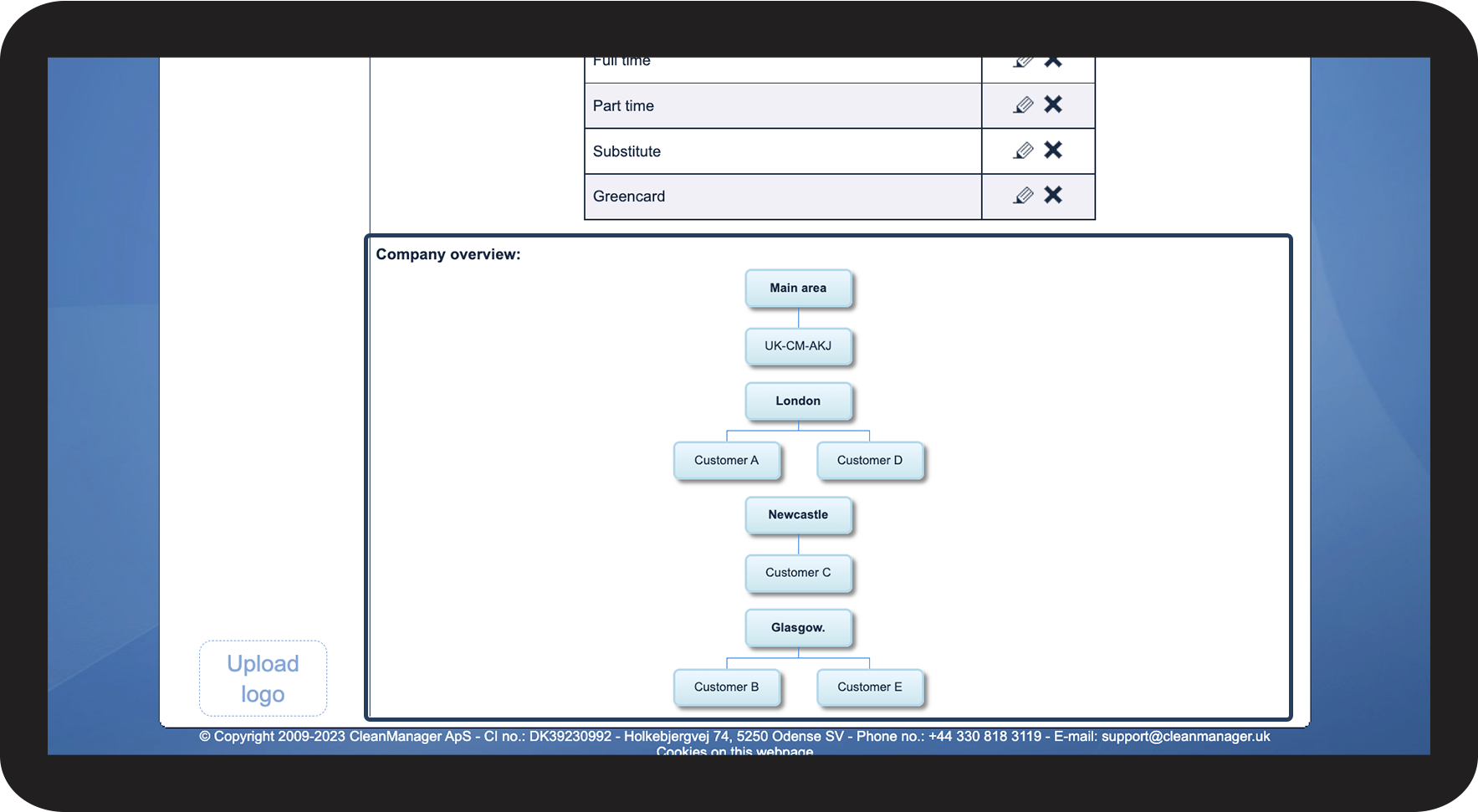
If you want a quick graphical overview over which customers are in which customer area — then it's possible to get a graphical Company overview in the menu item Company structure.
NOTE
One's own company will always be located under the main area and this cannot be changed.
Read more in the article about where to find the Company overview:
This is where you find the Company overview