How do I add a logo to my CleanManager account?
As the administrator, you can add your company logo to your CleanManager account.
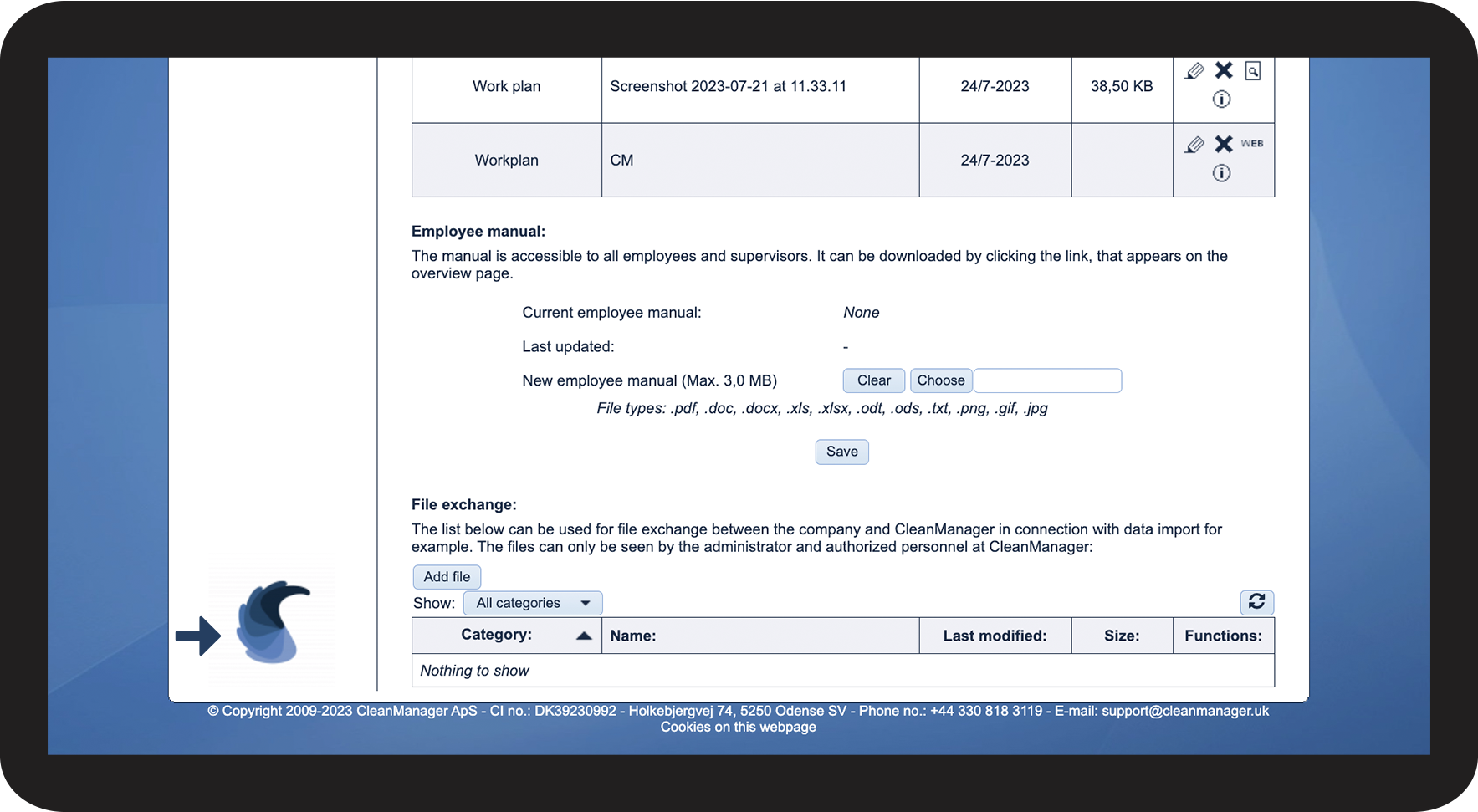
The logo will be shown in the customer, supervisor, and employee accounts.
The logo will also be shown in other places of the system, e.g., cleaning plans and reports.
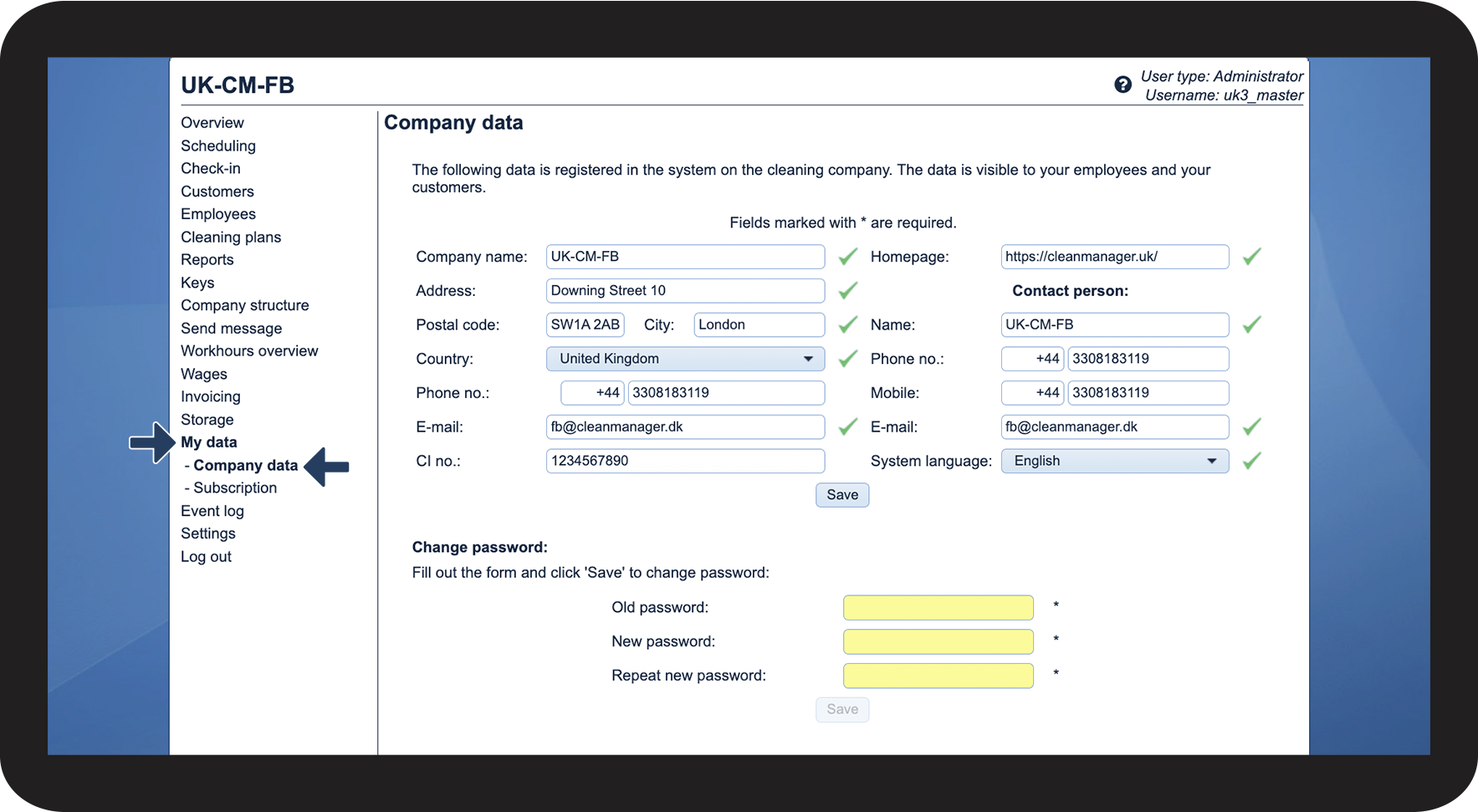
In this article, you will learn how to add your logo to your CleanManager account:
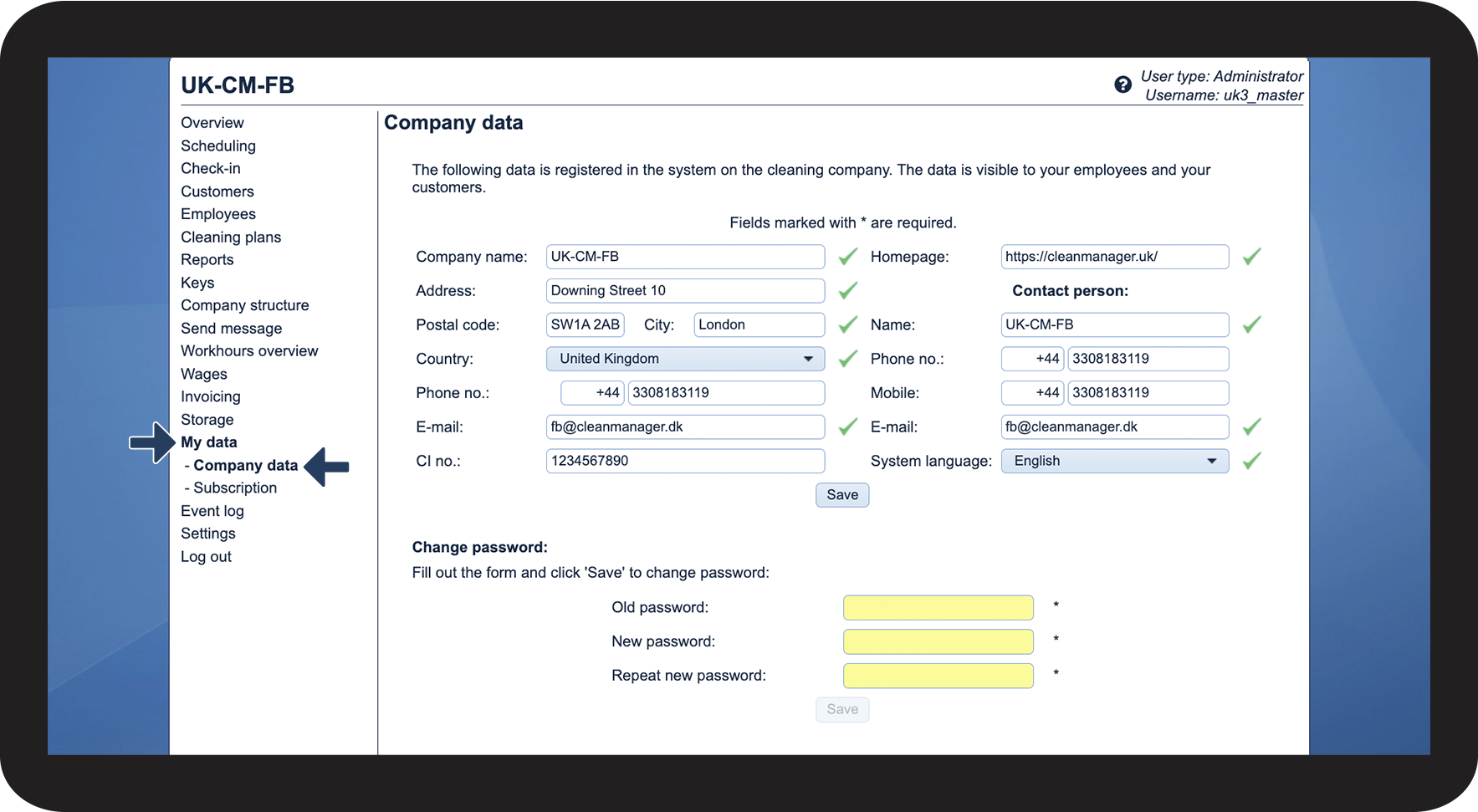
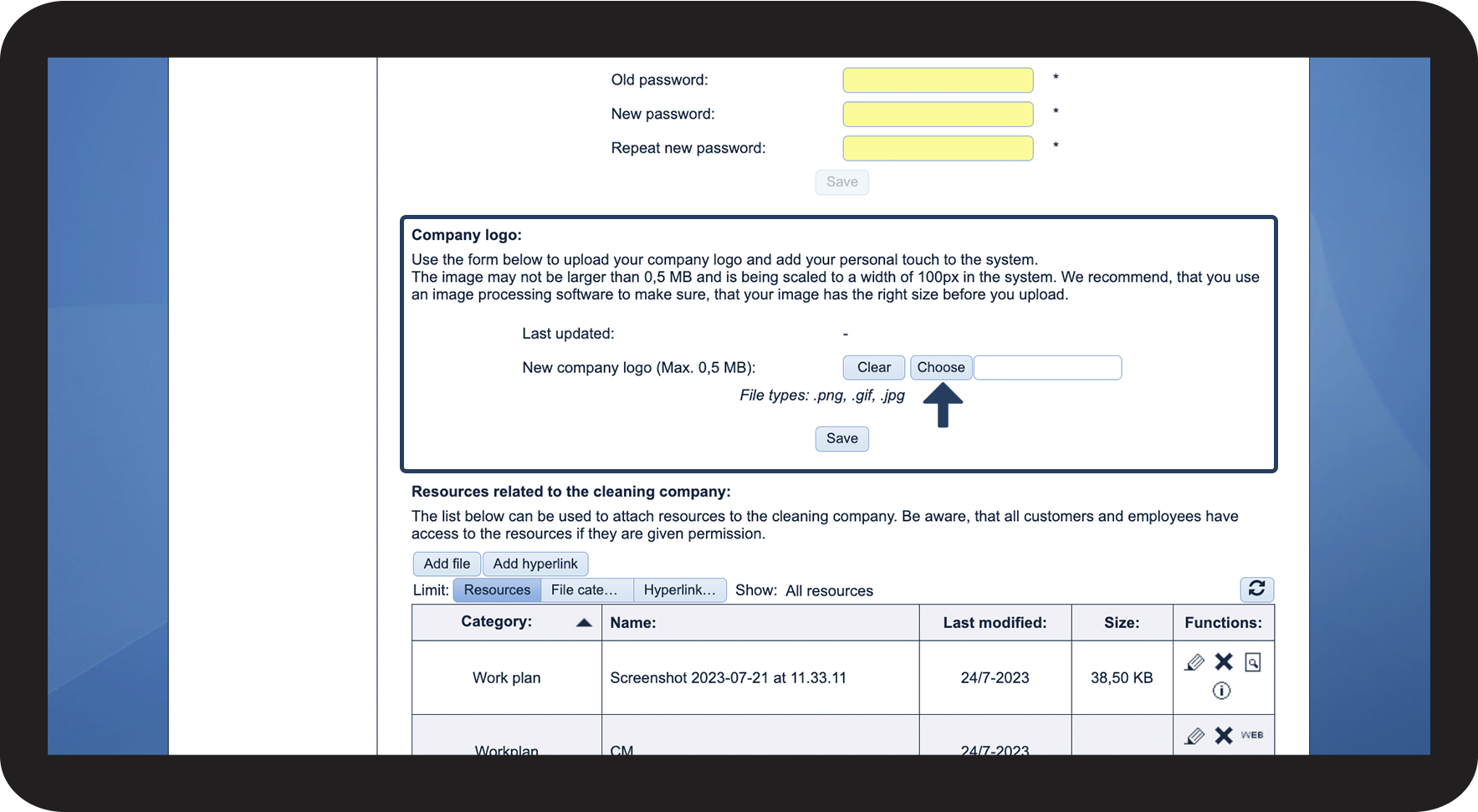
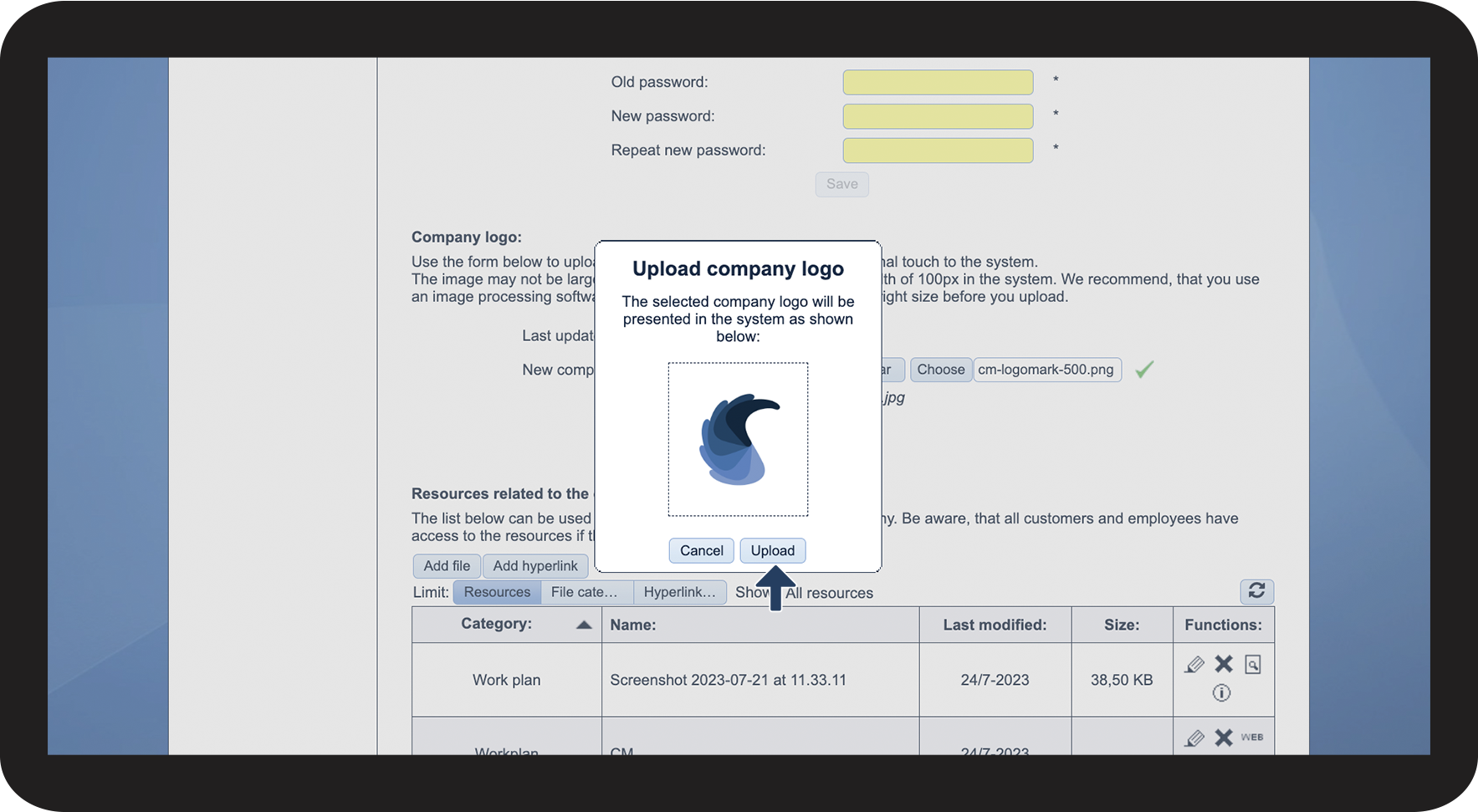
This is how you add a logo to your account




This is how you remove your logo
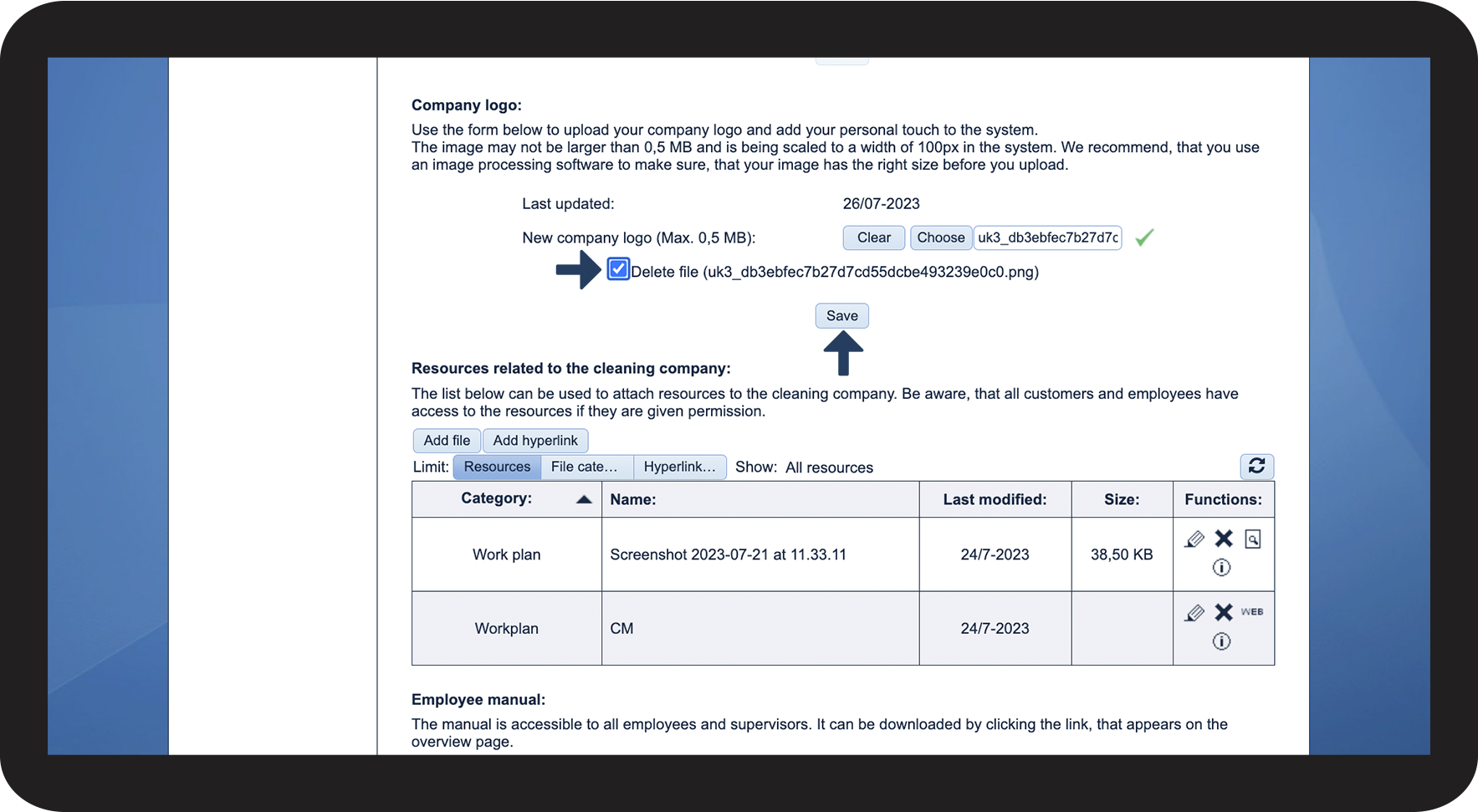
If you want to change the logo or simply want to remove it, then you need to do the following: