
How do I find information or the employee handbook for the company I am working for?
You can access information about the company you are working for.
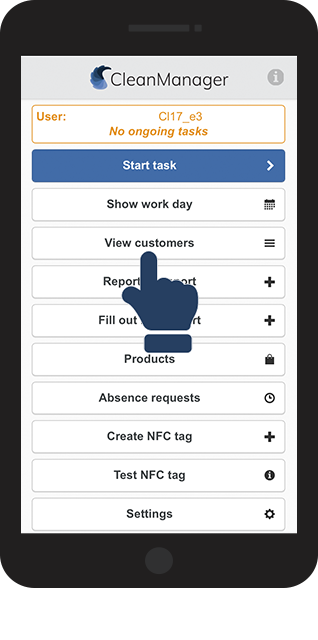
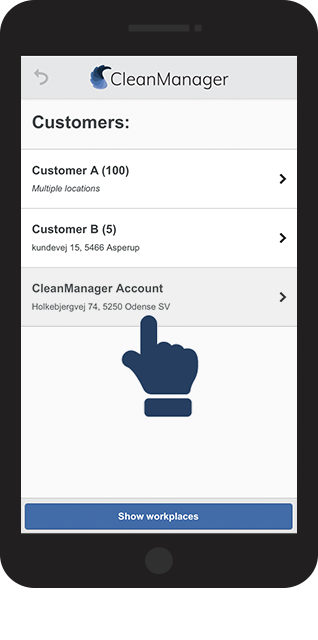
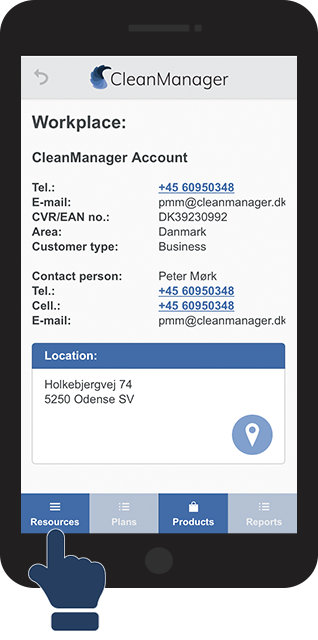
Primary access to the information is through the app, under the menu point View customers. Here you are able to access different types of links and files, which the administration has shared with you.
Read here about how you find those resources:
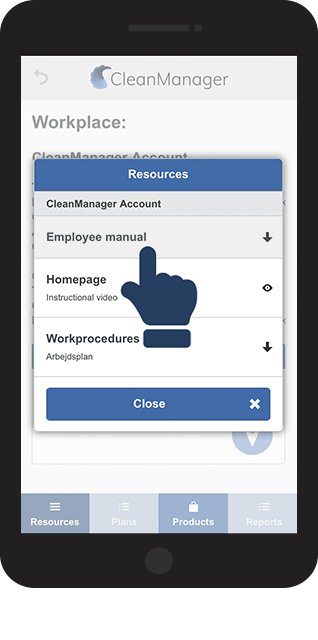
This is how you find company information and the employee handbook




INFO:
The resources consist of files  or links
Click on the individual resources to access them.