How do I change the user language for customers?
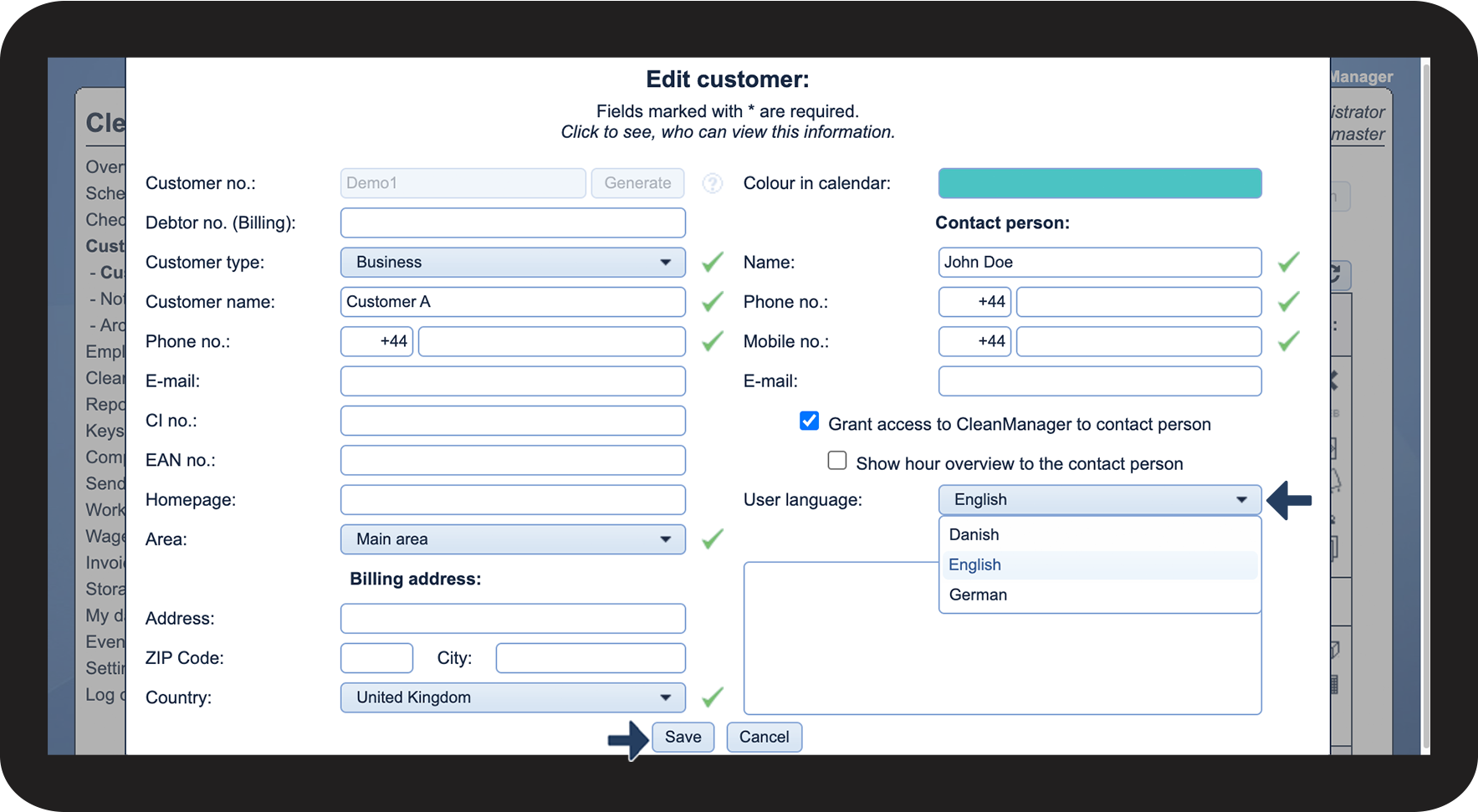
If the administrator or a supervisor has granted a customer access to CleanManager, they can change the user language for the customer account.
When a new customer is created, their user language will by default be set to the same language as the administrator account.
NOTE:
The language setting is used to display all textual content in CleanManager in the selected user language for the customer.
The standard text in text messages and e-mails to customers will be sent out in the selected user language.
If you are sending out personal messages to the customers through the system, these will not be automatically translated.
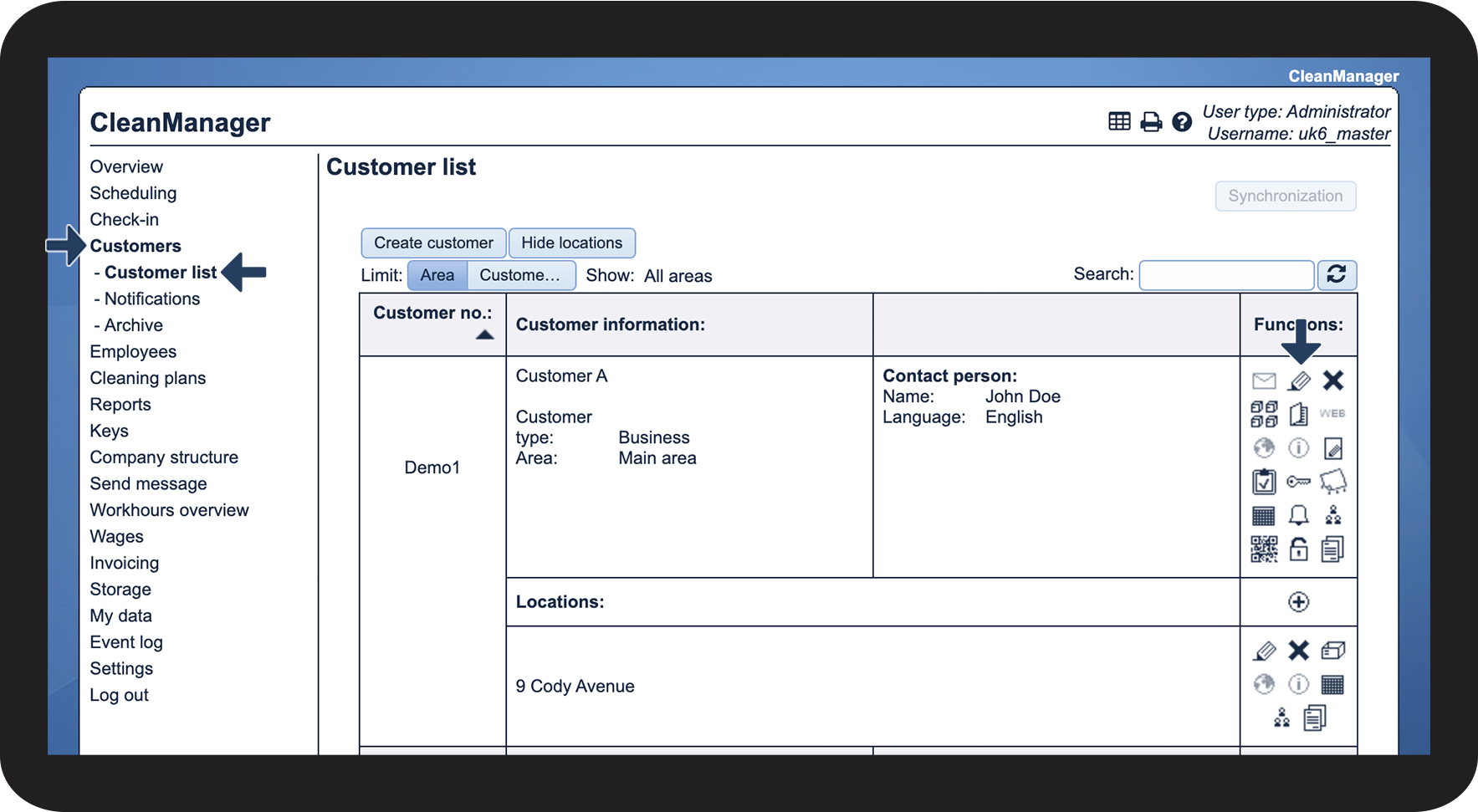
How to change the user language