Skip to content
English
  • There are no suggestions because the search field is empty.

Change user

How do I change my user in the CleanManager app?

Do you have to change your login information, then continue reading this guide:

NOTE:

If you want to change your password, you will need to access your account at cleanmanager.org

Log in to the web system with the same login information that you use for the app.

Go to My data > Change password. Read more about it here: Changing the password of your employee account


How to change the user information on the app

number_1.png

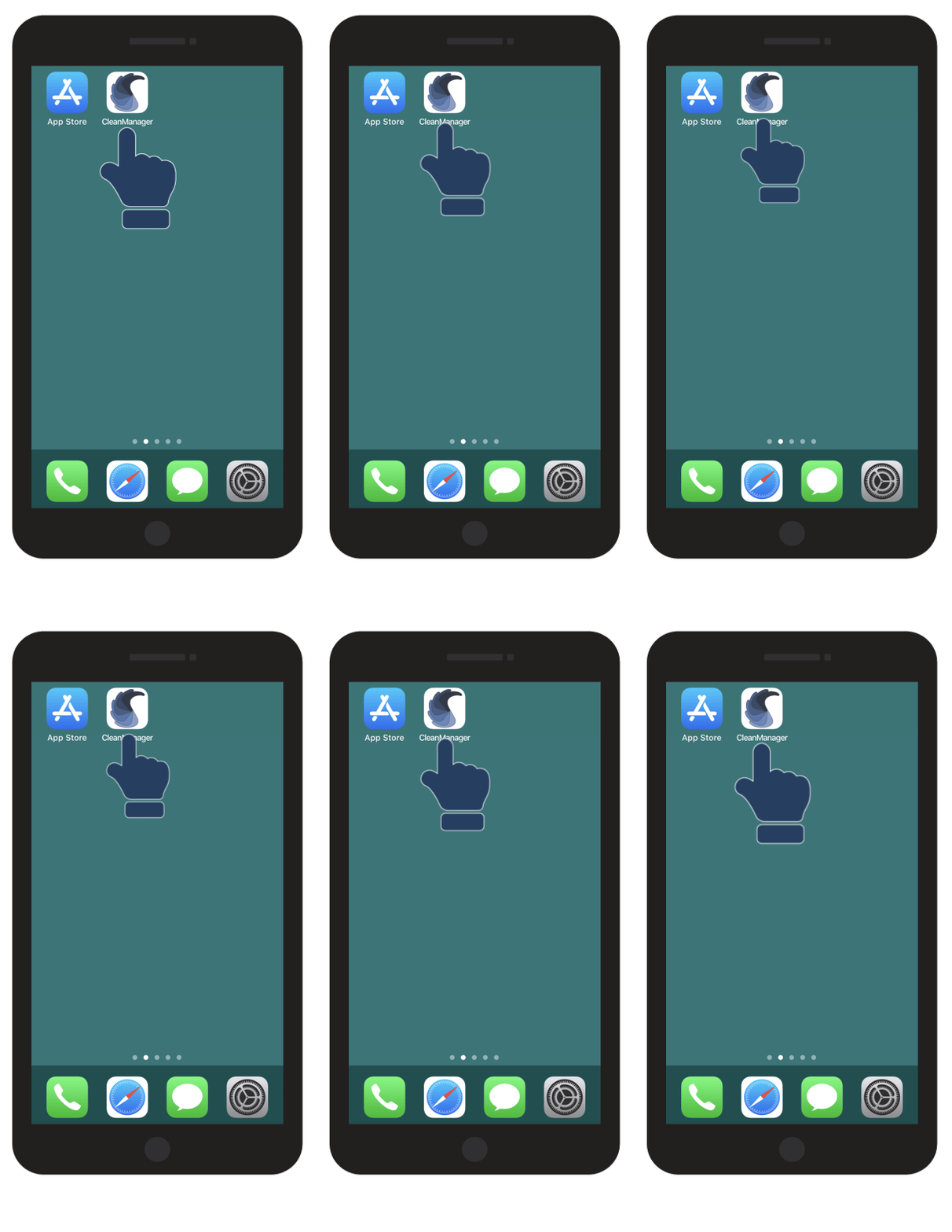
Open the CleanManager app

  start-app.gif
number_2.png

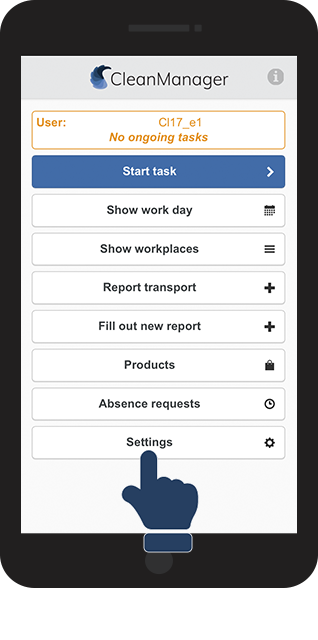
Click on Settings 

1.png

number_3.png

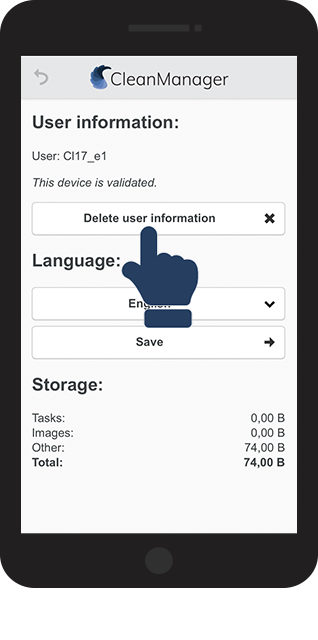
Click on Delete user information 

2.png
number_4.png
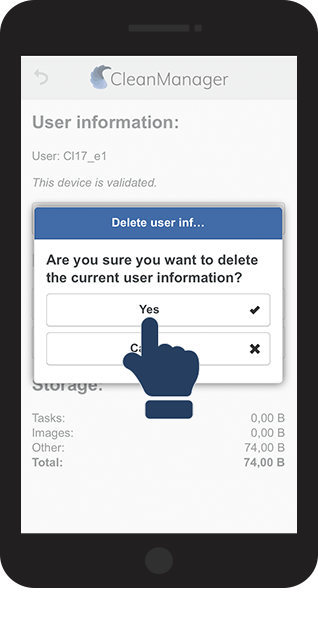
Confirm the deletion by clicking on Yes
3.png
number_5.png

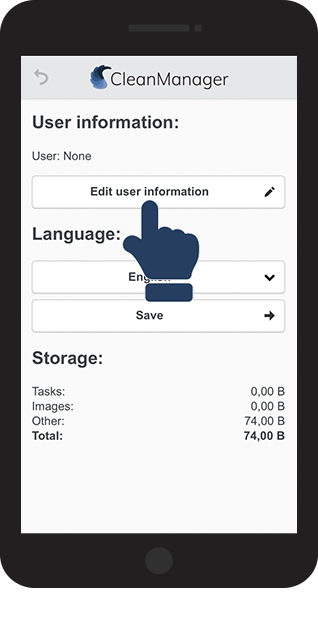
Click on Edit user information to log in again

4.png
number_6.png
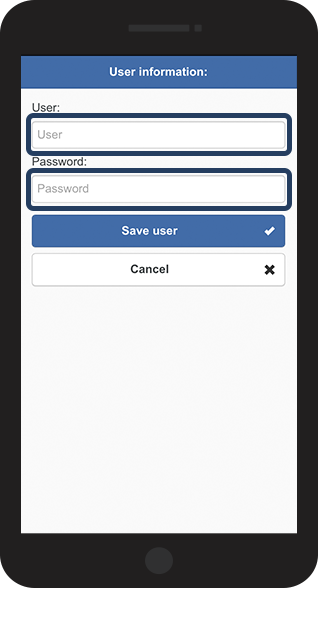
Fill in Username and Password in the appropriate fields
5.png

number_7.png
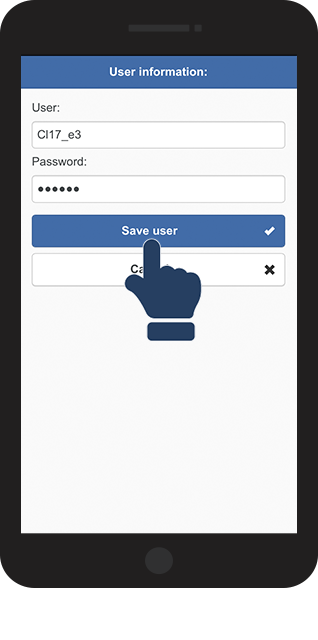
Click on Save user to save the login information 
6.png
number_8.png
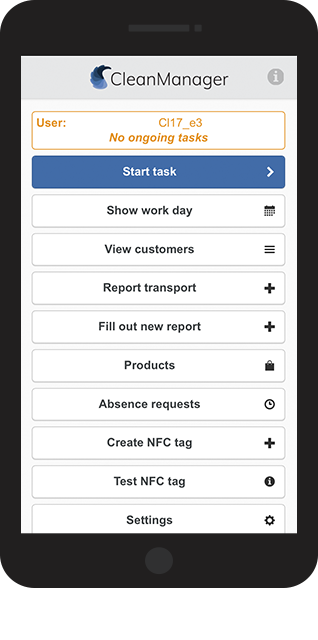
You have now logged in to your account
7.png