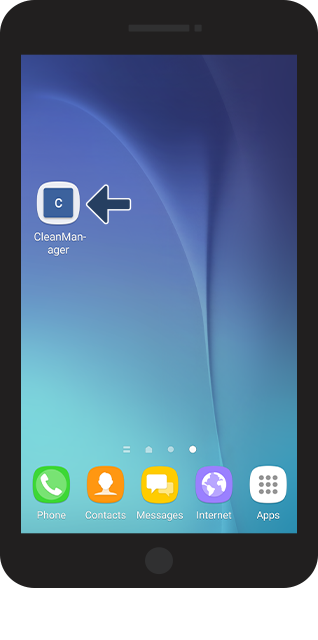
Using the browser on your phone and tablet to log in to CleanManager
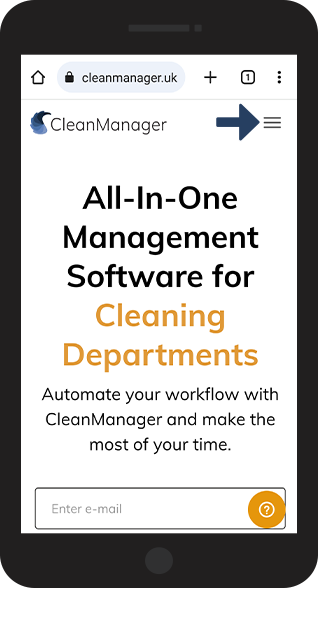
You can log in to CleanManager's web system on both your smartphone and tablet by using the internet browser on your device.
If you have activated the add-on module App with Time Tracking, your employees can also use the CleanManager app if they have been granted access to the system. The app can among others be used to show your work day, start and end a task as well as attaching pictures and comments to a task. You can learn more about this in the App category.
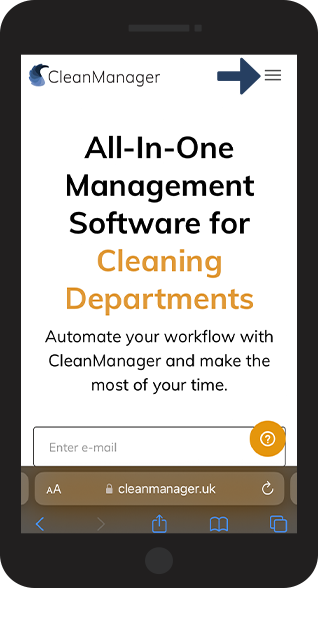
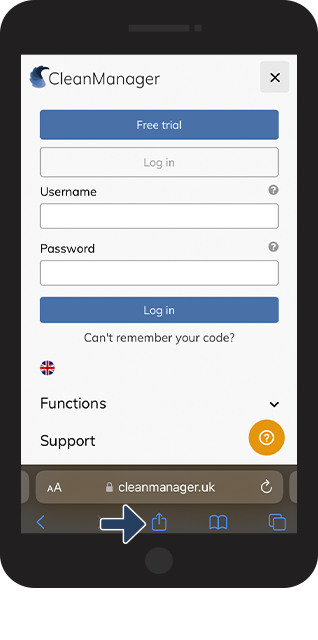
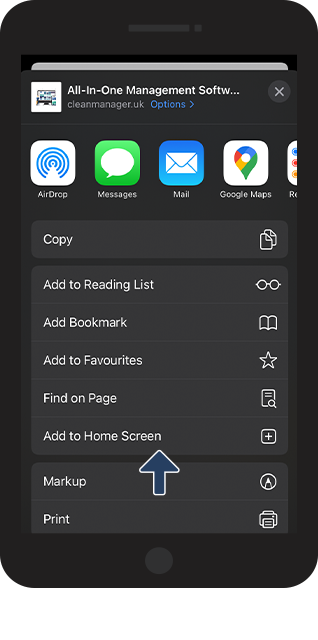
In this article, you will learn how to save CleanManager's web system as a bookmark on the home screen of your smartphone:
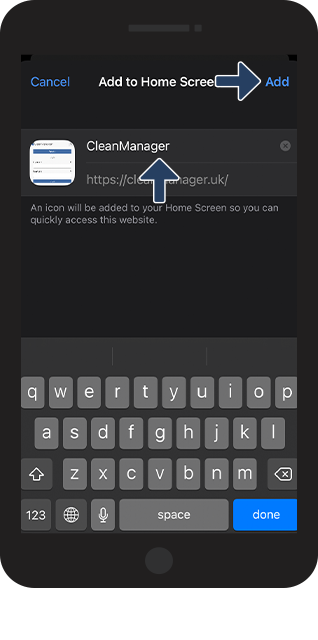
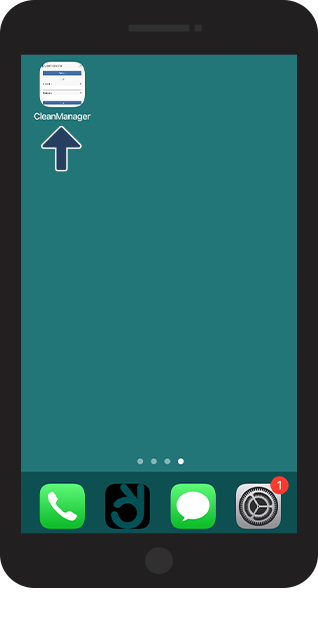
- How to save CleanManager on the home screen of your iPhone
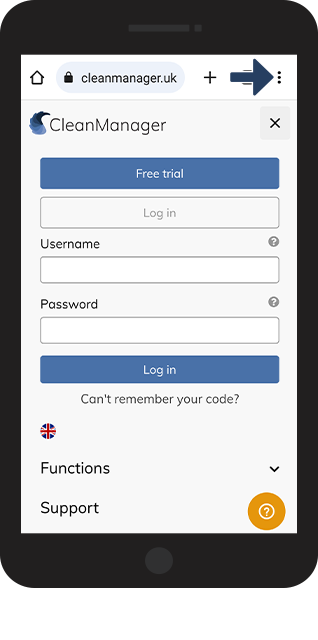
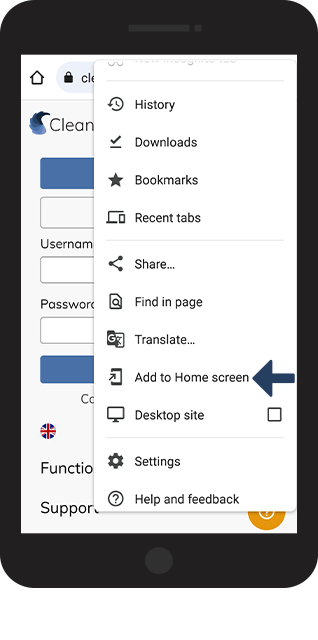
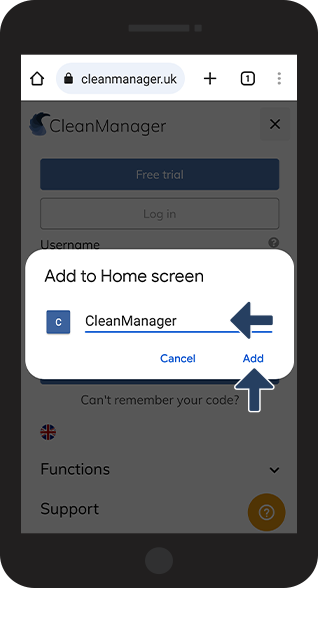
- How to save CleanManager on the home screen of your Android smartphone
Saving CleanManager as a bookmark on your iPhone






Saving CleanManager as a bookmark on your Android smartphone