
How do I start setting up an area plan?
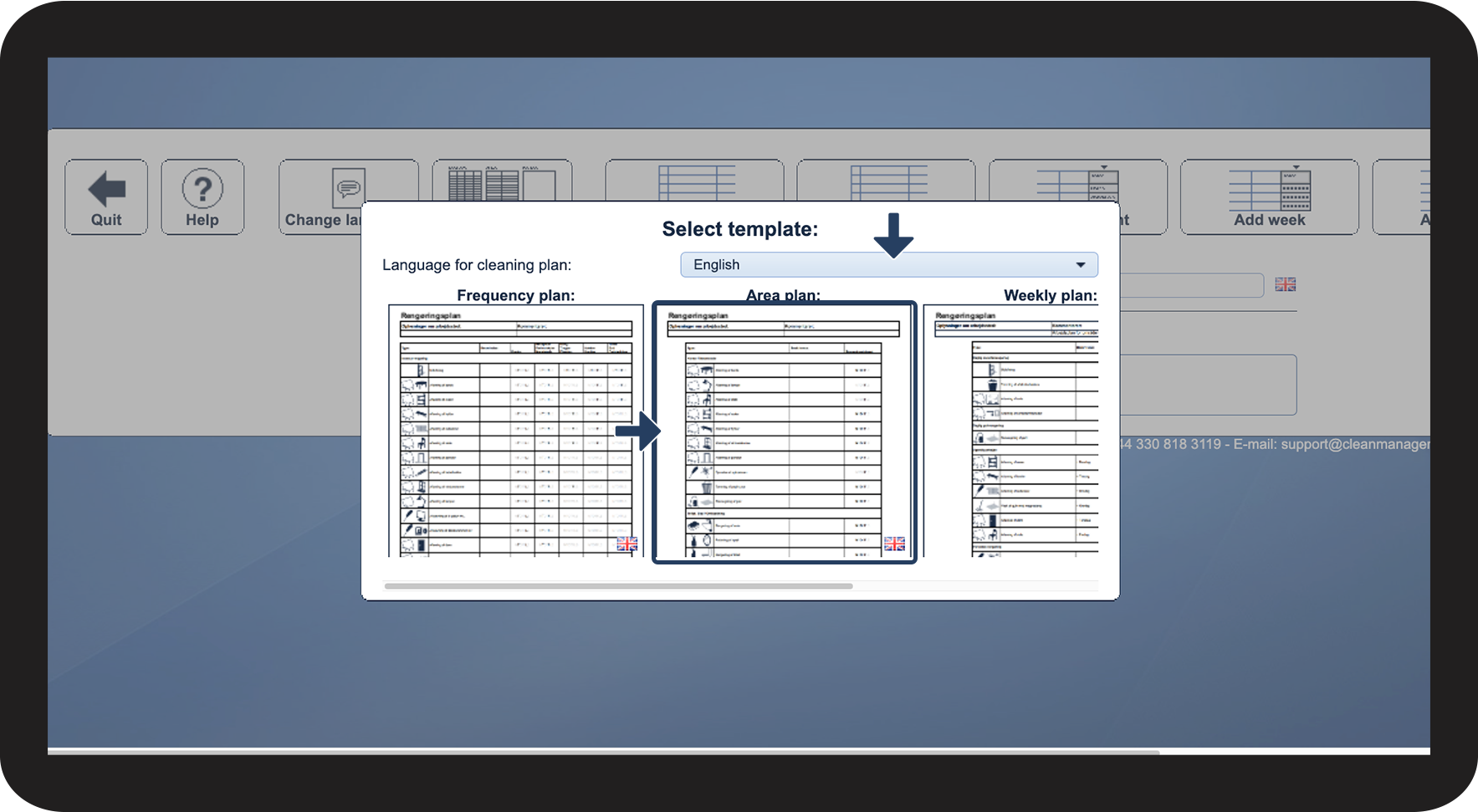
As an Administrator / Supervisor, you have the option to create a cleaning plan using the Area plan template.
An Area Plan is used to divide the areas / premises into headings with associated tasks. The area plan works on the basis that each employee has their own area. This will mean that if there are two employees working at the customer, they each have their own area, and each has their own different Area Plans which are built up according to what is in their area.
The Area plan is easy and clear to understand for the employee because it is read from the top to the bottom. The employee therefore just has to find the first task and find out in which frequency the task has to be completed.
The Area plan is the most frequently used template, as it is the most manageable template type.
The Area plan is the one that can be used for both large and small customers. It is used especially for large customers where it becomes necessary to divide the plan into areas. This could be, for example, schools or large businesses.
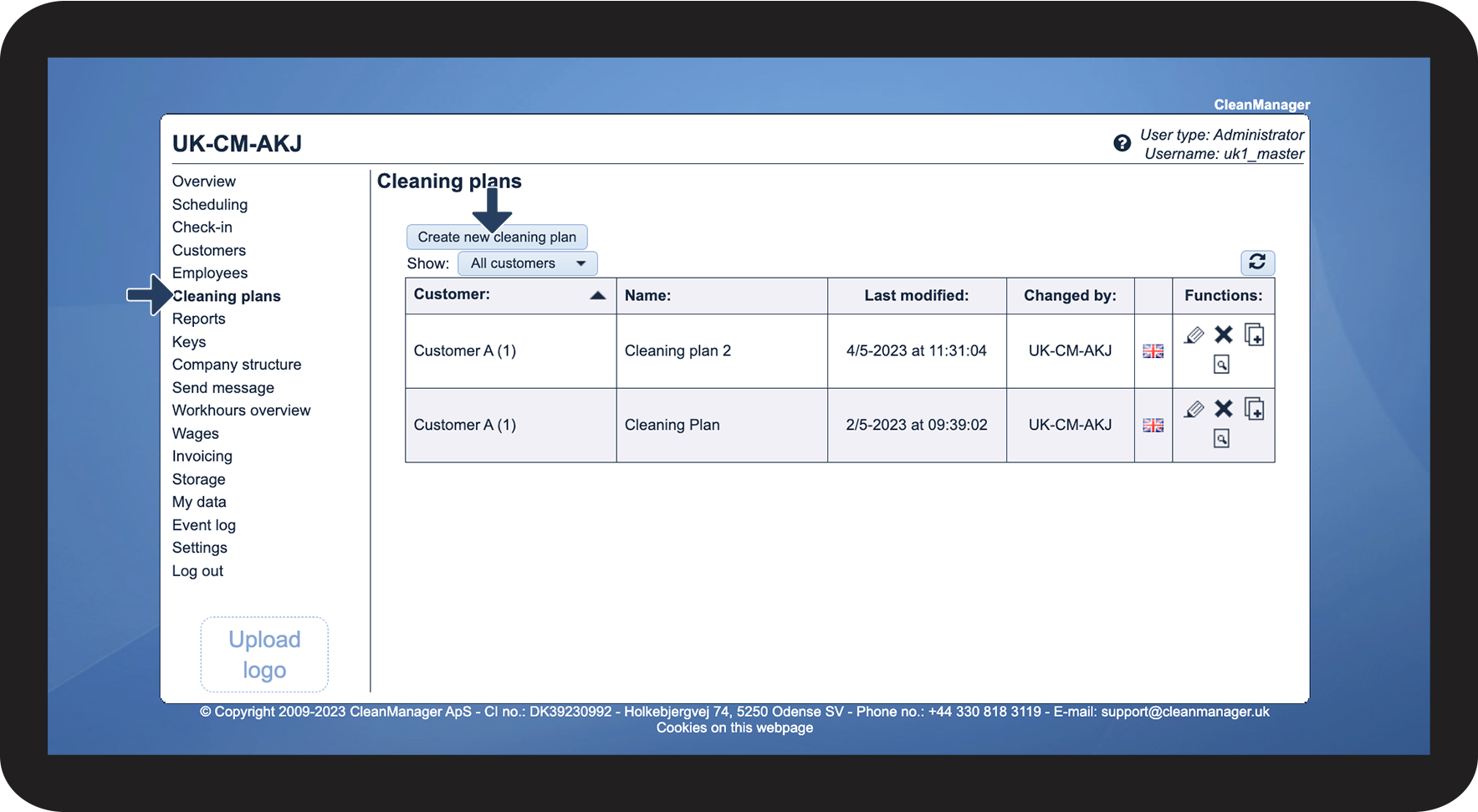
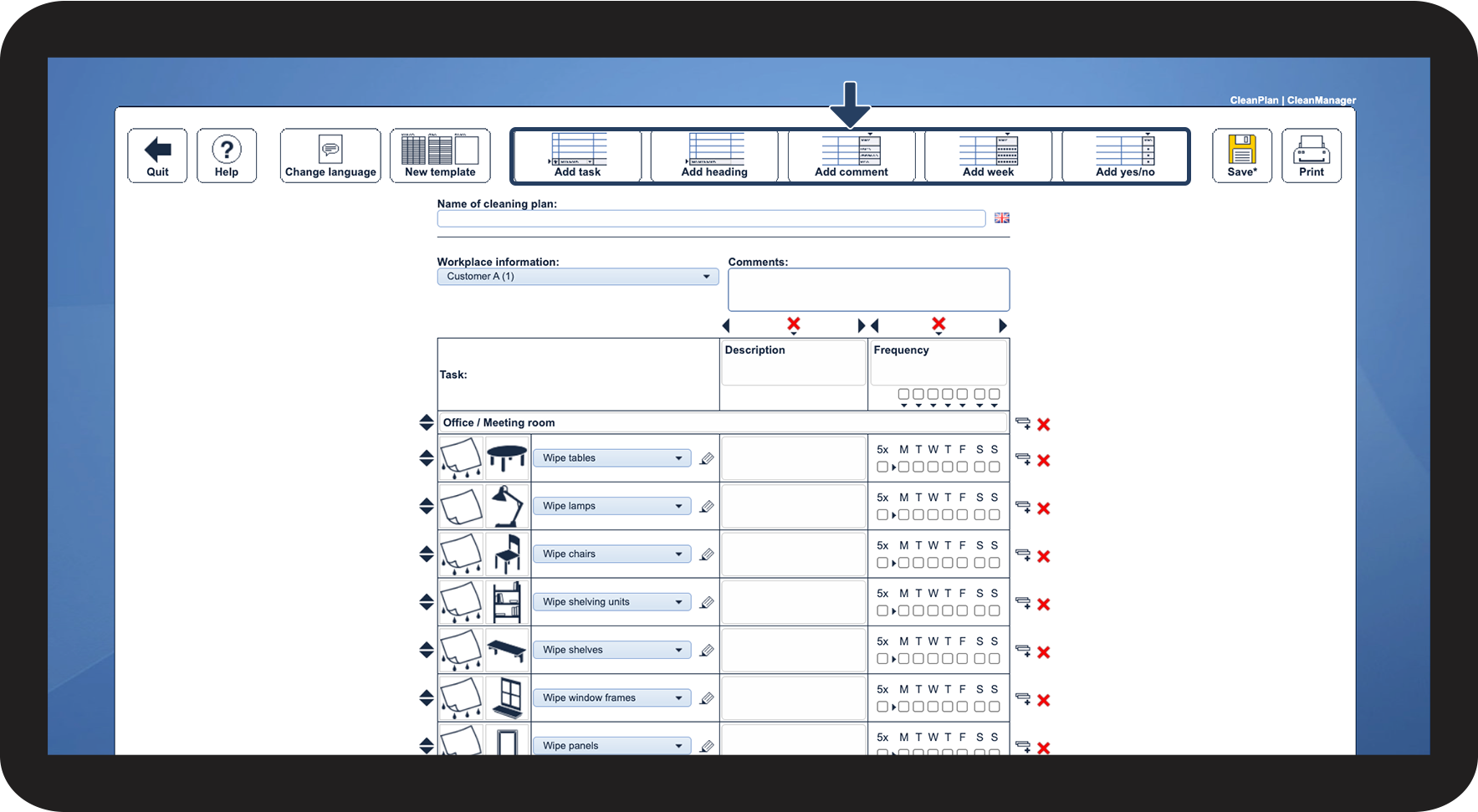
In this article, you will learn how to start setting up a cleaning plan based on the Area plan template:
How to start setting up an Area plan using the template



Continue to the article Setup features for cleaning plans
Here, you will learn how to add tasks to your cleaning plan, as well as much more.