
How do I adjust the comment section in my report?
The comment section can be useful if you need to add additional information to a parameter.
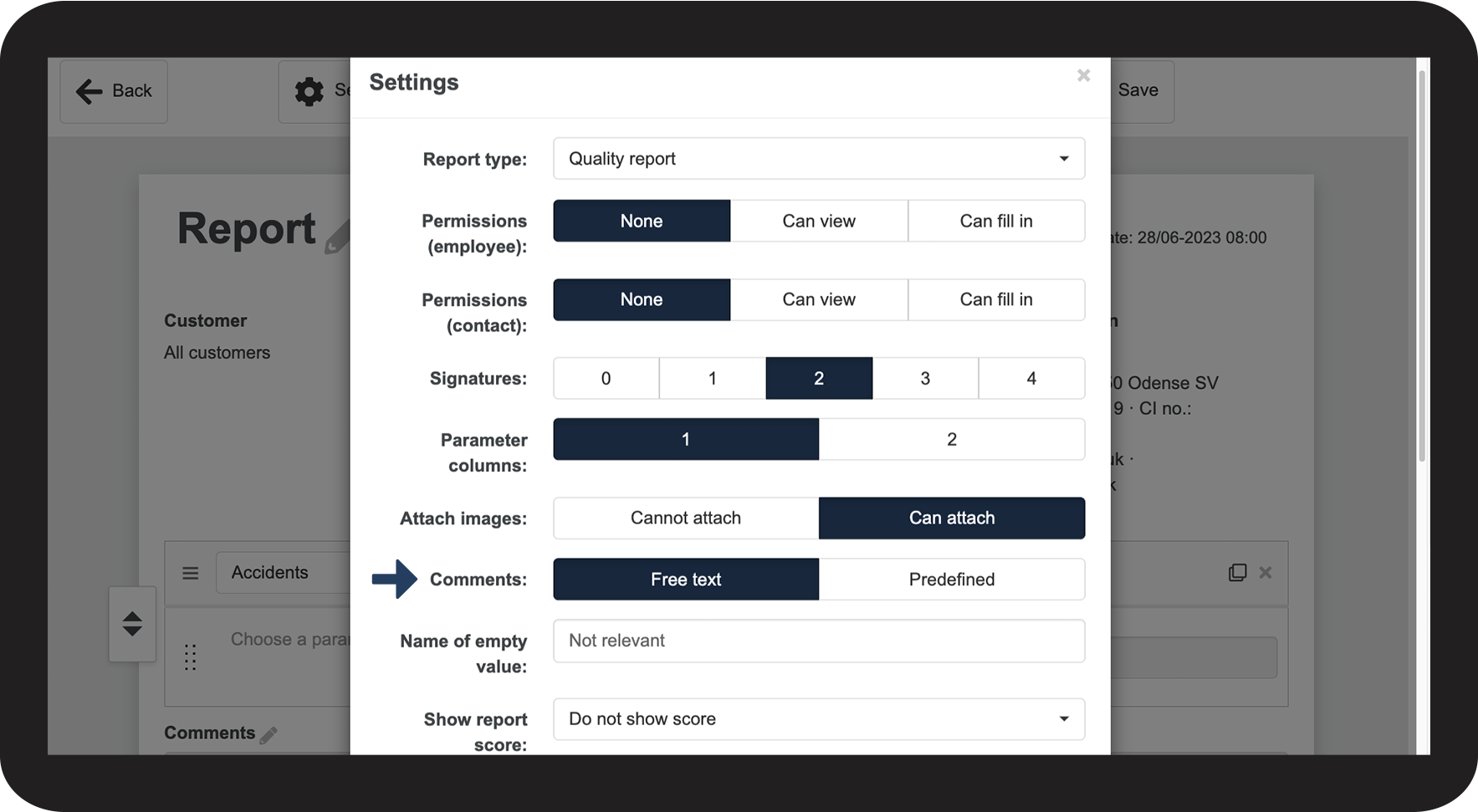
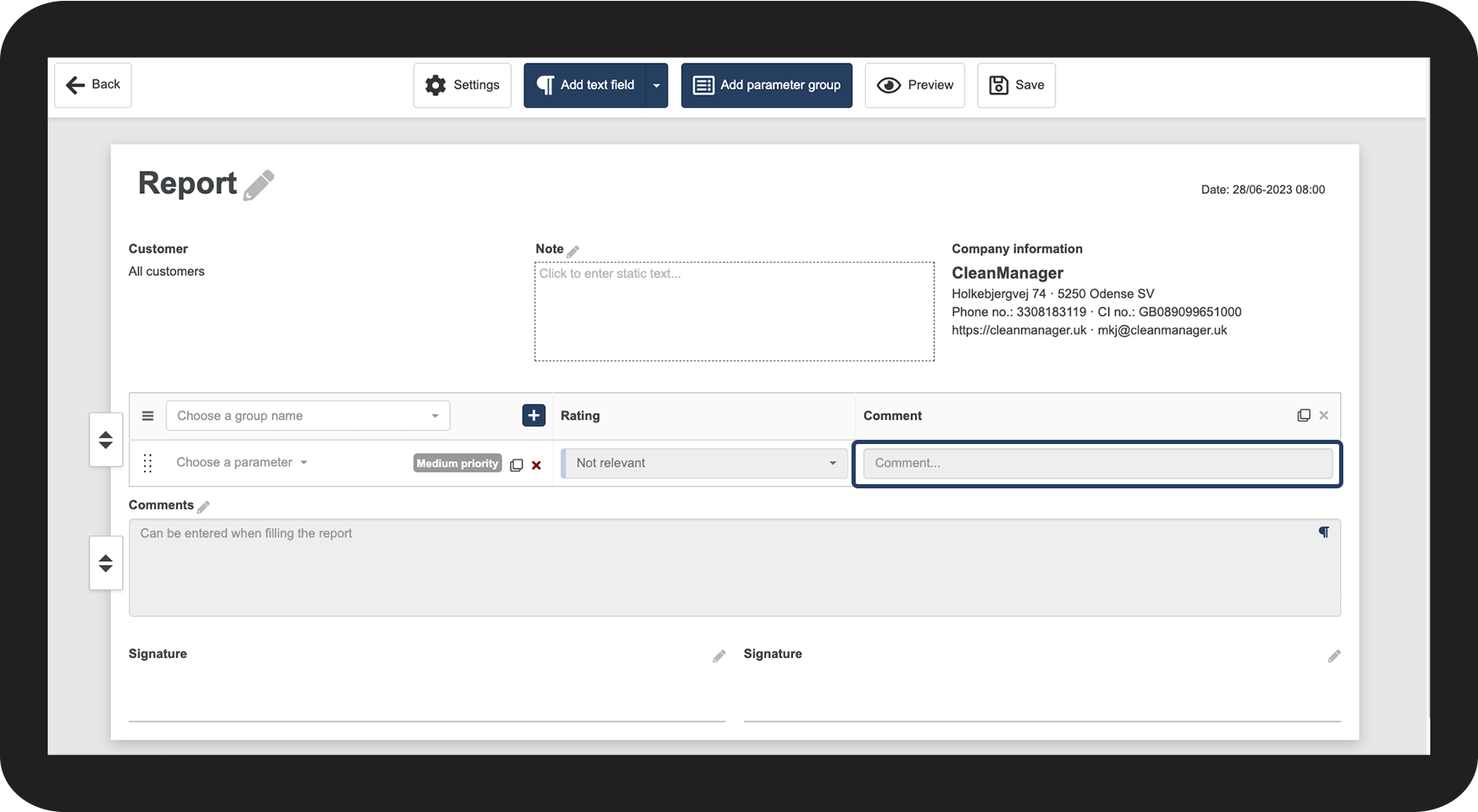
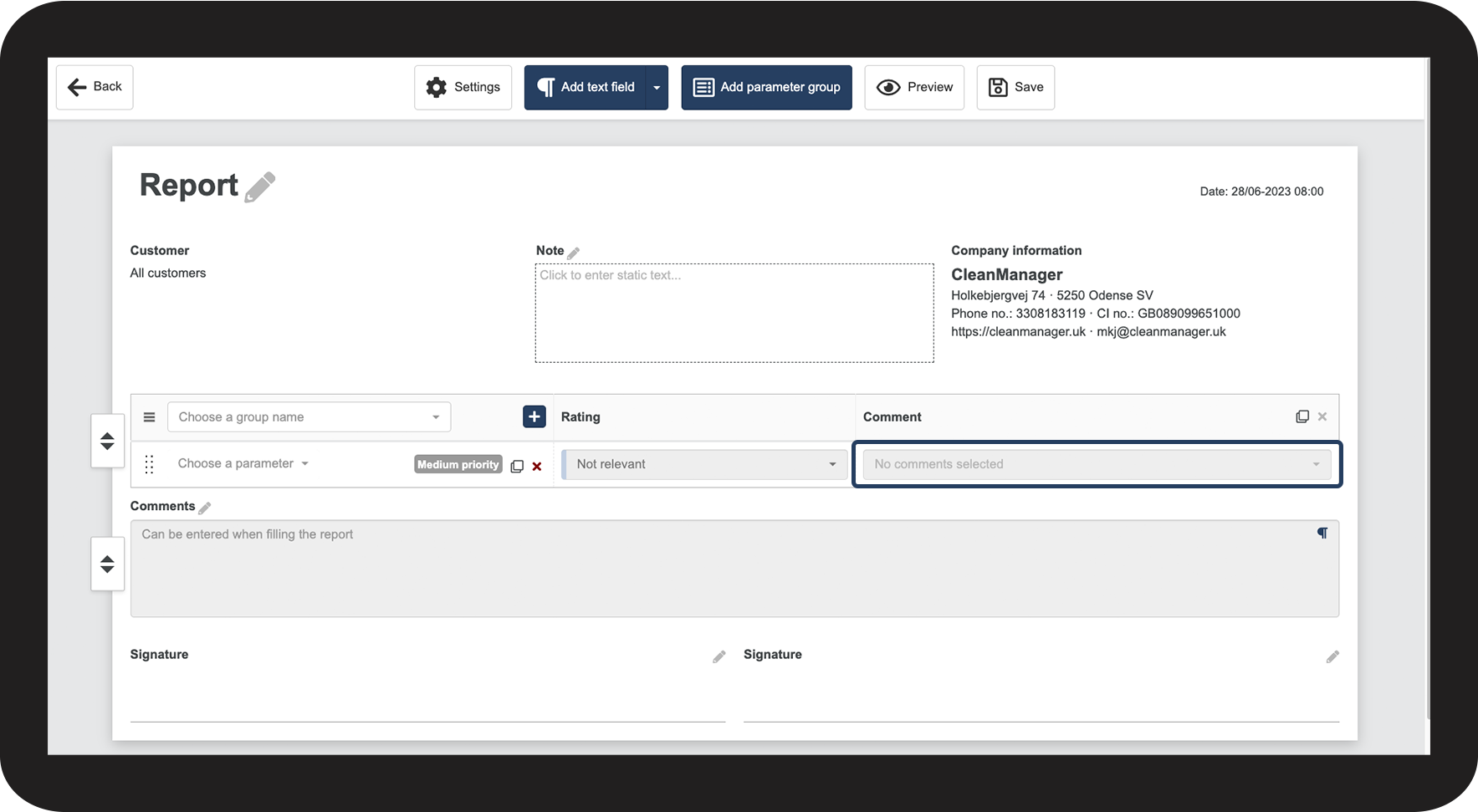
You can set up the Comments to either allow free text or predefined text.
Note:
The comment section is only visible if the report template is set to have 1 parameter column.
You can read more about this in this article: Adjusting parameter columns
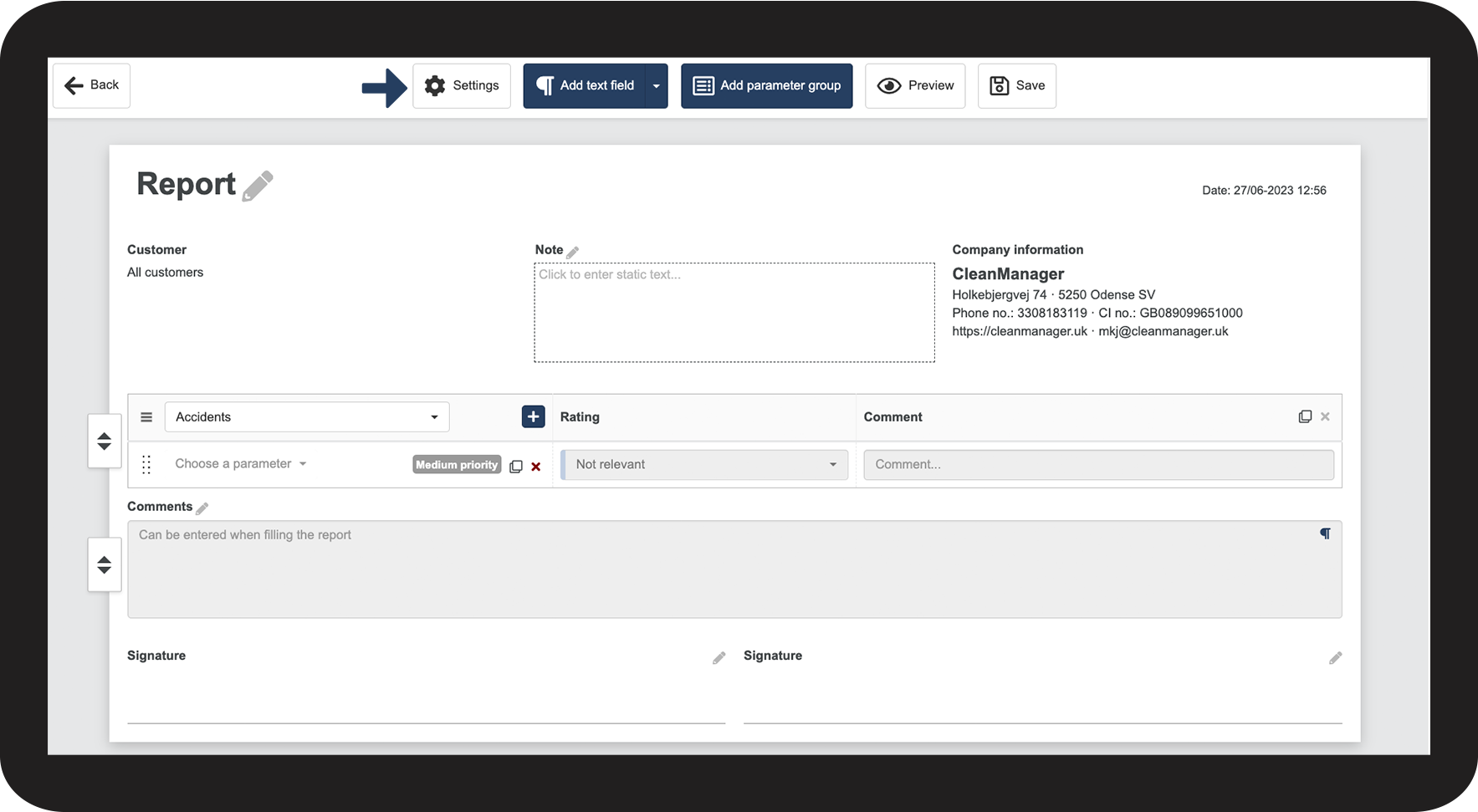
How to manage the comment section




Continue to the article: Adjusting the name of the empty value
The next article will continue to help you set up your reports