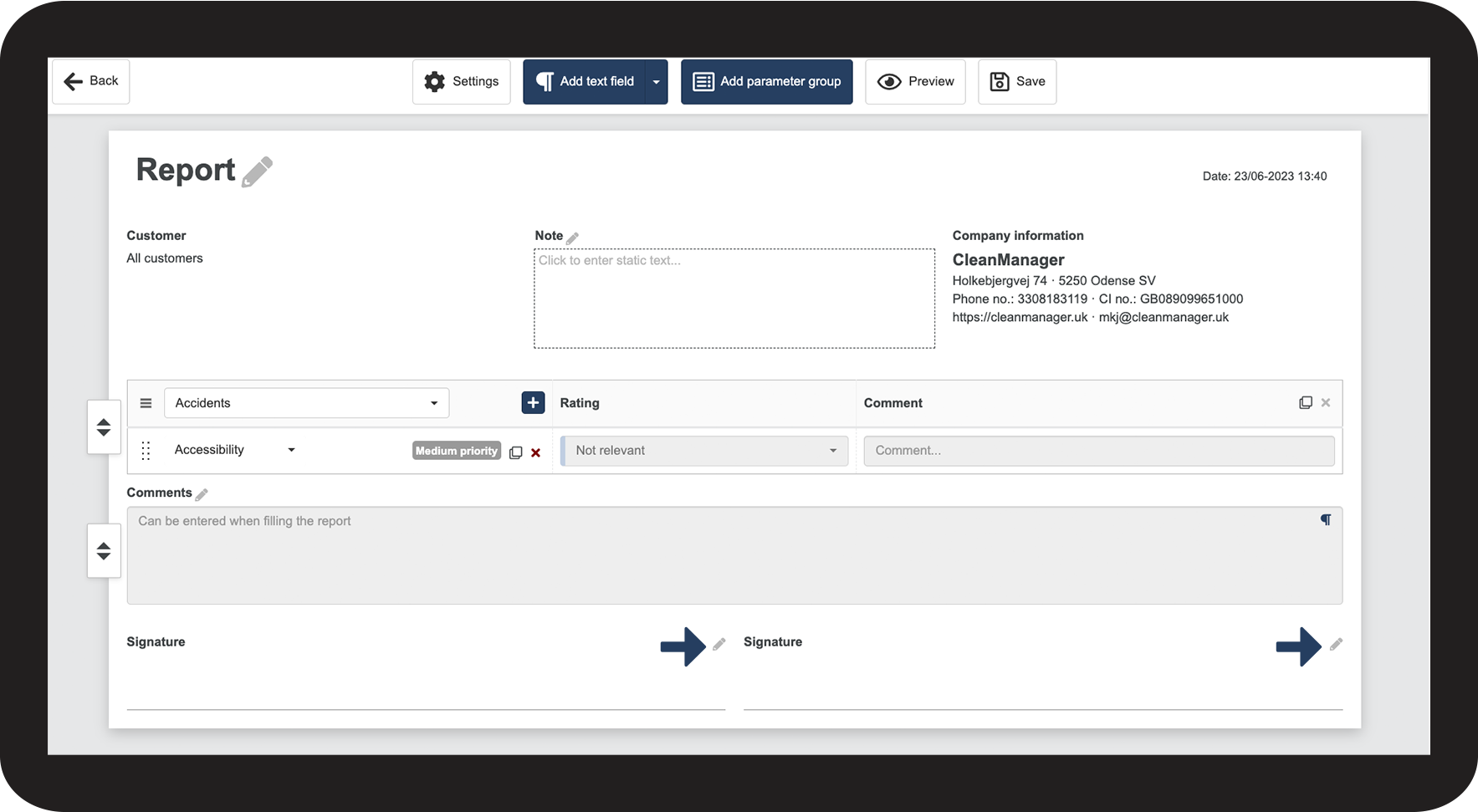
How do I name a signature?
Note:
You can add signatures in the template settings. Learn more about it in the article: Adjusting signature fields
In your report template, you can add between 0 and 4 signatures.
You then have the option to name or rename each of the signature fields, so that they reflect who is to sign where, for instance, Employee signature or Customer signature.
How to name your signatures

 to edit the report template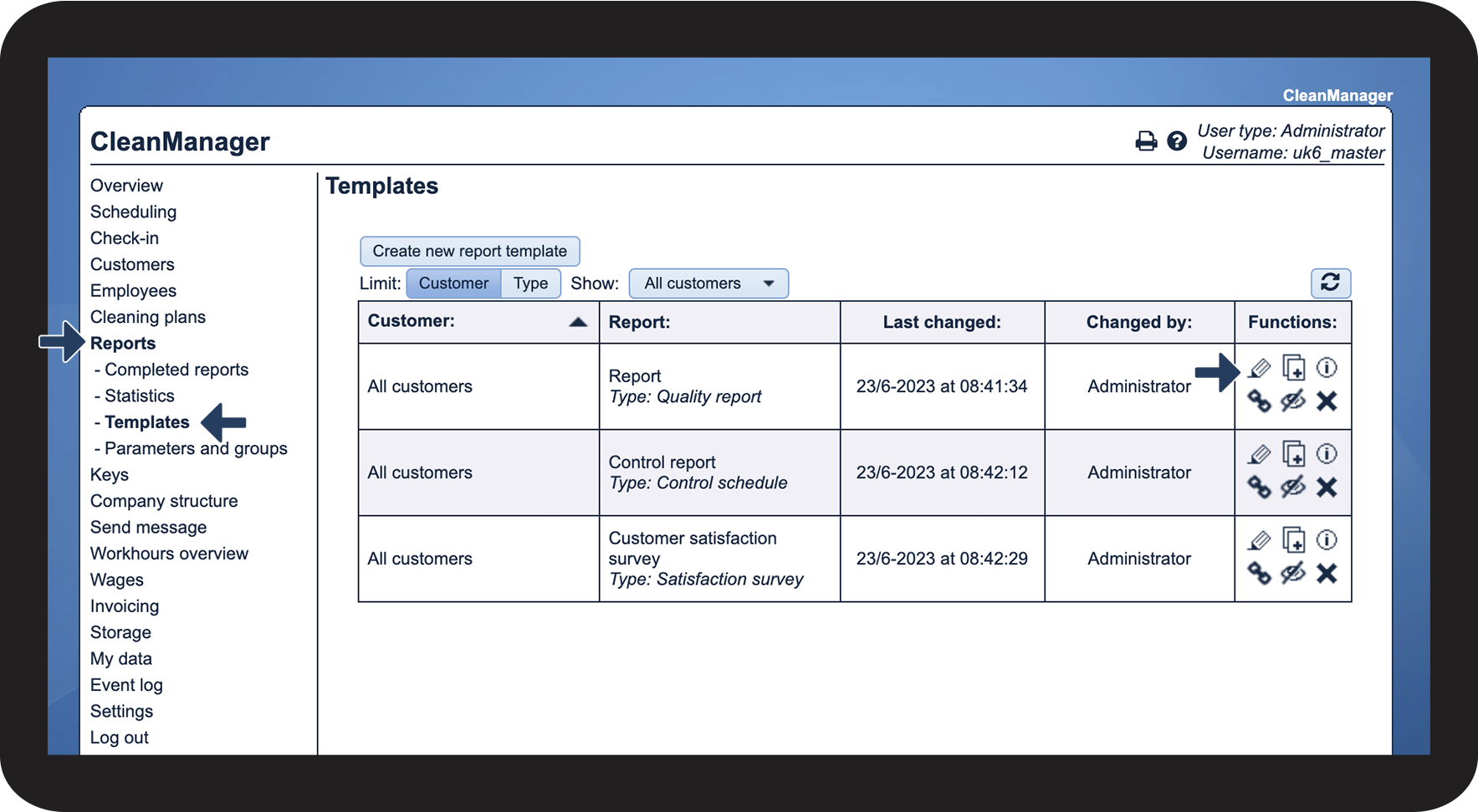
NOTE:
Once you start using a template to fill out reports, you can no longer edit the template. Instead, you can create a new report template or copy an existing one and edit the copy.