How do I add my company information to the report templates?
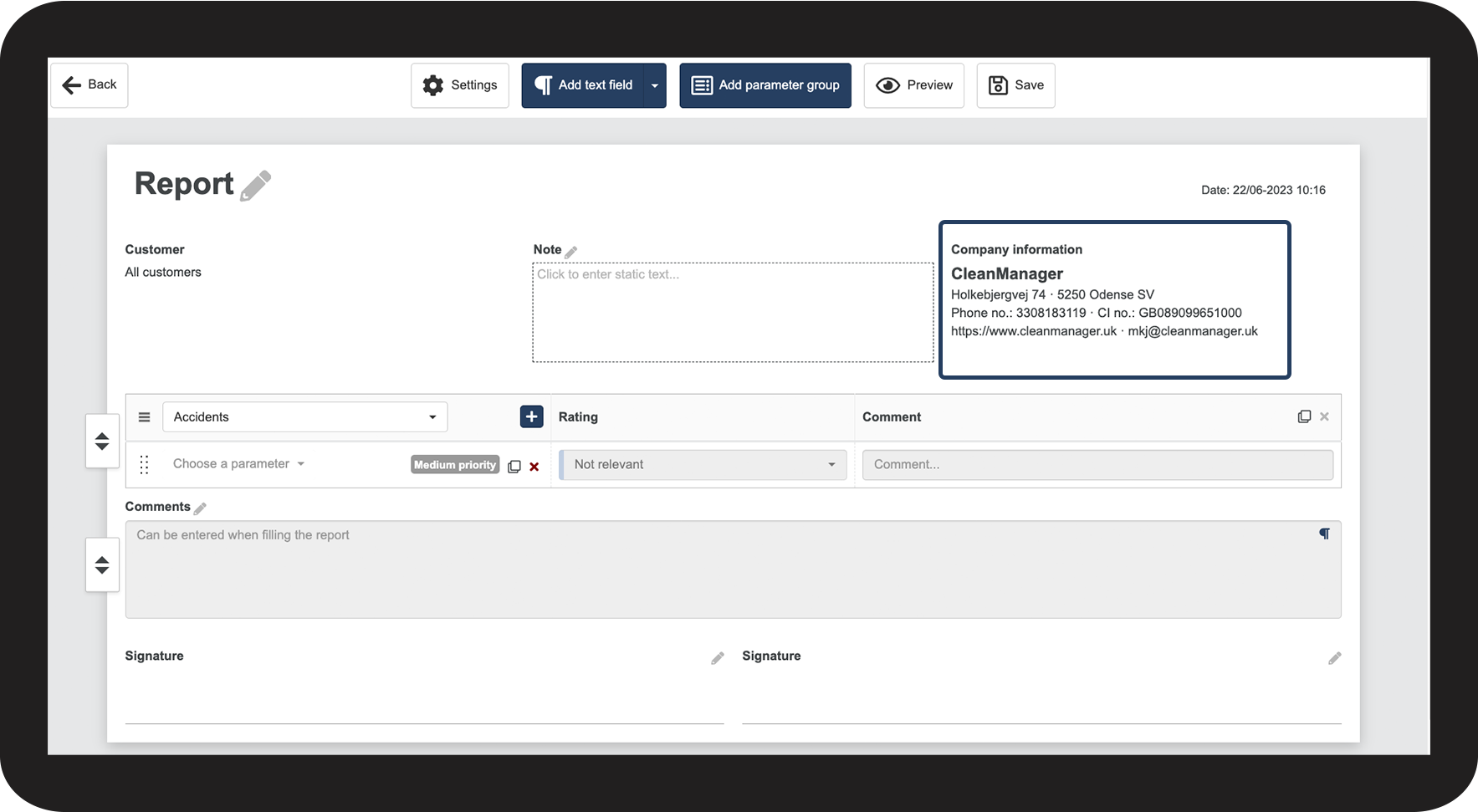
The company information will automatically be included in a new report template, and your contact details will be visible to both the reader and the person filling out the report.
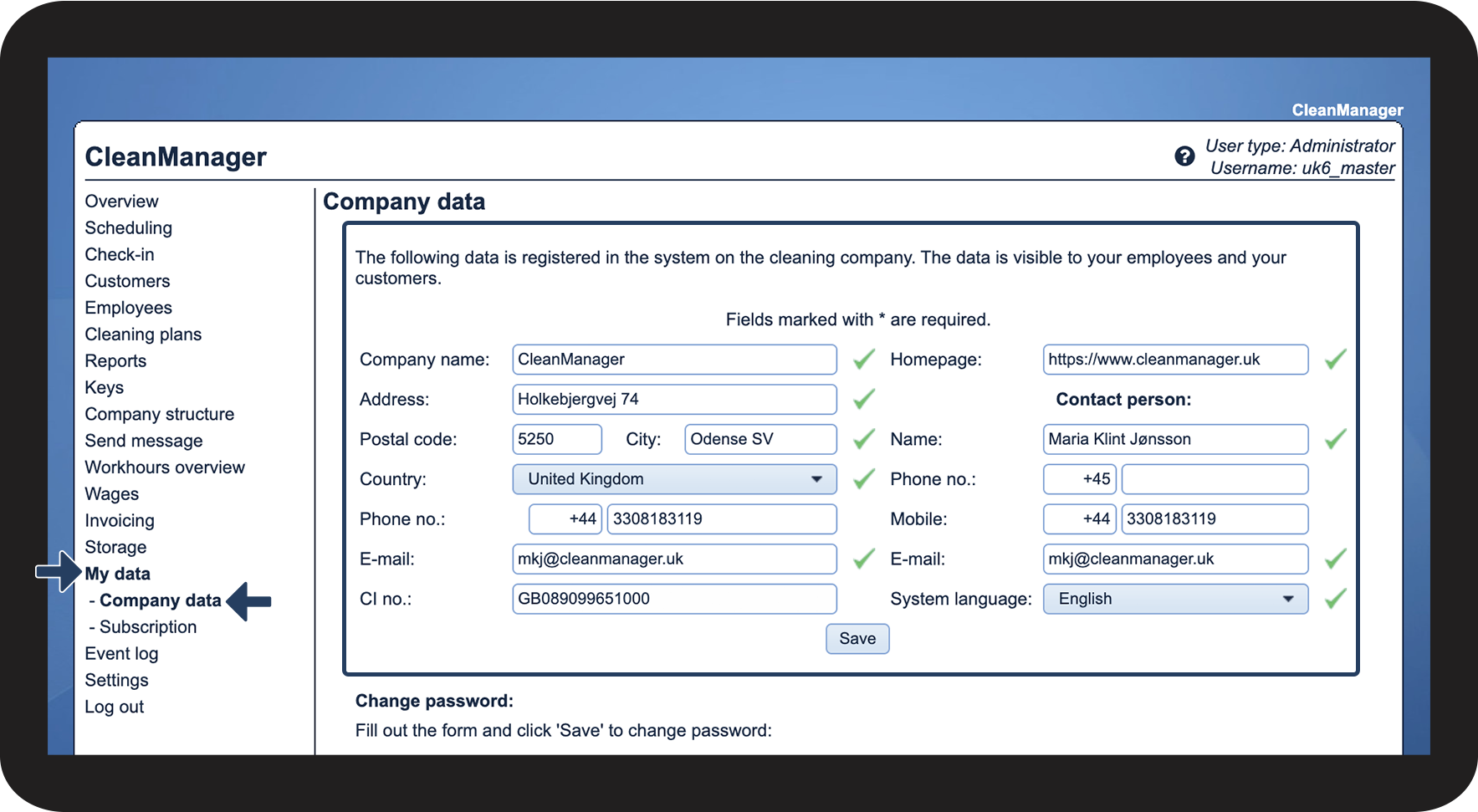
The company information is inserted on the basis of what you have filled out in the category Company data. Please note that the company information in a report template can no longer be changed once you have started using the template.
In this article, you will learn about:
- Where can I see my company information in the report template?
- How do I edit my company information?
Where can I see my company information in the report template?

How do I edit my company information?