
How do I add a key ring?
To start creating a key or a code, a key ring must first be created. Keys and codes cannot be created in CleanManager without a key ring with which they can be associated.
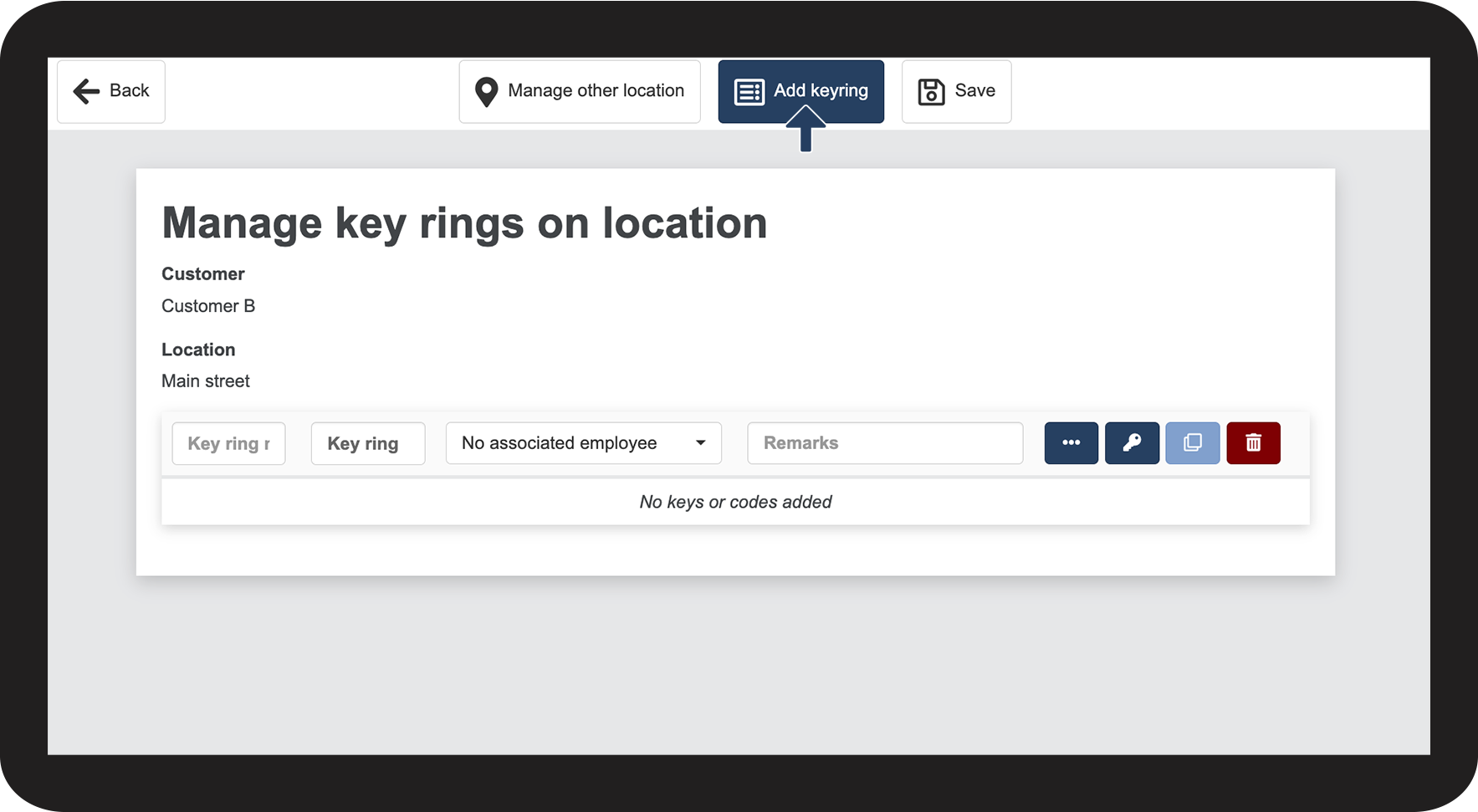
Once the customer and the desired location have been selected, the creation of the key ring can begin.
In this article, you will learn how to add one or more key rings to a location:
How to add a key ring

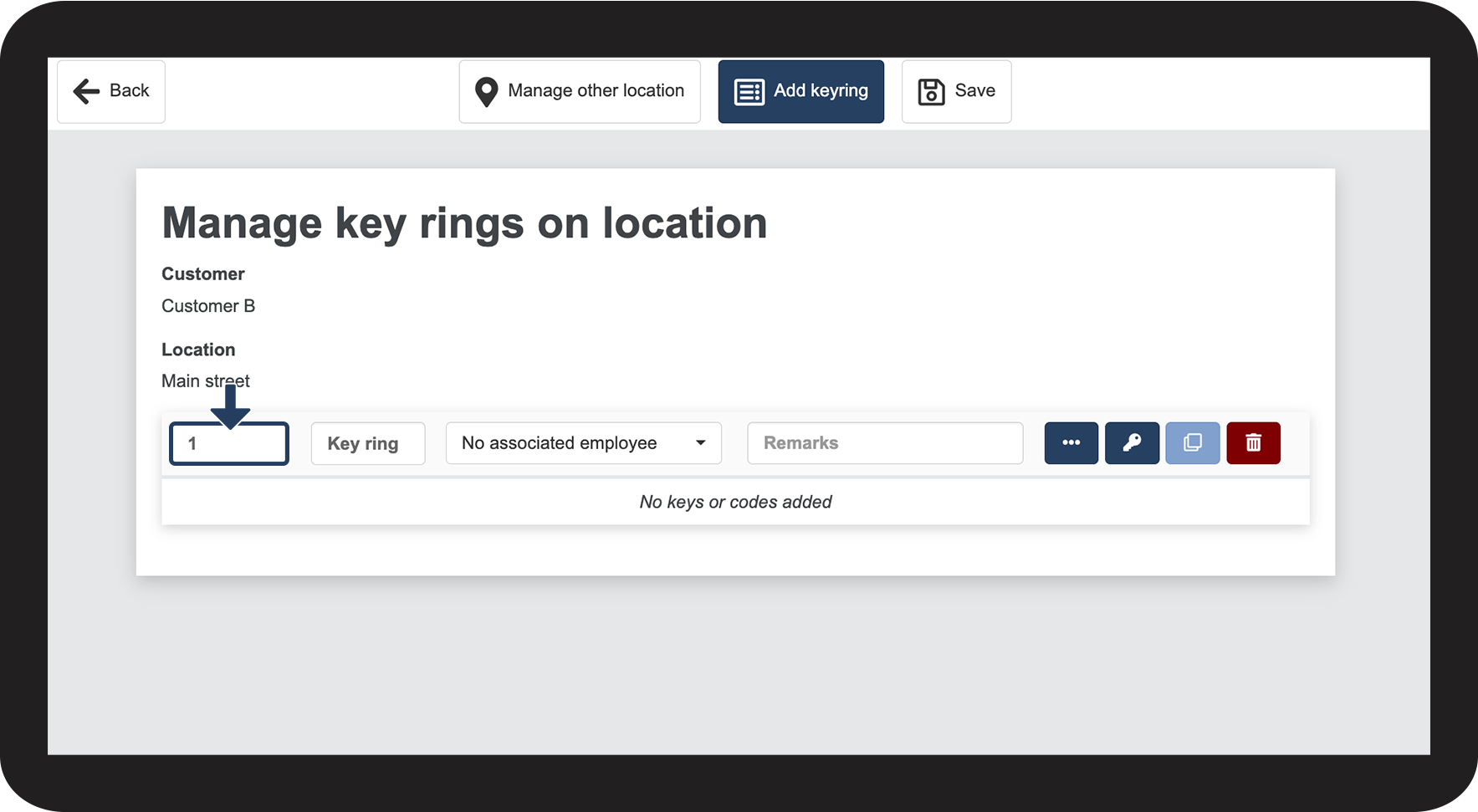
How to add a key ring number
Note
This field must be filled in, in order to be able to save the key ring.
Special characters cannot be used in this field.
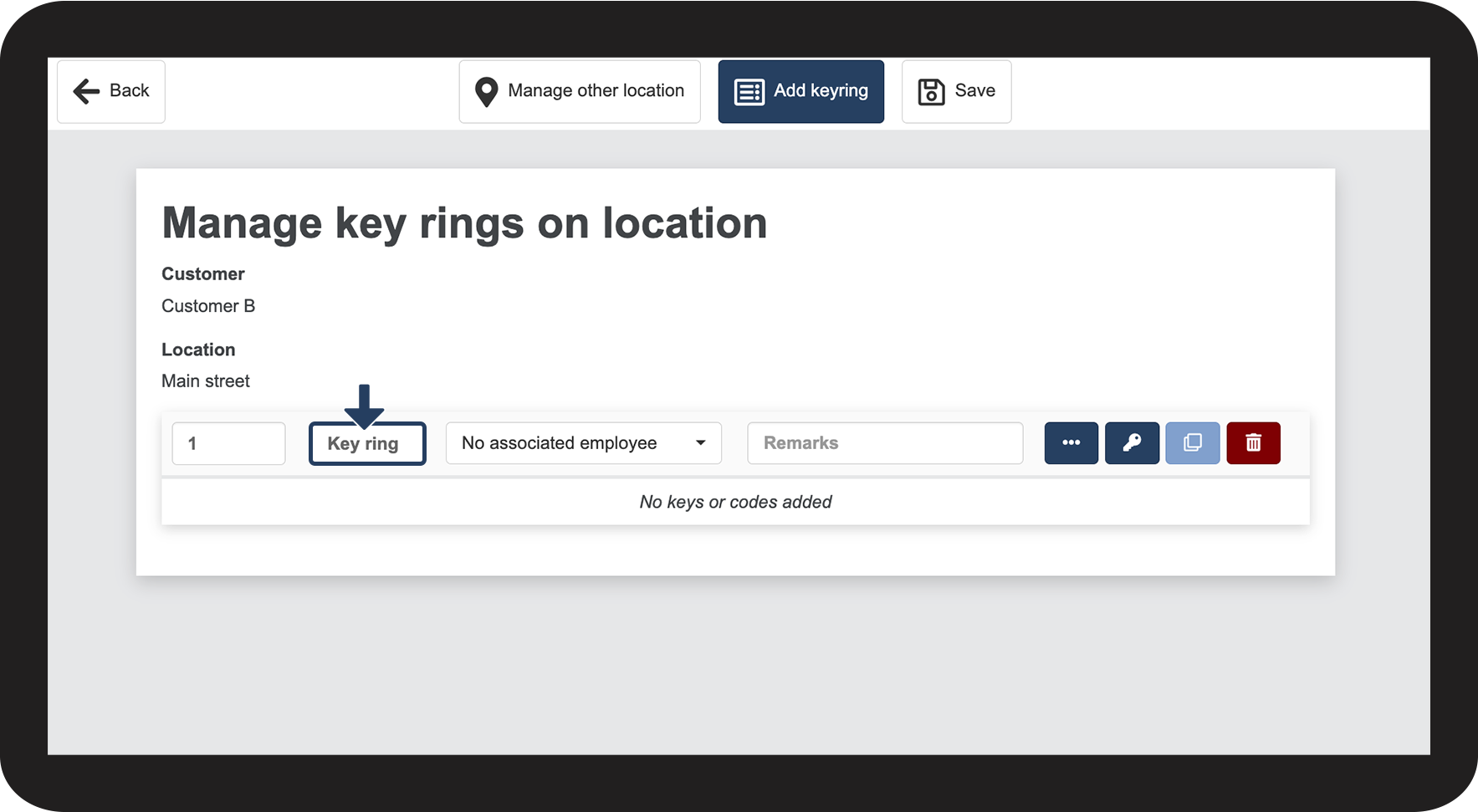
How to add a name to your key ring
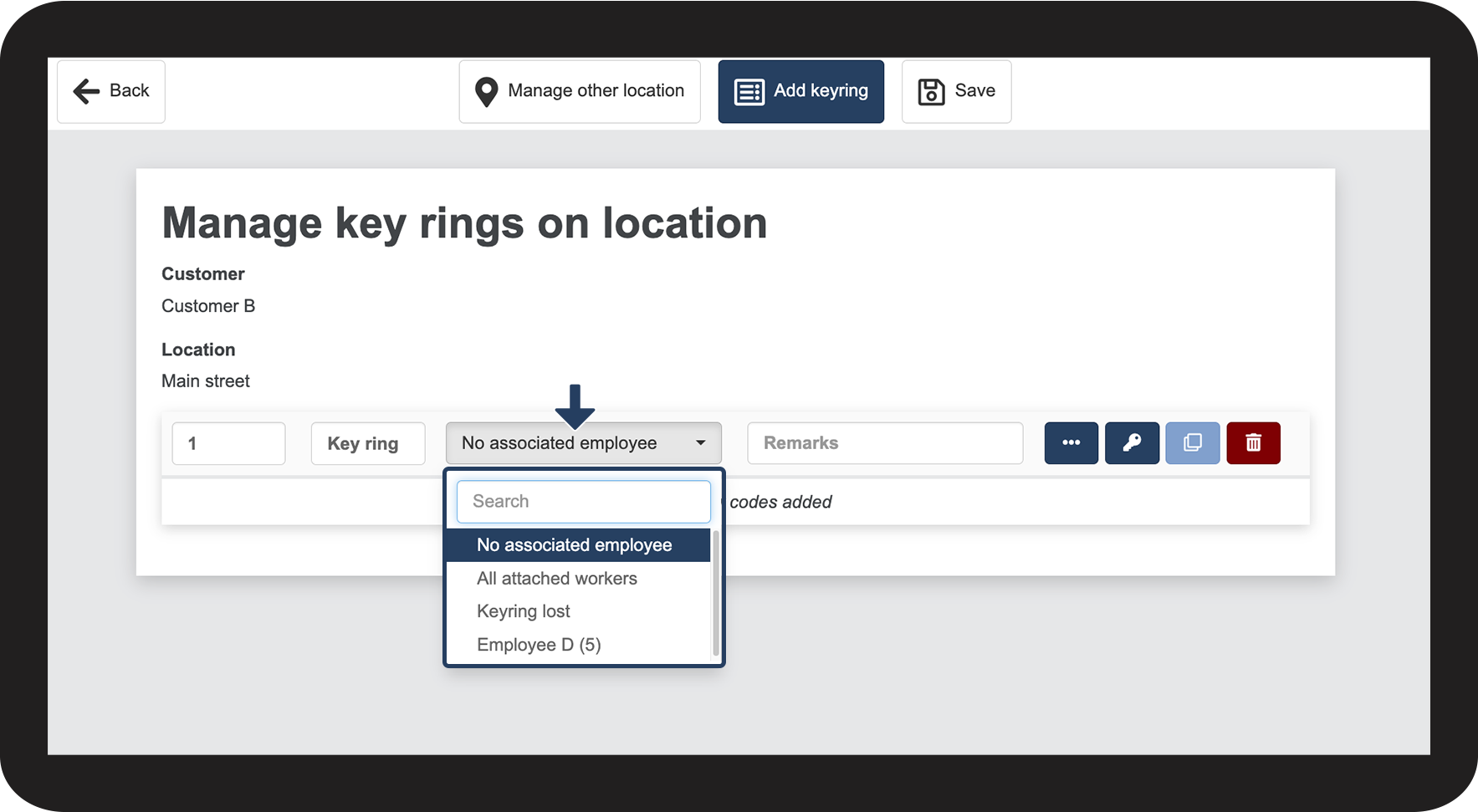
How to assign an employee to a key ring
Note
If it is decided that the key ring should be assigned to all employees, then everyone will be able to see any codes associated with this key ring.
If a specific employee is selected, it will be possible to control who is allowed to see the codes. It will therefore be possible to check, who sees the key ring in regard to hand-ins and hand-outs.
If employees access a code via the app, this will then be registered in the Event log.
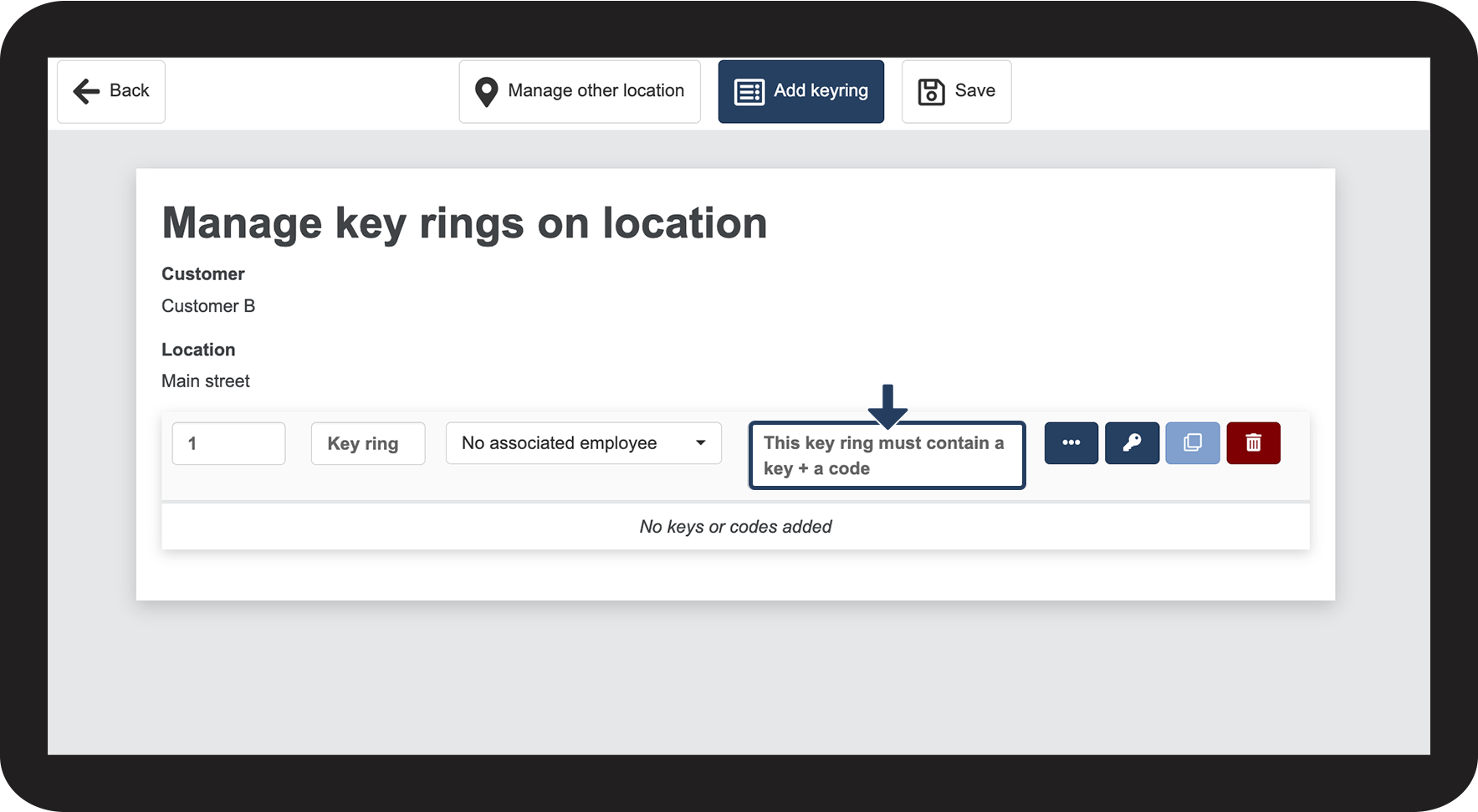
How to add a remark
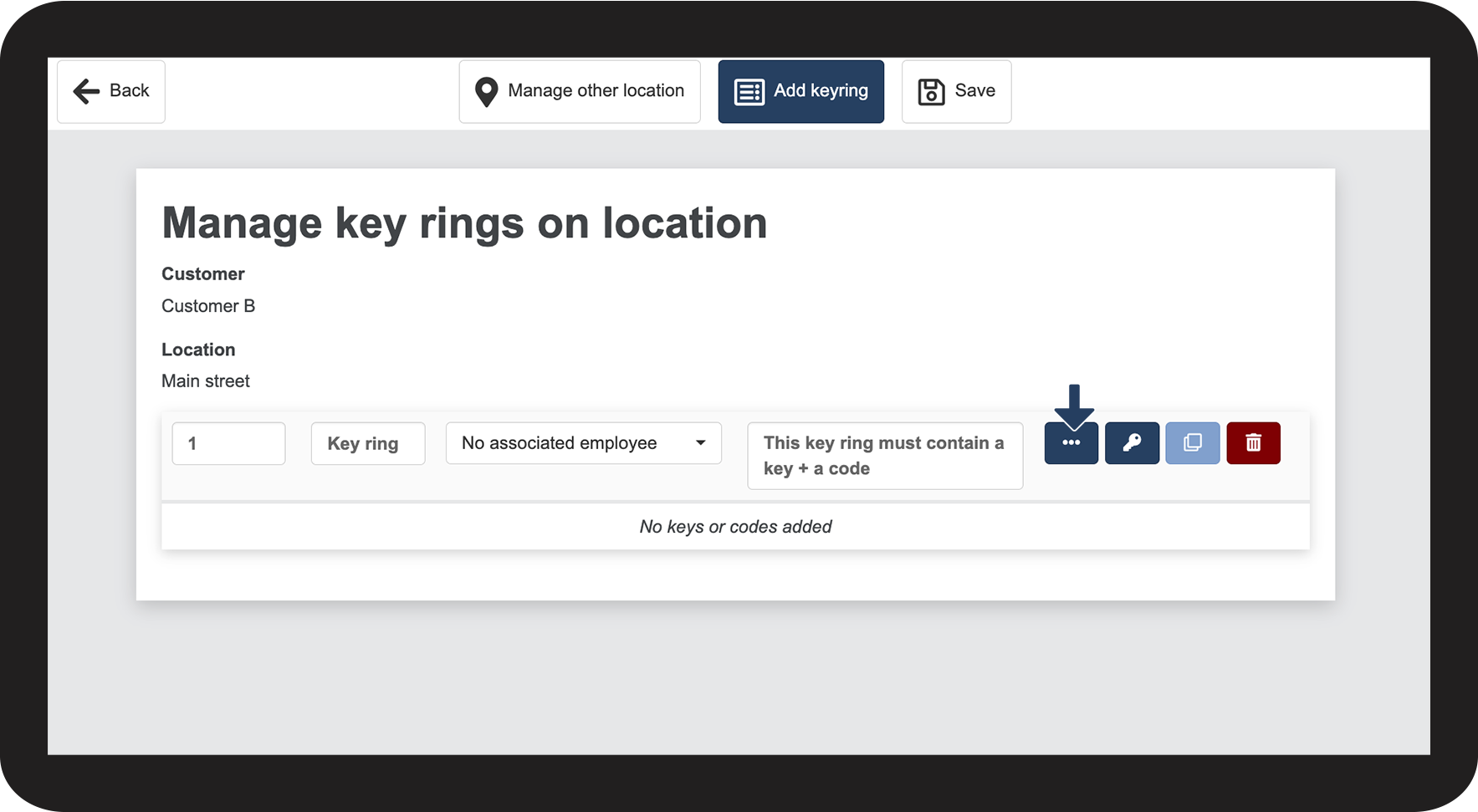
How to add a code
 to set up a code
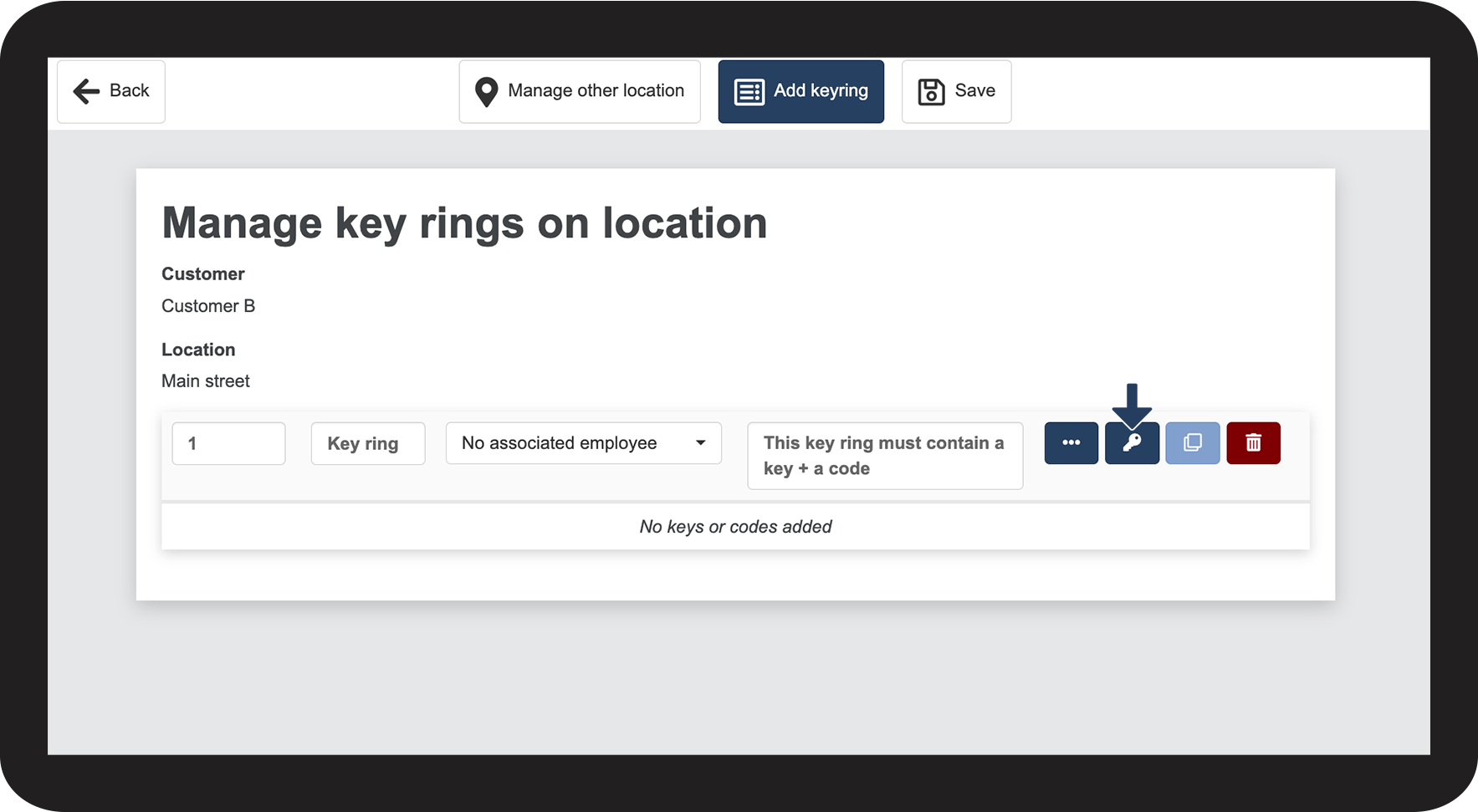
How to add a key
 to set up a key
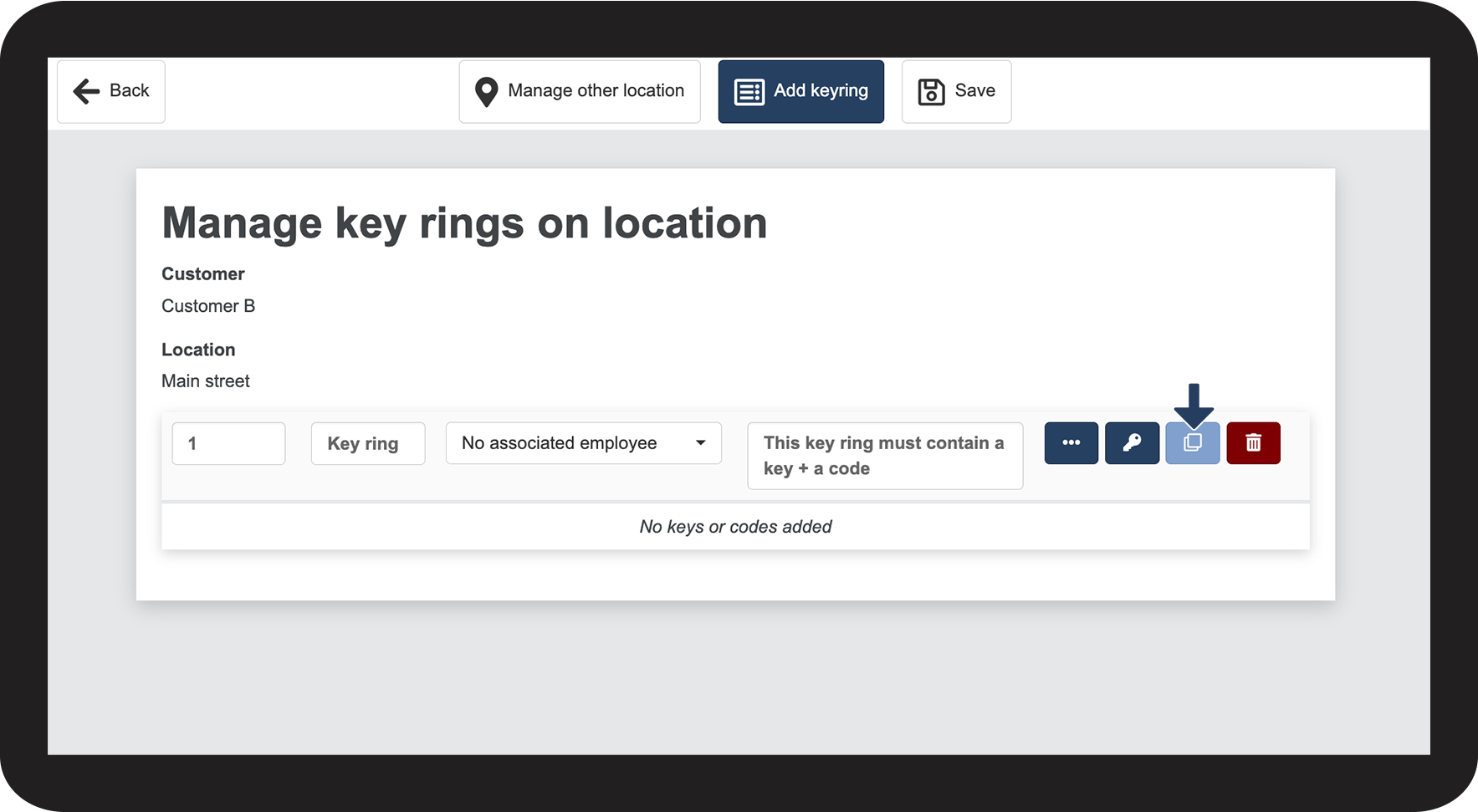
How to copy a key ring
 to copy a key ring
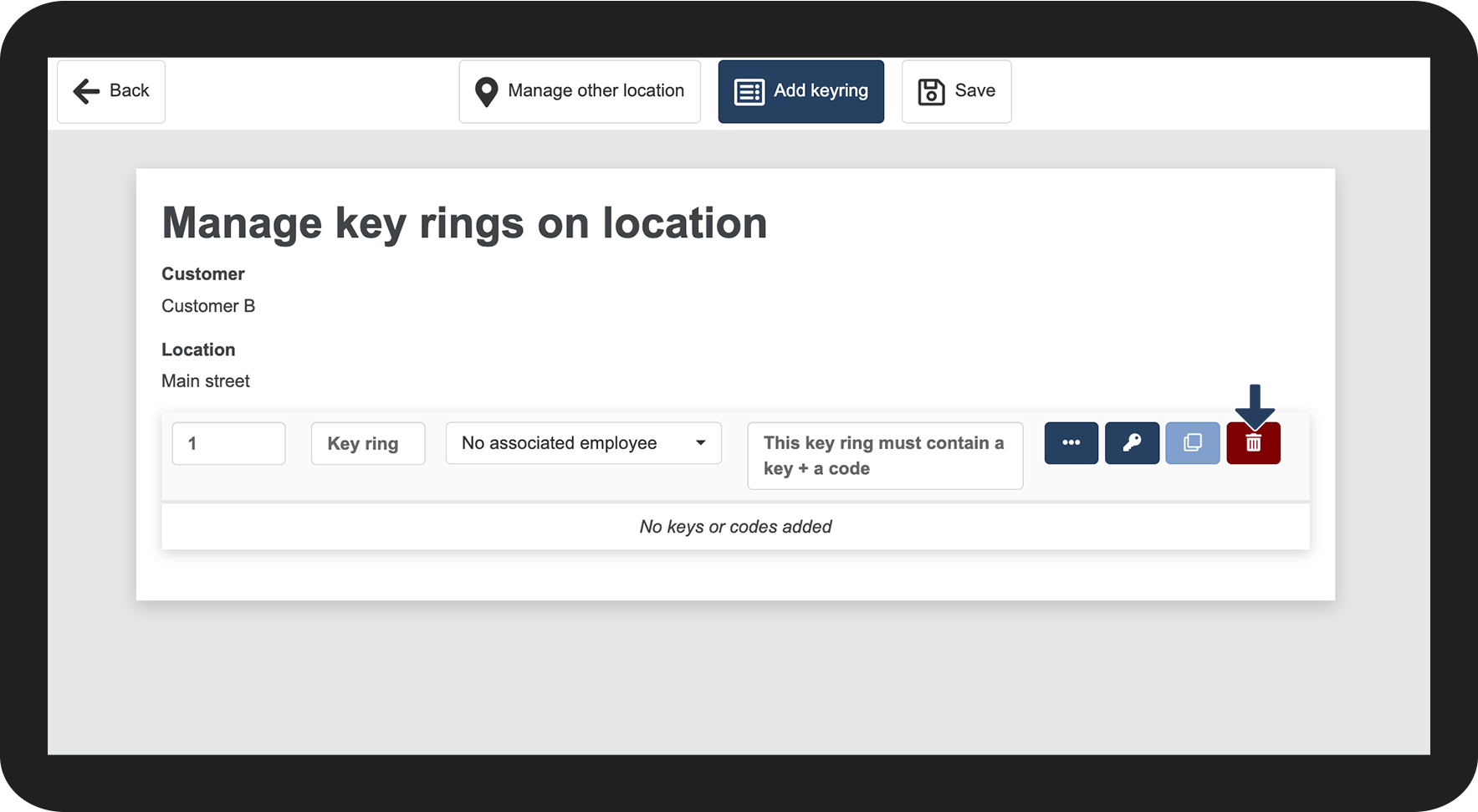
How to delete a key ring
 to delete a key ring
Continue to the article Adding a code
Here you can continue setting up a code