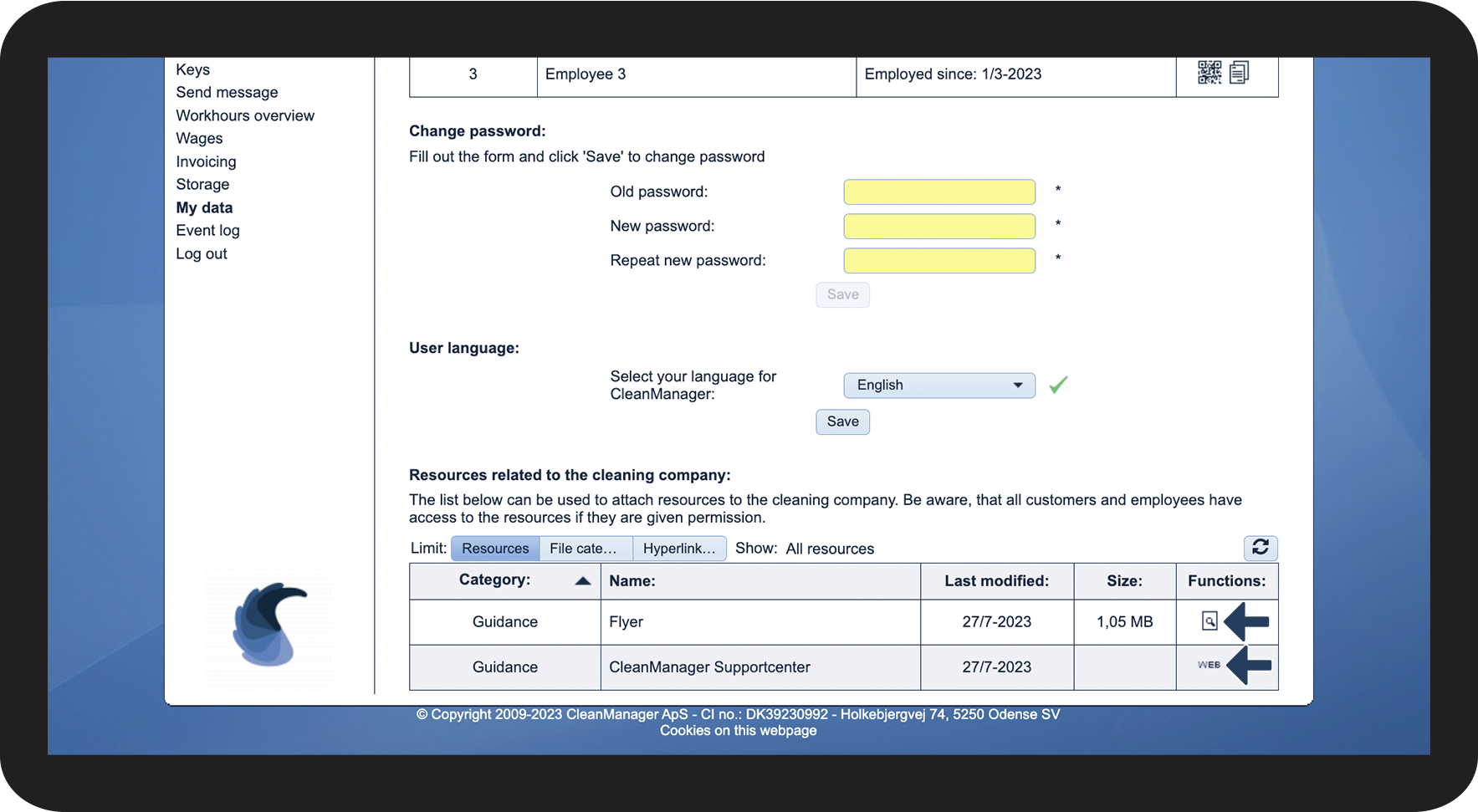
How do I access resources that have been added in the form of files and hyperlinks in the web system?
You can access resources that your company has added in the form of files or links.
These resources are grouped into different categories to make it easier to keep an overview of all the files.
In this article, you will learn how to access those resources:
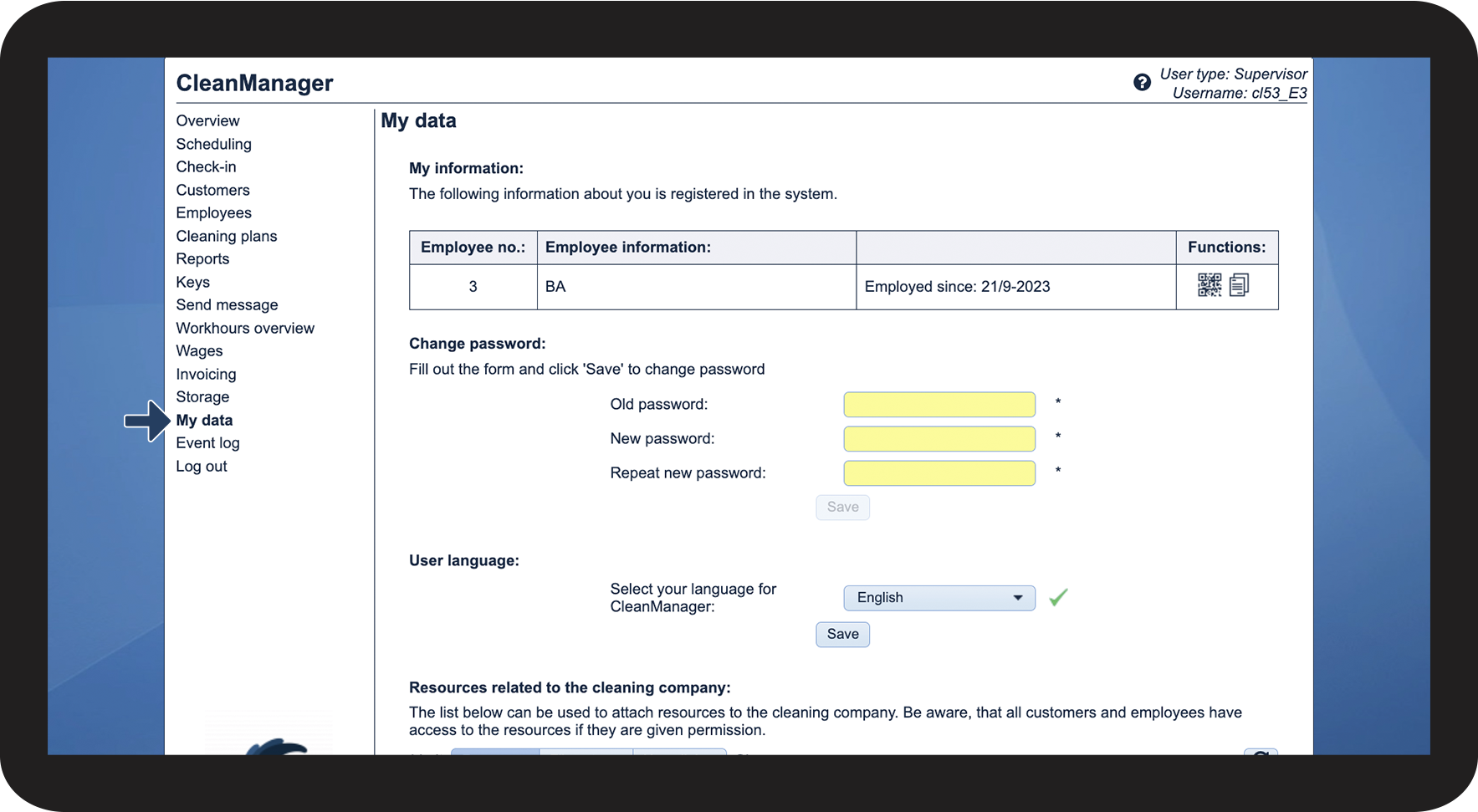
This is how you can access resources added by your company


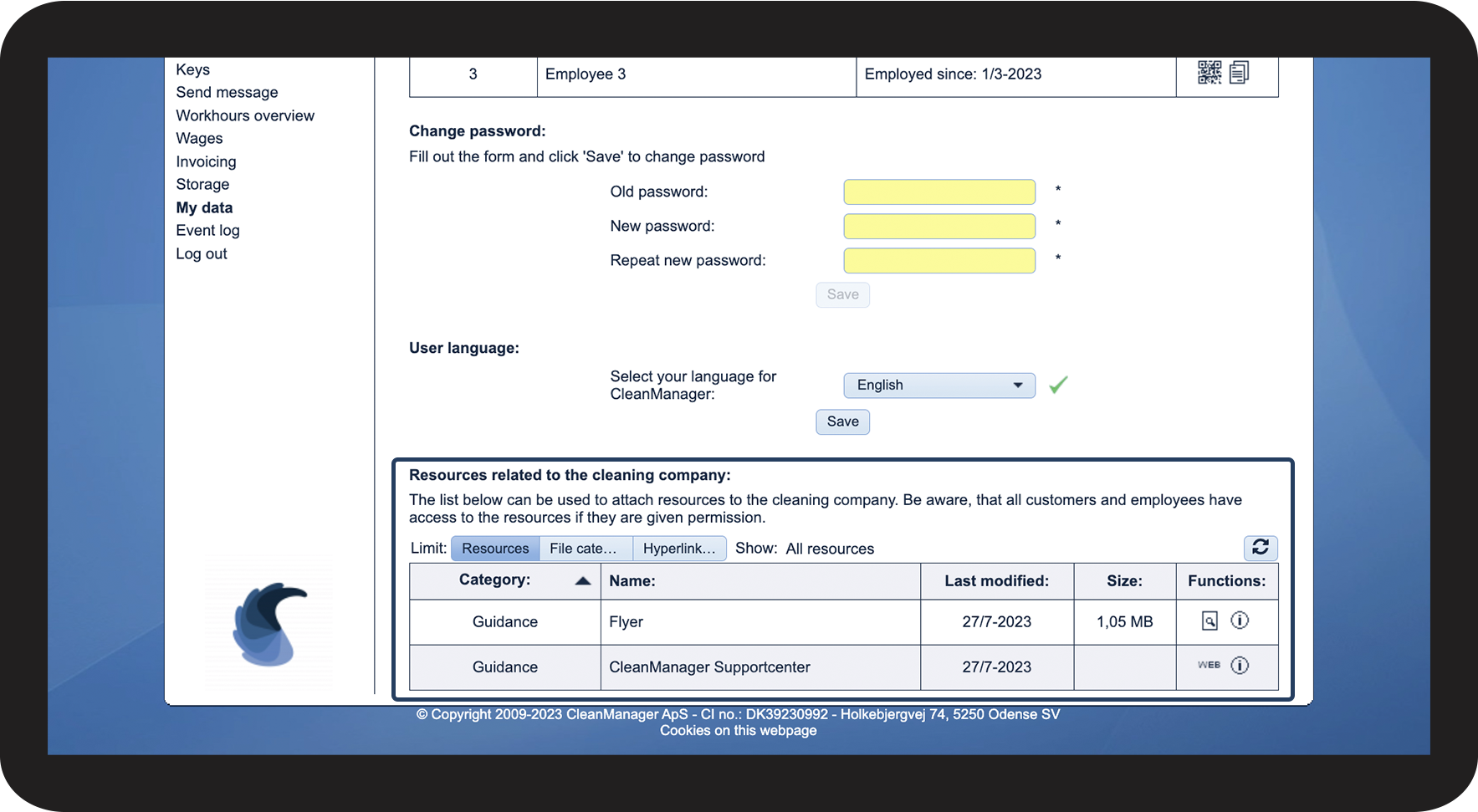

 or Open hyperlink