How do I join an online meeting together with CleanManager employees?
At CleanManager we use the system Whereby for our online meetings.
Whereby is a quick system for joining meetings directly to our employees.
You gain a personalized service experience, and we can share information and screens in a secure online environment, whether it is for product showcasing or for succes-meetings, so you gain the full value of your CleanManager account.
See more here in the article on how to use Whereby:
Connect to a meeting room
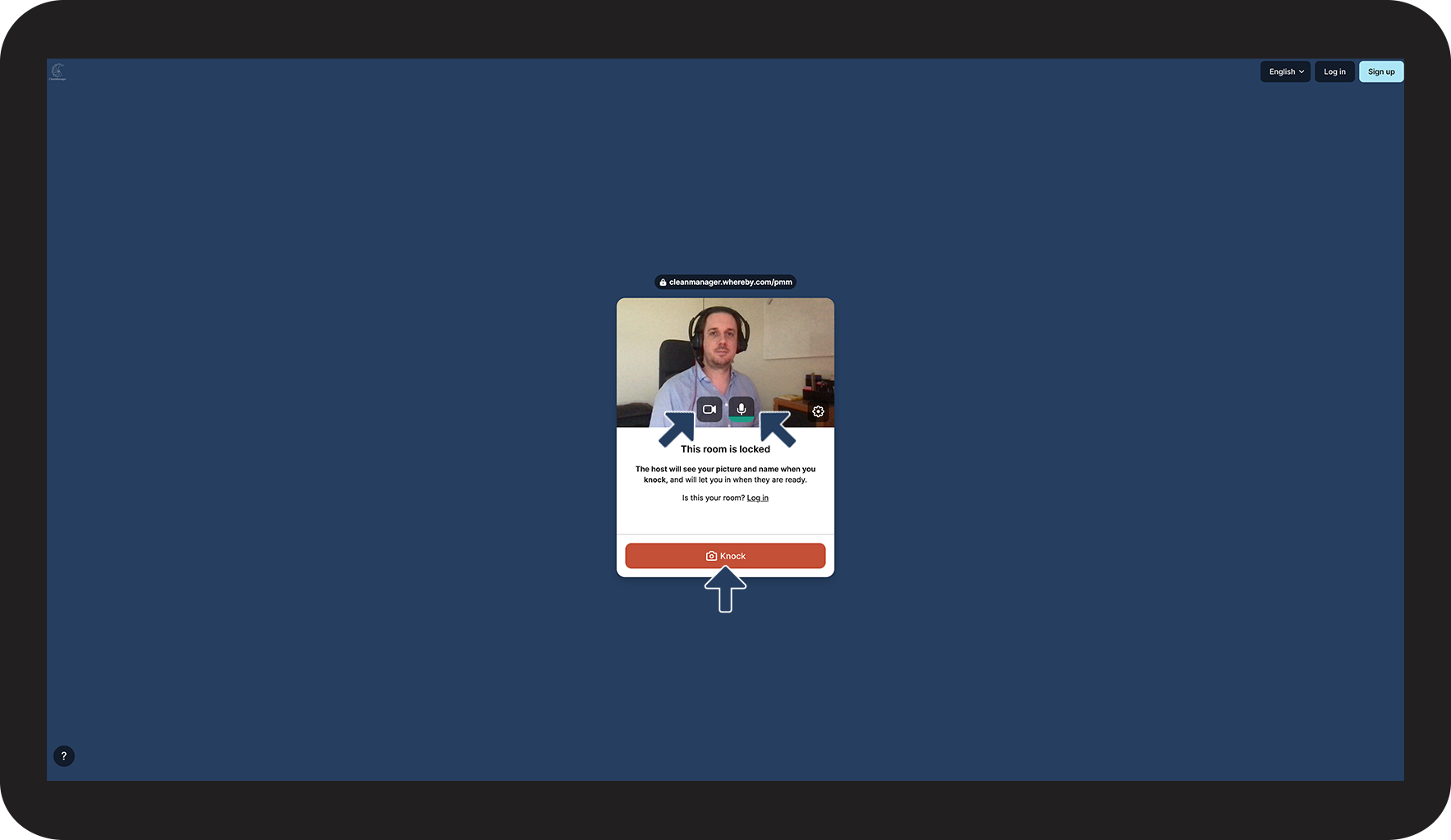
When you need to connect to a meeting room with CleanManager, you will be forwarded a link similar to this in your scheduled meeting invitation: https://cleanmanager.whereby.com/pmm
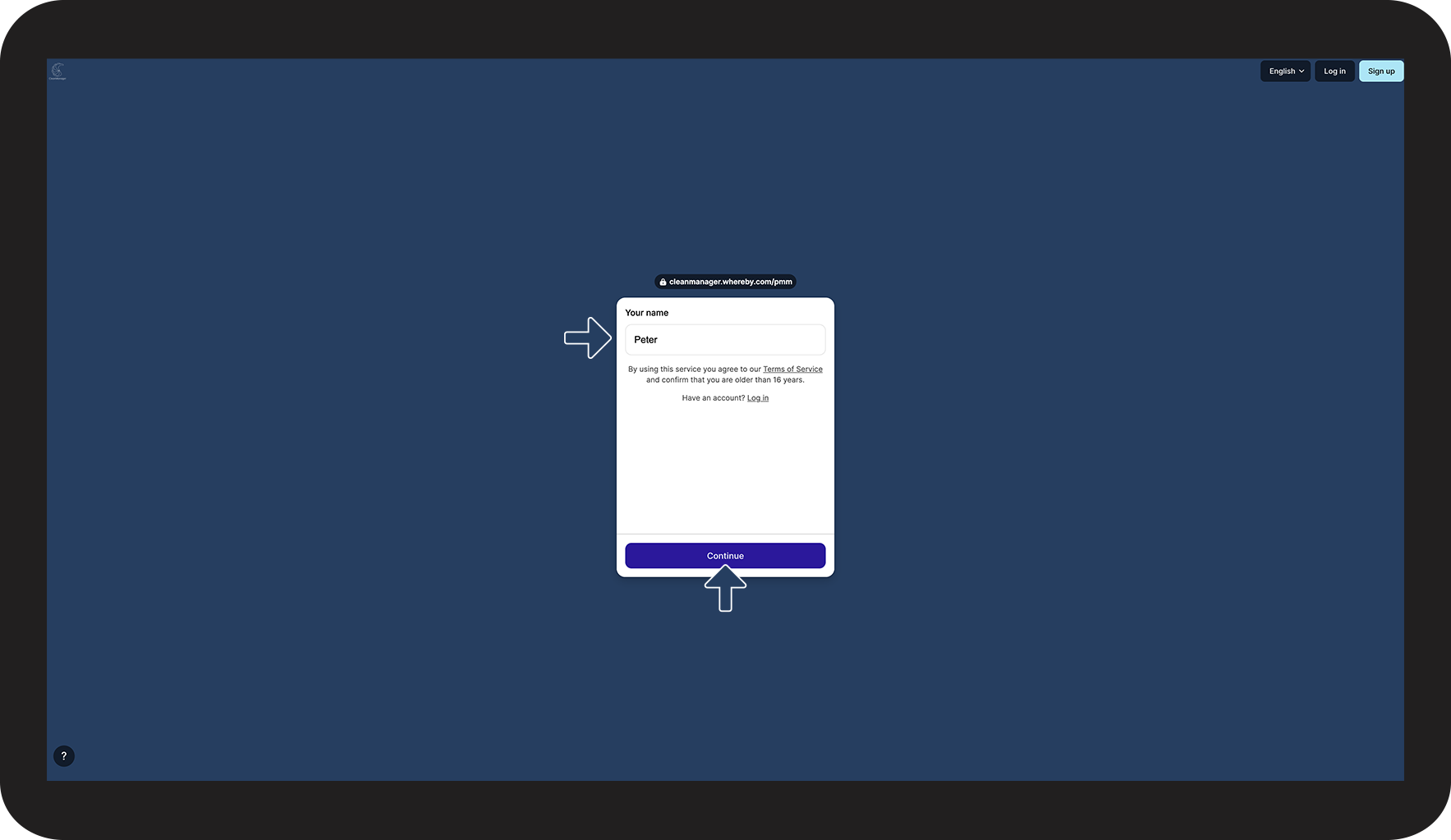
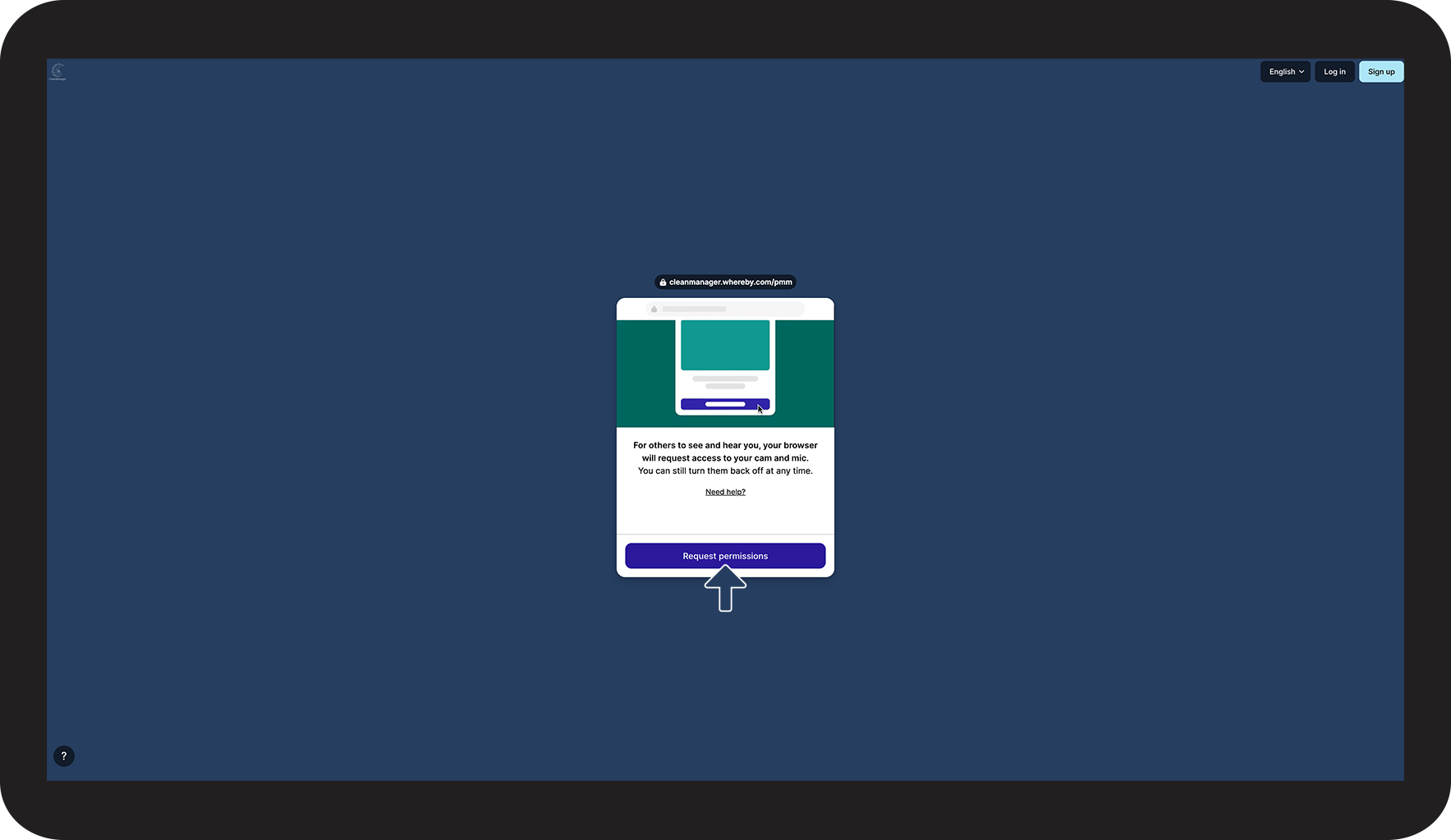
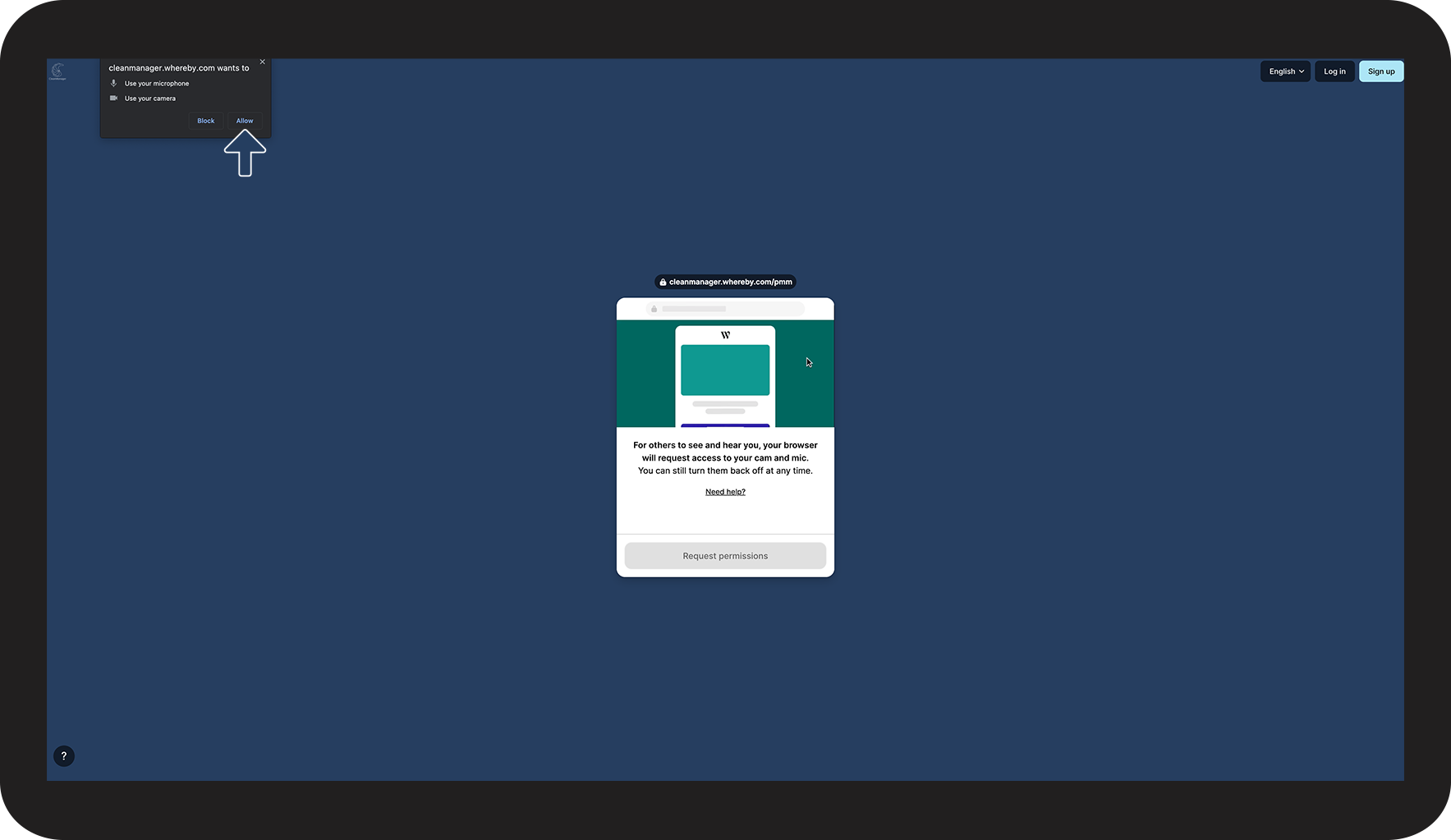
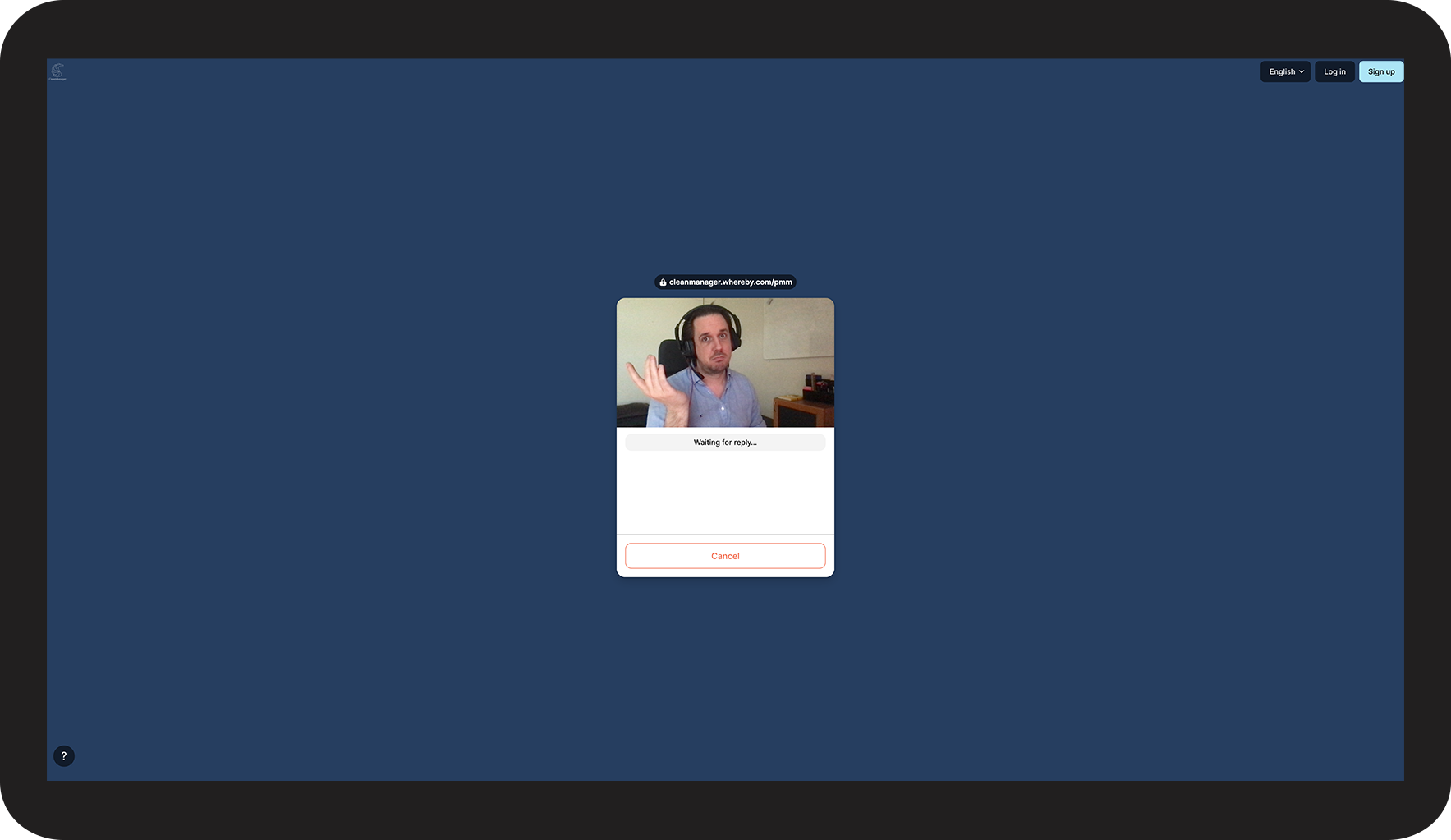
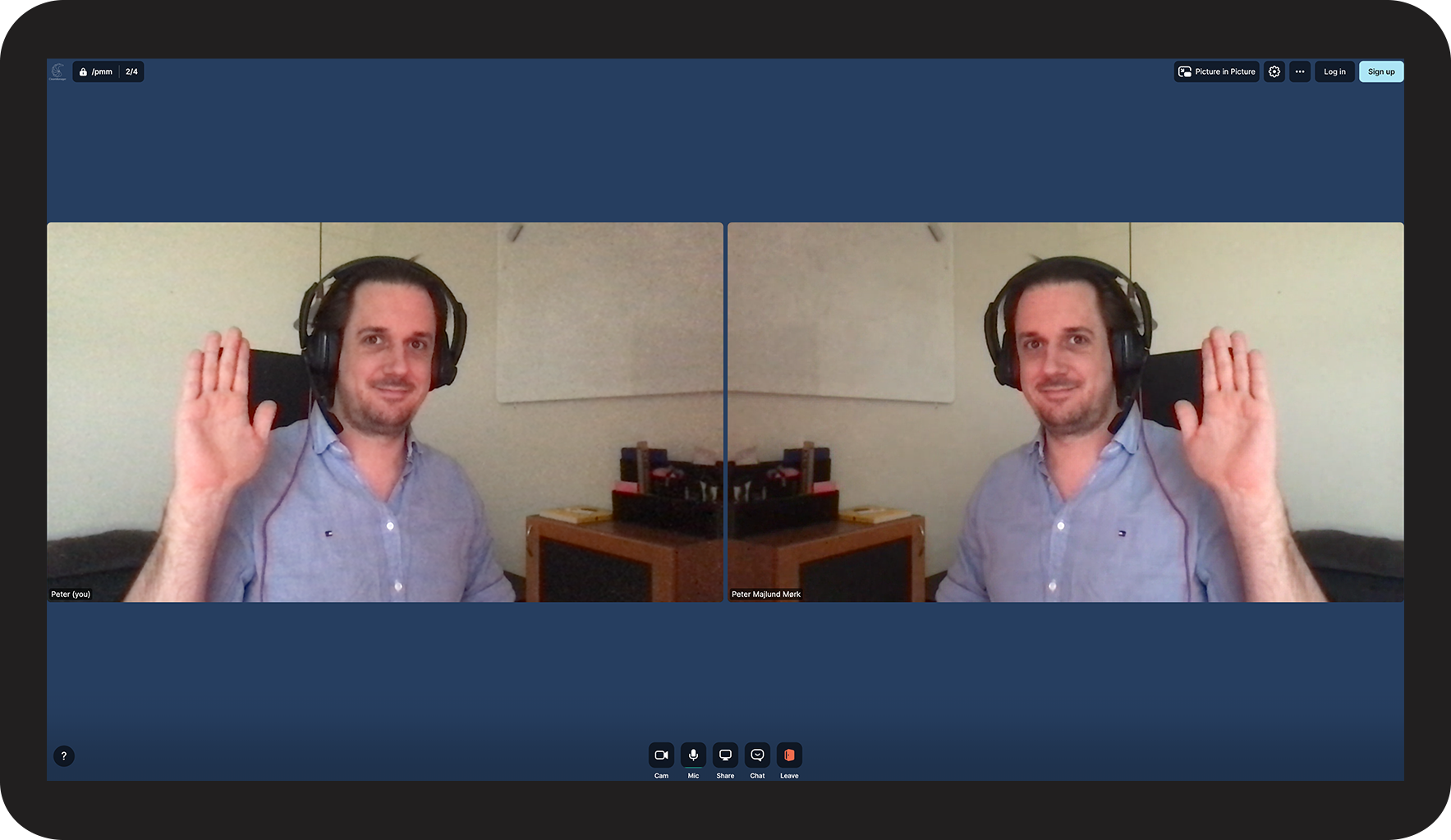
Copy/Paste the link to your browser tab and afterwards you can set up your connection to the meeting room:






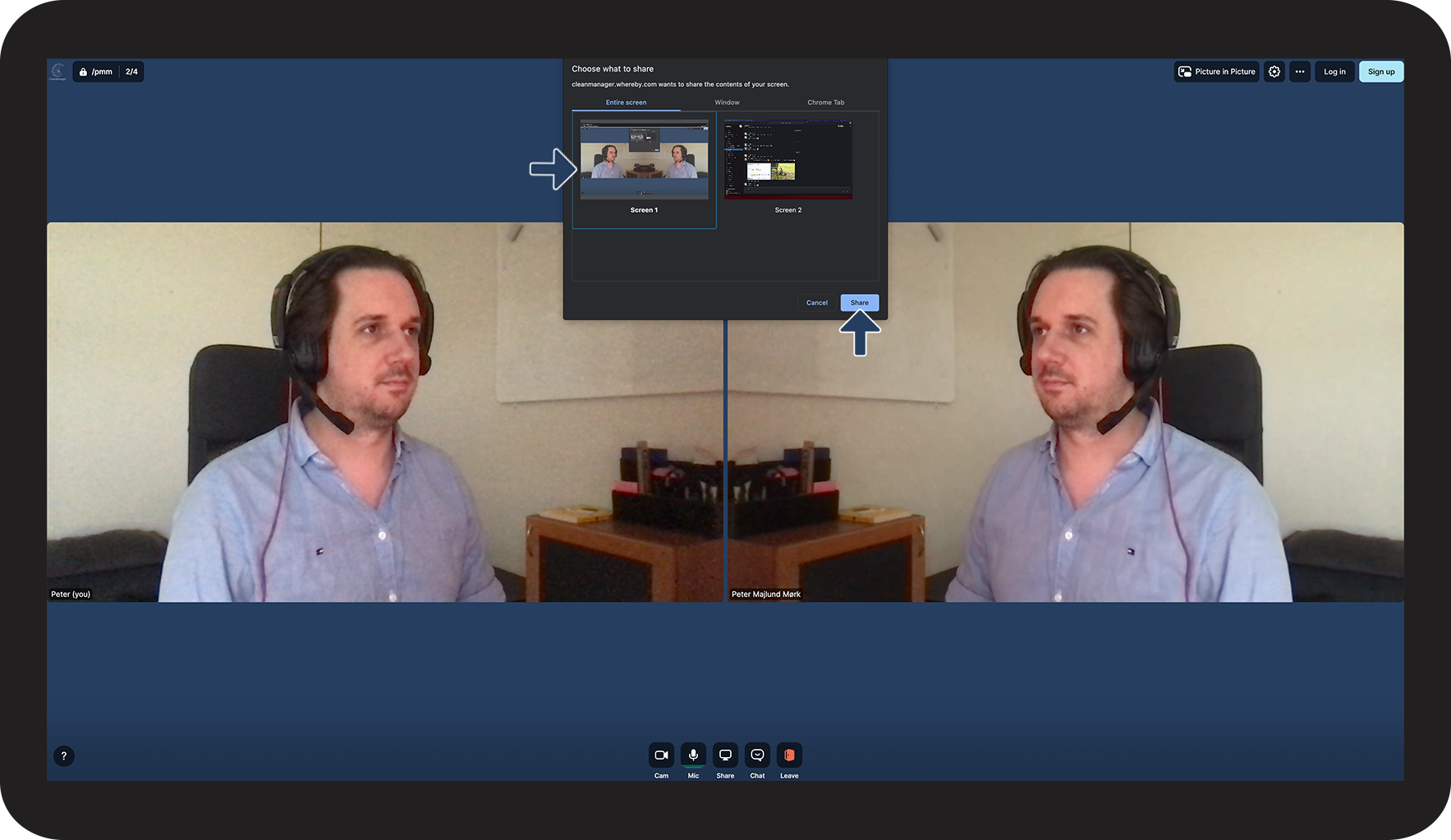
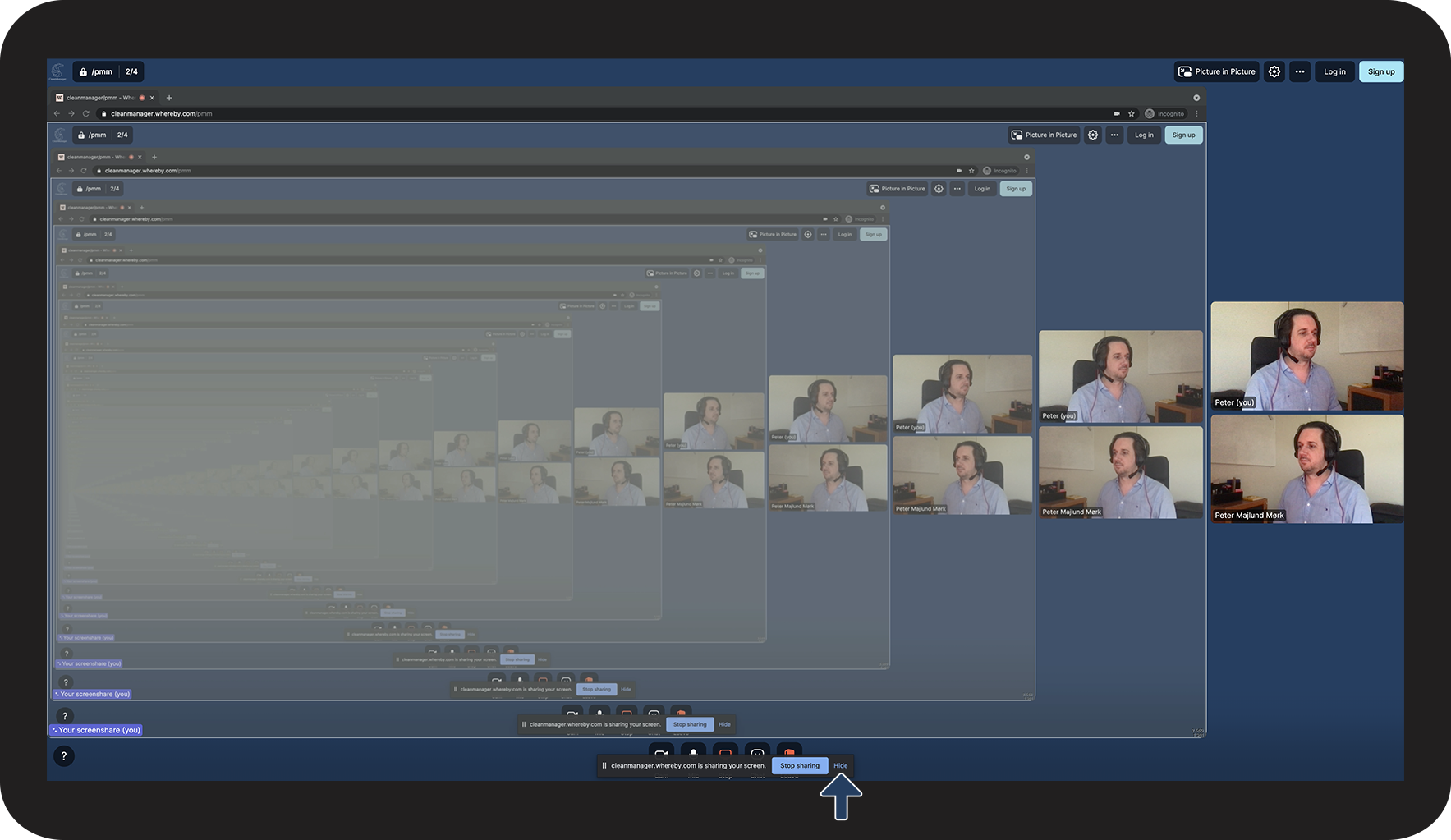
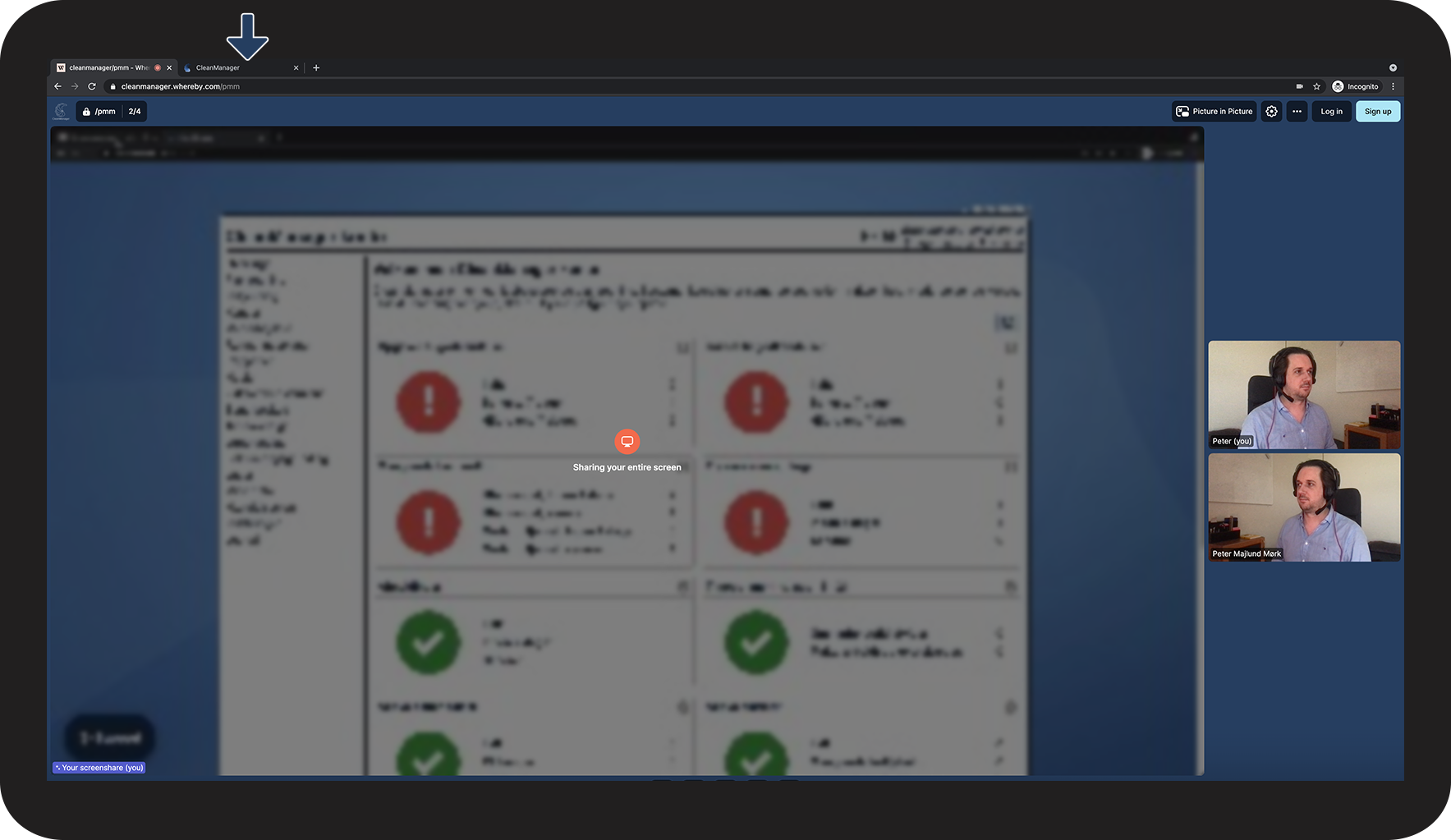
Share your screen
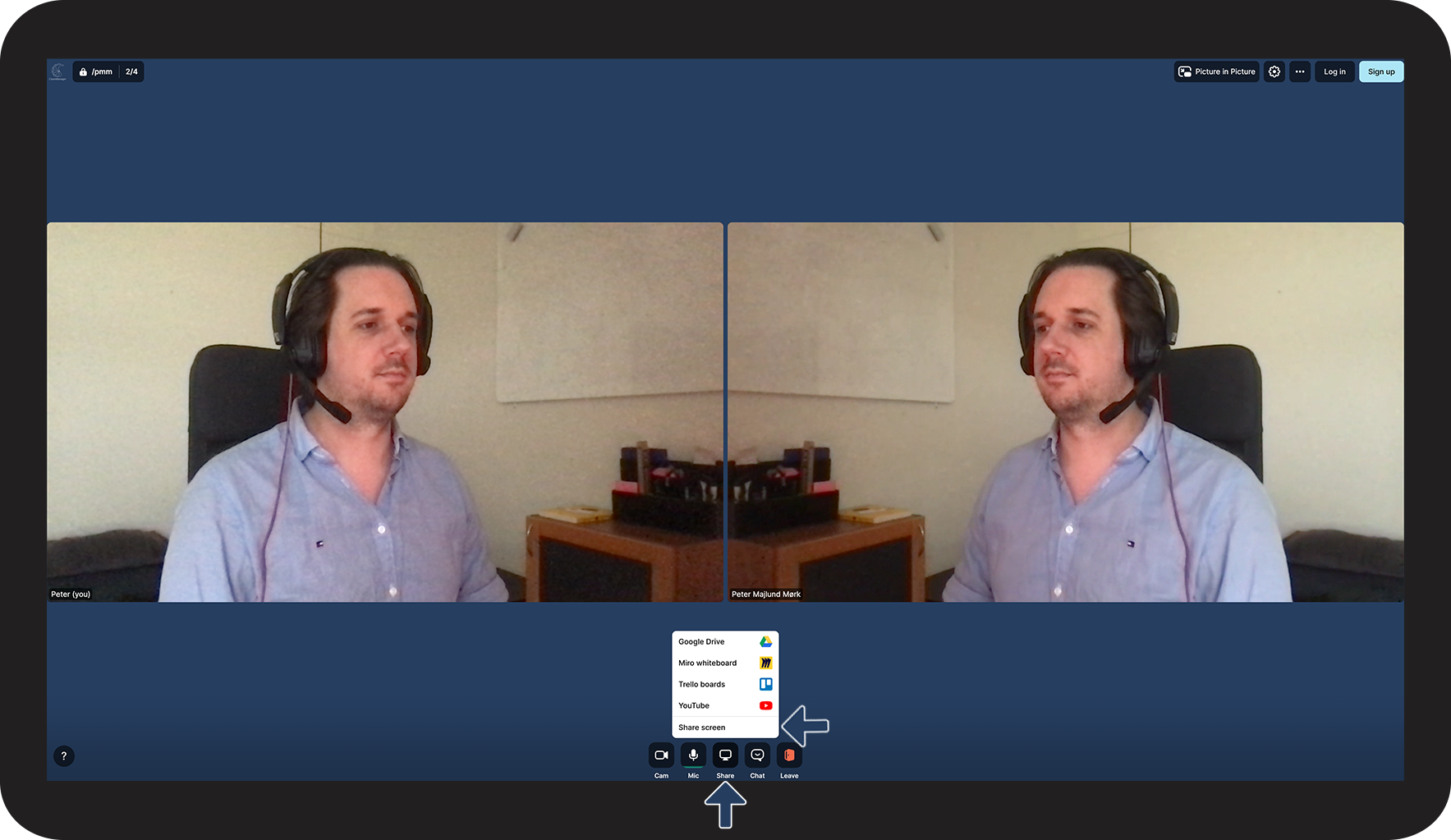
Get the best and most efficient help to your account by sharing your screen with us.
By doing so we can go through your account together, or support you with your third-party software:
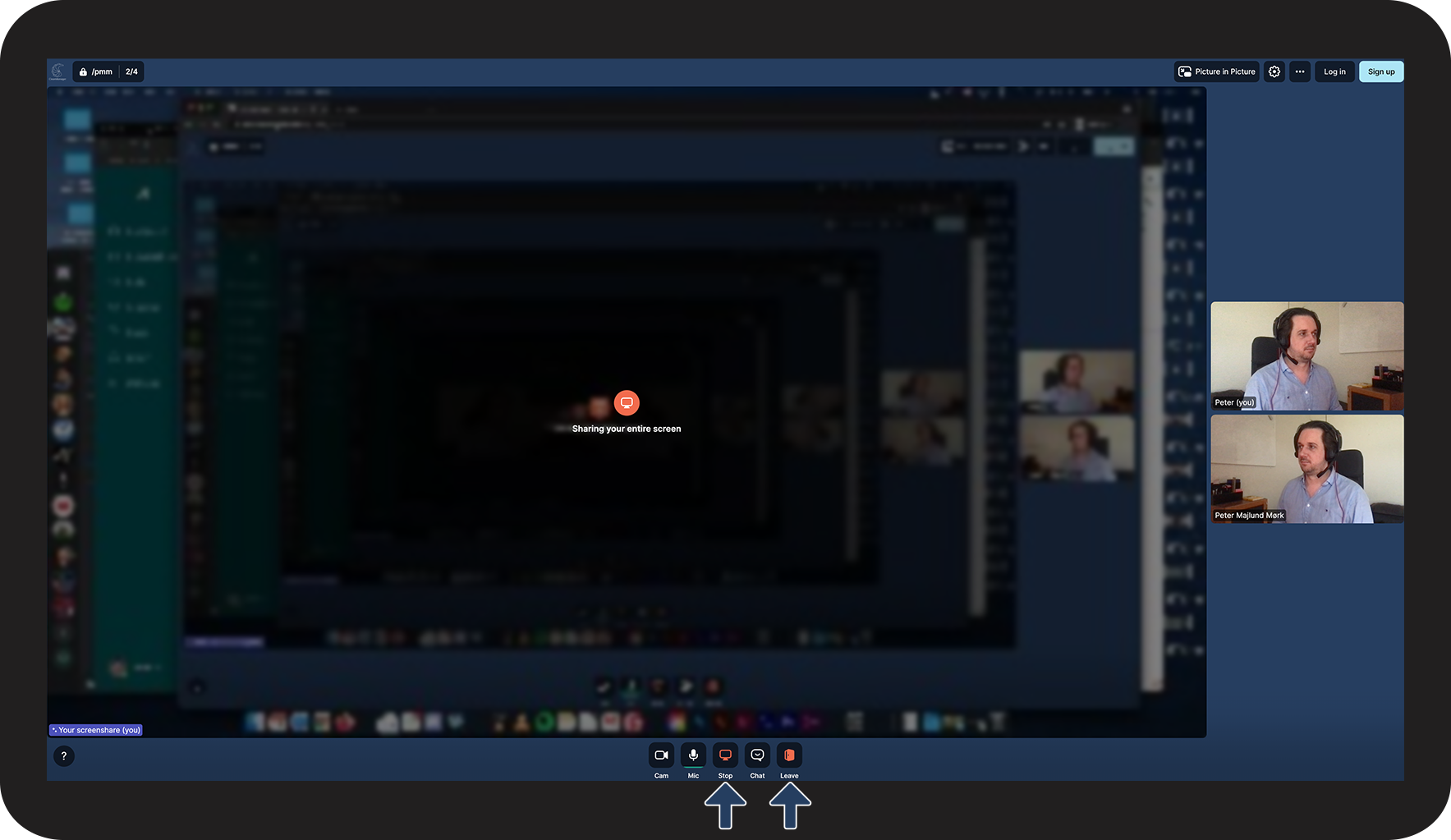
Stop screen share or leave the meeting room