How do I set up welcome messages for my supervisors, employees, and customers?
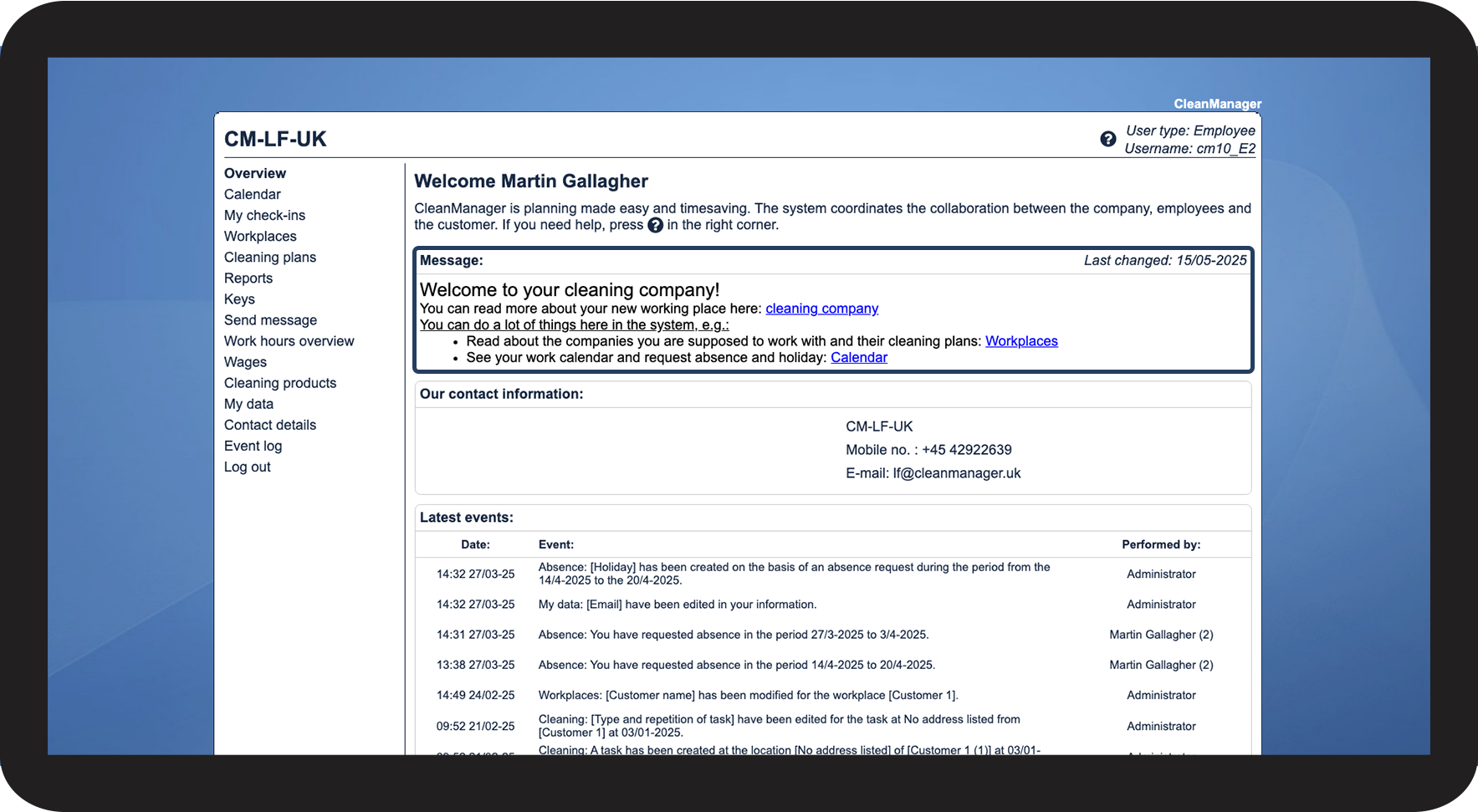
As an administrator, you can set up welcoming messages which will be shown when the users are logging in to their CleanManager account in the web system:
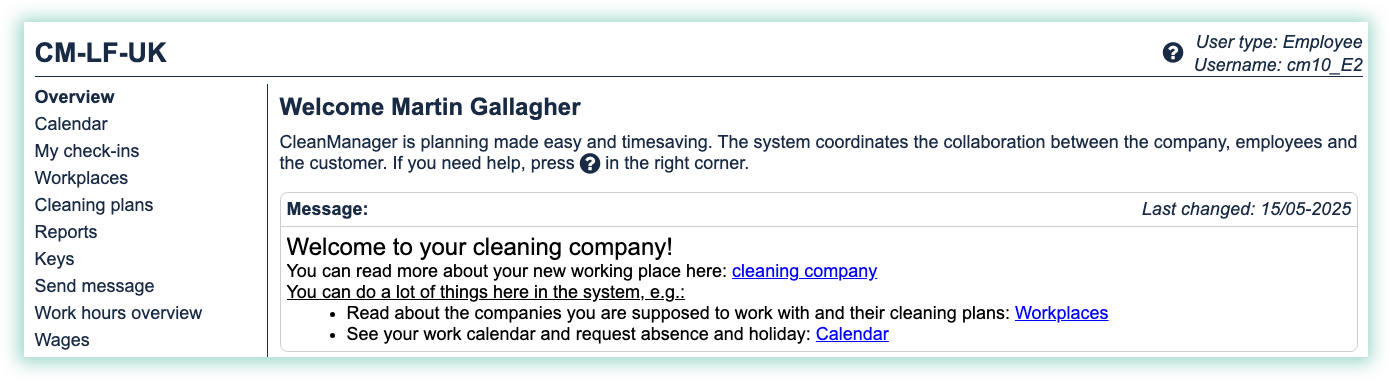
With that, you are able to share company information or processes with new employees or customers.
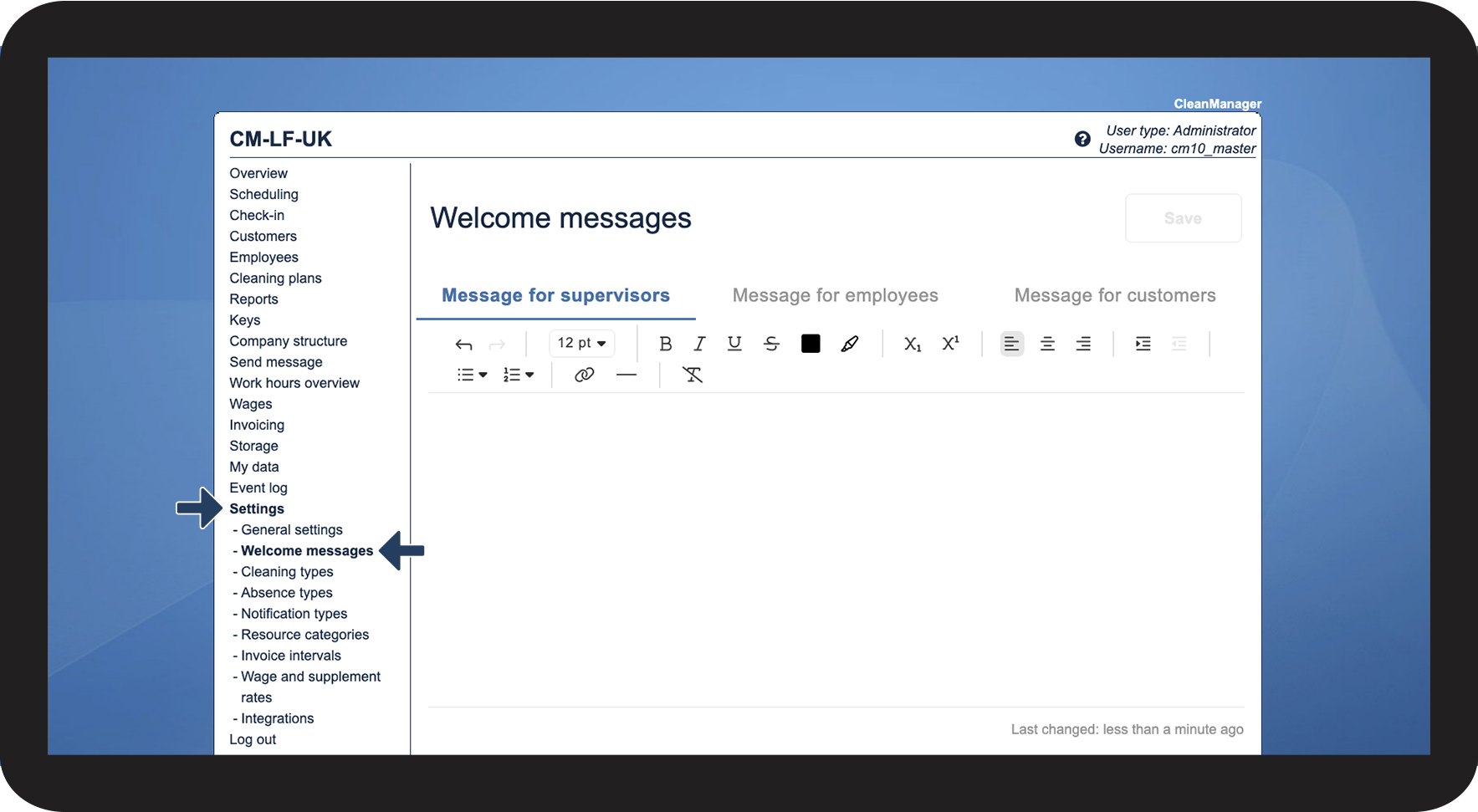
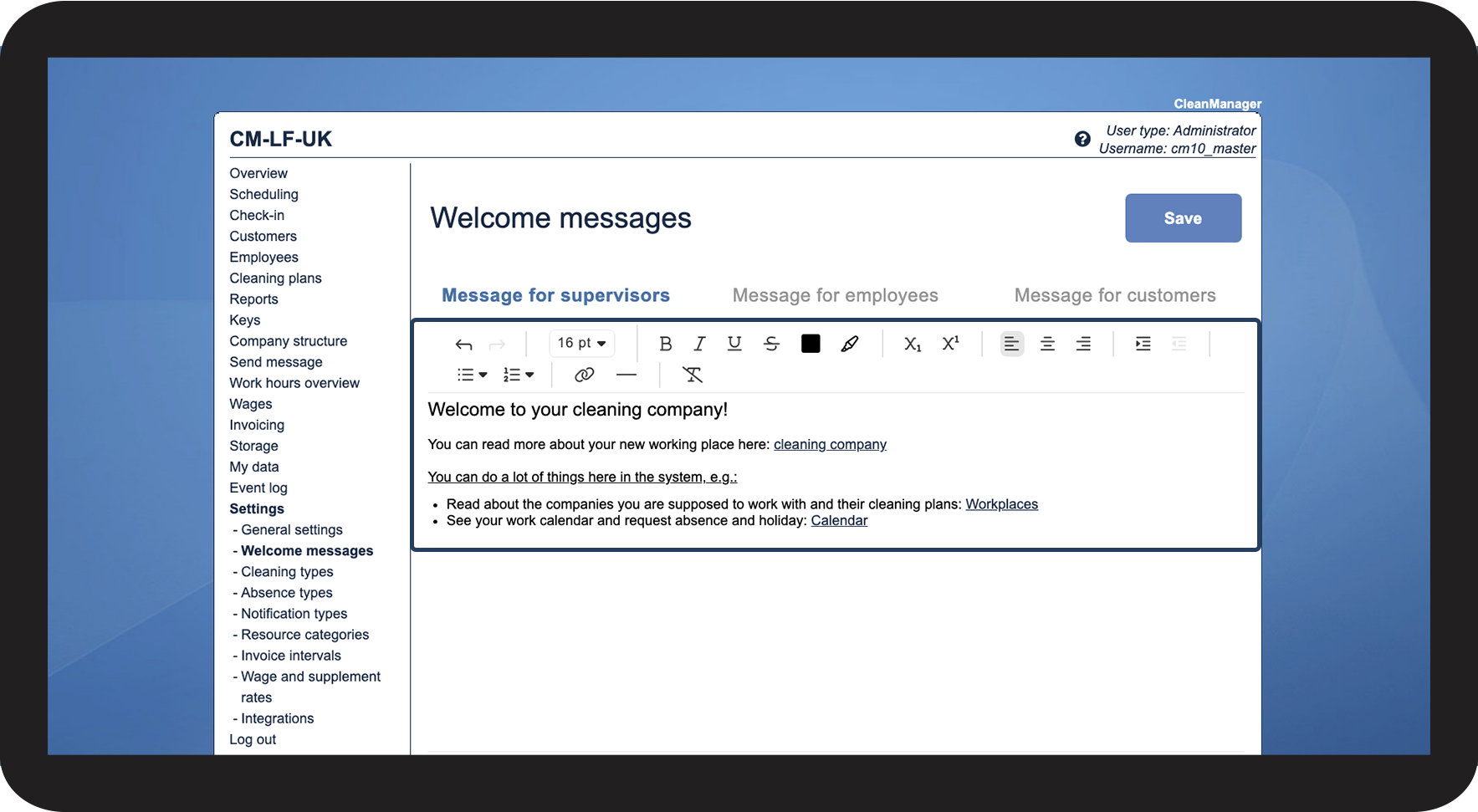
This is how you set up welcoming messages



This is how you format your welcome messages
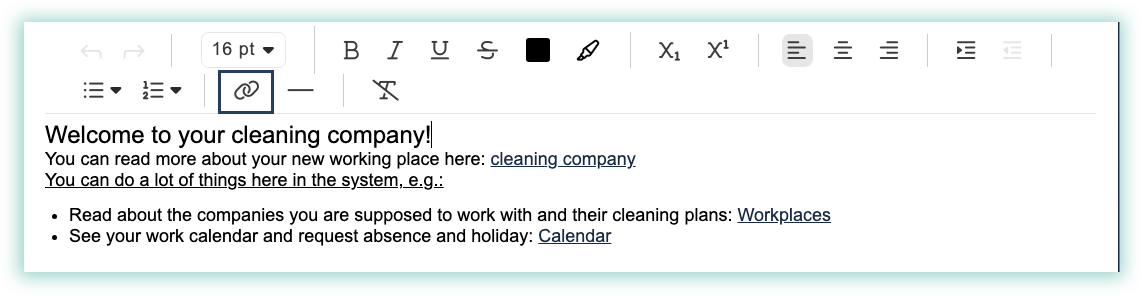
You can format the content of your welcoming messages by using the different functions in the welcome message menu:

Here is a short overview of the different functions of the menu:
Text formatting:
Use this function to change text size, appearance, and color. 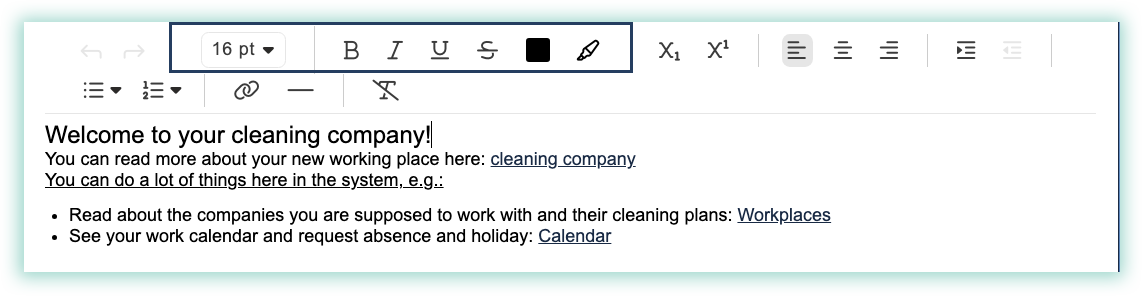
Text placement:
Place the text wherever it fits you best, or move the text around, so it is perfectly displayed. 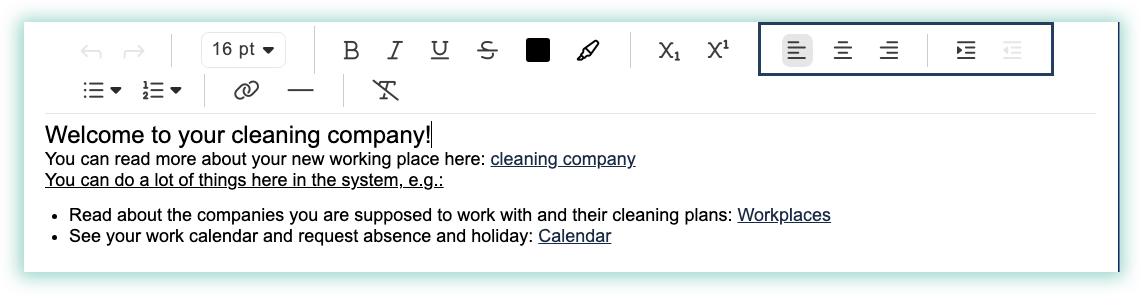
Bullet list:
You can create a bullet list with different designs. 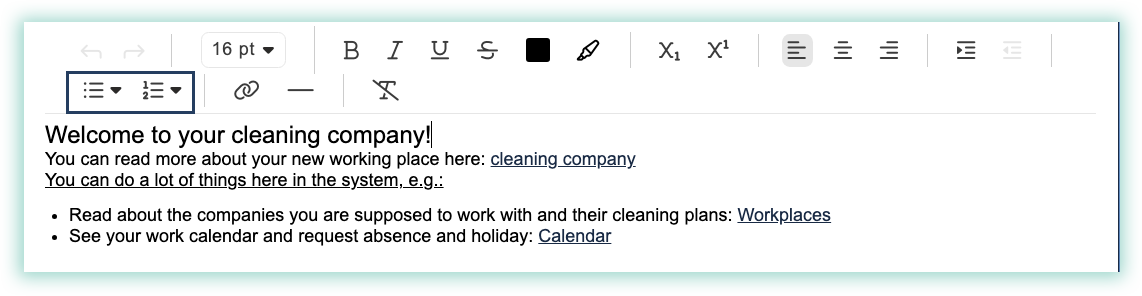
Link:
Write a text and make it accessible by linking e.g. your company's website, relevant work information, or places in CleanManager.